
Smart remotes offer tactile buttons and intuitive navigation, making precise control easy, while voice commands provide hands-free convenience and natural language control for quick access. Both methods simplify managing your TV, but each has its strengths and limitations—remotes are reliable and familiar, while voice control is more seamless, especially when multitasking. To discover which option best fits your lifestyle and how they can enhance your entertainment experience, keep exploring the details below.
Key Takeaways
- Smart remotes offer tactile control with physical buttons, providing precise navigation, while voice commands enable hands-free, natural language interaction.
- Smart remotes are familiar and reliable but require manual operation; voice commands provide convenience but depend on good microphone quality and internet.
- Smart remotes typically control just entertainment devices; voice commands can integrate with smart home ecosystems for broader device management.
- Smart remotes may face hardware malfunctions; voice systems can struggle with background noise, accents, or complex requests.
- The choice depends on user preference for tactile control versus hands-free convenience, optimizing the viewing experience accordingly.

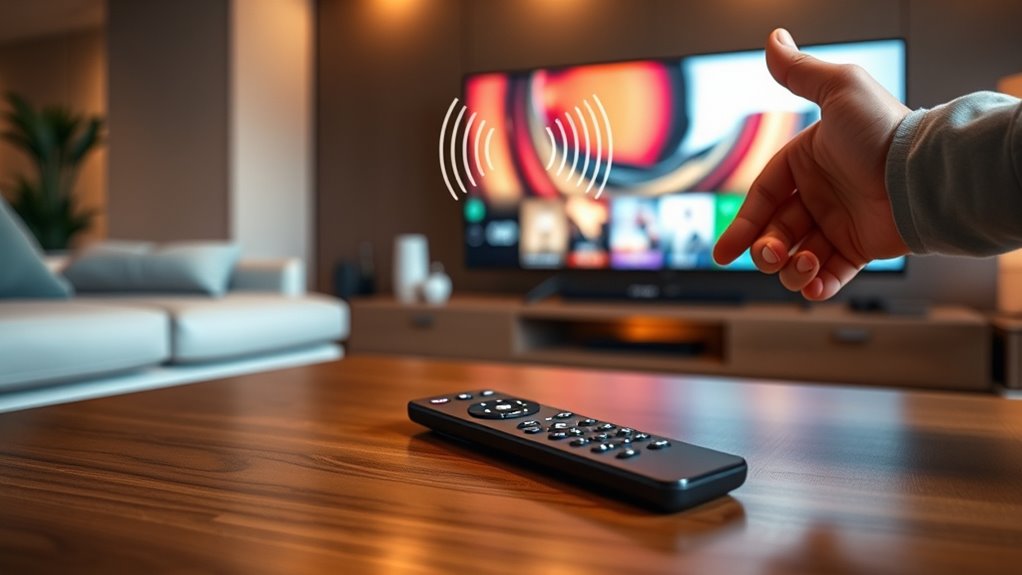
When it comes to controlling your entertainment system, choosing between a smart remote and voice commands can considerably impact your viewing experience. Both options aim to make steering your TV easier, but they do so in different ways that cater to varying preferences and lifestyles. A smart remote is essentially an upgraded traditional remote, often equipped with features like touchscreens, motion sensors, or app integrations. It allows you to switch channels, adjust volume, and browse menus with minimal effort, sometimes even offering personalized shortcuts. You might find a smart remote to be more tactile and intuitive, especially if you prefer physical buttons and direct control. Its familiarity makes it easy to pick up, and its precise navigation can be handy when you’re searching for specific content or adjusting settings quickly. Plus, many smart remotes can connect to multiple devices, consolidating your control into a single device, which reduces clutter and streamlines your entertainment setup.
Smart remotes offer tactile control, quick navigation, and device consolidation for a streamlined entertainment experience.
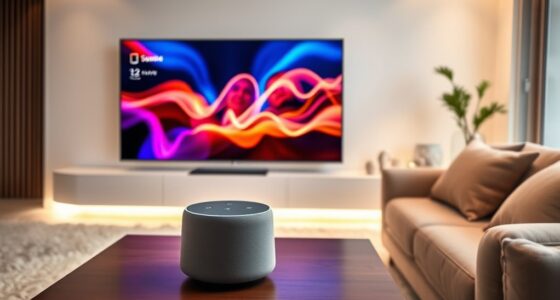
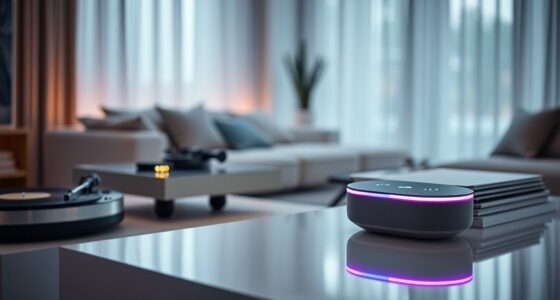
On the other hand, voice commands bring a different kind of convenience. Instead of fumbling for buttons or steering menus, you simply speak. With a voice-activated system, you can say things like “Switch to Netflix” or “Turn up the volume” without interrupting your viewing experience. This can be especially useful when your hands are full or if you’re physically unable to reach the remote easily. Modern voice assistants also understand natural language, so you don’t need to remember specific commands or phrases. Instead, you speak naturally, and the system interprets your request. Voice commands often integrate seamlessly with smart home ecosystems, giving you control over lights, thermostats, and other connected devices through your TV. This interconnectedness enhances convenience, making your entertainment environment more cohesive.
However, each method has its limitations. Smart remotes, while precise, depend on manual operation and can sometimes be less responsive if they malfunction or lack features you need. Voice commands, meanwhile, require a good microphone and reliable internet connection for ideal performance. Background noise or accents may occasionally interfere with recognition, leading to frustration. Additionally, some voice systems might struggle with complex requests or unfamiliar phrasing, which can hinder their effectiveness.
Ultimately, your choice depends on your lifestyle and preferences. If you like a tactile, straightforward control method that’s familiar and reliable, a smart remote might be your best bet. If you prefer hands-free operation and enjoy the idea of controlling multiple devices through voice, then voice commands offer a futuristic, streamlined experience. Both options aim to simplify your entertainment setup, but understanding their strengths and limitations helps you decide which suits your needs better, ensuring your viewing experience is as smooth and enjoyable as possible.

FancyAug Small Smart tv,Portable TV with Touchscreen LCD Monitor,Built in Apps,Support SD,WiFi,Bluetooth,USB,HDMI Input,Mini TV Design for Home, Kitchen, RV, and Travel Use
【Smart Android 11 System】: This 10-inch portable TV runs on Android 11, offering smartphone-like functionality with 2GB RAM…
As an affiliate, we earn on qualifying purchases.
As an affiliate, we earn on qualifying purchases.
Frequently Asked Questions
Can Both Smart Remotes and Voice Commands Control Smart Home Devices?
Yes, both smart remotes and voice commands can control your smart home devices. You can use a smart remote to manage compatible devices with dedicated buttons or apps, while voice commands allow you to control various smart home gadgets hands-free. Many devices integrate seamlessly, letting you switch on lights, adjust thermostats, or lock doors effortlessly. This dual control provides convenience, flexibility, and a more connected, smart living experience.
Which Option Offers Better Accessibility for Disabled Users?
Voice commands generally offer better accessibility for disabled users because they require less physical effort and can be easily customized for individual needs. You can control your TV hands-free, avoiding the need for precise movements or fine motor skills. Smart remotes with large buttons or tactile features help, but voice commands provide a more inclusive experience, making it easier for users with mobility or visual impairments to navigate their TV effortlessly.
Are There Any Privacy Concerns With Voice-Controlled TVS?
Yes, there are privacy concerns with voice-controlled TVs. When you use voice commands, your conversations may be recorded and sent to servers for processing, which could expose sensitive information. You might not always be aware of what data is collected or stored. To protect your privacy, regularly review your TV’s privacy settings, disable voice features when not in use, and stay informed about data collection policies.
Do Smart Remotes Require Wi-Fi, or Do They Work Offline?
A smart remote typically needs Wi-Fi to access streaming apps and update features, but some models can function offline for basic controls like changing channels or adjusting volume. Imagine holding a sleek remote, feeling its buttons click beneath your fingertips, whether connected or not. When Wi-Fi is available, it enhances your experience; when it’s offline, it still keeps your TV within reach, offering essential functions without interruption.
How Do Costs Compare Between Upgrading to Smart Remotes Versus Voice Command Systems?
Upgrading to smart remotes generally costs less upfront, often ranging from $30 to $70, depending on features. Voice command systems, like smart speakers or integrated voice assistants, tend to be pricier, typically costing between $50 and $150 or more, plus potential subscription fees. If you’re on a budget, smart remotes are more affordable, but voice systems offer hands-free convenience that might justify the extra expense.

Replacement for Samsung TV Remote, for All 2019-2025 Samsung Remote Control for Smart TV with Voice Control. No Solarcell. 2-Year Warranty.
【Broad Compatibility】 This premium remote is designed for all 2019–2025 Samsung TVs that support voice control. If your…
As an affiliate, we earn on qualifying purchases.
As an affiliate, we earn on qualifying purchases.
Conclusion
Whether you prefer a smart remote or voice commands, both offer convenient ways to control your TV. Did you know that 65% of viewers now use voice commands regularly? This shows how voice tech is rapidly transforming how we interact with our entertainment. Ultimately, choose the method that fits your lifestyle—either way, you’ll enjoy a more modern, seamless viewing experience. Embrace the technology and make your TV time smarter and easier.

One for All URC7880 Universal Smart Remote Control up to 8 Devices with Free Setup App – Easy Learning Feature – Infrared Connectivity Technology and 3 Shortcut App Keys – Black
COMPATIBLE with television, streaming devices, sound Bar, STB, SKY Q, Blu-ray, game console (IR Only), media player, and…
As an affiliate, we earn on qualifying purchases.
As an affiliate, we earn on qualifying purchases.

Assistrust Sound Bar for Smart TV, Soundbar with Bluetooth/ARC/Opt/AUX Connect, Auto Volume Boost, 3 Equalizer Modes, 2 in 1 Detachable Soundbar for TV/PC/Gaming/Projectors
【𝐈𝐦𝐩𝐚𝐜𝐭𝐟𝐮𝐥 𝐕𝐨𝐥𝐮𝐦𝐞 𝐁𝐨𝐨𝐬𝐭】: Elevate faint sounds to vibrant with automatic loudness boost. Experience immersive sound through 4 versatile…
As an affiliate, we earn on qualifying purchases.
As an affiliate, we earn on qualifying purchases.