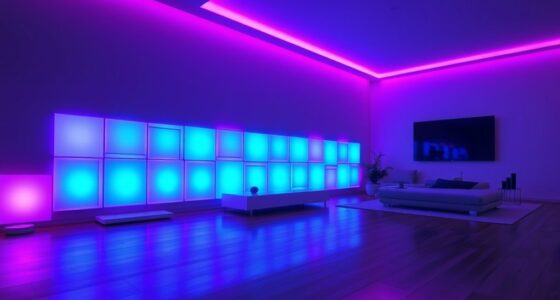
To install smart LED strip lights for ambiance, first pick the right strip with compatible features for your space and connect it to a power source. Clean the surface where you’ll attach the strip and peel off the adhesive backing before carefully pressing it into place, ensuring it’s smooth and secure. Connect the strip to your Wi-Fi or Bluetooth device, then use the app to customize colors, brightness, and effects. To learn more about optimizing your setup, keep exploring the detailed steps below.
Key Takeaways
- Choose the appropriate LED strip considering length, color options, brightness, and compatibility with control devices.
- Clean and dry the installation surface thoroughly before peeling off the adhesive backing and applying the strip.
- Connect the strip to the power adapter and control unit, ensuring correct polarity and secure attachment.
- Download the corresponding app, then follow instructions to connect the strip via Wi-Fi or Bluetooth for smart control.
- Use the app or voice commands to customize colors, brightness, and effects to create your desired ambiance.
Installing smart LED strip lights is a straightforward process that can instantly transform any space. The first step is to choose the right LED strip for your needs. Consider the length, color options, brightness, and whether you want features like Wi-Fi or Bluetooth connectivity. Once you’ve selected your strip, gather your tools—typically, you’ll need a pair of scissors to cut the strip if needed, a clean cloth to wipe surfaces, and possibly a power adapter or controller depending on your setup.
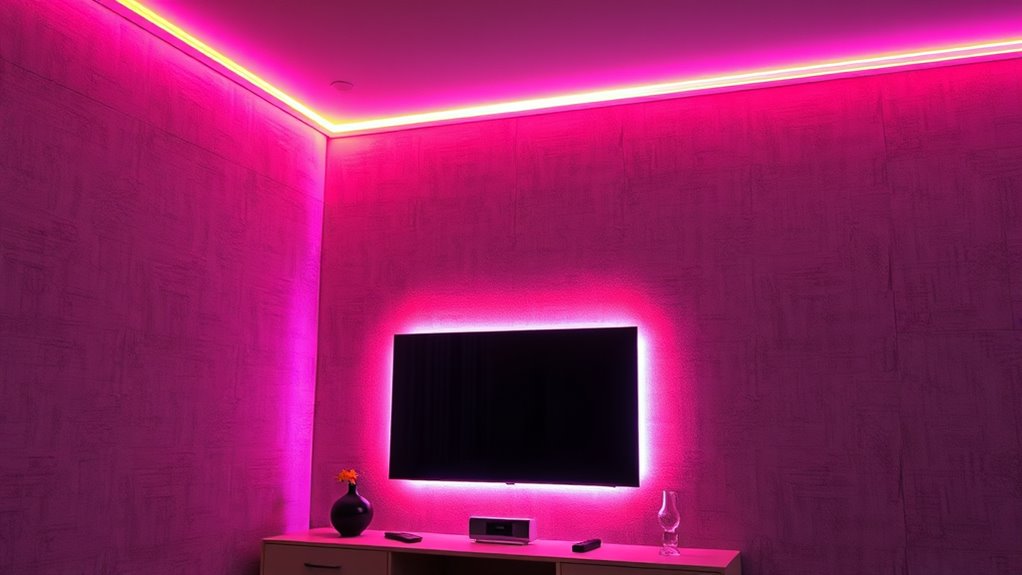
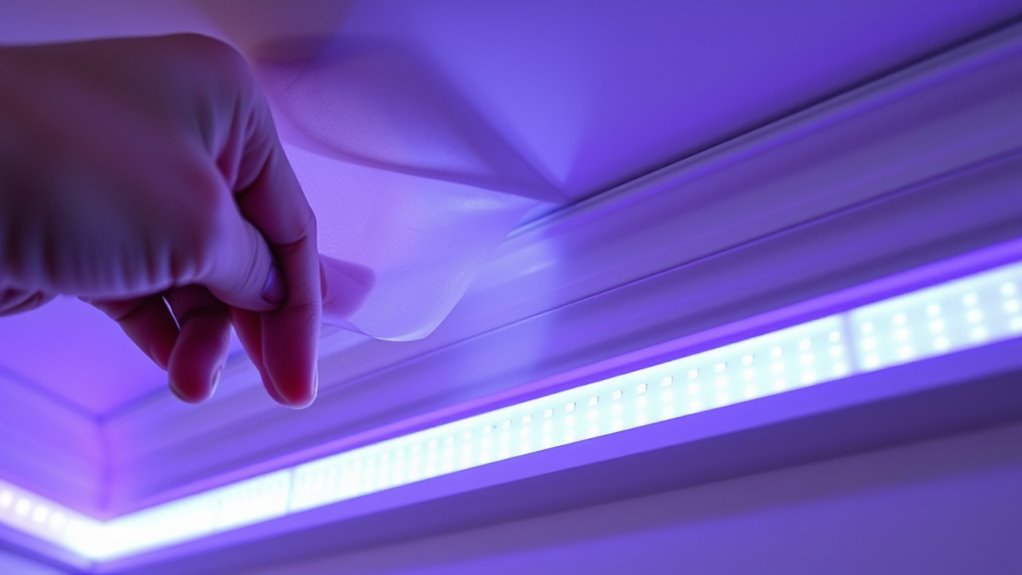
Before installation, decide where you want to place the lights. Common spots include under cabinets, along ceilings, behind TVs, or around mirrors. Make sure the surface is clean and dry; use a cloth to wipe away dust, grease, or moisture. This guarantees the adhesive backing sticks securely. Most LED strips come with a peel-and-stick adhesive on the back. Carefully peel off the backing and press the strip firmly onto the designated surface, starting from one end and working your way to the other to avoid wrinkles or air bubbles. If your strip is too long, use scissors to cut it at designated cut points, which are usually marked on the strip. Be sure not to cut outside these points, as it could damage the circuitry.
Choose a clean, dry surface and press the peel-and-stick LED strip firmly into place for secure installation.
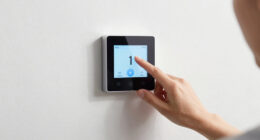
Once the strip is in place, connect it to the power source or controller. If your LED strip has a connector, align it properly with the power adapter or control unit, making sure the polarity matches. Some strips come with a built-in connector that snaps into place easily. After connecting everything, plug in the power adapter. Many smart LED strips are compatible with mobile apps, so download the corresponding app from your device’s app store. Follow the app instructions to connect your strip to your Wi-Fi network or Bluetooth, ensuring you give the strip a recognizable name for easy control.
Once connected, you can start customizing your lighting. Use the app to select colors, adjust brightness, set schedules, or enable effects like fading or flashing. Many smart LED strips also support voice commands via platforms like Alexa or Google Assistant, allowing you to control the lights hands-free. Proper placement and secure connections are essential for optimal performance, especially since color accuracy and brightness directly impact the ambiance you create. If you encounter any issues with connectivity, check your Wi-Fi signal or reset the strip and repeat the pairing process. Keep in mind that proper placement and secure connections are key to a successful installation. With a little patience and attention to detail, you’ll have vibrant, customizable lighting that elevates your space and creates the perfect ambiance for any occasion.

KSIPZE 100ft Led Strip Lights RGB Music Sync Color Changing Led Lights with Smart App Control Remote Led Lights for Bedroom Room Lighting Flexible Home Décor
APP and IR Remote Contorl: With a stable connection,control your LED lights,freely change in 16 million colors,adjust brightness,customize…
As an affiliate, we earn on qualifying purchases.
As an affiliate, we earn on qualifying purchases.
Frequently Asked Questions
Can Smart LED Strips Be Used Outdoors?
Yes, you can use smart LED strip lights outdoors, but make sure they’re rated for outdoor use. Look for strips with waterproof or weatherproof ratings like IP65 or higher to withstand rain, humidity, and other elements. Proper installation is key; avoid exposing non-weatherproof strips to the elements. By choosing the right outdoor-rated strips and installing them correctly, you’ll enjoy vibrant ambiance outside without worry.
How Do I Connect Multiple Strips Together?
They say two heads are better than one, and the same applies to your LED strips. To connect multiple strips, verify they’re compatible and use connectors or extension cables. Cut the strips at designated points, then attach connectors securely. Power off your setup first, then connect the strips in series, matching the positive and negative terminals. Once done, turn on your lights, and enjoy seamless, extended ambiance from your connected LED strips.
Are There Any Safety Precautions for Installation?
Yes, there are safety precautions you should follow. Always unplug the power supply before handling the LED strips to avoid electrical shock. Make sure the surface is clean and dry before attaching the strips to prevent slipping or damage. Avoid placing the strips near water or heat sources, and don’t overload circuits by connecting too many strips or using incompatible power supplies. Follow manufacturer instructions closely to guarantee safe installation.
What Is the Lifespan of Smart LED Strip Lights?
Smart LED strip lights usually last between 25,000 to 50,000 hours, shining like loyal stars in your space. Their lifespan depends on quality, usage, and environmental factors. You can extend their glow by avoiding excessive heat and moisture, and turning them off when not needed. Regularly check for signs of wear or damage to keep your ambiance bright and beautiful for years to come.
Do Smart LED Strips Require Wi-Fi for Operation?
No, smart LED strip lights don’t require Wi-Fi for operation if they have built-in Bluetooth or operate via a remote control. However, if you want to control them remotely through an app or voice assistant, you’ll need a Wi-Fi connection. Some models also work with Zigbee or Zigbee hubs. Check your specific lights’ features to determine if Wi-Fi is necessary for your preferred control method.

DAYBETTER Smart WiFi Led Lights 100ft, Tuya App Controlled Led Strip Lights, Work with Alexa and Google Assistant, Timer Schedule, Color Changing Led Lights for Bedroom Party Kitchen
App & remote control : Download the tuya APP, you can control the smart WiFi led strip lights…
As an affiliate, we earn on qualifying purchases.
As an affiliate, we earn on qualifying purchases.
Conclusion
Now that you know how to install your smart LED strip lights, you’re all set to transform your space into a stunning oasis. Just remember, Rome wasn’t built in a day—take your time to get everything just right. With a little patience and some creativity, you’ll have your ambiance shining brighter than ever. So go ahead, light up your world and enjoy the cozy, personalized atmosphere you’ve created!
KSIPZE 100ft Led Strip Lights RGB Music Sync Color Changing Led Lights with Smart App Control Remote Led Lights for Bedroom Room Lighting Flexible Home Décor
APP and IR Remote Contorl: With a stable connection,control your LED lights,freely change in 16 million colors,adjust brightness,customize…
As an affiliate, we earn on qualifying purchases.
As an affiliate, we earn on qualifying purchases.
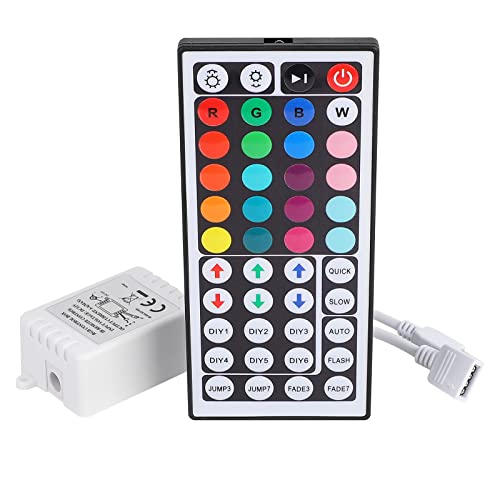
SUPERNIGHT RGB LED Light Strip Remote Controller, Dimmer for RGB LED Strip Lights, 44 Key Wireless IR Remote Controller for SMD 5050 3528 Rope Lights
Multi-Functions– There are 20 colors and 5 light pattern: Static/Flash/Strobe/Fade-change/RGB Smooth-change. Easy for you to turn ON/OFF strip…
As an affiliate, we earn on qualifying purchases.
As an affiliate, we earn on qualifying purchases.