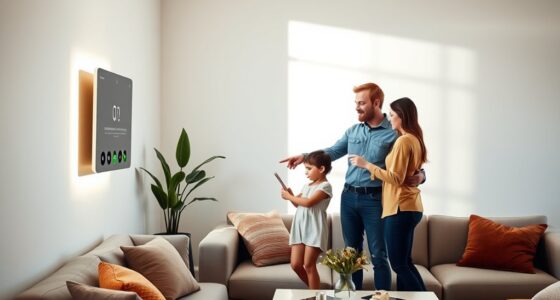
To manage too many smart home notifications, prioritize critical alerts like security or fire alarms to guarantee they get your immediate attention. Customize notification settings for each device to reduce unnecessary alerts, and use a centralized app to review everything easily. Automate routines to mute or filter less urgent messages during certain times. Regularly review and update your alert preferences to stay informed without feeling overwhelmed. Keep exploring for more tips on creating a balanced, effective notification system.
Key Takeaways
- Prioritize critical alerts like security breaches and fire alarms to ensure immediate attention.
- Customize notification settings per device or app, scheduling routine alerts during specific times.
- Use a centralized app or dashboard to consolidate and organize all notifications for easier management.
- Automate routines to mute or escalate alerts based on time, location, or activity, reducing unnecessary interruptions.
- Regularly review and update notification preferences to maintain relevance and prevent overload.
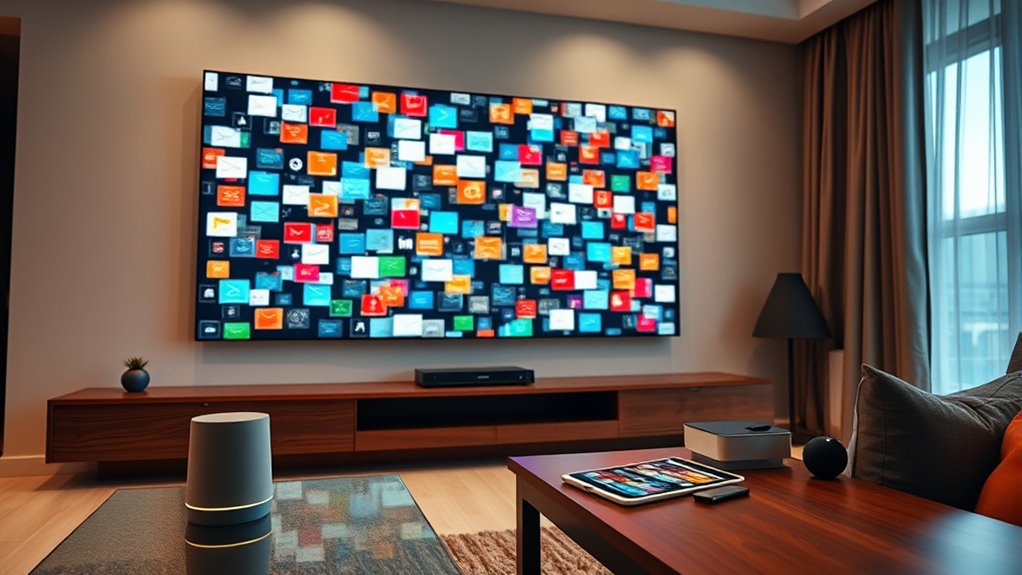
Managing alerts in a smart home can quickly become overwhelming if they’re not streamlined. You might find yourself constantly checking notifications, unsure which ones require your immediate attention and which can wait. When alerts flood your devices, they lose their effectiveness, and you risk ignoring genuinely important messages. The key is to create a system that filters and prioritizes notifications so that you stay informed without feeling bombarded. Start by identifying the most critical alerts—such as security breaches or fire alarms—and guarantee they always get your immediate attention. Less urgent notifications, like routine appliance updates or weather alerts, can be set to deliver at designated times or be grouped together, reducing constant interruptions. Many smart home platforms allow you to customize notification settings for each device or app. Take advantage of these features to fine-tune what you receive and how often. For instance, you might set your security sensors to notify you instantly, but have your smart fridge send weekly summaries instead of constant alerts. Also, consider consolidating notifications through a centralized app or dashboard. Instead of juggling multiple alerts from different devices, a single interface can display all important updates in an organized manner, making it easier to assess the situation at a glance. Implement rules or routines that control when and how alerts appear. For example, during work hours, you could mute non-essential notifications, only allowing critical alerts through. After hours, you might prefer to receive fewer notifications, or have certain alerts escalate if ignored for a set period. Using automation tools within your smart home ecosystem can help manage this seamlessly. Setting thresholds or conditions, like only alerting you if a sensor detects movement when you’re away, prevents unnecessary alerts. Additionally, consider integrating voice assistants to quickly review or dismiss notifications verbally, reducing the need to constantly check screens. Regularly review your alert settings, especially after adding new devices or updating your system. What worked initially might become cluttered or irrelevant over time. Keeping your notification preferences current ensures you’re only receiving alerts that matter most. Incorporating responsible use and privacy considerations can help prevent alert overload and protect household data. Finally, educate everyone in your household about your alert management system. When everyone understands which notifications are critical and how to respond, it minimizes confusion and prevents alert fatigue. In the end, streamlining alerts is about balancing the need to stay informed with the importance of avoiding distraction. By customizing, consolidating, automating, and regularly reviewing your notification system, you create a smarter, calmer home environment where alerts serve their purpose without overwhelming you.

Smart WiFi Door Sensor: Wireless Window Sensor with App Notification Alert, Tuya Door Open Contact Sensor for Home Security, No Hub Required, Compatible with Alexa Google Assistant
- WiFi Door Sensor with App Alerts: No hub or fees, app notifications for open/close
- Voice Control Compatibility: Works with Alexa and Google Assistant
- Smart Device Integration: Controls other Tuya smart devices
As an affiliate, we earn on qualifying purchases.
As an affiliate, we earn on qualifying purchases.
Frequently Asked Questions
Can I Customize Notification Sounds for Different Alerts?
Yes, you can customize notification sounds for different alerts. Most smart home devices and apps allow you to select or upload specific sounds for various notifications, making it easier to identify alerts at a glance. You simply go into the device settings or app preferences, find the notification options, and choose your preferred sounds for each alert type. This customization helps you stay organized and reduces notification fatigue.
How Do I Disable Notifications During Certain Hours?
Think of your smart home as a symphony; sometimes, the noise needs to fade for the melody to shine. To disable notifications during certain hours, head to your device’s settings, find the notifications section, and set a schedule or do-not-disturb mode. You can customize these hours so your alerts rest peacefully when you need quiet, allowing your home’s harmony to flow uninterrupted during those times.
Are There Privacy Concerns With Smart Home Notifications?
Yes, there are privacy concerns with smart home notifications. You might accidentally share sensitive information if notifications reveal details about your activities, security system, or personal routines. Hackers could exploit notification alerts to gather data or access your devices. To protect your privacy, review notification settings regularly, disable unnecessary alerts, and confirm your smart devices use strong, updated security measures. Staying vigilant helps safeguard your home and personal information.
Can I Prioritize Alerts Based on Urgency?
Yes, you can prioritize alerts based on urgency. Most smart home systems let you customize notification settings, so you only get alerts for critical events like security breaches or fire alarms. You can set different levels of importance and filter out less urgent notifications, helping you stay focused on what truly matters. This way, you guarantee you’re always aware of urgent issues without being overwhelmed by less important alerts.
How Do I Troubleshoot Missed or Delayed Notifications?
Imagine your smart home as a bustling city; missed or delayed notifications are like traffic jams. To troubleshoot, check your device’s internet connection first—weak signals slow alerts. Then, review notification settings in your apps to *verify* they’re enabled and prioritized correctly. Update firmware if needed, and restart your devices. Clearing app caches can also smooth out the flow, *making sure* your alerts reach you swiftly, just like clearing traffic on busy streets.

SONOFF NSPanel Pro 120 Smart Control Panel
- Large 4.7-inch Touch Display: Control home devices and view cameras
- Customizable Security Modes: Set different arming configurations and alerts
- Energy Monitoring: Track daily energy use of selected devices
As an affiliate, we earn on qualifying purchases.
As an affiliate, we earn on qualifying purchases.
Conclusion
By streamlining your smart home alerts, you can reduce notification fatigue and stay focused on what matters most. Did you know that the average person receives over 60 alerts daily, with many ignored or dismissed? By customizing your notifications, you regain control and enhance your smart home experience. Take charge now—prioritize what truly matters and enjoy a more peaceful, efficient living environment.
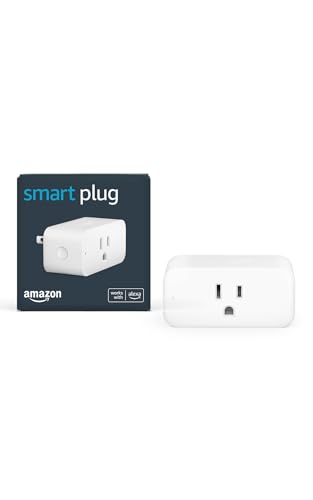
Amazon Smart Plug, Works with Alexa, Simple Setup, Endless Possibilities
- Voice Control Compatibility: Works with Alexa app and devices
- Easy Setup: No hub needed, quick installation
- Wide Device Compatibility: Supports lamps, fans, coffee makers, and more
As an affiliate, we earn on qualifying purchases.
As an affiliate, we earn on qualifying purchases.
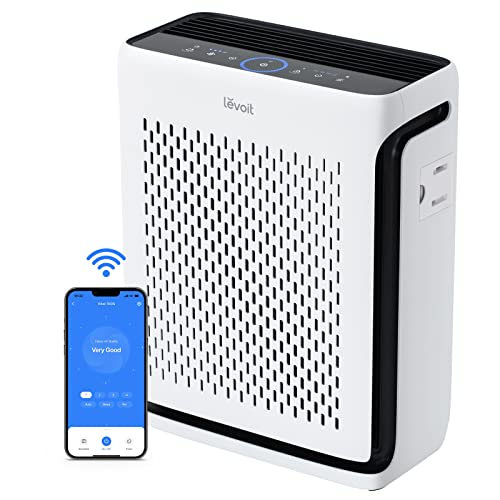
LEVOIT Air Purifier for Home Pets Bedroom Up to 1073Ft² Washable Pre-Filter
- AHAM Certified for Performance: Independently tested for air quality and efficiency
- Effective in Large Rooms: Purifies air up to 1073 sq ft hourly
- Pet-Friendly Mode: Traps pet fur and large particles
As an affiliate, we earn on qualifying purchases.
As an affiliate, we earn on qualifying purchases.