To keep hackers out of your smart home, change default passwords immediately and create strong, unique ones for each device. Regularly update firmware and software to fix security flaws. Use strong Wi-Fi encryption like WPA3 and set up a separate network for smart devices. Enable multi-factor authentication and disable unnecessary features or services. Keep an eye on connected devices and network activity. For more tips to boost your security, explore how to protect your smart home effectively.

Get home appliances delivered free with Prime
- Fast, free delivery on millions of items
- Prime Video, Amazon Music and more included
- Member-only deals all year
Key Takeaways
- Change default passwords and use strong, unique credentials for all smart devices and accounts.
- Regularly update firmware and software to patch security vulnerabilities promptly.
- Segment your network by creating separate Wi-Fi networks for smart devices and personal use.
- Enable multi-factor authentication and biometric security for added device and account protection.
- Monitor connected devices for unusual activity and set alerts for unauthorized access attempts.
smart home security camera with motion alerts
As an affiliate, we earn on qualifying purchases.
As an affiliate, we earn on qualifying purchases.
Change Default Passwords and Use Strong Credentials

Since many smart home devices come with default passwords, it’s essential to change them immediately. Default credentials are well-known and pose a security risk, making it easy for hackers to access your devices. Effective password management is key; create unique, complex passwords for each device. Prioritize credential complexity by combining uppercase and lowercase letters, numbers, and symbols to make passwords harder to crack. Avoid using common words or easily guessable information like birthdays. Regularly updating your passwords adds an extra layer of security. Strong, unique credentials protect your smart home from unauthorized access and help safeguard your privacy. Remember, the effort you invest in managing passwords considerably reduces your vulnerability to cyber threats. Additionally, understanding vetted security practices can further strengthen your defenses against potential cyberattacks. Implementing proper network segmentation can limit the impact of any potential breaches and isolate critical devices from less secure ones. Using multi-factor authentication provides an additional security layer, making unauthorized access even more difficult. Employing encryption protocols can further protect data transmitted within your smart home network from interception.
Wi-Fi 6 router with WPA3 encryption
As an affiliate, we earn on qualifying purchases.
As an affiliate, we earn on qualifying purchases.
Keep Firmware and Software Updated Regularly
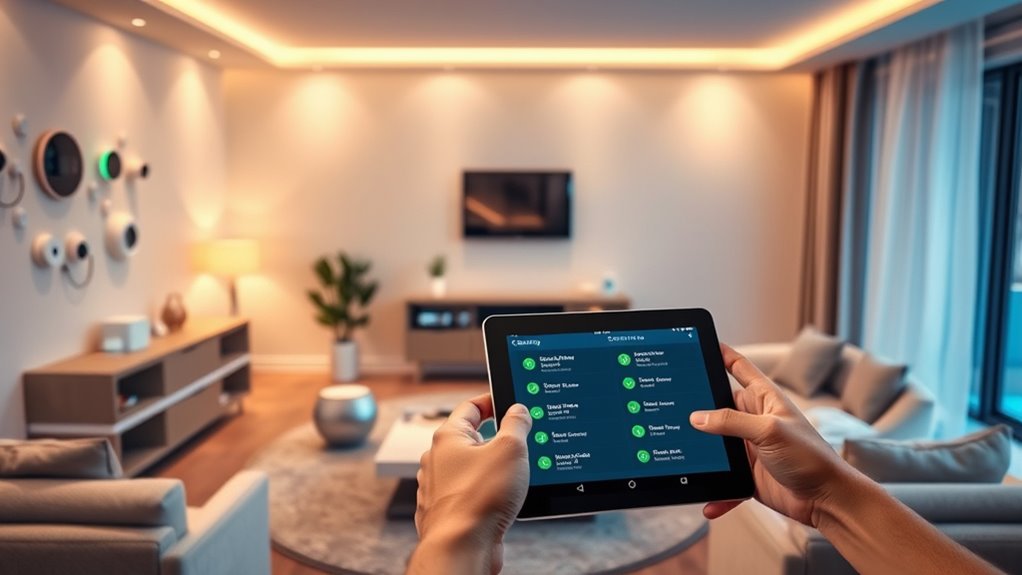
Keeping your firmware and software up to date guarantees your smart home devices remain secure against emerging threats. Firmware patches fix vulnerabilities that hackers might exploit, so installing them promptly is vital. Regular software updates also add new security features and improve existing ones, reducing your risk of cyberattacks. Many devices automatically notify you when updates are available; don’t ignore these alerts. If your devices don’t update automatically, check for updates manually on a regular schedule. Neglecting firmware patches and software updates leaves your smart home exposed to known security flaws. Staying current ensures your devices operate with the latest protections, keeping your connected home safe from unauthorized access and malicious attacks. Additionally, device security measures such as strong, unique passwords and network segmentation can further enhance your smart home’s defenses. Make updating firmware and software a routine part of your smart home maintenance to prevent security breaches, and consider implementing regular security audits to identify potential vulnerabilities proactively. Incorporating firmware updates into your routine can significantly reduce the chance of falling victim to cyberattacks, especially when combined with security best practices.
multi-factor authentication security key
As an affiliate, we earn on qualifying purchases.
As an affiliate, we earn on qualifying purchases.
Secure Your Wi-Fi Network With Strong Encryption

Securing your Wi-Fi network with strong encryption is essential to protect your smart home devices from unauthorized access. Use the latest wireless encryption standards, such as WPA3, to guarantee your data stays private and secure. Avoid outdated protocols like WEP or WPA, which are vulnerable to hacking. Additionally, consider network segmentation by creating separate networks for your smart devices and personal devices. This limits potential access points for intruders and isolates sensitive information. Changing your Wi-Fi password regularly and using a complex, unique passphrase further enhances security. Implementing wireless encryption standards is crucial for safeguarding your connected devices. Using European cloud innovation approaches can also enhance your overall data security and privacy. Incorporating network management tools can help monitor your network for suspicious activity and ensure ongoing protection. By implementing strong wireless encryption and segmenting your network, you reduce the risk of hackers gaining control over your smart home and keep your connected devices safe from cyber threats.
smart device firmware update tool
As an affiliate, we earn on qualifying purchases.
As an affiliate, we earn on qualifying purchases.
Enable Multi-Factor Authentication Where Possible

Enabling multi-factor authentication adds an extra layer of security to your smart home accounts. You can use authenticator apps, turn on biometric verification, or regularly update your credentials to stay protected. These steps make it much harder for unauthorized users to access your devices. Incorporating trusted resources from a reliable directory can also help you identify reputable security solutions and service providers. Additionally, reviewing security best practices outlined in trusted guides can further strengthen your overall smart home defenses. Remember that encryption protocols play a vital role in safeguarding your data from potential breaches. Implementing firewall protections can also help prevent unauthorized access to your home network, adding another crucial security layer. Regularly conducting security audits can help you identify and fix vulnerabilities before they are exploited.
Use Authenticator Apps
Using authenticator applications is one of the most effective methods to add an extra layer of security to your smart home accounts. These applications generate time-based codes that make it harder for hackers to access your devices, even if they have your password. Enabling multi-factor authentication with an authenticator application considerably reduces the risk of unauthorized access. While biometric security enhances protection, combining it with authenticator applications offers an all-encompassing approach. Consider this table to understand the benefits:
| Benefit | Description | Additional Layer |
|---|---|---|
| Increased Security | Codes expire quickly, reducing hacking chances | Multi-factor auth |
| Ease of Use | Quick setup, easy to access on your phone | Convenience |
| Compatibility | Works with most smart home platforms | Versatility |
| No Hardware Needed | No extra devices required | Cost-effective |
| Enhanced Privacy | Protects your personal data from breaches | Privacy Protection |
Additionally, strong security practices such as regularly updating your app and device firmware can further bolster your defenses against cyber threats. Regularly reviewing your security settings and staying informed about potential vulnerabilities are also crucial security measures to ensure ongoing protection. Incorporating multi-layered security strategies helps create a more resilient smart home environment. Employing proper password hygiene is fundamental to maintaining your security posture. To further safeguard your accounts, consider enabling additional security features provided by your platform.
Enable Biometric Verification
Biometric verification adds a powerful layer of security to your smart home systems by requiring unique physical traits, like fingerprints or facial recognition, to grant access. Enabling biometric verification, such as fingerprint authentication, makes it harder for intruders to bypass security. When you set up fingerprint authentication, only your unique fingerprint can unbolt doors or control devices. This form of multi-factor authentication guarantees that even if someone gains your password, they can’t access your system without the biometric trait. Always activate biometric verification where available on your smart home devices, and keep your biometric data secure. Incorporating safe installation practices ensures that biometric systems are protected from tampering or hacking attempts. This simple step considerably reduces the risk of unauthorized access, helping you protect your home and loved ones effectively.
Regularly Update Credentials
To keep your smart home secure, it’s essential to regularly update your login credentials and enable multi-factor authentication whenever possible. Use effective password management to create strong, unique passwords for each device or account, reducing the risk of unauthorized user access. Regular updates prevent hackers from exploiting outdated credentials, especially if a breach occurs elsewhere. Enabling multi-factor authentication adds an extra security layer, requiring a second verification step beyond just a password. This makes it considerably harder for intruders to gain access, even if they compromise your login details. Stay vigilant by reviewing user access permissions periodically, removing any unnecessary accounts or users. Additionally, understanding air purifier maintenance can help you keep your smart home devices functioning securely and efficiently. Incorporating cybersecurity best practices into your routine further enhances your protection against potential cyber threats. Consistent credential updates and multi-factor authentication are critical in safeguarding your smart home from potential cyber threats.
Segment Your Smart Home Devices on a Separate Network

You should consider isolating your smart home devices on a dedicated network to enhance security. By creating separate groups or networks, you reduce the risk of a breach spreading across all your devices. This approach keeps your main network safer and gives you better control over your smart home ecosystem.
Isolate Device Groups
Segmenting your smart home devices onto a separate network is a crucial step in enhancing security. By isolating device groups through network segmentation, you reduce the risk of hackers accessing sensitive data or controlling critical systems. Proper device grouping ensures that devices with similar functions are on their own subnet, preventing a breach in one area from spreading. Use the following table to understand how device grouping enhances security:
| Device Group | Benefits |
|---|---|
| IoT Devices | Limits access, reduces risk |
| Security Cameras | Isolates personal footage |
| Smart Appliances | Protects control systems |
This approach keeps your main network safe while allowing convenient device management. Network segmentation acts as a barrier, making it harder for hackers to move laterally within your smart home.
Use Dedicated Network
Creating a dedicated network for your smart home devices adds an extra layer of security by keeping these gadgets separate from your main internet connection. Setting up a guest network allows you to isolate smart devices through device segmentation, preventing hackers from accessing your primary data. When you use a separate network, even if a smart device is compromised, it won’t give intruders access to your computers, smartphones, or sensitive information. Many routers support creating a dedicated guest network, making it easy to segment your smart home devices. This approach minimizes potential vulnerabilities and limits the damage if a device is hacked. Always ensure your router’s firmware is up to date to maintain maximum security for your dedicated smart home network.
Disable Unnecessary Features and Services
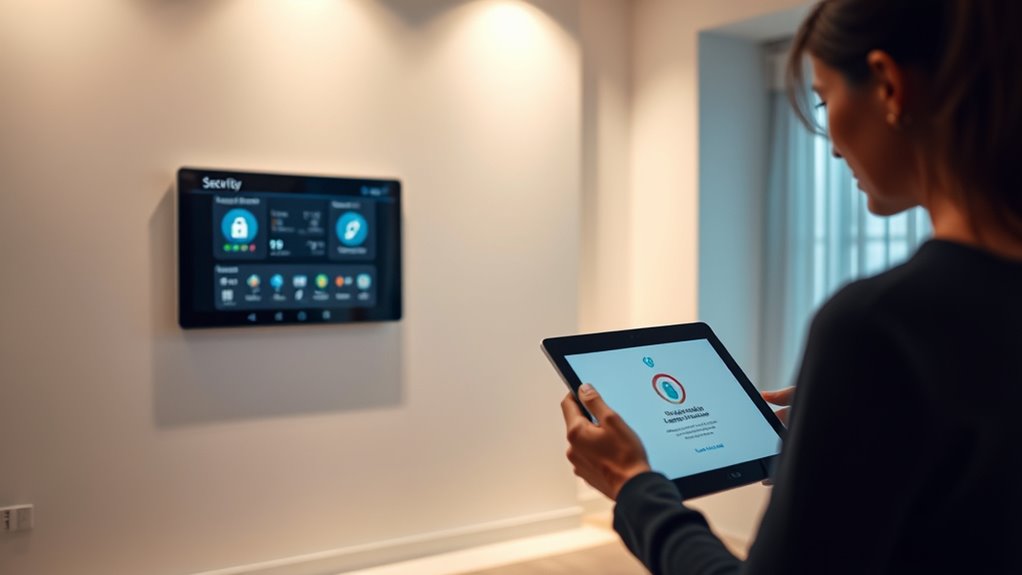
Disabling unnecessary features and services on your smart home devices reduces potential entry points for hackers and minimizes security risks. Start by disabling unnecessary features that you don’t need, such as voice assistants or remote access options if you don’t use them. Turning off unused services, like cloud syncing or automatic updates, can also prevent attackers from exploiting vulnerabilities. Regularly review your device settings to guarantee only essential functions are active. By turning off unused services and disabling unnecessary features, you close gaps that hackers could potentially exploit. This simple step enhances your overall security, making it harder for intruders to gain access to your smart home network. Staying vigilant about these configurations is a key part of protecting your devices and your privacy.
Monitor Connected Devices and Network Activity

To keep your smart home secure, maintaining regular oversight of the devices connected to your network and watching for unusual activity is vital. Monitoring device activity helps you spot potential breaches early. Pay attention to unexpected spikes in data or new devices appearing without your knowledge. To enhance security, consider these steps:
- Regularly review your network’s device list to identify unfamiliar or unauthorized devices.
- Enable anomaly detection features that alert you to unusual device activity.
- Set up notifications for any unexpected changes or access attempts.
Frequently Asked Questions
How Can I Detect if My Smart Home Devices Are Hacked?
You can detect if your smart home devices are hacked by monitoring unusual activity, such as unexpected device behavior or slow network performance. Check for unauthorized access by reviewing device firmware updates and security logs. Implement network segmentation to isolate smart devices from your main network, making it harder for hackers to access other devices. Regularly update firmware and reset devices if you notice suspicious activity to keep your smart home secure.
What Are the Signs of a Compromised Smart Home Network?
If your smart home network is compromised, you’ll notice unusual device behavior, slow internet, or unexpected activity. Check for unauthorized devices, and guarantee your network is segmented to isolate smart devices. Regular firmware updates are vital because they patch security vulnerabilities. If you see persistent issues despite these steps, it’s a sign your network might be hacked, and you should take immediate action to secure your system.
Are There Any Legal Considerations for Monitoring Device Activity?
Yes, you need to take privacy regulations and legal compliance into account when monitoring device activity. You should inform everyone in your household about monitoring practices and ensure your actions respect their privacy rights. Check local laws to avoid violations, especially if you’re recording or logging data. Staying transparent and compliant helps protect you legally and maintains trust, ensuring your smart home security efforts don’t inadvertently lead to legal issues.
How Often Should I Change My Smart Home Passwords?
Think of your smart home passwords as your house keys—keep them fresh and secure. You should change your passwords every three to six months, especially after security audits or if you suspect any breach. Regular password updates help seal any cracks in your defenses. Stay vigilant, update your passwords frequently, and perform security audits to keep your smart home safe from unwanted intruders.
What Advanced Security Features Are Available for Smart Home Devices?
You can enhance your smart home security with advanced features like biometric authentication, which uses fingerprint or facial recognition to verify access, and AI threat detection, which monitors for unusual activity and potential breaches. These tools help prevent unauthorized access and identify threats early. By enabling these features, you add an extra layer of protection, making it harder for hackers to compromise your devices and ensuring your home stays secure.
Conclusion
By sealing the cracks and locking every door, you turn your smart home into a fortress against lurking threats. Staying vigilant with strong passwords, updates, and device monitoring is like weaving an invisible shield that keeps hackers at bay. Think of your network as a garden—tend it carefully, prune unnecessary features, and segment your devices. With these tips, you’re not just protecting your home; you’re creating a digital safe haven where peace of mind blossoms.
NFL season / tailgating Picks
team gear
As an affiliate, we earn on qualifying purchases.