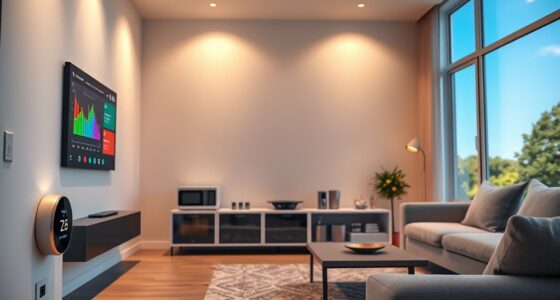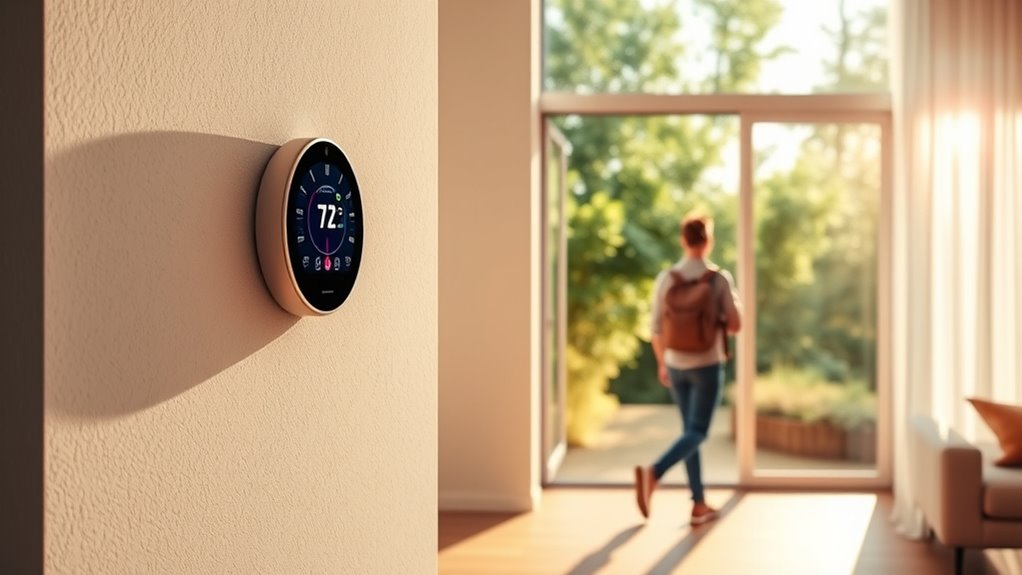

Geofencing thermostats automatically adjust your home’s climate based on your smartphone’s location. When you leave, they lower or raise the temperature to save energy, and when you return, they preheat or precool for your comfort. You can easily set boundaries and preferences through a mobile app, ensuring your home stays cozy and energy-efficient without manual effort. Want to explore how to customize these settings for your routine? Keep going for more details.
Key Takeaways
- Geofencing thermostats automatically adjust home temperature based on your smartphone’s location, ensuring comfort upon arrival and energy savings when away.
- They use GPS or Bluetooth to detect when you leave or return, triggering pre-set climate adjustments without manual input.
- Setup involves linking the thermostat to a smartphone app, setting a geofence boundary, and customizing temperature preferences.
- These devices help reduce utility bills and promote eco-friendly energy use by heating or cooling only when necessary.
- Compatible with other smart home systems, they offer seamless integration for controlling lighting, security, and climate from a single app.
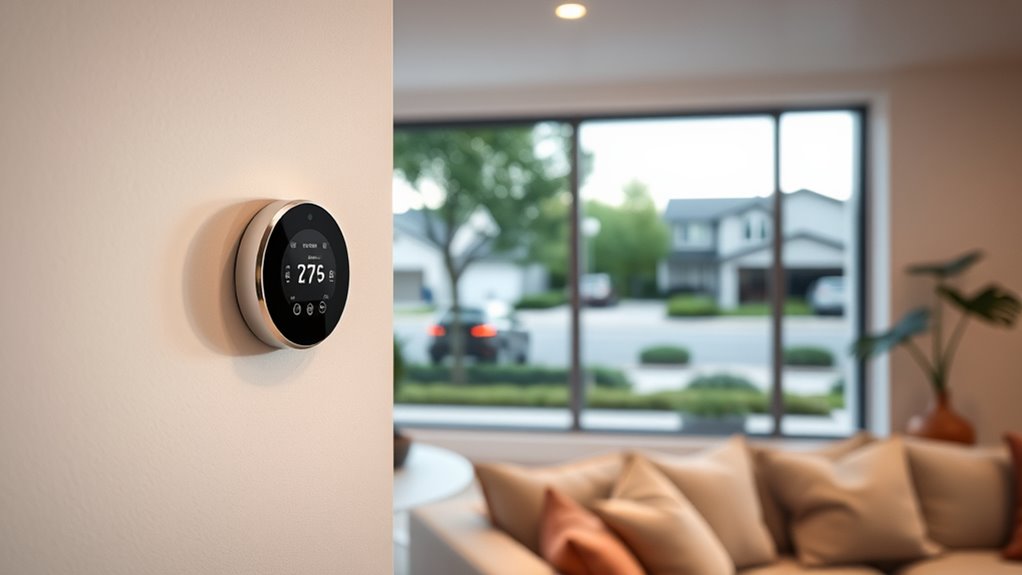
Geofencing thermostats are smart devices that automatically adjust your home’s temperature based on your location. Once installed, they track your smartphone or other connected devices to determine when you’re leaving or arriving home. This technology guarantees your home is comfortable when you walk in and energy-efficient when you’re away. Instead of manually changing settings or relying on outdated schedules, you get a seamless experience tailored to your daily routine.
Geofencing thermostats automatically adjust your home’s temperature based on your location for comfort and energy savings.
When you leave the house, the thermostat senses your absence and adjusts itself to save energy. It might lower the temperature in winter or raise it in summer, preventing unnecessary heating or cooling. You won’t have to worry about forgetting to turn off the HVAC system or wasting energy during long absences. As soon as your device detects you’re on your way back, the thermostat kicks in again, preheating or precooling your home so it’s perfectly comfortable upon your arrival. This automation means you enjoy a cozy environment without the hassle of constant adjustments.
Setting up your geofencing thermostat is straightforward. You typically download an app for your smartphone and link it to the device. Within the app, you set your preferred home temperature and define your geofence boundary — the geographic area that triggers the device. When your phone crosses this boundary, the thermostat responds accordingly. You can customize these boundaries and schedules to fit your lifestyle, ensuring the system doesn’t activate unnecessarily when you’re nearby but not heading home. It’s flexible enough to accommodate work trips, weekend outings, or irregular schedules.
One of the biggest advantages is the energy savings. By only heating or cooling your home when necessary, you reduce your utility bills. Over time, this smart adjustment can lead to significant cost reductions. Plus, it’s an eco-friendly choice, decreasing your carbon footprint by optimizing energy use. The convenience of arriving to a comfortable home and leaving with peace of mind makes geofencing thermostats appealing. They also often integrate with other smart home devices, allowing you to control your climate alongside lighting, security, and more from a single app. Additionally, understanding smart home device compatibility can help you maximize your system’s potential.

Honeywell Home RTH8800WF2022, T5 WiFi Smart Thermostat, 7 Day-Programmable Touchscreen, Alexa Ready, Geofencing Technology, Energy Star, C-Wire Required
High use of the scheduling feature of the T5 thermostat saved customers between 8 and 16% on heating…
As an affiliate, we earn on qualifying purchases.
As an affiliate, we earn on qualifying purchases.
Frequently Asked Questions
How Accurate Is Geofencing in Detecting My Location?
Geofencing is generally quite accurate, but its precision depends on your device’s GPS, Wi-Fi, and cellular signal strength. When you’re near the boundary, it detects your location within a few meters, so it usually works well for auto-adjusting your thermostat. However, factors like tall buildings, bad signal, or phone settings can sometimes cause delays or inaccuracies, so it’s good to be aware of these limitations.
Can Geofencing Thermostats Be Integrated With Existing Smart Home Devices?
Think of your smart home like a symphony, where each device plays its part. Geofencing thermostats easily integrate with existing smart devices through compatible platforms and apps, creating harmonious control. You can connect them to your smart lights, security systems, and voice assistants. This integration streamlines your home’s climate and security, making your environment more responsive and efficient. Just verify your devices support the same ecosystem or use a compatible hub.
What Are the Privacy Concerns With Geofencing Technology?
You should be aware that geofencing technology raises privacy concerns because it tracks your location constantly, which could lead to data breaches or misuse. Sharing your location data might allow unauthorized parties to monitor your habits or whereabouts. To protect your privacy, guarantee your device settings restrict data sharing, and choose reputable smart home products that prioritize secure data management. Always stay informed about how your location information is handled.
How Does Weather Affect Geofencing Thermostat Performance?
Weather acts like a mischievous puppet master pulling your thermostat’s strings. When it’s chilly outside, your geofencing system might crank up the heat, even if you’re cozy inside. Conversely, during a heatwave, it may not cool enough. Rapid temperature swings can confuse the system, leading to inefficiencies. To keep your home comfy, make certain your thermostat’s sensors are well-calibrated and aware of local weather conditions.
Is There a Minimum Internet Speed Required for Optimal Functionality?
Yes, you should have a minimum internet speed of around 3-5 Mbps for ideal geofencing thermostat performance. This guarantees smooth communication between your device and the thermostat, allowing quick updates and reliable auto-adjustments. Slow or unstable internet can cause delays or missed signals, so maintaining a steady connection helps your thermostat respond promptly when you leave or arrive. Check your internet speed regularly to keep everything running smoothly.

Honeywell Home RTH9585WF1004 Wi-Fi Smart Color Thermostat, 7 Day Programmable, Touch Screen, Energy Star, Alexa Ready, Gray
COMFORT COMES IN YOUR COLOR. Personalize your Wi-Fi Smart Color Programmable Thermostat to fit your décor.
As an affiliate, we earn on qualifying purchases.
As an affiliate, we earn on qualifying purchases.
Conclusion
Imagine your home as a silent guardian, always watching, always caring. With geofencing thermostats, your house becomes a loyal friend that adjusts to your presence, welcoming you back with warmth or saving energy when you’re away. It’s more than just technology; it’s a symbol of effortless comfort and mindful living. Embrace this innovation, and let your home’s silent watchfulness turn everyday moments into a seamless, comforting rhythm.

Sensi Smart Thermostat, 100 Years Of Expertise, Wi-Fi, Data Privacy, Programmable, Easy DIY Install, Works With Alexa, Energy Star Certified, Mobile App, ST55
PRIVACY PROTECTION*: Sensi won’t sell your personal information to third parties
As an affiliate, we earn on qualifying purchases.
As an affiliate, we earn on qualifying purchases.

Amazon Smart Thermostat – Save money and energy – Works with Alexa and Ring – C-wire required
Smart upgrade – Amazon Smart Thermostat is an easy way to switch from a traditional thermostat and help…
As an affiliate, we earn on qualifying purchases.
As an affiliate, we earn on qualifying purchases.