
To use your Amazon Echo as a smart home hub, start by setting it up with the Alexa app on your smartphone. Connect your Echo to Wi-Fi, sign in with your Amazon account, and add compatible smart devices like lights, locks, or thermostats through the app. Use voice commands to control these devices or create routines to automate multiple actions at once. Explore further to discover how to maximize your smart home experience with Alexa’s versatile features.
Key Takeaways
- Set up your Echo device and connect it to Wi-Fi using the Alexa app.
- Use voice commands starting with “Alexa” to control smart devices and manage routines.
- Add compatible smart home devices through the Alexa app for centralized control.
- Create routines to automate multiple tasks with a single voice command.
- Manage and control your smart home remotely via the Alexa app for convenience.

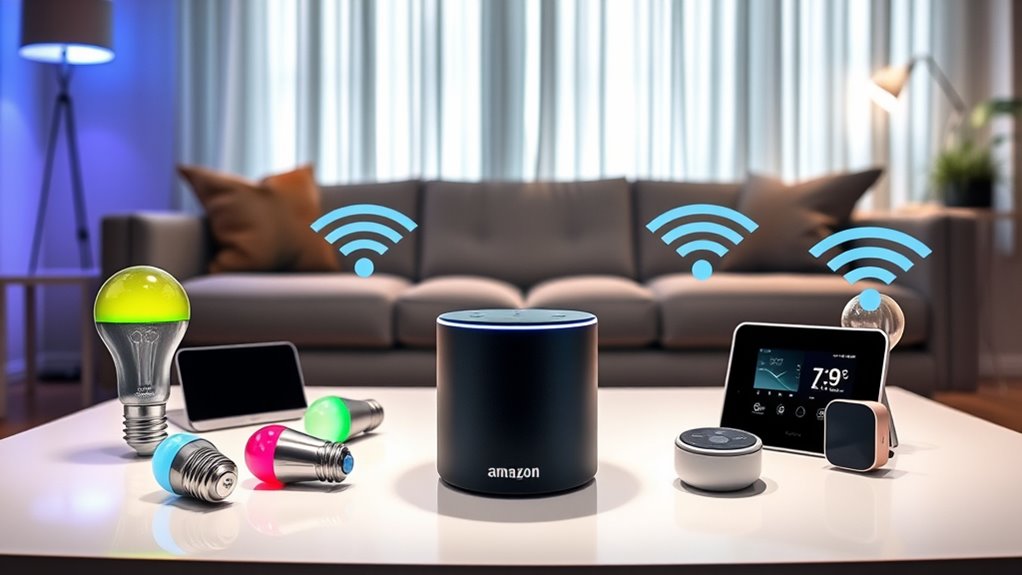
Ever wondered what makes Alexa such a popular smart assistant? It’s because Alexa seamlessly integrates into your daily life, making tasks easier and your home smarter. When you set up your Amazon Echo, you gain a central hub that controls a wide range of smart devices around your house. You don’t need to juggle multiple apps or remotes; instead, you use your voice to command everything from lights to thermostats. Alexa’s ability to connect with various smart home brands makes it incredibly adaptable, giving you a unified control point that simplifies managing your environment. Additionally, Alexa’s compatibility with a broad ecosystem of smart devices enhances your overall home automation experience. Getting started is straightforward. First, plug in your Echo device and download the Alexa app on your smartphone or tablet. Follow the prompts in the app to connect your Echo to your Wi-Fi network. Once connected, you’ll be prompted to sign in with your Amazon account, which links all your Alexa-enabled devices and settings. The app guides you through adding compatible smart home devices, such as smart bulbs, locks, or plugs. Just select the device type, follow the instructions, and Alexa will discover and connect to it automatically. This setup process is designed to be quick and intuitive, so you can start using your smart home hub without hassle.
Once everything is connected, you can begin issuing voice commands. Say “Alexa,” followed by your request. For example, you can ask her to turn on the living room lights, adjust the thermostat, or lock the front door. Alexa can also set routines—custom sequences triggered by a single command—like “Alexa, good morning,” which could turn on the lights, start your coffee maker, and play the news. You can customize routines through the app, making it easy to automate daily tasks. Additionally, Alexa’s skills extend beyond smart home control. She can answer questions, play music, set reminders, and even order products from Amazon, turning your Echo into a versatile digital assistant. The ability to integrate with smart home devices makes Alexa a powerful tool for creating a connected home environment.
Your smart home hub’s power lies in its simplicity and adaptability. As you add more compatible devices, Alexa’s ecosystem grows, giving you holistic control through a single voice interface. Whether you’re at home or away, you can manage your devices remotely via the app, ensuring your home is always just a command away. Alexa’s ability to learn your preferences and routines enhances your experience over time, making your smart home more intuitive and personalized. With minimal effort, you transform your house into a connected, efficient, and more comfortable space.
Frequently Asked Questions
Can Alexa Control Non-Smart Devices?
Yes, Alexa can control some non-smart devices if you use compatible smart plugs, switches, or hubs. You simply plug your non-smart device into a smart outlet, then connect it to Alexa. Once set up, you can turn the device on or off with voice commands. Keep in mind, you’ll need to make certain the device works with Alexa or is connected through a compatible smart home system.
How Secure Is My Smart Home With Alexa?
Your smart home with Alexa is quite secure if you take proper precautions. You control who has access, update your devices regularly, and enable two-factor authentication. You set privacy settings to limit data sharing and review voice recordings periodically. While no system is completely invulnerable, these steps help protect your devices, your data, and your privacy, making your smart home safer and more reliable.
Does Alexa Support Multiple User Profiles?
Yes, Alexa supports multiple user profiles, allowing each person in your home to have their own personalized experience. You can set up voice recognition for different users, so Alexa can distinguish who’s speaking and provide tailored responses. To do this, you’ll need to enable voice profiles in the Alexa app. Once set up, Alexa can recognize individual voices, access personalized music, calendars, and smart home controls, making your smart home more convenient and personalized.
How to Troubleshoot Alexa Connectivity Issues?
Think of your Alexa connection like a garden hose—kinks can block the flow. To troubleshoot, start by checking your Wi-Fi, making sure your Echo is within range. Restart your device and router to refresh the connection. Update the Alexa app and firmware. If problems persist, reset your Echo or reconnect it to Wi-Fi. These steps clear the blockages, restoring your smart home’s harmony.
Can Alexa Function Without an Internet Connection?
No, Alexa can’t function without an internet connection. Its voice recognition and smart home features rely on cloud servers to process commands. When you’re offline, you won’t be able to ask Alexa questions, play music, or control compatible devices. To guarantee smooth operation, make sure your Wi-Fi connection is stable. If your internet drops, Alexa becomes temporarily unresponsive until your connection is restored.
Conclusion
Now that you know how to set up and use your Amazon Echo as a smart home hub, you’re ready to enjoy a more connected lifestyle. Just like the trusty TARDIS, your Echo can do so much more than you expect—if you leverage its full potential. So go ahead, experiment with commands, automate routines, and turn your home into a smart sanctuary. The future is now, and with your Echo, it’s just a command away.