
To set up your smart home hub, start by choosing one compatible with your existing devices and ecosystem, then prepare your network by updating firmware and securing your Wi-Fi. Unbox the hub, connect it to power and internet, and download the associated app. Follow the app instructions to link your devices, configure voice control, and set up automations. Test your system thoroughly. If you’d like detailed steps, you will discover more in the following guide.
Key Takeaways
- Choose a compatible smart home hub aligned with your ecosystem and device requirements.
- Connect the hub to power and internet, ensuring a secure and stable network setup.
- Download and install the hub’s app, then follow setup instructions to create an account and connect devices.
- Verify device compatibility, connect devices through the app, and synchronize them correctly.
- Configure voice control, create automations, and perform system tests to ensure reliable operation.
Choosing the Right Smart Home Hub for Your Needs
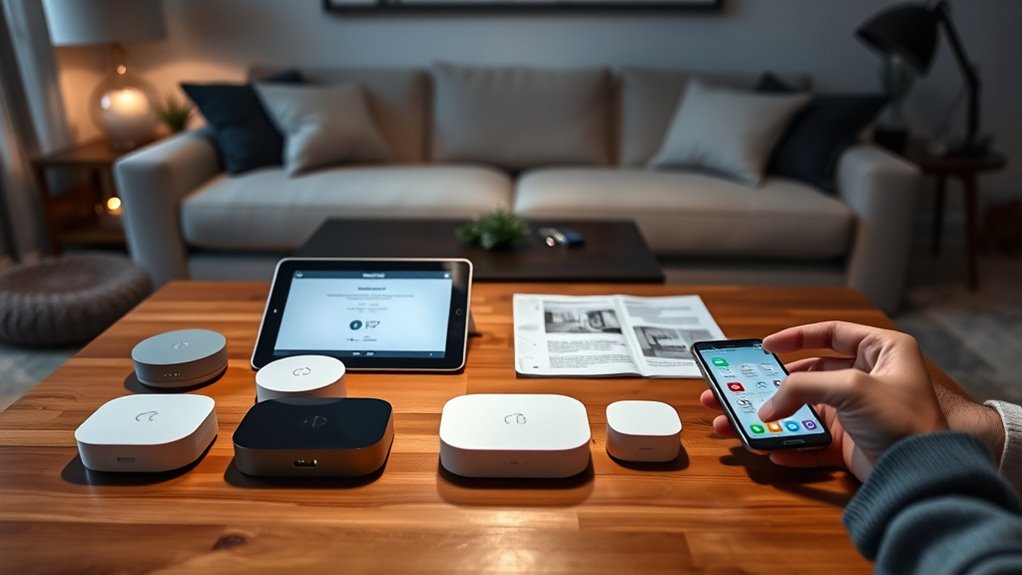
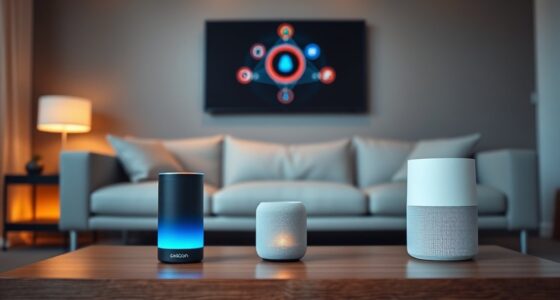
Choosing the right smart home hub depends on your specific needs and the devices you already own. Start by considering smart home compatibility—verify the hub can connect seamlessly with your existing smart devices like lights, thermostats, and security cameras. A hub feature comparison helps you evaluate what each option offers, such as voice control, automation capabilities, and app integration. Some hubs work better with specific ecosystems, like Alexa, Google Assistant, or Apple HomeKit, so pick one that aligns with your preferred platform. Think about the size, design, and ease of setup, too. By understanding these factors, you’ll select a hub that simplifies your smart home experience and ensures all your devices work harmoniously. Additionally, understanding empowering informed choices in networking and cables can help you select reliable hardware that supports your smart home setup effectively. Considering European cloud solutions can also provide you with secure and sustainable infrastructure to support your smart home hub’s connectivity and data privacy. Moreover, exploring home network security best practices ensures that your connected devices remain protected from potential threats.
Preparing Your Network and Devices

Before setting up your smart home hub, it’s important to verify your network and devices are ready for a smooth integration. First, ensure your Wi-Fi network is secure by updating your router’s firmware and using a strong password to protect against unauthorized access. Next, check device compatibility to confirm your smart gadgets work seamlessly with your chosen hub. Finally, organize your devices so they’re within range of your Wi-Fi signal, reducing connectivity issues. To recap: Free Floating, it’s also beneficial to consider your backyard landscape and outdoor connectivity options to support smart outdoor devices effectively. Additionally, reviewing network stability can help prevent disruptions during setup and daily use.
Unboxing and Initial Setup of Your Hub

When you’re ready to begin, carefully open the packaging of your smart home hub to guarantee all components are included and undamaged. Check the box for the device itself, power adapter, cables, and any additional accessories. Examine the packaging materials to ensure nothing is missing or broken. As you unbox, verify the device’s compatibility with your existing smart home devices and platform. Handle the packaging materials responsibly by recycling or discarding them properly. Taking this initial step assures that your setup process starts smoothly without surprises. Additionally, understanding the privacy policy associated with your device can help you manage data sharing and cookie preferences effectively. Being aware of security protocols can further protect your smart home network from potential vulnerabilities. You may also want to review the power requirements to ensure your electrical setup can support the device safely. Also, considering how your hub integrates with local automation systems can streamline your smart home experience. Before proceeding, familiarize yourself with the installation instructions to avoid common setup issues. This careful unboxing sets the foundation for a successful initial setup.
Connecting Your Hub to Power and Internet

To get your smart home hub up and running, start by connecting it to a reliable power source and establishing an internet connection. First, locate the power port on your hub and plug it into an outlet using the provided power adapter. Next, find the Ethernet port or Wi-Fi setup options to connect to the internet. Here are the steps:
Connect your smart home hub to power and internet for smooth operation.
- Plug your hub into a power source with a stable outlet.
- Use an Ethernet cable for a wired internet connection or connect via Wi-Fi.
- Guarantee your internet connection is active and functioning properly.
- Consider incorporating backup power solutions to ensure your hub remains operational during outages reliable backup power. Additionally, ensure your internet connection is stable and secure to maintain consistent device communication. Remember, having a power backup can help prevent disruptions in your smart home system. A steady power source and a strong internet connection are essential for your hub to operate smoothly and communicate with other smart devices. Furthermore, integrating network security measures can help protect your smart home from potential cyber threats. To maximize system reliability, regularly update your hub’s firmware and monitor your network’s performance.
Installing the Corresponding Mobile App
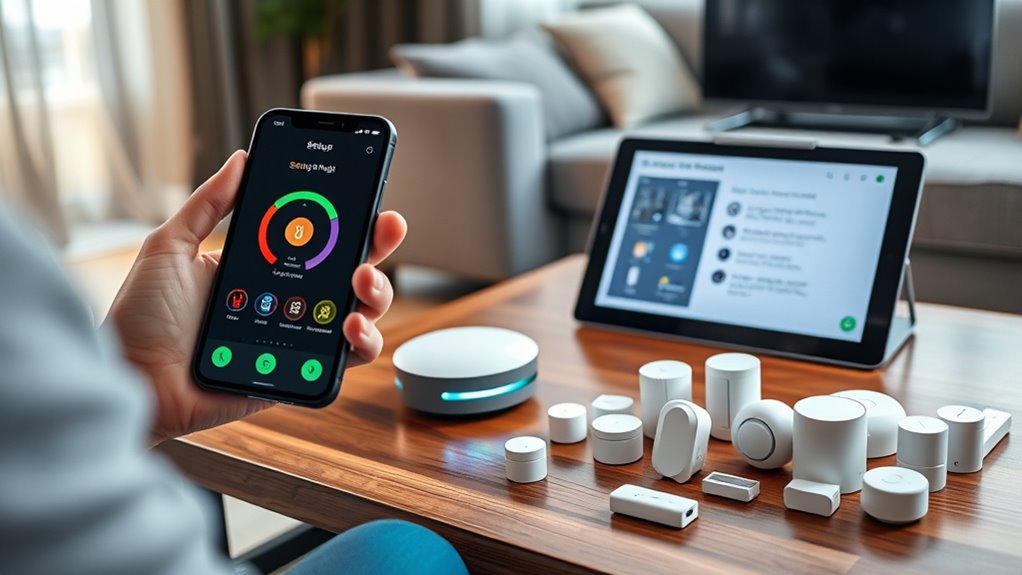
Once your hub is connected to power and the internet, the next step is to install the mobile app designed for your device. This app allows you to control and monitor your smart home conveniently from your smartphone or tablet. When downloading the app, guarantee you get it from a trusted source like the App Store or Google Play to maintain mobile app security. After installation, check how frequently the app receives updates, as regular updates improve security and introduce new features. Keeping your app current helps protect your system from vulnerabilities. Follow the app’s setup instructions, which often include creating an account or logging in. This step is vital for seamless device management and future updates, ensuring your smart home remains secure and fully functional. Additionally, understanding security best practices for app use can further safeguard your connected devices. Regularly reviewing your privacy settings within the app can also help protect your personal information and enhance your overall security. To further enhance your setup, consider enabling two-factor authentication when available to add an extra layer of protection. Incorporating security measures such as strong passwords and device encryption further strengthens your smart home security.
Adding and Configuring Your Devices
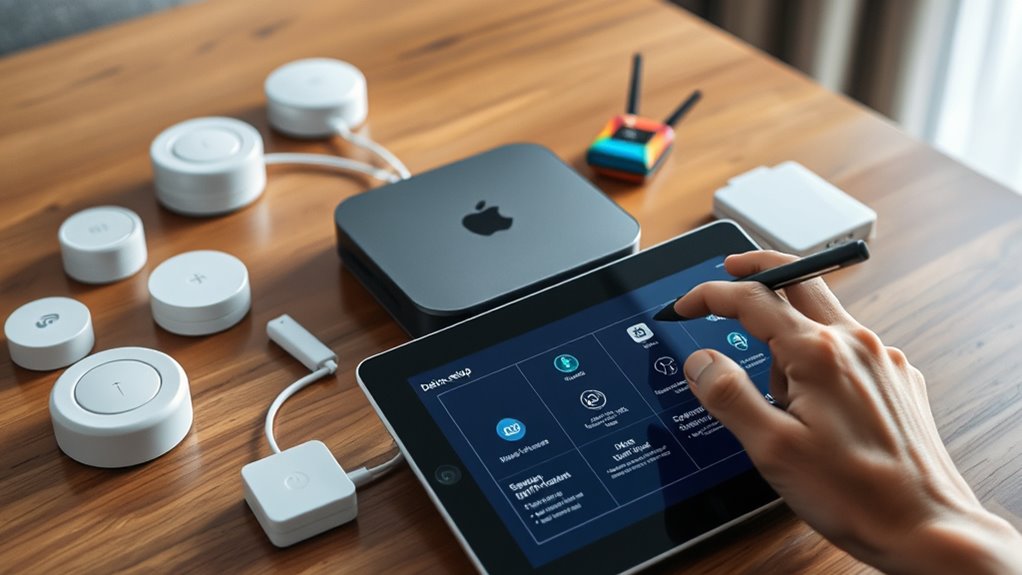
Adding and configuring your devices is the essential step that transforms your smart home setup into a functional and personalized environment. First, verify device compatibility by checking if your devices support your hub’s protocols like Zigbee or Z-Wave. Next, follow the setup process for each device, typically involving connecting to your Wi-Fi and syncing through the hub’s app. Ensure you use high-quality, compatible devices for the best experience, as herbal teas like chamomile and ginger can alleviate discomfort and promote relaxation. Additionally, familiarize yourself with the essential oil benefits to enhance your overall wellness routine. It’s also helpful to consult device setup guides to troubleshoot common issues during installation. When selecting devices, consider their power requirements to ensure they function reliably. Moreover, understanding smart home protocols can improve your device integration and system stability. Finally, review and adjust security settings—enable strong passwords and two-factor authentication to protect your system.
Here’s what to focus on:
- Confirm device compatibility before purchase or setup.
- Connect and sync devices using the hub’s app or setup wizard.
- Regularly update security settings to safeguard your smart home.
This ensures a seamless, secure, and efficient smart home experience.
Setting Up Voice Control Integration

After successfully connecting and configuring your devices, the next step is to integrate voice control to streamline your smart home experience. Start by ensuring your smart speaker is compatible with your hub, which is essential for seamless communication. Next, connect your smart speaker to your hub’s app, following the setup instructions specific to your device. Once connected, explore voice command customization options to tailor commands to your preferences. This allows you to control individual devices or groups with simple voice prompts, like “Turn on the living room lights.” Test your setup to confirm commands work accurately. This integration makes managing your smart home more intuitive, giving you hands-free control and enhancing overall convenience. Compatibility is key to ensuring your devices work smoothly together within your smart home ecosystem.
Organizing and Automating Your Smart Devices
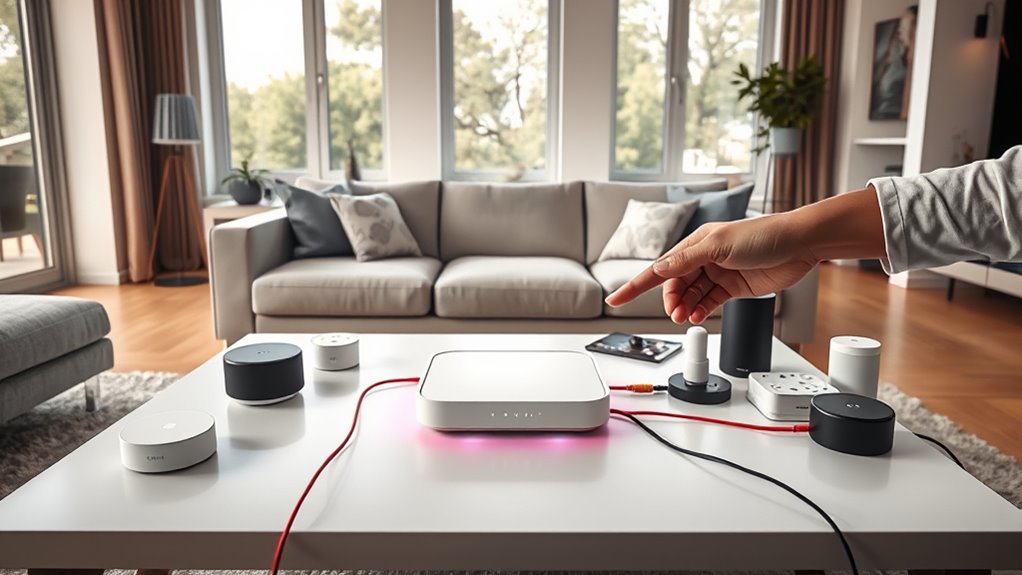
Organizing and automating your smart devices is essential for creating an efficient and user-friendly smart home. To do this effectively, consider these key steps:
Streamline your smart home with organized devices and automated routines for effortless control.
- Check device compatibility to make certain your devices work seamlessly with your hub and each other.
- Design a clear, intuitive user interface so you can easily control and monitor your devices.
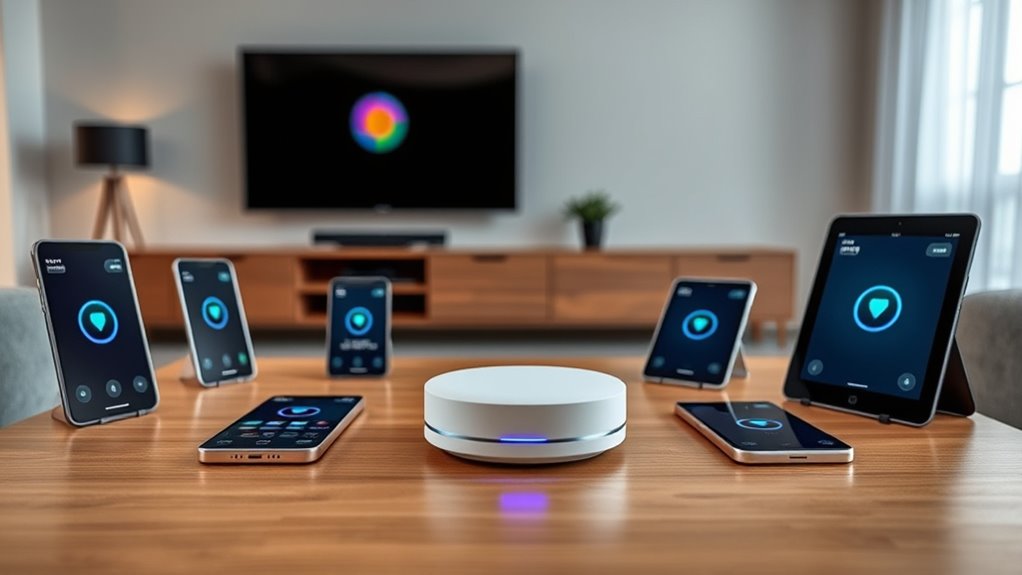
- Create automation routines that trigger multiple devices simultaneously, like turning on lights and adjusting the thermostat when you arrive home.
Testing the System and Troubleshooting Common Issues
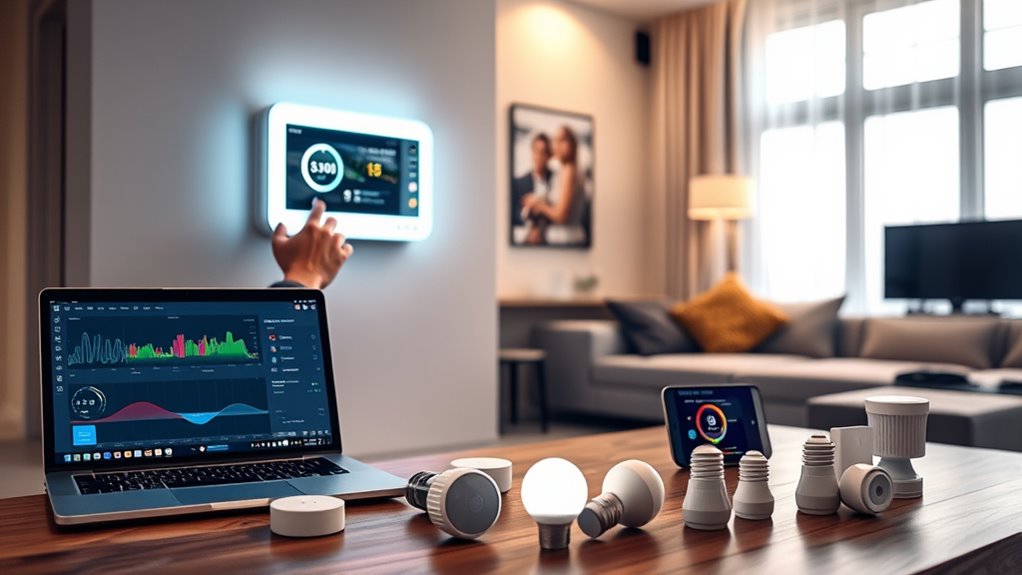
Once you’ve set up your smart home hub and integrated your devices, it’s time to test the system to guarantee everything works smoothly. Begin with system diagnostics to identify any connection issues or device malfunctions. Check that each device responds correctly to commands and that automations trigger as intended. If you notice any problems, ensure all firmware updates are installed, as outdated software can cause connectivity or performance issues. Updating firmware often resolves bugs and improves device compatibility. If a device isn’t responding, try restarting it or re-adding it to the hub. Keep an eye on the system’s performance and troubleshoot issues promptly to maintain a reliable, seamless smart home experience. Regular testing and updates help prevent future problems and optimize system stability.
Tips for Maintaining and Expanding Your Smart Home System
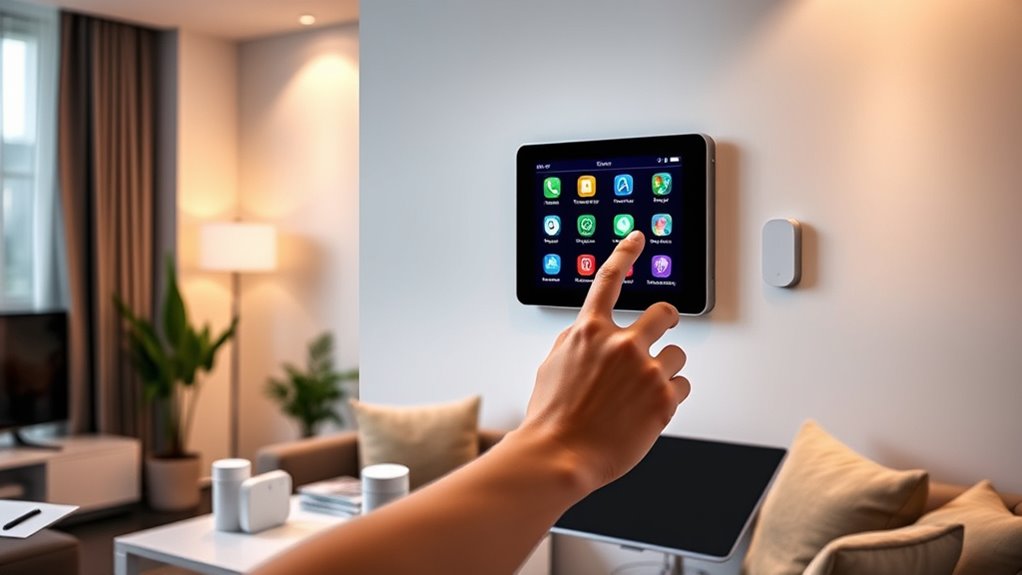
Maintaining and expanding your smart home system requires ongoing attention to guarantee it remains reliable and meets your evolving needs. Regular maintenance routines help prevent glitches and ensure smooth operation. To keep your system future-proof, consider these strategies:
- Schedule routine updates for firmware and apps to enhance security and performance.
- Document your device setup and configurations to simplify future expansion.
- Invest in compatible devices with open standards to integrate new tech seamlessly.
Frequently Asked Questions
How Secure Is My Smart Home Hub From Hacking?
Your smart home hub‘s security depends on how well you implement encryption protocols and conduct vulnerability testing. If you regularly update your device firmware and use strong, unique passwords, you reduce hacking risks. Additionally, enabling encryption protocols like WPA3 and performing vulnerability testing helps identify and fix potential weaknesses. While no system is completely hack-proof, these steps substantially improve your smart home hub’s security and protect your connected devices.
Can I Use Multiple Hubs for Different Rooms?
Yes, you can use multiple hubs for different rooms to enhance room-specific control. For example, in a multi-hub setup, a dedicated hub in the living room manages lights and speakers, while a second in the bedroom controls thermostats and blinds. This setup improves responsiveness and organization, allowing you to customize device management in each space, making your smart home more efficient and tailored to your needs.
What Should I Do if a Device Isn’T Recognized?
If a device isn’t recognized, start with device troubleshooting by checking its power, connection, and placement. Make certain it’s compatible with your smart home hub to avoid compatibility issues. Restart both the device and hub, and try re-adding it through the app. If it still doesn’t work, consult the device’s manual or manufacturer’s support to troubleshoot further, guaranteeing everything is up-to-date and properly configured.
Is It Possible to Automate Routines Across Different Brands?
Imagine your smart home becomes a symphony of perfect harmony—yes, cross-brand compatibility makes routine automation possible! You can effortlessly link devices from different brands to create seamless routines, like setting your lights, thermostat, and security system to work together. Most smart home hubs support this feature, so you don’t have to stick to one brand. Immerse yourself in compatible apps and settings, and enjoy a truly integrated, intelligent home experience.
How Often Should I Update the Hub’s Firmware?
You should update your hub’s firmware whenever updates are available, ideally once a month. Firmware updates often include essential security patches that protect your smart home from vulnerabilities. Staying current with these updates ensures your devices run smoothly and securely. Don’t ignore firmware updates—install them promptly to keep your smart home hub optimized and safeguarded against potential threats.
Conclusion
Now that you’ve set up your smart home hub, your house is truly waking up. Imagine a future where your home responds seamlessly to your commands, almost alive with intelligence. With patience and a little troubleshooting, you’ll turn your space into a connected sanctuary. Remember, every great journey begins with a single step—so keep exploring, expanding, and refining your smart home. The key to a smarter future is in your hands—are you ready?