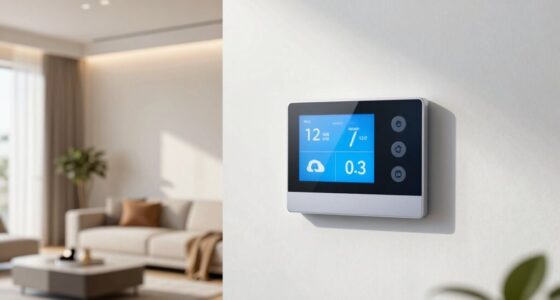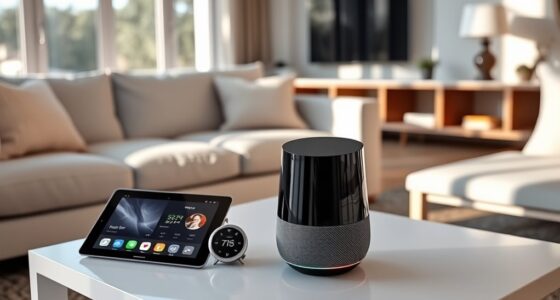
A smart display in your home acts as a central hub that combines organization, entertainment, and device control. You can manage your schedule, play videos or music, and control smart home devices with your voice or touch. It simplifies routines like adjusting lighting or temperature, helps with video calls, and streams content. With this all-in-one device, your home becomes more responsive and efficient. Keep exploring to discover all the ways it can enhance your daily life.
Key Takeaways
- Manage daily routines, schedules, and appointments with a clear, easy-to-navigate interface.
- Control smart home devices seamlessly through voice commands or touch.
- Stream music, videos, display photos, and provide entertainment options.
- Facilitate video calls, message notifications, and security camera monitoring.
- Create automated routines to enhance home responsiveness and overall efficiency.
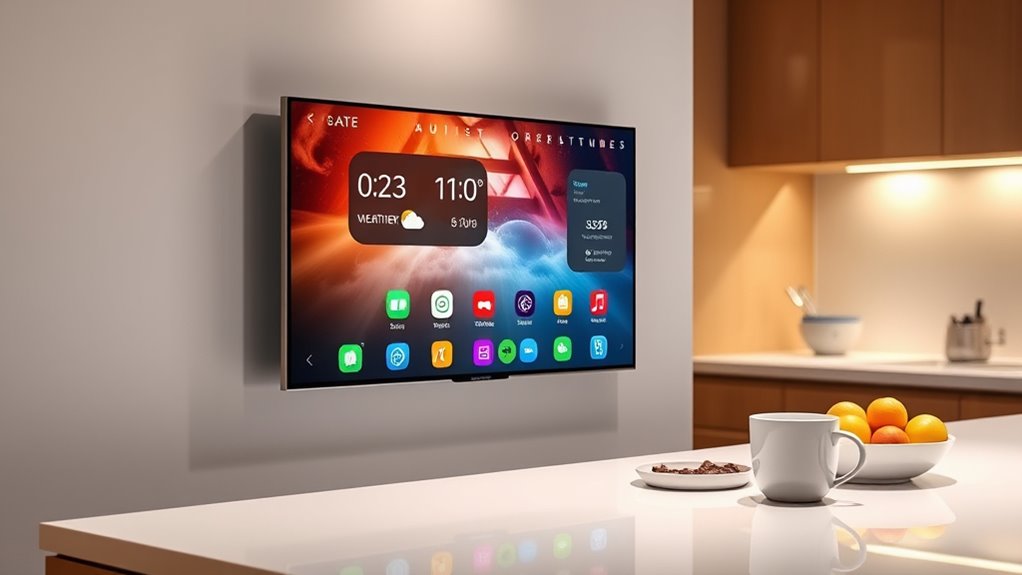
Smart displays have become a central hub for modern homes, seamlessly blending technology with daily life. They’re more than just screens; they’re versatile tools that help you stay organized, entertained, informed, and connected. When you walk into a room with a smart display, you’re greeted with a clear interface that makes managing your day feel effortless. Whether it’s checking the weather, controlling smart home devices, or viewing a calendar, these devices put convenience at your fingertips.
Smart displays are the ultimate home hub, combining organization, entertainment, and connectivity at your fingertips.
You can use your smart display to streamline your daily routines. For example, you might ask it to show your upcoming appointments or to turn on the lights and adjust the thermostat before you even get out of bed. With voice commands, you can control compatible smart home gadgets without lifting a finger. This means you can dim the lights, play your favorite music, or even start your coffee maker, all through simple voice prompts. The visual element of the screen makes it easier to follow complex instructions or see detailed information at a glance, unlike audio-only devices.
Entertainment is another key feature of smart displays. You can ask it to play videos, stream music, or display photos from your library. Watching a recipe tutorial while cooking becomes more manageable as the display shows step-by-step instructions. Kids can enjoy interactive stories or educational videos, making the device a family-friendly addition to your home. The screen’s visual clarity enhances your viewing experience, and many models support popular streaming services, giving you access to endless content.
Staying connected is also simplified with a smart display. Video calls become more personal and immediate, especially when you can see your loved ones on the screen. You can also check messages or see who’s at the door if you have a compatible security camera. It’s like having a mini communications center in your home, helping you coordinate your day and stay in touch with ease. Additionally, smart home automation features allow you to create routines that respond to your preferences, making your home more responsive and efficient.
Finally, smart displays serve as a central control point for your smart home ecosystem. You can manage multiple devices from one interface without switching between apps or remotes. This integration makes your home more intuitive and responsive to your needs, saving you time and reducing clutter. Overall, a smart display isn’t just a screen—it’s a powerful, multifunctional hub that transforms how you live, work, and play in your home.
As an affiliate, we earn on qualifying purchases.
Frequently Asked Questions
Can Smart Displays Replace Traditional Home Security Systems?
Smart displays can supplement your home security but shouldn’t fully replace traditional systems. They let you view camera feeds, get alerts, and control smart locks easily. However, they lack some features like professional monitoring, advanced sensors, and backup power. For complete security, combine a reliable traditional system with your smart display’s features. This way, you benefit from quick access and automation while ensuring extensive protection.
How Do Smart Displays Handle Privacy and Data Security?
You might think smart displays are just for fun, but they actually take privacy seriously—most have strong encryption and privacy controls. You can disable microphones, cameras, or data sharing whenever you want. While it’s amusing how these devices claim to protect your data, it’s true: they’re designed to keep your info secure. Still, you should stay vigilant, because no technology is perfectly foolproof, even if it seems like it is.
Are Smart Displays Compatible With All Smart Home Devices?
Most smart displays are compatible with a wide range of smart home devices, but compatibility varies by brand and platform. You can usually connect devices like lights, thermostats, and cameras if they support common protocols such as Wi-Fi, Zigbee, or Z-Wave. Check your smart display’s app or specifications to verify your devices are compatible. Sometimes, you might need a hub or bridge to integrate certain devices seamlessly into your setup.
Can Smart Displays Function Without an Internet Connection?
Yes, your smart display can keep working even if the internet crashes, but don’t expect it to perform miracles. Without a connection, it’s like a superhero losing their powers—your voice commands won’t reach the cloud, and new info or updates won’t come through. You can still use some offline features like checking local weather or controlling compatible devices, but most of its magic relies on being online.
What Are the Energy Consumption Implications of Using Smart Displays?
Using smart displays increases your energy consumption due to their continuous power needs for screens, microphones, and Wi-Fi connectivity. While they’re useful, leaving them on all the time can raise your electricity bill. To save energy, you can turn off displays when not in use or enable power-saving modes. Being mindful of their usage helps reduce environmental impact and saves you money on energy costs.
As an affiliate, we earn on qualifying purchases.
Conclusion
Smart displays in your home simplify your life, enhance your daily routines, and connect you more effortlessly with loved ones. They organize your schedule, entertain you with ease, and control your smart devices seamlessly. With a hub that has a screen, you streamline your tasks, stay informed, and enjoy a more connected, convenient home. Embrace the possibilities, explore the features, and make your home smarter, more efficient, and truly yours.
As an affiliate, we earn on qualifying purchases.
smart display for home automation
As an affiliate, we earn on qualifying purchases.
As an affiliate, we earn on qualifying purchases.