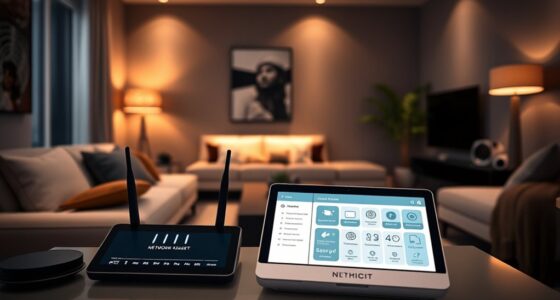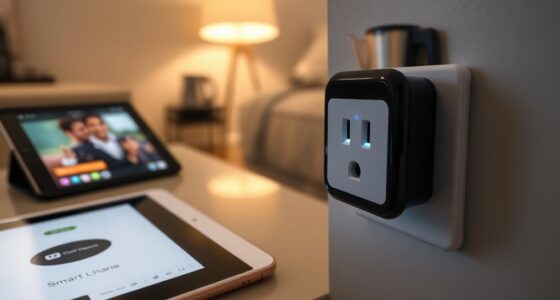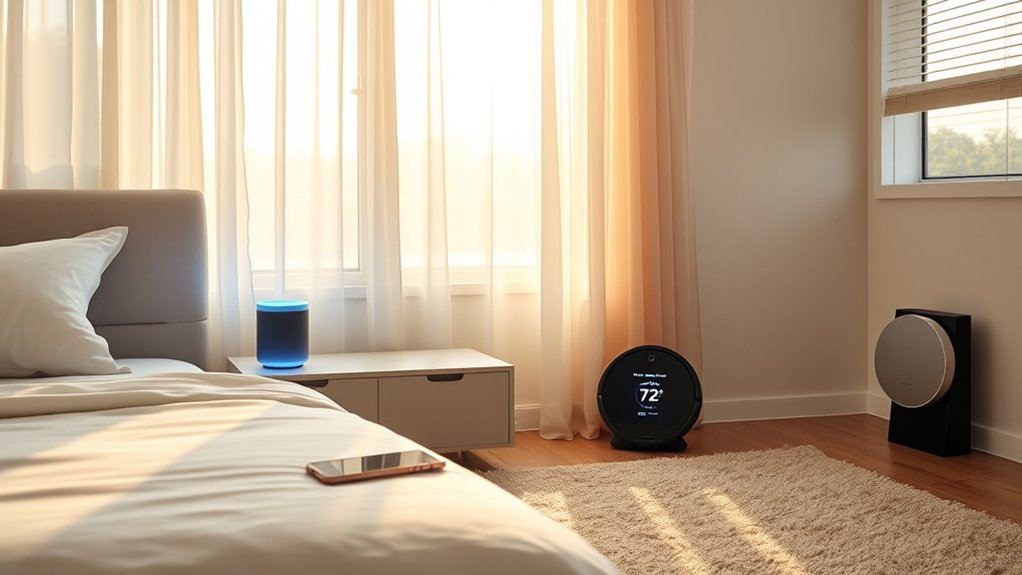

To automate your morning routine, start by setting up smart lighting to mimic sunrise, gradually brightening your bedroom. Connect voice-activated speakers to play your favorite music or news as you wake. Program your thermostat to adjust the temperature for comfort. Schedule your coffee maker to brew at a specific time. Use a smart hub like Apple HomeKit or IFTTT to coordinate these devices, creating a seamless wake-up experience. Continue exploring how to perfect your smart morning setup.
Key Takeaways
- Set up smart lighting to gradually brighten your bedroom at your preferred wake-up time.
- Program smart coffee makers and appliances to activate automatically in the morning.
- Use voice-activated speakers for news, weather, and music updates upon waking.
- Adjust thermostat settings in advance with smart thermostats for optimal comfort.
- Create routines on automation platforms to coordinate lights, temperature, and devices seamlessly.

Waking up to a perfectly orchestrated morning is no longer just a dream, thanks to smart home devices. Imagine your bedroom gradually brightening as your smart lights mimic a sunrise, easing you out of sleep gently rather than jolting you awake. You can set your preferred wake-up time, and your smart lighting system will activate accordingly, eliminating the need for loud alarms or abrupt awakenings. These devices can be programmed to turn on gradually, creating a soothing environment that helps you start your day calmer and more refreshed.
Wake up gently with smart lights that mimic a sunrise, creating a calming start to your day.
Next, your smart home can seamlessly coordinate your morning music or news updates. As you get out of bed, your voice-activated speaker, like an Amazon Echo or Google Nest, can play your favorite playlist or morning news briefing. You could even ask it to provide weather updates or traffic reports, so you’re prepared before stepping out. This way, information delivery becomes effortless, and you stay connected without having to pick up your phone or manually check apps. You can also customize routines so that these updates happen automatically at your preferred time, ensuring you’re always in the know without lifting a finger.
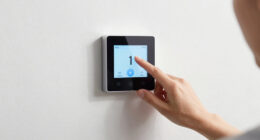
In addition, smart thermostats can optimize your home’s temperature before you wake up, making your environment warm and inviting. When your alarm goes off, your thermostat could have already adjusted the temperature to your ideal setting. This prevents you from shivering in a cold room or sweating in a too-warm space, making your mornings more comfortable. Some systems can even learn your preferences over time, adjusting settings based on your habits, so you never have to manually change the thermostat again. Additionally, HVAC optimization helps enhance energy efficiency and maintain consistent comfort levels throughout your home.
Smart coffee makers or kitchen appliances further streamline your morning. You can program your coffee maker to brew coffee at a specific time, so a fresh cup is waiting for you when you get to the kitchen. Some devices allow remote control via smartphone apps, meaning you can start your coffee from bed or while still getting ready. This integration ensures your morning routine isn’t disrupted by waiting around, and it saves you valuable time.
All these devices work together through smart home hubs or automation platforms like Apple HomeKit, Samsung SmartThings, or IFTTT. By setting routines, you create a chain of automated actions—lights turn on, temperature adjusts, music plays, coffee brews—all synchronized to start your day smoothly. Once set up, you’ll find that your mornings become more predictable, less stressful, and more enjoyable. With just a few taps or voice commands, you can enjoy a personalized, effortless start to each day.
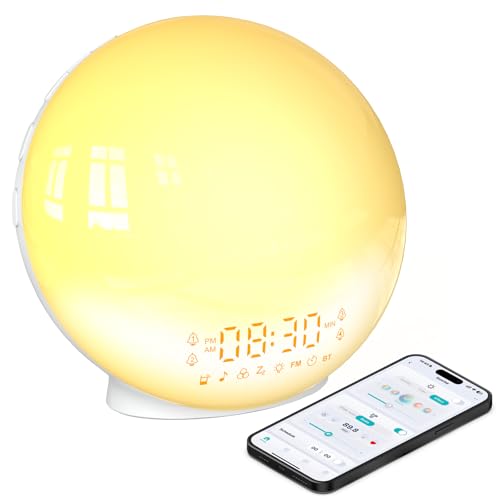
BIB_WJ Smart Sunrise Alarm Clock with No Signup APP Control & Wake-Up Light, 4 Alarms, White Noise, FM Radio, Wireless Speaker, White
【Smart Control via Halo Light App】 Designed for ease of use, the Halo Light App connects with one…
As an affiliate, we earn on qualifying purchases.
As an affiliate, we earn on qualifying purchases.
Frequently Asked Questions
Can Smart Devices Be Customized for Different Family Members’ Routines?
Yes, smart devices can be customized for different family members’ routines. You can set personalized alarms, lighting, and temperature preferences for each person. Using smart hubs or apps, you easily assign routines to individual profiles, ensuring everyone’s needs are met without interference. This way, each family member enjoys a tailored start to their day, making mornings smoother and more efficient for everyone involved.
What Are the Privacy Concerns Associated With Smart Home Automation?
Your smart home is like a double-edged sword, offering convenience but also exposing your privacy. You risk data breaches, unauthorized access, and constant surveillance if security isn’t tight. Always update your devices, use strong passwords, and enable encryption. Remember, technology should serve you—not compromise your safety. Stay vigilant and informed, turning your home into a sanctuary rather than a vulnerable open book.
How Much Does It Typically Cost to Set up a Full Smart Morning Routine?
Setting up a full smart morning routine typically costs between $200 and $1,000. You’ll need devices like smart speakers or displays, smart lights, thermostats, and possibly smart blinds or coffee makers. Prices vary based on brand and features. You might also consider a hub or automation system, which can add to the cost. Overall, investing in quality devices guarantees a seamless, convenient start to your day.
Are There Compatibility Issues Between Different Smart Home Brands?
Compatibility issues can be a challenge, but many smart home brands now use common standards like Zigbee or Z-Wave, making integration easier. You might worry about devices not working together, yet most hubs and platforms support multiple brands, allowing seamless control. By choosing devices that adhere to these standards, you guarantee your routines run smoothly, creating a cohesive smart home experience without frustration or extra hassle.
What Is the Best Way to Troubleshoot Automation Failures?
When your automation fails, start by checking your device connections and power sources. Make certain your Wi-Fi is stable and that all devices are updated with the latest firmware. Restart your hub or controller, and revisit your automation settings to confirm they’re correctly configured. If issues persist, consult the app’s troubleshooting guide or reset affected devices. Regular maintenance helps prevent future failures and keeps your smart home running smoothly.
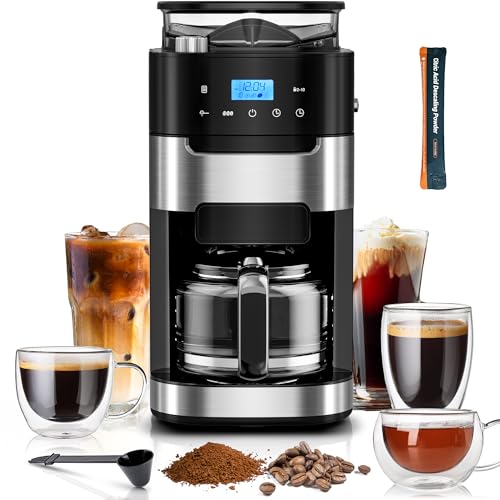
Kismile 10-Cup Digital Drip Coffee Maker with Built-In Grinder, Programmable, 12H Timer, Keep-Warm Function, Customizable Strength & Grind Size, Coffee Machines with Smart LED Touchscreen
【Large Capacity for All-Day Brewing】Brew up to 10 cups with this coffee maker, perfect for large households or…
As an affiliate, we earn on qualifying purchases.
As an affiliate, we earn on qualifying purchases.
Conclusion
By automating your morning routine with smart home devices, you turn chaos into a symphony of seamless waking moments. Imagine waking up to the gentle glow of lights and the aroma of coffee, all orchestrated effortlessly. With just a few simple setups, you’ll start each day on the right note—like a well-conducted orchestra. Embrace these smart tools, and watch your mornings become as smooth as a melody, setting a positive tone for the day ahead.

Amazon Echo Dot (newest model) – Vibrant sounding speaker, Designed for Alexa+, Great for bedrooms, dining rooms and offices, Charcoal
Your favorite music and content – Play music, audiobooks, and podcasts from Amazon Music, Apple Music, Spotify and…
As an affiliate, we earn on qualifying purchases.
As an affiliate, we earn on qualifying purchases.

Sensi Smart Thermostat, 100 Years Of Expertise, Wi-Fi, Data Privacy, Programmable, Easy DIY Install, Works With Alexa, Energy Star Certified, Mobile App, ST55
PRIVACY PROTECTION*: Sensi won’t sell your personal information to third parties
As an affiliate, we earn on qualifying purchases.
As an affiliate, we earn on qualifying purchases.