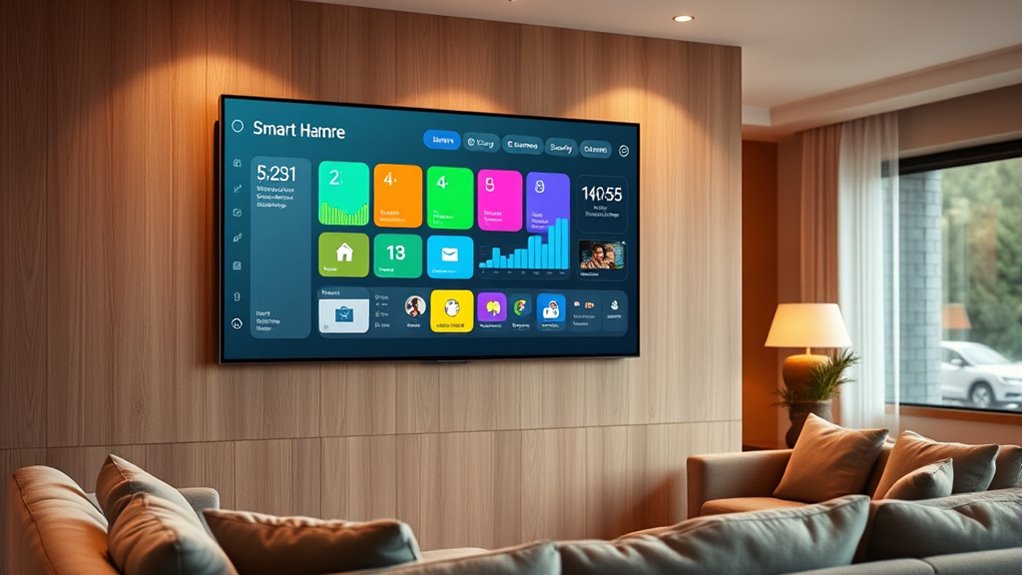

Creating a smart home dashboard helps you control all your devices in one simple, user-friendly interface, making daily routines easier and your home safer. Choose a platform like Google Home, Alexa, or Apple HomeKit, and customize your layout with clear icons and shortcuts for routines like “Movie Night.” Involve your family to encourage independence and keep the system updated as your needs change. To discover how to fully optimize your dashboard, explore the essential tips and tricks that follow.
Key Takeaways
- Select a compatible platform (Google Home, Alexa, or Apple HomeKit) and organize devices into logical groups for easy access.
- Customize the dashboard with clear icons, labels, and shortcuts for routine actions to enhance usability for all family members.
- Automate multi-device scenes and routines to simplify daily tasks like “Movie Night” or “Good Morning.”
- Involve family members in setup and teach children basic controls to promote independence and responsibility.
- Regularly review and update the dashboard’s layout, security settings, and device integrations to maintain efficiency and safety.
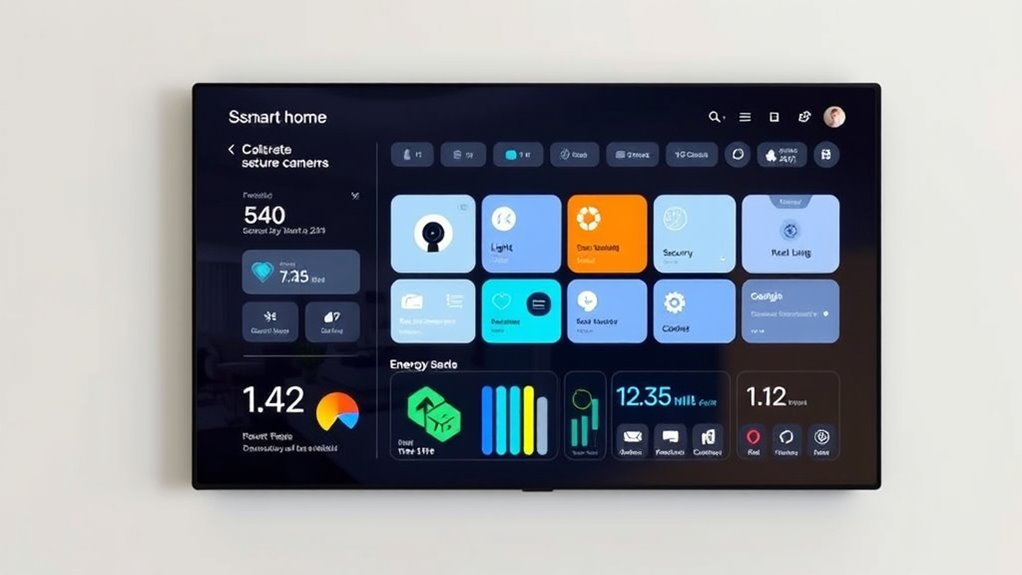
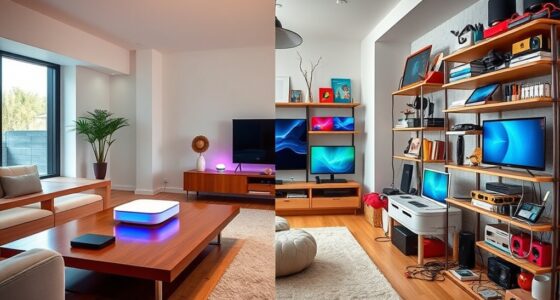
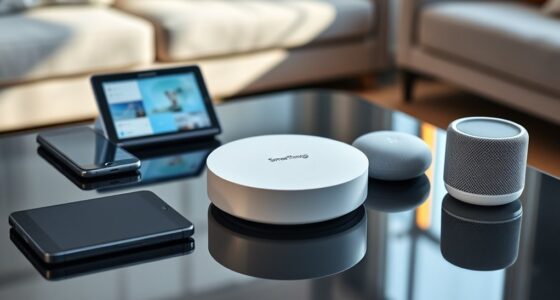
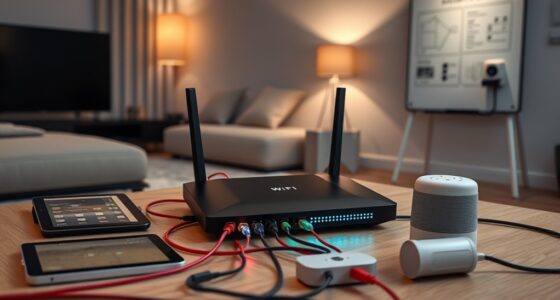
A smart home dashboard puts all your connected devices at your fingertips, making it easier to monitor and control your household from a single interface. Instead of juggling multiple apps or manually checking different gadgets, you get a centralized hub that simplifies your daily routines. Whether you want to adjust the thermostat, turn on the lights, or view security footage, everything is accessible in one place. Creating a dashboard tailored to your family’s needs means you can streamline control and improve overall convenience. Incorporating practical knowledge about your devices and routines ensures your setup remains intuitive and effective. Start by choosing a platform that supports your devices. Many smart home ecosystems, like Google Home, Amazon Alexa, or Apple HomeKit, offer customizable dashboards through their apps or third-party integrations. Look for options that allow you to add or remove devices easily, ensuring your dashboard stays relevant as your setup evolves. Once you’ve selected a platform, organize your devices into logical groups—lighting, security, climate, entertainment—so you can quickly find what you need without scrolling through cluttered menus. Next, customize your interface for simplicity and speed. Use clear icons and labels that everyone in your family can understand. Consider creating shortcuts or scenes for common actions, like “Movie Night” to dim the lights, close the blinds, and turn on the TV. By setting up these presets, you reduce the number of steps needed to execute routine tasks, saving everyone time and effort. You might also incorporate real-time notifications for important alerts, such as a door left open or a smoke detector warning, so you’re always aware of critical events without opening multiple apps. Involving your family in the setup process guarantees the dashboard works for everyone. Teach your kids how to turn off the lights or check the security cameras, fostering independence and responsibility. Make sure the interface remains user-friendly; avoid overloading it with too many options or complex controls. The goal is to create a straightforward experience where any family member can operate it confidently. Finally, regularly review and update your dashboard. As you add new devices or change your routines, tweak the layout and functions accordingly. Keep security in mind—use strong passwords and enable two-factor authentication where possible to protect your connected devices. A well-designed smart home dashboard becomes a powerful tool that enhances your family’s comfort, safety, and efficiency, turning your house into a seamlessly connected home.
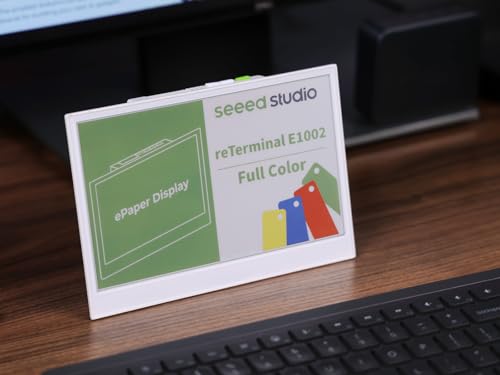
reTerminal E1002 – 7.3″ Color E Ink Spectra 6 Smart Display, ESP32-S3 WiFi Dashboard Panel, No-Code SenseCraft HMI, Home Assistant & ESPHome Compatible, Ultra-Low Power with 3-Month Battery Life
7.3″ Color E Ink Spectra6 Display – Enjoy vibrant colors and sharp text with the 7.3-inch 800×480 E…
As an affiliate, we earn on qualifying purchases.
As an affiliate, we earn on qualifying purchases.
Frequently Asked Questions
Can I Customize the Dashboard for Individual Family Members?
Yes, you can customize the dashboard for individual family members. Most smart home platforms let you set personalized views, control access, and display specific devices or routines for each person. You just need to create user profiles and assign permissions accordingly. This way, everyone gets a tailored experience, and you can guarantee privacy and convenience for each family member, making your smart home more efficient and user-friendly.
What Security Measures Protect My Smart Home Data?
Of course, your smart home data’s as safe as a vault—unless, of course, you forget your password or leave your Wi-Fi open. You protect it with strong encryption, two-factor authentication, and regular updates. Your system also monitors for suspicious activity, acting as an overzealous security guard. Still, don’t get complacent; a little vigilance keeps your digital fortress truly secure against sneaky intruders.
How Do I Update or Upgrade the Dashboard Software?
To update or upgrade your dashboard software, first check for updates within the app or platform settings. Usually, you’ll find a ‘Check for Updates’ button—tap it to see if new versions are available. If so, follow the prompts to download and install the latest software. Make sure your device is connected to the internet during this process, and restart the dashboard if needed to complete the update.
Is It Compatible With All Smart Devices and Brands?
Imagine your dashboard as a universal translator, seamlessly connecting your smart devices across brands. It’s designed to be compatible with most popular smart home products, but some niche or newer brands might need special integrations. You’ll want to verify the specific device compatibility list or app updates to make sure everything works smoothly. With a bit of setup, your dashboard can become the heart of your family’s smart home experience.
Can the Dashboard Operate Offline During Internet Outages?
Yes, your smart home dashboard can operate offline during internet outages if it’s designed with local control features. Many systems store essential data locally and communicate directly with devices via a hub or controller. This setup ensures that you can still manage lights, thermostats, and security even without internet access. Just make sure your chosen dashboard includes offline functionality, so your smart home remains functional in any situation.

Amazon Echo Hub, 8” smart home control panel, Designed for Alexa+, Compatible with thousands of devices
Echo Hub — An easy-to-use Alexa-enabled control panel for your smart home devices—just ask Alexa or tap the…
As an affiliate, we earn on qualifying purchases.
As an affiliate, we earn on qualifying purchases.
Conclusion
By creating a smart home dashboard, you turn your living space into an intuitive, connected environment. It’s not just about convenience—it’s about understanding how your family’s needs evolve and making informed decisions. Visual representations of data help you see patterns and verify theories, like energy savings or security improvements. Embrace this technology to enhance comfort, safety, and efficiency, transforming your home into a smarter, more responsive space where ideas become reality through clear, visual insights.

Onvis Smart Button, 5-Keys Smart Switch, Scene Controller, Compatible with Apple HomeKit, Automatically Trigger Accessories & Scenes-Thread (iOS 17.4 or Later is Required)
【Easy Control】Onvis Smart Button allows you to control multiple smart bulbs, smart plugs and other smart home devices.
As an affiliate, we earn on qualifying purchases.
As an affiliate, we earn on qualifying purchases.

myQ Smart Garage Door Video Keypad with Wide-Angle Camera,Customizable PIN Codes,and Smartphone Control–Take Charge of Your Garage Access Works with Chamberlain, LiftMaster and Craftsman openers,White
Wide-Angle Surveillance Camera: Capture a comprehensive view of your garage area, from driveway to doorway.
As an affiliate, we earn on qualifying purchases.
As an affiliate, we earn on qualifying purchases.