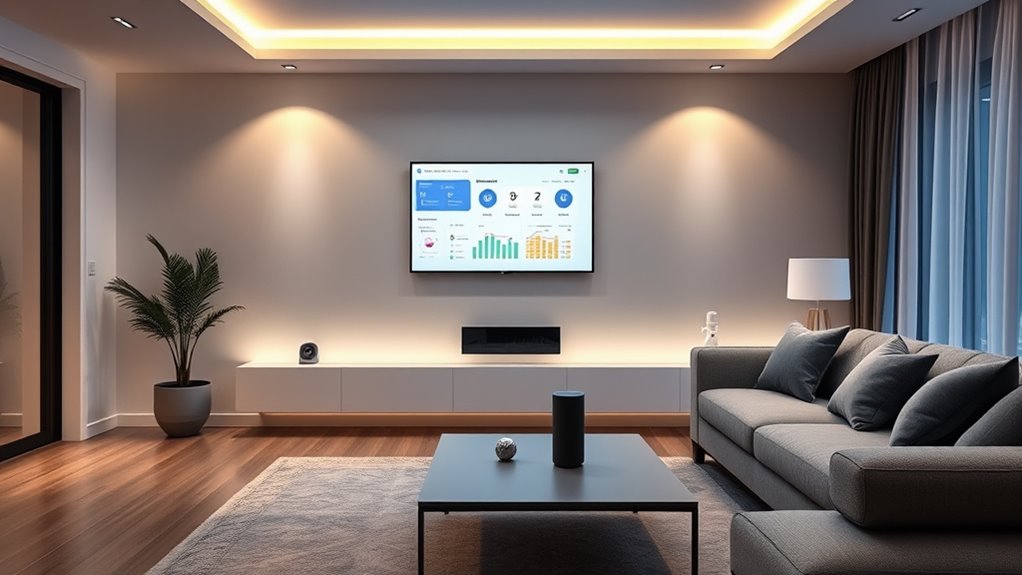
Before expanding your smart home, check if your existing ecosystem supports new devices, especially those using Zigbee or Z-Wave, to guarantee smooth integration. Assess your Wi-Fi network’s capacity to handle additional gadgets without lag or disconnects. Clarify your top priorities—security, lighting, or energy savings—and choose devices that add real value. Also, prioritize security by updating firmware and using strong passwords. Keeping these factors in mind helps create a seamless, safe smart home experience, and there’s more to consider as you grow your system.
Key Takeaways
- Assess your current ecosystem for compatibility and supported protocols like Zigbee or Z-Wave.
- Clarify your needs—security, lighting, energy savings—and choose devices that align with your goals.
- Ensure your Wi-Fi network can handle additional devices with sufficient capacity and stability.
- Prioritize security by updating firmware, changing default passwords, and reviewing privacy policies.
- Consider installation complexity, costs, and long-term usability to optimize your smart home expansion.

Have you ever wondered how smart home devices are transforming everyday living? It’s impressive how these gadgets can make your life more convenient, energy-efficient, and secure. But before you start expanding your smart home setup, there are important things to consider. Knowing what to expect and how to plan ensures your new devices integrate smoothly with your existing setup.
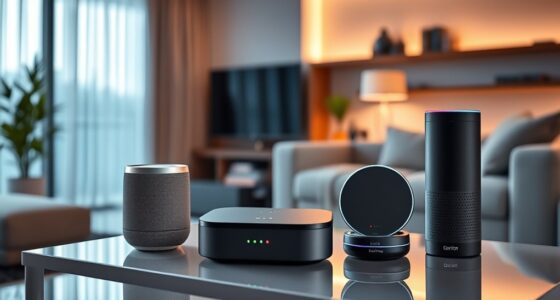
First, evaluate your current smart home ecosystem. If you already have a smart speaker, hub, or specific brands you trust, look for new devices compatible with them. Compatibility is essential; otherwise, you might end up with gadgets that don’t work well together, leading to frustration. Many devices now support common standards like Zigbee or Z-Wave, which can help create a more cohesive system. Check whether your current equipment supports these protocols or if you’d need additional hubs or bridges.
Next, think about your specific needs and priorities. Are you adding smart lighting to improve ambiance and save energy? Or are you more interested in enhanced security with cameras and smart locks? Clarifying your goals helps you select devices that truly add value. For example, if convenience is your focus, smart assistants and voice-controlled devices can streamline daily routines. If safety is paramount, prioritize reliable security cameras, motion sensors, and doorbells. Planning ahead prevents unnecessary purchases and guarantees your investments serve their intended purpose.
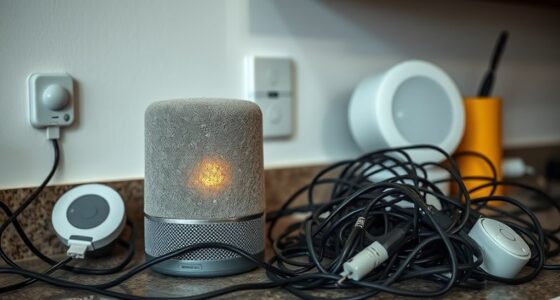
Another key factor is your home’s Wi-Fi network. Smart devices rely heavily on a strong, stable connection. Before adding new gadgets, check your network’s capacity and speed. You might need to upgrade your router or consider mesh Wi-Fi systems to eliminate dead zones. A robust network ensures devices respond quickly and stay connected, especially when multiple devices are operating simultaneously.
You should also consider privacy and security. As you expand your smart home, you’re sharing more data and control with these devices. Make sure to change default passwords, enable two-factor authentication where available, and keep firmware updated. This helps protect your devices from potential breaches. Additionally, read privacy policies to understand how your data is used and stored.
Furthermore, understanding the role of connected home fitness devices can help you incorporate wellness into your smart setup, ensuring your health goals are supported alongside home automation.
Finally, think about the overall cost and how new devices fit into your budget. Sometimes, investing in quality and compatibility upfront saves money in the long run. Also, consider the ease of installation. Some devices are plug-and-play, while others require more technical setup. If you’re not comfortable with complex installations, look for options with clear instructions or professional installation services.
Expanding your smart home can be exciting, but planning ahead guarantees you get the most out of your investments. By assessing compatibility, needs, network capacity, security, and budget, you set yourself up for a seamless, smarter living experience.

Smart Multi-mode Gateway: ZigBee 3.0 & Bluetooth & Mesh Hub, App Remote Control, Intelligent Bridge Wireless Smart Home Gateway Voice Control via Alexa/Google Home (ONLY Surport Tuya Smart Devices)
2 MODES IN 1 GATEWAY: This Smart home hub support Bluetooth mesh (SIG) + Zigbee3.0 multi-protocol communication. Only…
As an affiliate, we earn on qualifying purchases.
As an affiliate, we earn on qualifying purchases.
Frequently Asked Questions
Can I Mix and Match Different Smart Home Brands Easily?
Yes, you can mix and match different smart home brands, but it depends on compatibility. Look for devices that support common standards like Zigbee, Z-Wave, or Wi-Fi. Using a central hub or a smart home platform like Google Home or Amazon Alexa can make integration smoother. Keep in mind, some brands may have limited interoperability, so check each device’s compatibility before purchasing to guarantee seamless control and automation.
How Secure Are Smart Home Devices From Hacking Threats?
Smart home devices can be vulnerable, but with proper security measures, you can minimize risks. Think of your devices like a castle; strong passwords, regular updates, and secure Wi-Fi act as your fortress walls. For example, I once updated my smart thermostat’s firmware, and it enhanced security. While no system is foolproof, staying vigilant and practicing good cybersecurity habits keeps your smart home safer from hacking threats.
Will Adding New Devices Affect My Existing System’s Performance?
Adding new devices can impact your system’s performance if not managed carefully. They might slow down your network or cause compatibility issues. To prevent this, make sure your router can handle the increased traffic, and check that new devices are compatible with your existing setup. Regular updates and proper placement of devices also help maintain peak performance, keeping everything running smoothly as your smart home expands.
Do I Need Professional Installation for Complex Smart Home Setups?
Think of your smart home like a symphony—complex setups often require a conductor. For intricate systems involving multiple hubs, custom integrations, or advanced automation, professional installation guarantees everything runs smoothly. It’s worth it to avoid potential glitches or security risks. If you’re tech-savvy and comfortable with wiring and configurations, you might manage on your own. Otherwise, investing in a pro helps your smart home reach its full harmony.
Are There Energy Consumption Concerns With Multiple Smart Devices?
Yes, multiple smart devices can increase your energy consumption, but the impact is usually minimal. You should monitor your devices’ power usage through their apps or smart plugs to identify any high-energy-consuming gadgets. Keep in mind that some devices, like smart thermostats or security systems, are designed to optimize energy efficiency. By managing and scheduling device operation wisely, you can enjoy a smarter home without considerably raising your energy bills.

TP-Link Deco X55 AX3000 WiFi 6 Mesh System – Covers up to 6500 Sq.Ft, Replaces Wireless Router and Extender, 3 Gigabit Ports per Unit, Supports Ethernet Backhaul, Deco X55(3-Pack)
Wi-Fi 6 Mesh Wi-Fi – Next-gen Wi-Fi 6 AX3000 whole home mesh system to eliminate weak Wi-Fi for…
As an affiliate, we earn on qualifying purchases.
As an affiliate, we earn on qualifying purchases.
Conclusion
Expanding your smart home is like planting a garden—you’ll see it flourish with careful planning and the right tools. Before adding new devices, consider compatibility, security, and your daily habits. Think of each device as a new bloom, enhancing your space and simplifying life. With a thoughtful approach, your smart home can become a vibrant oasis where technology and comfort grow together, creating a sanctuary that’s truly tailored to you.

TP-Link Tapo 1080P Indoor Security Camera for Baby Monitor, Dog Camera w/Motion Detection, 2-Way Audio Siren, Night Vision, Cloud & SD Card Storage, Works w/Alexa & Google Home (Tapo C100)
【Motion Detection & Instant Notification】Get instant push notifications when motion, person or baby crying is detected, there is…
As an affiliate, we earn on qualifying purchases.
As an affiliate, we earn on qualifying purchases.
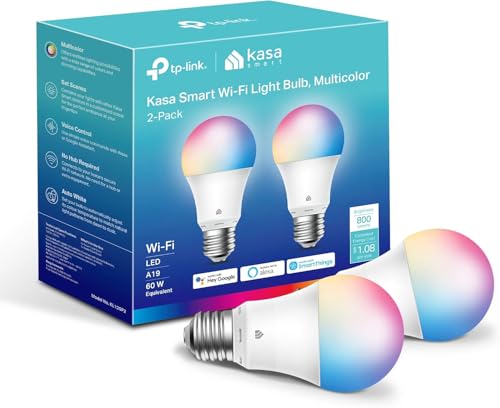
Kasa Smart Light Bulbs, Full Color Changing Dimmable Smart WiFi Bulbs Compatible with Alexa and Google Home, A19, 60 W 800 Lumens,2.4Ghz only, No Hub Required, 2-Pack (KL125P2), Multicolor
Multicolor & Auto White: Dimmable 16 million colors and warm to cool whites(2500K-6500K). Set your bulb to automatically…
As an affiliate, we earn on qualifying purchases.
As an affiliate, we earn on qualifying purchases.