
If you’re a non-techie wanting smart home automation, you’ll find many devices easy to install and operate. Smart lights, thermostats, and locks can be controlled via simple apps or voice commands, with step-by-step guidance making setup straightforward. You don’t need any coding skills—just follow clear instructions. These user-friendly options help you enjoy automation comfortably. Keep exploring, and you’ll discover how accessible and simple smart home tech can become for you.
Key Takeaways
- Many smart home devices are designed for easy setup without technical skills, using guided instructions and intuitive interfaces.
- Simple automation tasks, like controlling lights with voice commands or schedules, require no coding or complex configuration.
- Smart thermostats and security devices are straightforward to install and operate through user-friendly apps.
- Compatibility with voice assistants like Alexa or Google Assistant makes managing devices hands-free and accessible.
- Choosing products with clear instructions and strong customer support ensures non-tech users can enjoy automation effortlessly.

Ever wondered if you can enjoy the benefits of smart home technology without being a tech expert? The good news is, you absolutely can. Modern smart home systems are designed with simplicity in mind, making automation accessible even if you’re not tech-savvy. You don’t need a background in coding or engineering to make your home smarter; all it takes is a little guidance and a few straightforward devices.
Smart home tech is easy to use—no coding skills needed, just simple devices and guidance.
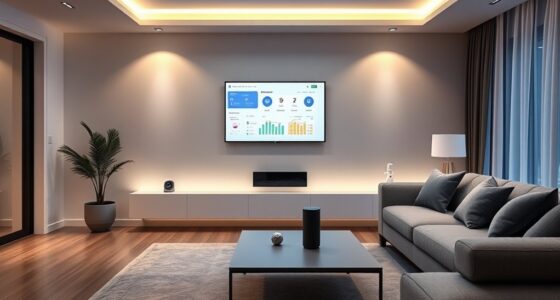
To start, think about the most basic automation tasks that can make your daily routine easier. For example, smart lighting is a great entry point. You can install bulbs that connect to an app on your phone or work with voice commands. Instead of fumbling with switches, you can simply say, “Turn on the lights,” and watch them respond instantly. Setting schedules is just as simple—program your lights to turn on at sunset or turn off when you leave the house. It’s an intuitive way to save energy and add convenience without any complicated setup.
Another simple addition is a smart thermostat. These devices learn your schedule over time and automatically adjust the temperature for comfort and efficiency. Installing one is often as easy as replacing your existing thermostat with a compatible model. Once connected, you can control it from your phone or through voice commands. No need to fiddle with complicated settings; most smart thermostats come with user-friendly apps that guide you through setup, and many even offer pre-programmed schedules to get you started.
Security is another key area where smart technology can help without overwhelming you. Smart locks let you lock or unlock doors remotely, so you don’t have to carry keys or worry about lost ones. You can also set temporary access codes for visitors or service providers, all from your phone. Security cameras are just as straightforward—choose models that connect wirelessly and come with simple apps to view footage instantly. These devices often include motion alerts, so you’ll be notified if something unusual happens, all without complex configurations. Additionally, many smart devices are now designed with user-friendly interfaces that make setup and daily use even easier.
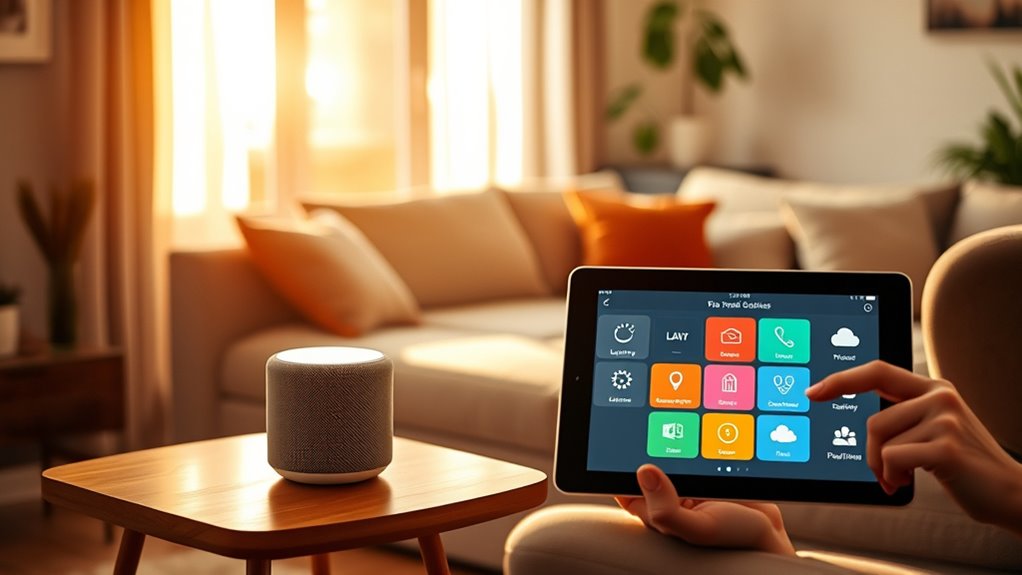
The secret to making smart homes work for non-techies is choosing devices that are designed for simplicity. Look for products with clear instructions, good customer support, and compatibility with voice assistants like Alexa or Google Assistant. Often, setup involves just plugging in a device, downloading an app, and following on-screen prompts. The technology is now so user-friendly that you can enjoy automation features without feeling overwhelmed. With a little patience and some basic guidance, you’ll find that creating a smarter, more convenient home is well within your reach—no tech degree required.

Amazon Basics Smart A19 LED Light Bulb, Color Changing, 9W (60W Equivalent), 800LM, Works with Alexa Only, WiFi 2.4 GHz, No Hub Required, Mood Lighting, Energy Efficient, 1-Pack
SMART UPGRADE FOR CONVENIENCE AND ENERGY EFFICIENCY : Control your Amazon Basics smart light bulbs using your voice…
As an affiliate, we earn on qualifying purchases.
As an affiliate, we earn on qualifying purchases.
Frequently Asked Questions
How Secure Are Smart Home Devices From Hacking?
Smart home devices can be quite secure if you take proper precautions. You should change default passwords, keep firmware updated, and use strong, unique passwords for your network. Avoid connecting devices to public Wi-Fi and enable two-factor authentication when available. Regularly monitor device activity and disconnect any that seem suspicious. While no system is completely invulnerable, these steps considerably lower your risk of hacking.
Can I Integrate Existing Appliances Into a Smart Home System?
Yes, you can integrate your existing appliances into a smart home system. Many devices are compatible through smart plugs, hubs, or adapters that connect non-smart appliances to a smart home network. You simply plug in your appliances, install the corresponding app or connect via a hub, and control them remotely or automate their functions. This makes your current appliances smarter without needing to replace them entirely.
What Is the Average Cost of Setting up a Smart Home?
Imagine your home seamlessly responding to your needs; setting up a smart home typically costs between $1,500 and $3,000. This includes basic devices like smart hubs, thermostats, and security cameras. If you add more gadgets or professional installation, expect higher expenses. However, you can start small and expand gradually, making the investment manageable while transforming your house into an intuitive, automated space that feels both modern and comfortable.
Do I Need Technical Skills to Troubleshoot Smart Home Devices?
You don’t need technical skills to troubleshoot smart home devices. Most issues are straightforward to fix, like resetting a device or checking your Wi-Fi connection. Manufacturers often provide user-friendly guides and apps to help you troubleshoot easily. If you run into a problem, try restarting the device or consulting online support. With a bit of patience, you can usually resolve common issues without needing advanced technical knowledge.
How Do I Update or Upgrade My Smart Home Systems?
Updating your smart home system is like giving your digital garden a fresh coat of paint. You start by checking for updates in your app or device settings—most are just a tap away. Follow the prompts to install upgrades, ensuring your devices stay in harmony. Keep your firmware current, and you’ll enjoy smoother, safer automation. It’s simple, like watering your plants—just a little attention keeps everything thriving.

Sensi Smart Thermostat, 100 Years Of Expertise, Wi-Fi, Data Privacy, Programmable, Easy DIY Install, Works With Alexa, Energy Star Certified, Mobile App, ST55
PRIVACY PROTECTION*: Sensi won’t sell your personal information to third parties
As an affiliate, we earn on qualifying purchases.
As an affiliate, we earn on qualifying purchases.
Conclusion
Living in a smart home isn’t just for tech experts—you’re already equipped with the right mindset. As you set up simple automations, you’ll notice how everyday moments become easier, almost like they were meant to happen this way. It’s funny how a little bit of effort turns your space into a smarter, more comfortable home—proof that anyone, even non-techies, can enjoy the benefits. Sometimes, the simplest steps lead to the biggest changes.

Blink Outdoor 4 – Wireless smart security camera, two-year battery life, 1080p HD day and infrared night live view, two-way talk. Sync Module Core included – 2 camera system
Outdoor 4 is our most affordable wireless smart security camera yet, offering up to two-year battery life for…
As an affiliate, we earn on qualifying purchases.
As an affiliate, we earn on qualifying purchases.

Philips Wi-Fi Door Lock, WiFi Smart Lock Keyless Entry Deadbolt for Front Door, Compatible with Alexa & Google Assistant, Remote Control, Built-in WiFi, APP Fingerprint Passcode Unlock, Auto Locking
𝐅𝐥𝐞𝐱𝐢𝐛𝐥𝐞 𝐖𝐚𝐲𝐬 𝐭𝐨 𝐔𝐧𝐥𝐨𝐜𝐤: Unlock the way you want: app, passcode, fingerprint, physical key, or voice via Alexa/Google…
As an affiliate, we earn on qualifying purchases.
As an affiliate, we earn on qualifying purchases.