To keep your robot vacuum out of trouble with virtual walls, identify areas you want to restrict, like doorways or delicate spots. Place the virtual wall device near the boundary, making sure it’s stable and unobstructed so it can emit a clear signal. Use the device’s controls or app to activate or deactivate the barrier as needed. For a smooth setup and effective results, learn more about ideal placement and management techniques below.
Key Takeaways
- Identify areas to restrict, like pet bowls or delicate furniture, and position virtual walls accordingly.
- Place virtual wall devices at doorways or boundaries, ensuring they are stable and correctly aligned.
- Use the device’s remote or app to activate or deactivate virtual walls as needed for flexible control.
- Confirm signals are unobstructed and cover the entire boundary for effective restriction.
- Move or add virtual walls to adapt to changing home layouts or cleaning requirements.
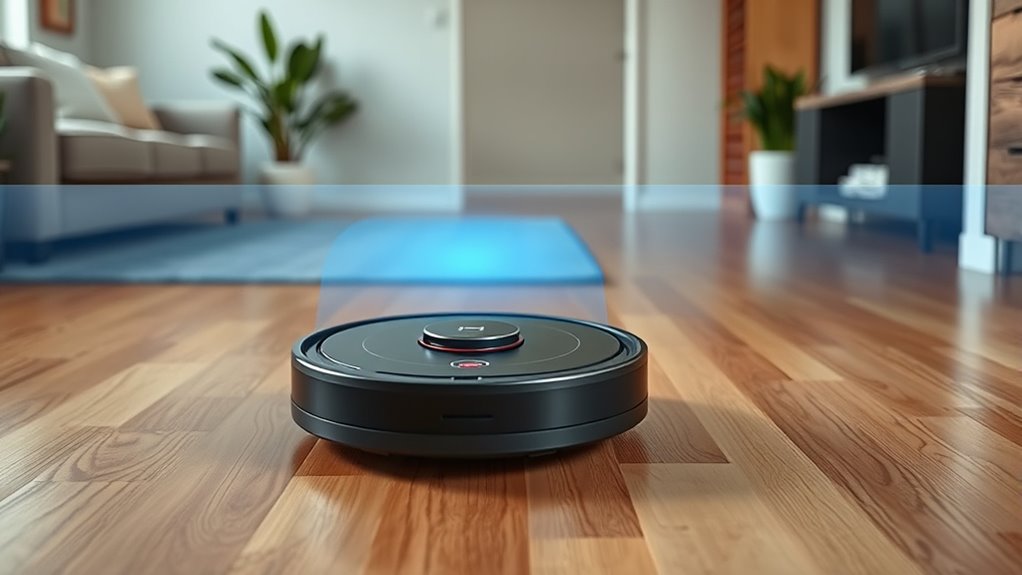
Have you ever wondered how to keep your robot vacuum from entering certain areas in your home? Virtual walls are the answer, offering a simple yet effective way to control your robot’s cleaning path. They act as invisible barriers, telling your vacuum where it can and can’t go. Setting them up is straightforward, and once in place, they can save you from constantly supervising your robot or dealing with messes in unwanted spots. To get started, first identify the areas you want to restrict, like pet bowls, delicate furniture, or cluttered corners. Most virtual wall devices are compact and easy to position near doorways, hallways, or specific room entrances. Just place the device in a spot where it can project the barrier across the opening or boundary. Make sure it’s stable and positioned at the right height, so the virtual wall covers the entire area you want to block. Virtual walls work best when they emit a clear and reliable signal, ensuring consistent operation. Many virtual wall devices emit an infrared or radio frequency barrier that the robot detects. As your vacuum approaches the virtual wall, it recognizes the signal and stops, turning away from the restricted zone. To ensure it works effectively, double-check that the virtual wall is aligned correctly and that no objects or furniture are blocking its signal. If your vacuum has a setting to activate or deactivate the virtual wall, familiarize yourself with it, so you can easily turn the barrier on when needed. Some models also come with a remote control or app, giving you added convenience to toggle the virtual walls without physically moving the device. It’s important to know that virtual walls are versatile and reusable—no need for physical barriers or tape that can damage floors. You can move them around as your cleaning needs change or add multiple virtual walls for larger or more complex areas. Keep in mind that virtual walls work best when the signal isn’t obstructed, so avoid placing them behind furniture or in spots where their barrier might be weakened. Also, remember that virtual walls are not a permanent barrier; your vacuum can still enter the restricted zones if you deactivate or remove the virtual wall device. This makes them ideal for flexible home layouts or for occasional use. Using virtual walls effectively means you maintain control without physically blocking off spaces or constantly supervising your robot. With minimal effort, you can keep your robot vacuum out of trouble and ensure it cleans only where you want it to. Once you get the hang of placing and activating virtual walls, you’ll find they’re an invaluable tool for managing your robot’s cleaning routine efficiently.

Coodss Dual Model Virtual Wall Barrier Compatible with iRobot Roomba 500/600/700/800/900/e/i/s Series Robot Vacuum. Compare to Part 4636429 (Pack 2)
【Compatible Models】:The Virtual Wall Compatible with All iRobot Roomba i, E, S, 500, 600, 700, 800, 900 Series…
As an affiliate, we earn on qualifying purchases.
As an affiliate, we earn on qualifying purchases.
Frequently Asked Questions
Can Virtual Walls Block Specific Furniture Areas?
Yes, virtual walls can block specific furniture areas. You place the virtual wall device near the area you want to restrict, like under a table or around delicate furniture. Once activated, your robot vacuum respects the boundary and avoids entering that space. This feature helps you protect fragile items and keeps the vacuum focused on cleaning open areas, making your cleaning routine more efficient and tailored to your home’s needs.
Are Virtual Walls Effective on All Types of Flooring?
Like a lighthouse guiding ships safely, virtual walls direct your robot vacuum effectively. They work well on most flooring types, including carpets, hardwood, and tile. However, their effectiveness can vary, especially on thick carpets or uneven surfaces. You might need to reposition virtual walls or use additional barriers for ideal results. Always test your virtual walls on different flooring to guarantee your vacuum stays on course and avoids trouble spots.
How Long Do Virtual Wall Batteries Last?
Virtual wall batteries typically last between 4 to 6 months, depending on usage and the model. You should check the battery indicator regularly to guarantee it’s charged and functioning properly. When the battery starts running low, replace it promptly to maintain effective boundary control. Keep in mind that rechargeable batteries may need recharging after some time, so follow your robot vacuum’s specific instructions for maximum performance.
Can Virtual Walls Be Relocated Easily?
Can virtual walls be relocated easily? Absolutely. You just need to pick them up and place them somewhere new, making sure they’re on a flat surface. Have you considered the placement? Moving virtual walls is straightforward, but double-check that the new location still blocks the areas you want to protect. With a little effort, you can customize your robot’s boundaries anytime, keeping your space clean and organized.
Do Virtual Walls Interfere With Other Smart Home Devices?
No, virtual walls generally don’t interfere with other smart home devices. They operate on specific frequencies or signals, so they won’t disrupt Wi-Fi, smart speakers, or other connected gadgets. However, it’s always good to check your virtual wall’s compatibility and confirm it doesn’t accidentally block or interfere with signals from your smart devices. Keep your devices updated and follow manufacturer instructions to maintain seamless operation in your smart home.
Coodss Dual Model Virtual Wall Barrier Compatible with iRobot Roomba 500/600/700/800/900/e/i/s Series Robot Vacuum. Compare to Part 4636429 (Pack 2)
【Compatible Models】:The Virtual Wall Compatible with All iRobot Roomba i, E, S, 500, 600, 700, 800, 900 Series…
As an affiliate, we earn on qualifying purchases.
As an affiliate, we earn on qualifying purchases.
Conclusion
So, next time your robot vacuum seems to mysteriously avoid that one room, thank your virtual walls. They’re the tiny gatekeepers preventing chaos—yet somehow, you’ll still find yourself chasing after it when it refuses to go where you want. Ironically, these little barriers give you control, but only if you remember they exist. So, enjoy the peace of mind, and maybe, just maybe, let your vacuum do its job without constant supervision.

Yonice 16 Feet Boundary Strips Magnetic Tape Markers Compatible for Neato Shark ION Robot Vacuum Cleaner,Magnetic Botboundary Strips Bot Boundary
【Wide Compatibility】Our magnetic tape strip is compatible with Neato Botvac Series, Botvac D Series, Botvac Connected and Neato…
As an affiliate, we earn on qualifying purchases.
As an affiliate, we earn on qualifying purchases.

Avaenzo 2-Pack Dual Mode Virtual Wall Barrier Light House Compatible with IRobot Roomba 600 700 800 900 I S E Series E5 E6 I4 I6 I7 I8,Replace Part Number: 4636429
✅Dual-Mode Virtual Wall Barrier: Features Halo Mode (creates a 3ft/0.9m circular barrier) and Beam Mode (projects a 10ft/3m…
As an affiliate, we earn on qualifying purchases.
As an affiliate, we earn on qualifying purchases.