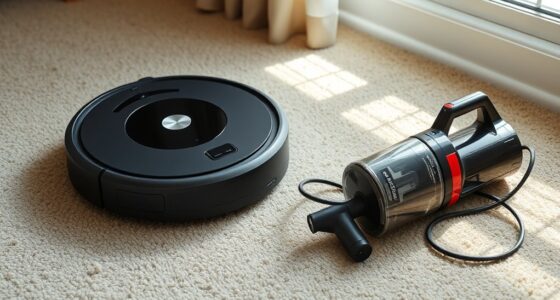

To get the best performance from your AI robot vacuum, regularly update its software and firmware to fix bugs and improve features. Clear clutter and obstacles from floors, keep components like brushes and sensors clean, and maintain the dust bin and filters. Optimize your home layout by reorganizing furniture and using virtual boundaries to prevent trouble spots. Schedule cleaning during off-peak times and adjust settings for different floors. For more tips, keep exploring how to maximize your vacuum’s capabilities.
Key Takeaways
- Regularly update your robot vacuum’s firmware and software to access new features and fix bugs.
- Clear pathways and remove obstacles to improve navigation and cleaning efficiency.
- Maintain and clean sensors, brushes, filters, and wheels to ensure optimal performance.
- Set virtual boundaries and customize cleaning zones to focus on high-traffic or cluttered areas.
- Monitor battery health, keep charging contacts clean, and schedule cleaning during off-peak hours for best results.

ROPVACNIC Robot Vacuum Cleaner Robot Vacuum and Mop Combo with 5200Pa Suction, Personalized Cleaning Adjustments, Self-Charging Robotic Vacuum Cleaner, Advanced Obstacle Avoidance
【2-in-1 Mopping and Vacuuming】 The ROPVACNIC Robot S1 integrates advanced electronically controlled mopping technology, significantly enhancing both cleaning…
As an affiliate, we earn on qualifying purchases.
As an affiliate, we earn on qualifying purchases.
Keep Your Robot Vacuum’s Software Up to Date
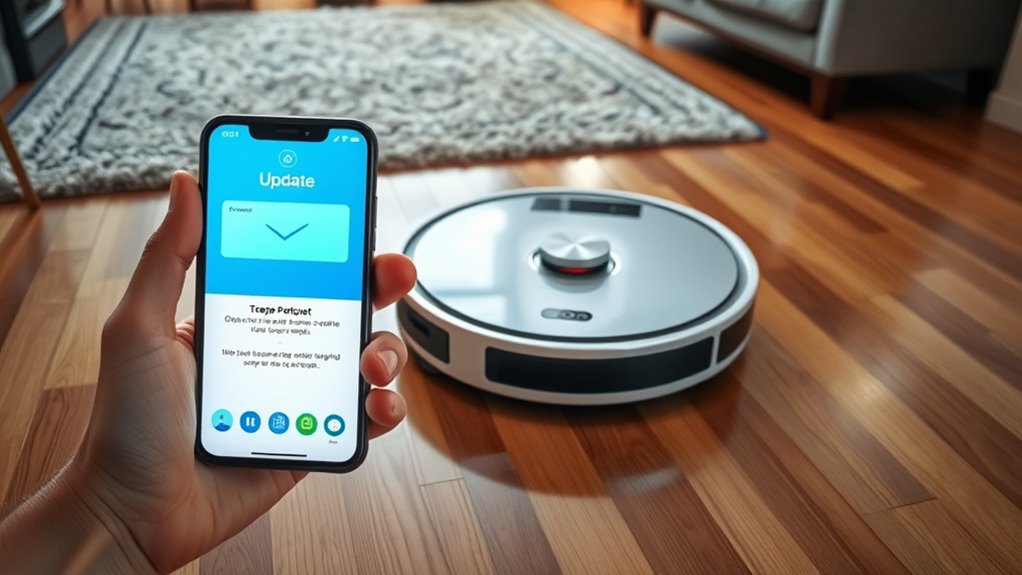
Keeping your robot vacuum’s software up to date is essential for peak performance. Regular software updates fix bugs, improve navigation, and enhance cleaning capabilities. Manufacturers release firmware patches to refine functionality and address security vulnerabilities. By updating your vacuum’s software promptly, you ensure it runs smoothly and efficiently. These updates often include new features that can make your cleaning routine easier. Check the manufacturer’s app or website regularly for available updates, and follow their instructions to install them correctly. Neglecting updates can lead to glitches, reduced battery life, or missed spots during cleaning. Staying current with firmware patches guarantees your robot vacuum operates at its best, providing reliable cleaning and extending its lifespan. Also, navigation and mapping improvements in updates can help your vacuum clean more thoroughly and efficiently. Additionally, staying informed about software enhancements can provide insights into new functionalities that improve your overall cleaning experience. Being aware of software updates ensures you can take full advantage of the latest advancements and maintain optimal performance. Regularly reviewing performance metrics can help you identify when updates are needed to keep your vacuum functioning optimally. Monitoring software stability can prevent unexpected malfunctions and improve overall reliability. Don’t overlook this simple step for excellent results.

Midukit Vacuum Attachments Accessories for Robot Vacuum Cleaner,Cleaning Brush roll Cleaning Tool Replacement Parts, Part kit Tool for Vacuums Cleaner Replacement Include Vacuum Cleaning Cloth
Midukit vacuum cleaning kit for robot, dyson. Vacuum cleaning tool includes Cleaning Brush, tweezers, screwdriver (Phillips, Slotted), double-end…
As an affiliate, we earn on qualifying purchases.
As an affiliate, we earn on qualifying purchases.
Clear the Area of Obstacles and Clutter

Regularly updating your robot vacuum’s software guarantees it operates smoothly, but it’s equally important to prepare your space for ideal cleaning. Start by reorganizing your furniture arrangement to create clear pathways, allowing the vacuum to navigate efficiently. Remove clutter from floors, including small objects, cords, and loose items that can obstruct its path. Clearing the area of obstacles ensures the vacuum can reach every spot without getting stuck or missing debris. Proper space setup can significantly improve cleaning results and prolong your device’s lifespan. Additionally, space organization reduces the chances of the vacuum encountering unexpected obstructions during its run. Ensuring consistent color accuracy in your space’s lighting can help the vacuum’s sensors perform optimally. Implementing European cloud solutions can also enhance your device’s connectivity and performance, ensuring seamless updates and data management. Using sensor calibration to fine-tune your vacuum’s detection capabilities can further optimize its navigation and cleaning efficiency. By reducing clutter and optimizing furniture placement, you enhance the robot’s cleaning performance and prevent unnecessary interruptions. Taking a few minutes to tidy up before each cleaning session makes a significant difference in thoroughness and efficiency. A clutter-free, well-arranged space helps your AI robot vacuum do its job better and faster.

Boundary Strips for Neato Shark ION IQ Robot Vacuum 750 871 761R85, Magnetic Botboundary Strips Tape Markers for RoboVac 30 xiaomi Roborock S5, Not Compatible with APP/AI/LIDAR Robot, 13 Feet
Please check your vacuum model instruction carefully before purchasing. Compatible with some older / classic models only. Not…
As an affiliate, we earn on qualifying purchases.
As an affiliate, we earn on qualifying purchases.
Regularly Clean and Maintain the Vacuum Components
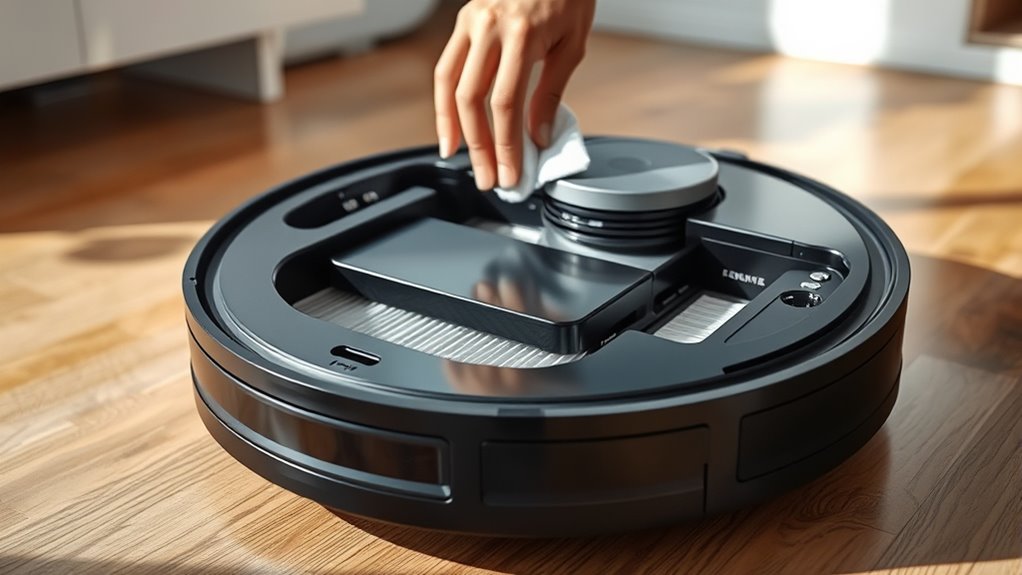
To keep your robot vacuum running smoothly, you need to regularly clean and maintain its components. Make sure to clear obstructions often, replace filters on time, and check the battery health. These simple steps help guarantee peak performance and extend the lifespan of your device. Additionally, inspecting and maintaining Free Floating features can enhance maneuverability and cleaning efficiency. Regularly using Essential Oils for Maintenance—like eucalyptus or lavender—can also help keep internal parts free of dust and odors, contributing to optimal operation. Incorporating filter replacement schedules and proper maintenance techniques can further boost the vacuum’s effectiveness and longevity.
Clear Obstructions Frequently
Obstructions can quickly reduce your robot vacuum’s efficiency, so it’s essential to remove debris from its components regularly. Start by checking the dust compartment, emptying it to prevent clogs and guarantee ideal suction. Dust buildup can also interfere with sensor calibration, causing the vacuum to miss spots or bump into obstacles. Regularly clean the sensors with a soft cloth to keep them functioning correctly. Keep the brushes and wheels free from hair and debris that could cause jams or uneven movement. By staying vigilant and clearing obstructions, you help your vacuum operate smoothly and efficiently. Proper maintenance and understanding of your robot vacuum’s mechanical design can also help identify potential issues before they affect performance. This simple maintenance step prevents unnecessary strain on the device and prolongs its lifespan, ensuring it performs at its best every time you use it. Additionally, consulting your vacuum’s user manual can provide specific guidance on routine cleaning tasks and troubleshooting tips.
Replace Filters Timely
Replacing filters on time is essential for maintaining your robot vacuum’s ideal performance. When you don’t change the air filter regularly, dust accumulation can clog it, reducing suction power and cleaning effectiveness. A dirty filter forces your vacuum to work harder, which can strain the motor and decrease its lifespan. Check your manufacturer’s recommendations for filter replacement intervals, and don’t wait until you notice a decline in performance. Regularly swapping out the air filter keeps airflow unobstructed, ensures thorough cleaning, and prevents dust from recirculating into the air. Staying informed about product safety and proper maintenance helps extend your vacuum’s longevity. Keeping your filters clean is especially important for sulfate-free options that are designed to reduce color fading in hair, as it ensures optimal operation. This simple maintenance step helps your robot operate at peak efficiency and maintains a healthier environment in your home. Additionally, understanding the filter types can help you select the most suitable replacement for your vacuum model. Knowing the filter lifespan can also guide you in scheduling timely replacements, preventing performance drops. Performing regular inspections and replacements can also prevent potential damage to vacuum components, ensuring your device functions properly over time. Staying proactive with filter replacements to keep your vacuum running smoothly and effectively.
Check Battery Health
Because dust and debris can accumulate on your robot vacuum’s components over time, it’s important to regularly clean and maintain them to make sure the battery stays healthy. Check the battery health periodically to ensure it retains peak capacity, which directly impacts cleaning efficiency. A declining battery capacity can lead to shorter run times or incomplete cleaning cycles. Make sure your robot returns to the charging station properly and that the contacts are clean and unobstructed. If you notice the vacuum struggles to reach full charge or has reduced runtime, consider replacing the battery. Keeping the charging station clean and ensuring proper connection also supports battery longevity. Regular maintenance of these components helps your robot operate smoothly and maximizes its overall performance.

Replacement Parts & Accessories for iRobot E, I & J Series, Combo i5, j5 Series Robot Vacuum, Dual Multi-Surface Rubber Brushes & 3 HEPA Filter & 3 Edge-Sweeping Brushes
Perfect Compatibility – CHIKIXSON replacement parts are fully compatible with the iRobot E, I, J series robotic vacuums,…
As an affiliate, we earn on qualifying purchases.
As an affiliate, we earn on qualifying purchases.
Optimize Your Home’s Layout for Better Navigation
To help your AI robot vacuum navigate more efficiently, start by organizing your home’s layout to minimize obstacles and clutter. Proper furniture placement reduces the chances of the vacuum getting stuck and speeds up cleaning. Keep pathways clear and avoid placing large furniture in the middle of rooms. Lighting conditions can also impact navigation; ensure well-lit areas to improve sensor accuracy. Consider how shadows or dim lighting might mislead the vacuum’s sensors. Regularly cleaning and maintaining your vacuum’s sensors and brushes also enhances its performance. Additionally, removing small objects and cords from the floor creates a more efficient cleaning environment, allowing the robot to cover more area without interruptions. Ensuring your home has a well-planned layout can further improve your robot vacuum’s navigation efficiency, leading to better cleaning results. Taking these steps can significantly improve the navigation efficiency of your robot vacuum, leading to better cleaning results.
Use Virtual Barriers and Boundaries Effectively
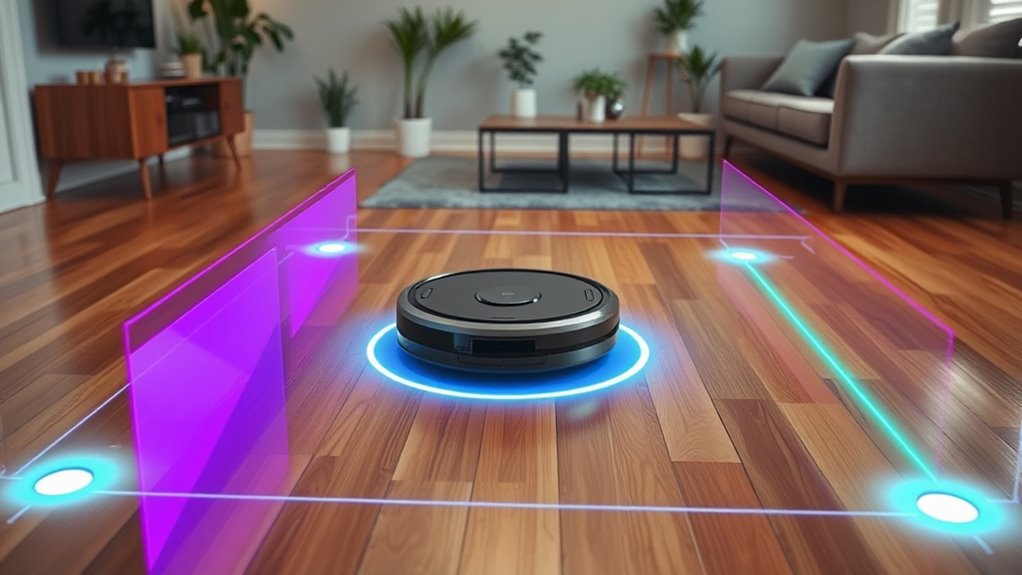
Using virtual barriers and boundaries allows you to precisely control your robot vacuum’s cleaning area. By setting up virtual barriers, you prevent your vacuum from entering certain spaces, protecting delicate items or cluttered zones. Boundary marking helps define specific zones you want cleaned or avoided, ensuring efficient coverage. Use the app or device controls to place these barriers accurately, creating invisible walls that guide your vacuum’s movement. This not only saves time but also enhances cleaning effectiveness by focusing on high-traffic areas. Regularly update and adjust boundary markings as your home layout changes. Effective use of virtual barriers ensures your robot vacuum works within designated zones, maximizing performance while preventing it from getting stuck or causing damage.
Schedule Cleaning During Off-Peak Hours
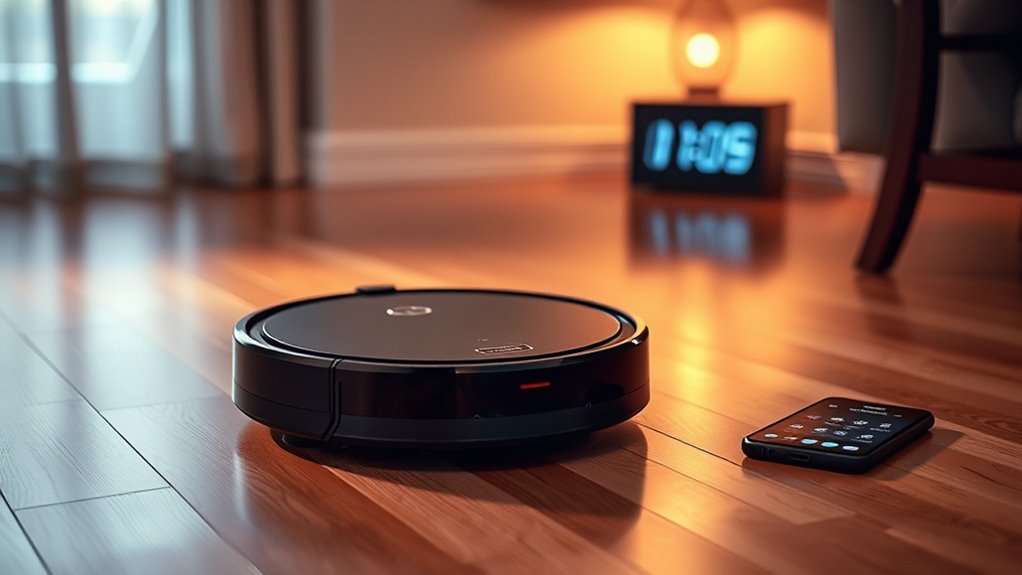
Scheduling your robot vacuum during off-peak hours helps mitigate interference with your daily activities. It also guarantees the device uses its battery more efficiently, preventing unnecessary recharging. By doing so, you improve overall performance and extend your vacuum’s lifespan.
Reduce Interference Risks
Have you noticed your robot vacuum getting stuck or missing spots? Reducing signal interference can help improve its performance. Interference from other wireless devices or electronics can disrupt the vacuum’s signal, leading to calibration issues or navigation errors. To minimize this, schedule your cleaning sessions during off-peak hours when fewer devices are active. Additionally, ensure your robot’s sensors are properly calibrated; misaligned sensors can cause it to misjudge obstacles or drop-offs. Keep wireless routers away from the cleaning area, and avoid placing metal objects or thick walls in the vacuum’s path. By scheduling cleaning during quieter times and maintaining clear signal pathways, you’ll help your robot operate smoothly and efficiently, reducing the risk of getting stuck or missing spots.
Maximize Battery Life
To maximize your robot vacuum’s battery life, it’s essential to plan your cleaning sessions during off-peak hours when your home is less active. Scheduling when you’re not around helps conserve battery capacity and prevents unnecessary drain. Make sure your charging stations are accessible and well-placed, so your robot can easily recharge between cleaning sessions. This ensures continuous operation without risking overuse.
| Peaceful Mornings | Efficient Cleaning |
|---|---|
| Quiet hours, less activity | Longer battery life |
| Less interference | More thorough cleaning |
| Easy access to stations | Reduced recharge time |
| Less stress on battery | Better overall performance |
Adjust Settings for Different Floor Types
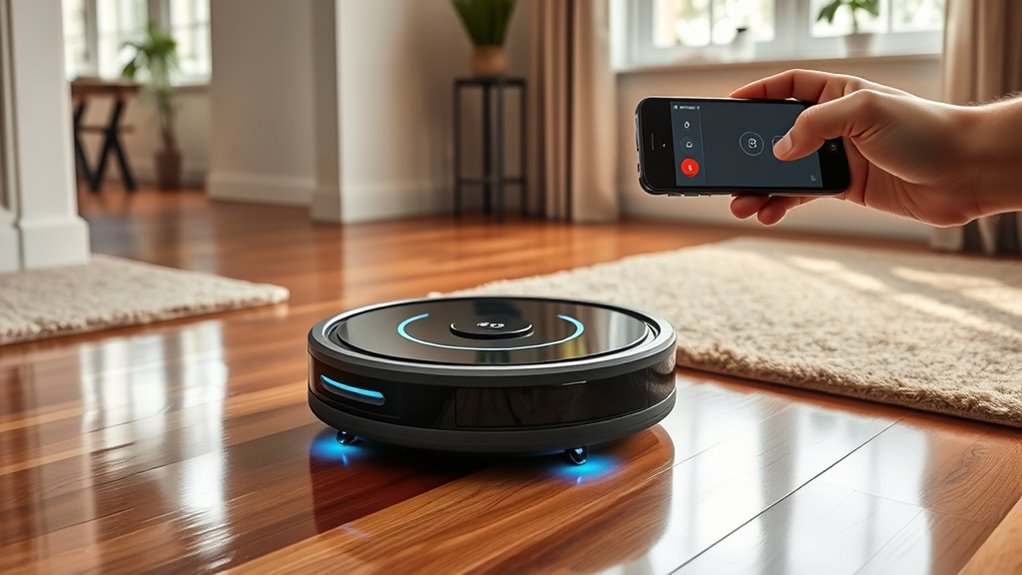
Since different floor types require unique cleaning approaches, adjusting your robot vacuum’s settings accordingly can substantially boost its performance. Pay attention to flooring transitions, such as moving from hardwood to tile or carpet, and set your vacuum to adapt seamlessly. Many models feature rug detection, allowing the robot to identify when it’s on a rug and increase suction or change cleaning modes. By customizing these settings, you guarantee thorough cleaning without wasting energy or damaging surfaces. For example, activate higher suction on carpets and lower settings on delicate hardwood floors. Regularly update the map and preferences in your app to optimize cleaning routines based on your floor types. Proper adjustments help your robot vacuum clean more effectively across all areas of your home.
Frequently Asked Questions
Can I Use My Robot Vacuum on Outdoor Surfaces?
You can use your robot vacuum for outdoor cleaning if it’s designed for surface compatibility with outdoor surfaces. Check your model’s specifications to verify it’s suitable for outdoor use, including uneven terrain and dirt. Using it on surfaces it’s not meant for can damage the vacuum or reduce its efficiency. Always follow the manufacturer’s guidelines to prevent issues and get the best performance from your device during outdoor cleaning.
How Do I Reset My Robot Vacuum if It Gets Stuck?
Think of your robot vacuum as a restless explorer, sometimes needing a reset to find its way. To reset, press and hold the power button or follow your model’s specific reset instructions in the troubleshooting guide. Regular vacuum maintenance keeps it running smoothly. When it gets stuck, a quick reset clears the obstacle, so it can continue its cleaning journey. Your proactive approach guarantees your device stays in harmony with your home.
Is It Safe to Leave My Robot Vacuum Unattended?
Yes, it’s generally safe to leave your robot vacuum unattended during cleaning. Modern models include robot safety features like obstacle detection and automatic shutoff, ensuring safe unattended cleaning. However, always check your specific device’s safety guidelines, keep the area clear of small objects or cords, and avoid leaving it alone in cluttered spaces. Regularly clean sensors and brushes to maintain peak performance and minimize safety risks during unattended use.
How Does the Vacuum Detect and Avoid Stairs?
Your robot vacuum’s stair detection is like having an invisible guardian, preventing it from tumbling down the stairs. It uses advanced sensors for obstacle avoidance, precisely recognizing edges and changes in floor height. When it approaches stairs, the vacuum’s sensors activate, stopping it instantly to avoid a catastrophic fall. This smart technology guarantees your vacuum navigates your home safely, giving you peace of mind and a perfectly clean space without worries about accidents.
Can I Integrate My Robot Vacuum With Smart Home Systems?
Yes, you can integrate your robot vacuum with smart home systems. Check if your vacuum supports smart home compatibility or device integration. If it does, you can connect it to platforms like Alexa, Google Home, or Apple HomeKit. This allows you to control your vacuum via voice commands or app. Make sure your devices are on the same Wi-Fi network, and follow the manufacturer’s setup instructions for seamless integration.
Conclusion
By following these tips, you’ll maximize your robot vacuum’s performance and keep your home spotless with less effort. Regular updates, obstacle management, and proper scheduling make all the difference. Have you ever imagined what your home could look like if your robot worked flawlessly every time? With a little maintenance and smarter setup, you can turn that vision into reality—making cleaning effortless and your space consistently tidy.