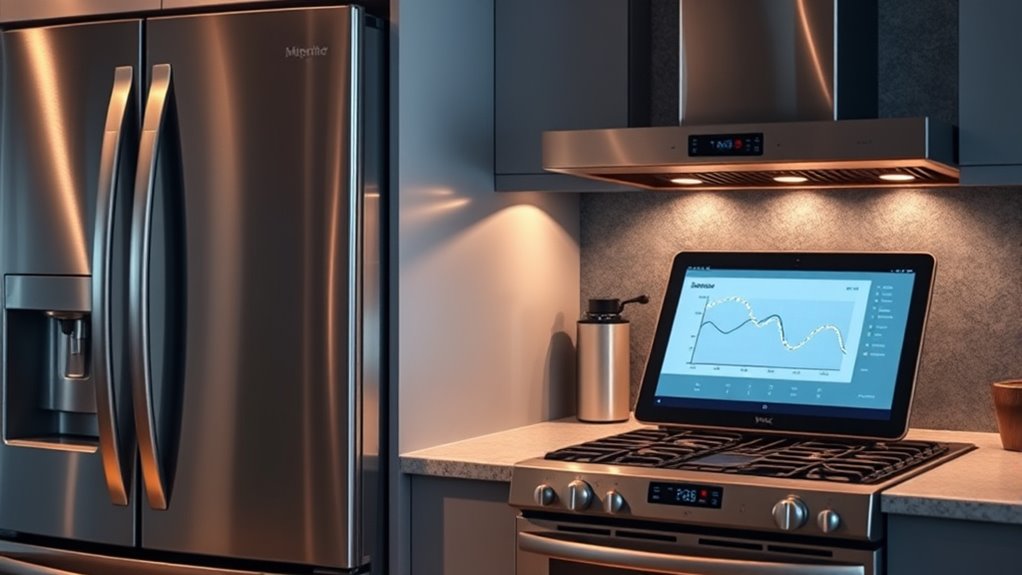

Smart appliances with self-diagnosing features make maintenance easy by detecting issues early, alerting you clearly, and guiding troubleshooting steps. They monitor components in real time, show error codes or notifications, and often connect via apps for remote diagnostics. This reduces guesswork, saves time, and helps prevent costly repairs. Staying on top of alerts and updates guarantees smooth operation. Keep exploring to discover how these innovative solutions can simplify your home maintenance even further.
Key Takeaways
- Self-diagnosing appliances detect issues early using sensors and diagnostic algorithms, enabling quick identification of problems.
- They communicate errors through displays, error codes, or mobile notifications for easy troubleshooting.
- Automated troubleshooting guides help users resolve minor issues independently, reducing repair costs and downtime.
- Regular maintenance and firmware updates ensure diagnostic accuracy and optimal appliance performance.
- Remote monitoring and alerts allow proactive maintenance, preventing major failures and extending appliance lifespan.
The Rise of Smart Appliances in Modern Homes
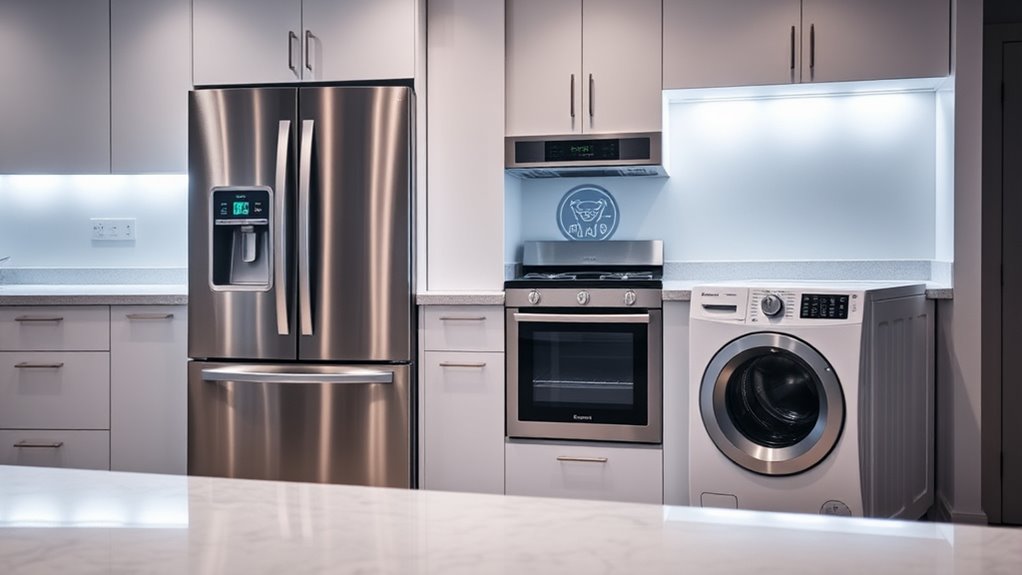
Smart appliances have transformed how we maintain our homes, making everyday tasks more convenient and efficient. They prioritize energy efficiency, helping you save on utility bills while reducing your environmental impact. These devices learn your habits, optimize settings, and automatically adjust to conserve power without sacrificing performance. Additionally, many smart appliances feature self-diagnostic capabilities, which can detect issues early and alert you before a problem worsens. This early detection is similar to the network monitoring that helps keep digital systems running smoothly. Incorporating automated troubleshooting features further enhances reliability by simplifying maintenance for homeowners. Moreover, some models include predictive maintenance alerts that can anticipate potential failures before they occur, saving you time and money. This proactive approach relies on advanced sensor technology to monitor appliance performance continuously. However, as you embrace this technology, you should be mindful of user privacy. Smart appliances collect data to improve functionality, but it’s essential to understand how your information is stored and protected. Manufacturers are increasingly focusing on security measures to safeguard your privacy. By choosing smart appliances that balance energy efficiency and user privacy, you enhance your home’s convenience while maintaining control over your personal data.
How Self-Diagnosing Features Work in Appliances
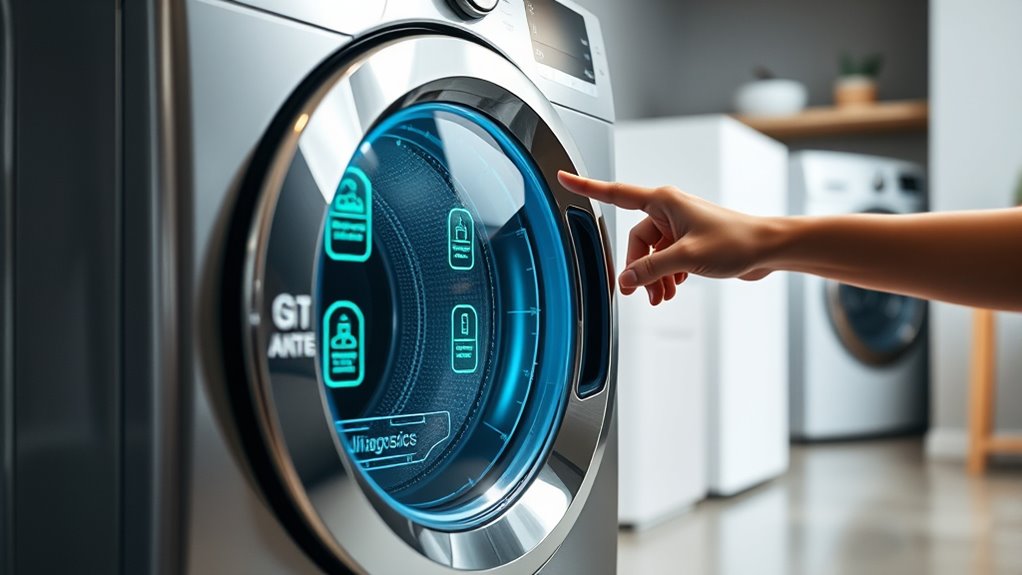
Self-diagnosing features in appliances enable devices to automatically detect and identify problems, often before you even notice them. This process relies on sensor integration, where sensors monitor various components and performance metrics in real time. When an issue arises, these sensors detect anomalies, such as temperature fluctuations, vibration changes, or electrical irregularities. Essential oils for troubleshooting** help in understanding how sensors can alert users to specific issues through error codes or notifications. The appliance then uses error reporting to communicate the problem internally or through alerts, like error codes on displays or notifications via apps. This system streamlines troubleshooting by pinpointing the exact fault, reducing guesswork. As a result, you gain faster insights into what’s wrong, allowing for quicker repairs or maintenance. Sensor integration and error reporting work together seamlessly, making your appliances smarter and more efficient in maintaining ideal operation. Incorporating diagnostic algorithms enhances the accuracy of problem detection, leading to more effective maintenance. Additionally, advanced diagnostic tools can facilitate remote diagnostics, minimizing downtime and service costs. Moreover, real-time monitoring** ensures ongoing performance assessment, further improving appliance reliability.
Benefits of Automated Troubleshooting for Homeowners
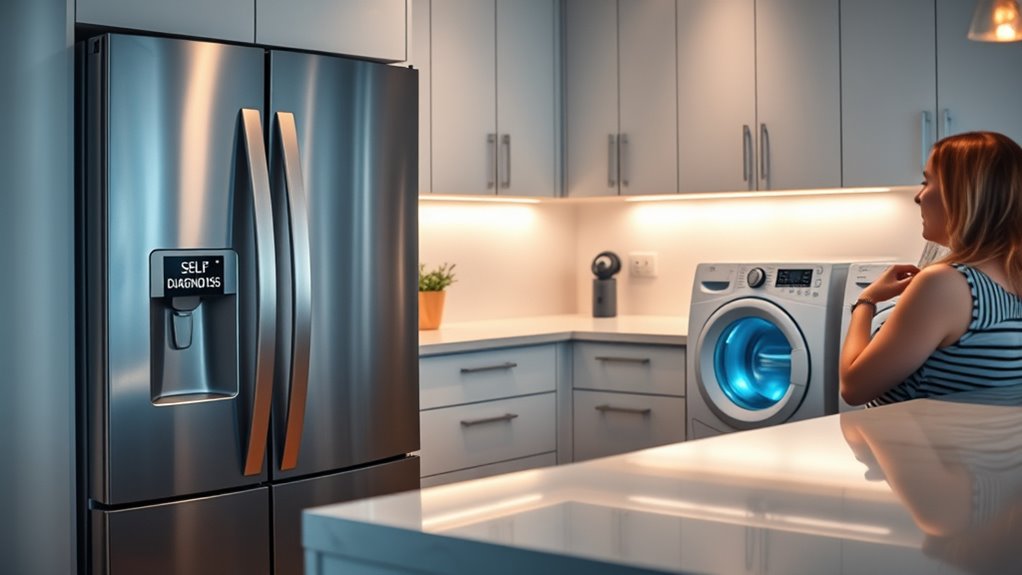
Have you ever wondered how automated troubleshooting makes maintaining your appliances easier? It markedly boosts homeowner convenience by quickly identifying issues without the need for expert help. When your appliance detects a problem, it provides clear diagnostics, so you don’t waste time guessing what’s wrong. This immediate insight allows you to address minor issues early or determine if professional repair is necessary, saving you time and effort. Additionally, automated troubleshooting helps reduce costs by preventing further damage and reducing repair expenses. You avoid unnecessary service calls and parts replacements, making maintenance more affordable. Moreover, AI-powered diagnostics can adapt to evolving appliance usage patterns, ensuring ongoing accuracy and reliability. This adaptability aligns with the importance of reliable backup power to keep essential systems running during outages. The integration of smart home connectivity further enhances maintenance by allowing remote monitoring and updates. In addition, predictive maintenance can forecast potential failures before they happen, further minimizing downtime and repair costs. For example, some appliances now include self-diagnostic features that communicate directly with manufacturers for faster support. Overall, these smart features empower you to stay on top of appliance health, ensuring smoother operation and fewer surprises, all while saving money and making home management more straightforward.
Popular Appliances With Diagnostic Capabilities
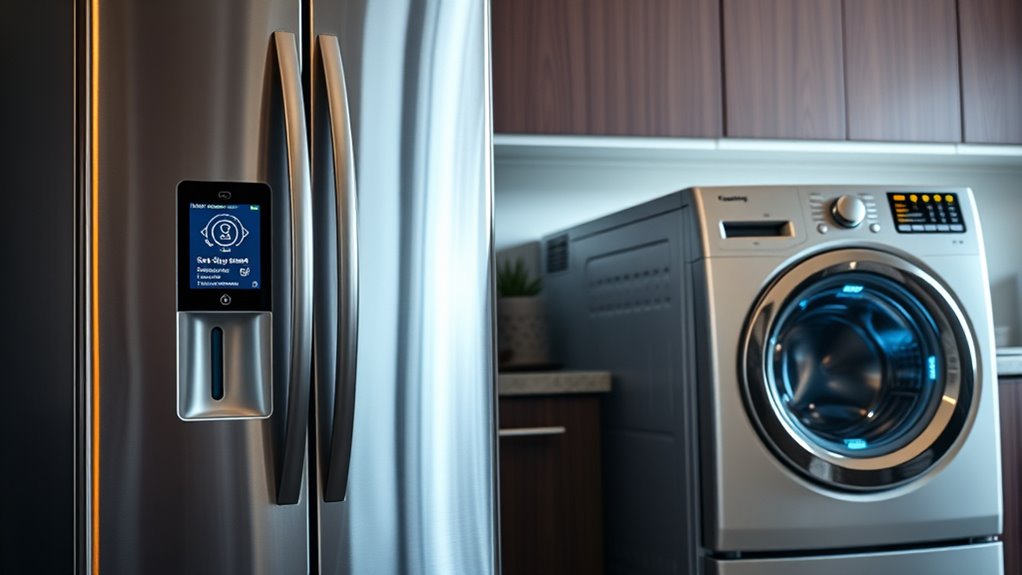
Many modern appliances now come with diagnostic features that simplify maintenance. For example, smart fridges can detect issues and alert you before problems worsen. Similarly, washing machines perform self-checks to identify faults and save you time on repairs. Incorporating analytical cookies and technology, some appliances can even adapt to environmental conditions to optimize performance and diagnostics. Additionally, ventilation considerations can enhance appliance longevity and efficiency by preventing moisture buildup and overheating. Proper installation practices are also crucial to ensure these diagnostic features operate correctly and provide accurate alerts.
Smart Fridges Detect Issues
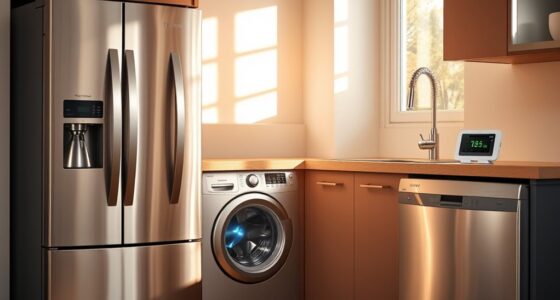
Smart fridges now come equipped with advanced diagnostic capabilities that help you identify issues before they become major problems. These features monitor components like compressors, sensors, and seals to detect irregularities early, reducing energy waste and improving efficiency. When a problem is identified, the fridge can alert you via notifications, so you can address it promptly. This proactive approach not only enhances energy efficiency but also minimizes costly repairs. Additionally, these appliances often provide maintenance alerts that guide you through troubleshooting steps, making repairs more straightforward. Many models also incorporate software updates that improve diagnostic accuracy and security measures to protect your information, ensuring your data stays private. By catching problems early and safeguarding your privacy, smart fridges make preventive maintenance simpler, saving you time and money while keeping your food fresh and your home secure. Furthermore, some units utilize remote monitoring features that allow you to check the appliance’s status from anywhere, offering added convenience and peace of mind.
Washing Machines Self-Check
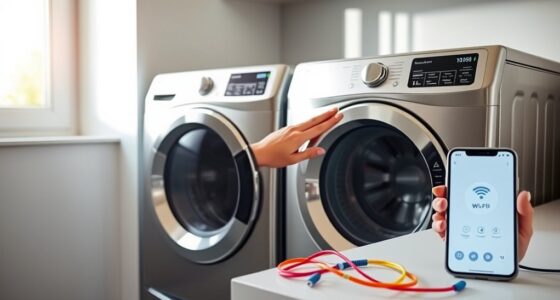
Washing machines now come with self-check features that make diagnosing issues straightforward. When a problem arises, these smart appliances automatically run diagnostic tests, displaying error codes or alerts on the control panel. This helps you identify issues quickly without needing to perform manual repair or call a technician. With DIY troubleshooting, you can interpret these codes to determine whether a simple fix, like resetting the machine or cleaning filters, will resolve the problem. Some models even offer step-by-step guidance on the display, making troubleshooting accessible. By leveraging these diagnostic capabilities, you save time and money. Instead of guessing or relying solely on manual repair, you can efficiently address common issues and keep your washing machine running smoothly.
Understanding Alerts and Notifications From Your Devices
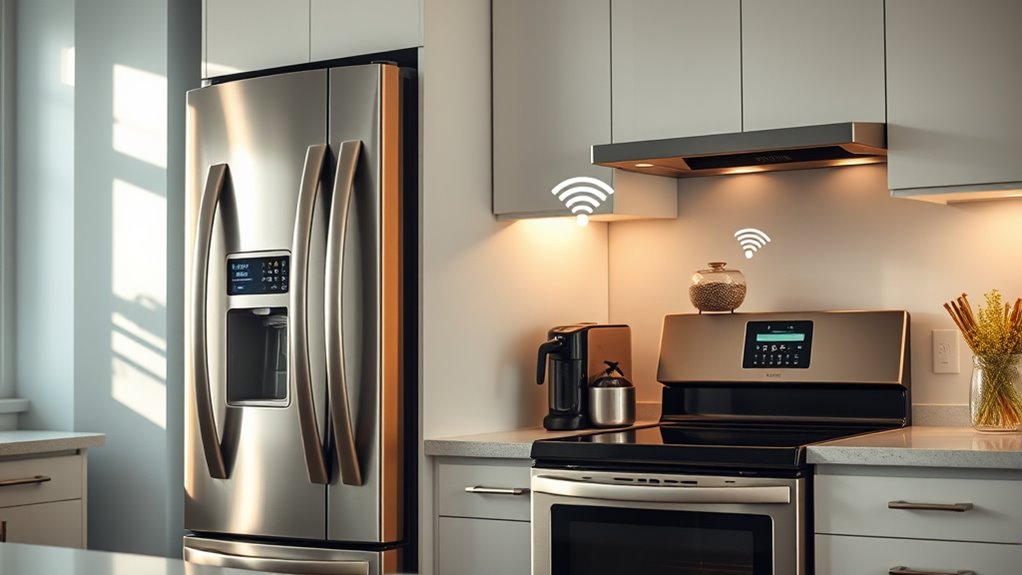
Your devices use alerts and notifications to keep you informed about their status. Recognizing these indicators and understanding what messages mean can help you act quickly. When you respond properly to device alerts, you can prevent bigger issues and keep everything running smoothly. Being familiar with maintenance schedules for your appliances can further help in early problem detection and efficient troubleshooting.
Recognizing Alert Indicators
Understanding alert indicators is essential because they help you quickly identify when your devices need attention. These signals often come in the form of lights, sounds, or app notifications, guiding you to potential issues. Recognizing these indicators guarantees your appliances operate at peak energy efficiency, saving you money and reducing environmental impact. Pay attention to symbols or color codes, as they often convey specific problems or status updates. While alerts enhance convenience, they also respect user privacy by limiting unnecessary data sharing. Being familiar with what each alert means prevents misinterpretation and helps you address problems promptly. Regularly monitoring these indicators keeps your appliances running smoothly and extends their lifespan. Stay alert to maintain both device performance and your overall home comfort.
Interpreting Notification Messages
Interpreting notification messages from your devices is essential because these alerts provide immediate insights into their current status or potential issues. When you see a notification, avoid panic—review the message carefully. Often, alerts include codes or simple explanations that can guide you through manual troubleshooting steps. If you’re unsure, consult the device’s manual or contact customer support for clarification. Proper interpretation helps prevent unnecessary service calls and keeps your appliances running smoothly.
| Notification Type | Meaning & Action |
|---|---|
| Warning | Indicates a minor issue; check manual troubleshooting tips. |
| Error | Signifies a significant problem requiring prompt attention. |
| Maintenance Alert | Suggests scheduled service or filter change. |
| Status Update | Confirms proper operation or ongoing process. |
Responding to Device Alerts
When a device sends an alert, responding promptly can prevent minor issues from escalating into costly repairs. Your device’s alert is designed to improve energy efficiency and keep your appliances running smoothly. Use the user interface to quickly understand the nature of the alert—whether it’s a maintenance reminder or a performance issue. Acting swiftly allows you to address problems before they affect energy consumption or cause damage. Many modern appliances provide clear notifications and suggested actions through their display or connected apps. Ignoring alerts can lead to reduced efficiency and higher energy bills. By paying attention to these notifications and responding promptly, you extend your device’s lifespan and maintain ideal performance, saving you money and hassle in the long run.
Tips for Maintaining and Updating Smart Diagnostics
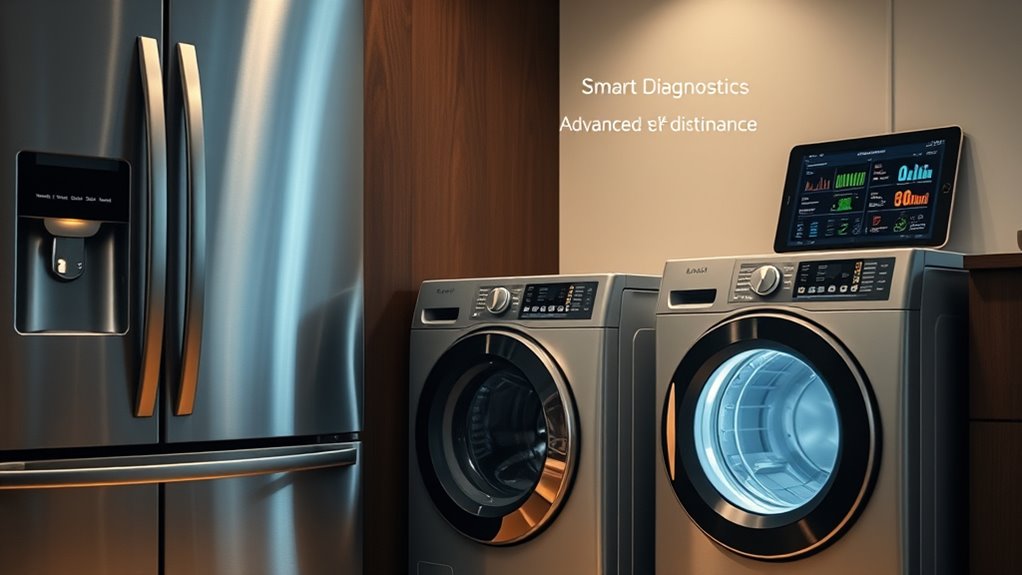
Are you making the most of your smart diagnostics? Regularly maintaining and updating your system guarantees it stays accurate and reliable. Start by performing manual calibration when needed, especially after moving or repairing your appliance. Proper calibration helps your diagnostics identify issues correctly. Additionally, keep your device’s firmware updated; manufacturers often release updates that improve performance and fix bugs. Check for firmware updates monthly through the app or control panel. Don’t ignore notifications about updates—they’re essential for peak functioning. Also, review your appliance’s user manual for specific calibration instructions and update procedures. By staying proactive with manual calibration and firmware updates, you extend the lifespan of your appliance and guarantee your smart diagnostics provide accurate, real-time insights.
Potential Challenges and Limitations of Self-Diagnosing Technology
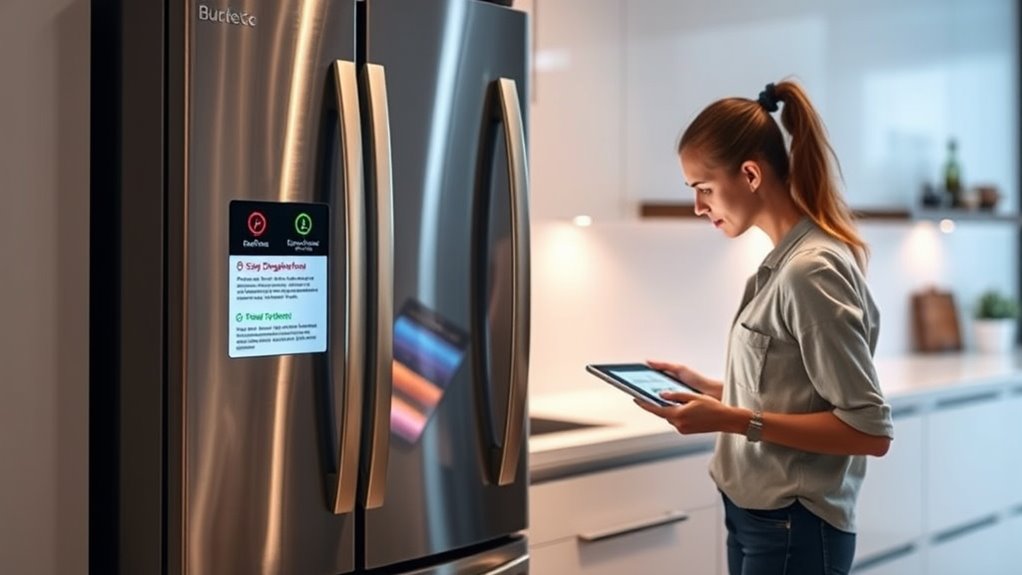
While self-diagnosing technology offers convenience, it’s important to recognize its limitations. Privacy concerns arise as sensitive data about your appliance’s performance can be accessed or shared without full transparency. Additionally, the cost implications may include expensive repairs or upgrades if the system misidentifies issues or malfunctions. You might also face challenges like false positives, where minor glitches cause unnecessary alarm, or false negatives, which miss actual problems. Reliability can vary depending on the manufacturer’s quality, and complex issues may still require professional intervention. Keep in mind that over-reliance on automated diagnostics can lead to complacency in manual maintenance. Overall, while helpful, these systems aren’t foolproof and demand careful oversight to avoid unintended consequences.
Future Trends in Appliance Maintenance and Smart Technology
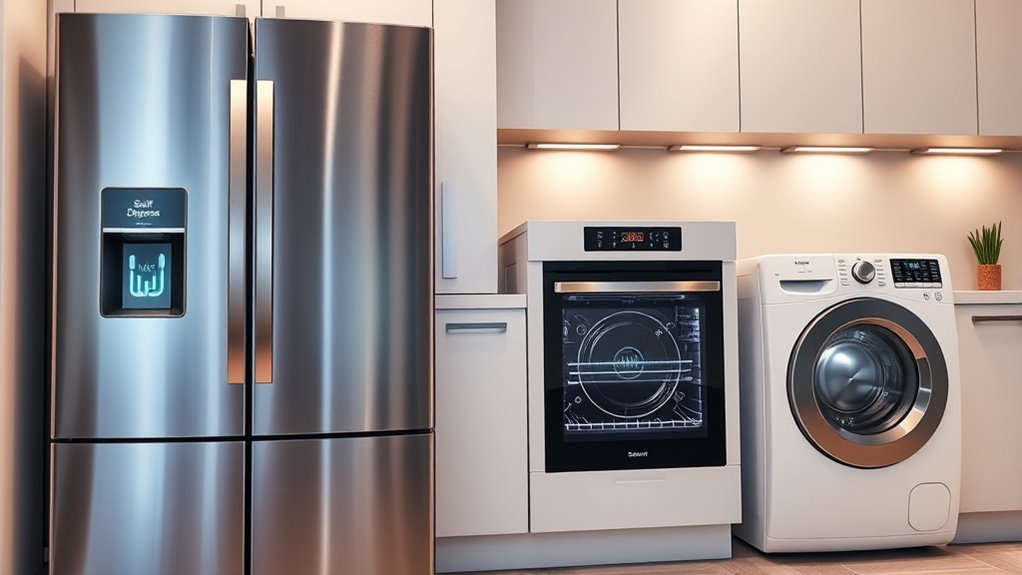
Advancements in smart technology are rapidly transforming appliance maintenance, making it more proactive and integrated than ever before. Future trends focus on enhancing energy efficiency while safeguarding user privacy. Imagine appliances that predict issues before they happen, reducing waste and lowering energy bills. As these innovations evolve, you’ll enjoy seamless control and real-time insights, ensuring your home runs smoothly. However, concerns about user privacy remain crucial; manufacturers will prioritize secure data management. Here’s a glimpse of upcoming trends:
| Trend | Benefit | Concern |
|---|---|---|
| Predictive Maintenance | Fewer breakdowns, savings | Data security |
| AI-Driven Diagnostics | Faster repairs, efficiency | Privacy protection |
| Energy Optimization | Lower energy bills | User privacy in data sharing |
Frequently Asked Questions
How Secure Are Self-Diagnosing Appliance Systems From Hacking?
Self-diagnosing appliance systems can be vulnerable to hacking due to cybersecurity concerns, so it’s important you stay vigilant. Manufacturers implement security measures, but data privacy remains a concern since these devices transmit sensitive information. To protect yourself, regularly update firmware, use strong passwords, and connect devices to secure networks. While these systems offer convenience, being proactive helps minimize risks and keeps your data safe from potential cyber threats.
Can Self-Diagnosing Appliances Operate Without Internet Connectivity?
Oh, of course, your smart appliance can operate without the internet—it’s called offline functionality! You’ll enjoy local diagnostics without Wi-Fi, so it still detects issues and alerts you directly. While it won’t send data or updates online, it keeps working smoothly, giving you peace of mind even when your internet’s down. So yes, self-diagnosing appliances can stand alone, offering convenience without needing a constant connection.
Are There Costs Associated With Repairing Appliances After Self-Diagnosis?
Repair costs after self-diagnosis can vary, and you might need to pay for parts or labor if the issue isn’t covered under warranty. Check your warranty coverage first, as it often includes repairs for certain problems, reducing your expenses. If the appliance isn’t under warranty, expect to cover repair costs yourself. Staying informed about warranty details helps you avoid unexpected expenses and plan for potential repairs.
How Accurate Are the Diagnostic Results Provided by Smart Appliances?
A stitch in time saves nine, and that’s true for smart appliances too. Their diagnostic accuracy is generally high, helping you identify problems quickly. While they’re effective for troubleshooting, no system is impeccable; some issues may require manual checks. These appliances streamline maintenance, but always double-check critical problems to ensure troubleshooting effectiveness. Trust the results, but stay attentive—technology’s great, but it’s not infallible.
What Should I Do if My Appliance’s Self-Diagnosis Feature Fails?
If your appliance’s self-diagnosis fails, first try manual troubleshooting by checking the user manual for common issues and solutions. If that doesn’t resolve the problem, contact customer support for expert guidance. They can help you interpret error codes and recommend repairs or next steps. Don’t ignore persistent issues; professional assistance guarantees your appliance gets properly fixed and avoids further damage.
Conclusion
With smart appliances that self-diagnose, maintenance becomes simpler and less stressful. You can catch issues early, save time, and keep your home running smoothly. As these technologies continue to evolve, aren’t you curious about how much easier appliance care will get? Embracing these innovations means fewer surprises and more peace of mind. So, why not take advantage of this smart upgrade and enjoy a more effortless home maintenance experience?