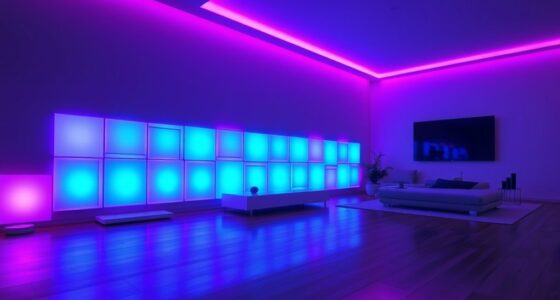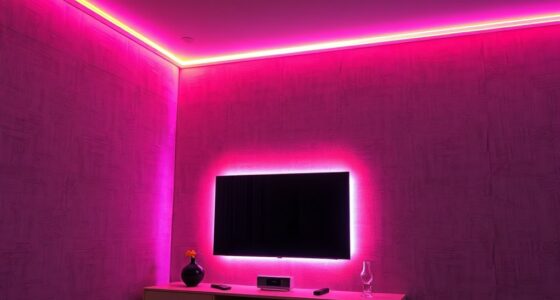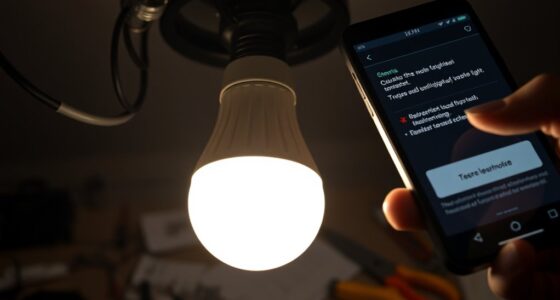
To set up smart lighting routines at home, start by checking your system’s compatibility and connect your lights to a smartphone app via Wi-Fi. Plan your daily schedule, specifying activities like waking, working, and relaxing, then create routines with triggers such as timers or motion sensors. Customize your preferred light colors and brightness, test the setup, and adjust as needed. Want to learn how to optimize and expand your setup? Keep going for more tips.
Key Takeaways
- Assess your smart lighting system’s compatibility, features, and security before setup.
- Plan routines based on daily activities, optimizing for mood, energy, and convenience.
- Connect lights to your smartphone app, ensuring firmware updates and proper device integration.
- Create and customize routines with specific triggers, timings, and actions like dimming or color changes.
- Enhance control with voice commands and additional sensors, testing routines for reliability and adjustments.

Amazon Basics Smart A19 LED Light Bulb, Color Changing, 9W (60W Equivalent), 800LM, Works with Alexa Only, WiFi 2.4 GHz, No Hub Required, Mood Lighting, Energy Efficient, 1-Pack
SMART UPGRADE FOR CONVENIENCE AND ENERGY EFFICIENCY : Control your Amazon Basics smart light bulbs using your voice…
As an affiliate, we earn on qualifying purchases.
As an affiliate, we earn on qualifying purchases.
Assess Your Smart Lighting System and Compatibility
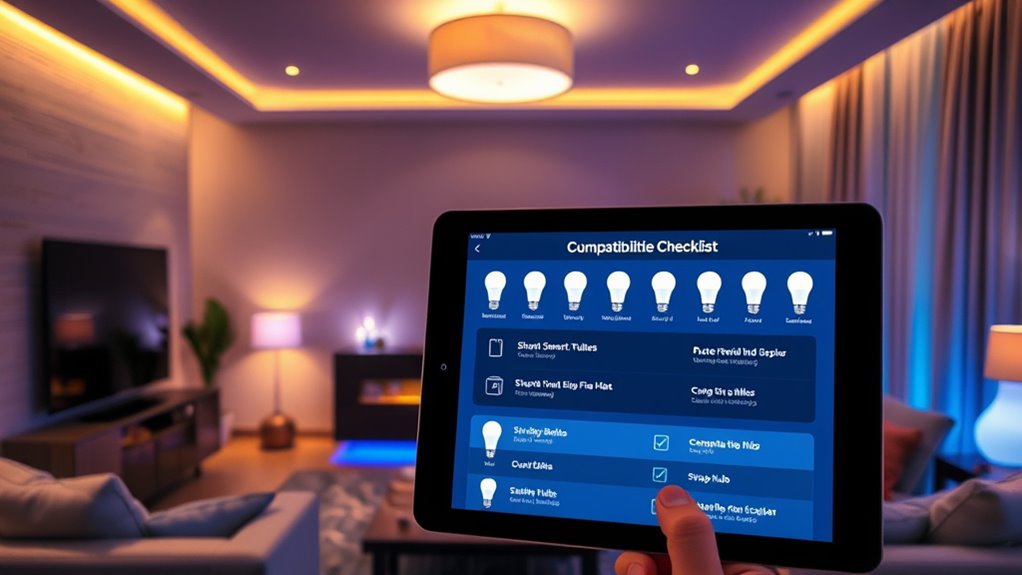
Before creating effective lighting routines, you need to evaluate your existing smart lighting system and its compatibility with other devices. Check if your lights allow customization of lighting color, as this impacts the ambiance you can create. Compatibility issues can hinder seamless automation, so verify whether your smart bulbs integrate with your home automation platform. Also, consider power consumption; some smart lights are more energy-efficient than others, which can help you save on energy bills. Ensure your system supports the features you want, like dimming or color changing, without adding extra hardware. Understanding these aspects helps you build routines that are both functional and energy-conscious, setting a solid foundation for more advanced automation later on. Additionally, assessing device interoperability can prevent integration challenges and improve overall system reliability. Recognizing system scalability ensures your setup can grow with future smart home upgrades. Being aware of firmware updates is also important, as they can improve device performance and security over time. Moreover, staying informed about security features can help protect your smart lighting system from potential vulnerabilities. Regularly checking for software compatibility updates can ensure your system remains efficient and secure as technology evolves.

Philips Hue White Smart Light Starter Kit – Includes (1) Bridge and (2) 75W A19, E26 LED Smart Soft White Bulbs – Control with App – Compatible with Alexa, Google Assistant, and Apple HomeKit
WHAT’S IN THE BOX – Includes one Hue Bridge and two Hue Soft White smart, 75W A19 light…
As an affiliate, we earn on qualifying purchases.
As an affiliate, we earn on qualifying purchases.
Plan Your Lighting Routine and Schedule

To create an effective lighting routine, start by identifying your key activities and when you need specific lighting. Then, set the appropriate times for your lights to turn on or off to match your daily schedule. This planning helps make certain your lighting supports your lifestyle seamlessly. Additionally, incorporating smart lighting solutions like trusted providers can enhance your automation and convenience. Utilizing connected lighting systems allows for more precise control and customization tailored to your routines. Understanding how to optimize lighting in your home can also contribute to energy efficiency and overall comfort. Exploring quality craftsmanship in your lighting fixtures can ensure durability and a luxurious aesthetic. Implementing proper document management practices can further simplify your routines by keeping your schedules and settings organized.
Identify Key Activities
Have you ever wondered how to create an effective lighting routine that fits your daily activities? The key is to identify your main activities and their lighting needs. Think about mornings—bright, energizing light can boost your mood and help you wake up. During work or study, focused, natural-like lighting maintains productivity while conserving energy. In the evening, softer, dimmer lights support relaxation and prepare you for sleep. By pinpointing these activities, you guarantee your lighting enhances your mood and supports your lifestyle. Recognizing how different settings influence your energy and comfort allows you to optimize both mood enhancement and energy efficiency. This targeted approach helps you design routines that are functional, mindful, and tailored to your daily rhythm. Incorporating best anime movies into your leisure time with appropriate lighting can also elevate your viewing experience and create a cozy atmosphere at home.
Set Appropriate Timing
Planning the timing of your lighting routines guarantees your environment supports your daily activities seamlessly. To achieve this, focus on timing optimization by aligning your lighting schedule with your routines and natural rhythms. Consider when you wake up, work, relax, and sleep, then set your lights to turn on or off accordingly. This synchronization helps regulate your circadian rhythm and promotes better sleep quality. Proper timing also enhances your overall well-being by creating a more natural and comfortable environment. Incorporate schedule flexibility by allowing adjustments for weekends or unexpected changes, so your routines stay effective without becoming rigid. Use smart features like timers or adaptive lighting to fine-tune your schedule over time. Additionally, understanding the importance of home automation can help you create more intuitive and responsive lighting routines that adapt to your lifestyle. Proper timing ensures your smart lighting enhances comfort, productivity, and energy efficiency, making your home more intuitive and responsive to your lifestyle. Plus, utilizing lighting control systems can simplify managing your routines and improve overall consistency.
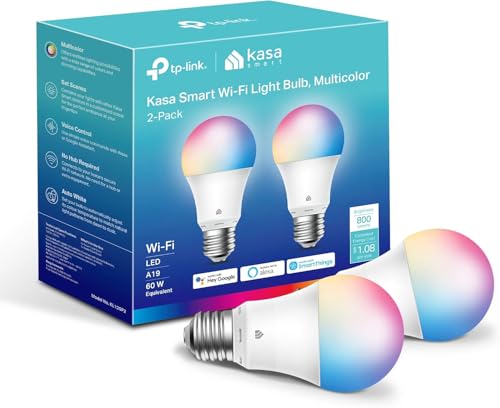
Kasa Smart Light Bulbs, Full Color Changing Dimmable Smart WiFi Bulbs Compatible with Alexa and Google Home, A19, 60 W 800 Lumens,2.4Ghz only, No Hub Required, 2-Pack (KL125P2), Multicolor
Multicolor & Auto White: Dimmable 16 million colors and warm to cool whites(2500K-6500K). Set your bulb to automatically…
As an affiliate, we earn on qualifying purchases.
As an affiliate, we earn on qualifying purchases.
Connect Your Smart Lights to the Smartphone App

To get started, you’ll need to install the smart lighting app on your phone. Then, connect your device to your Wi-Fi network to guarantee seamless communication. Ensuring your app and firmware are up to date helps maintain optimal performance and security for reliable operation. Additionally, familiarizing yourself with the privacy policy can help you understand how your data is handled during setup and use. It’s also advisable to consult wiring basics to ensure your installation aligns with safety standards and prevents any electrical issues. Being aware of affiliate disclosures is important if you plan to purchase accessories or related products through links in the app or website. Also, reviewing device compatibility can prevent connectivity issues and ensure your lights work smoothly with your existing smart home ecosystem. Finally, sync your lights with the app so you can control them effortlessly from your smartphone.
Install the App
Wondering how to get your smart lights up and running? First, download the manufacturer’s app from your phone’s app store. Once installed, open the app and create an account if needed. Follow the on-screen instructions to add your smart lights. The app will likely prompt you to enable voice assistant integration, making it easier to control your lights with voice commands later. During setup, you might also connect smart sensors or other accessories. Make sure your phone’s Bluetooth or Bluetooth is enabled if required. The app will guide you through connecting your lights, ensuring they’re linked to your device. Once installed, you’ll be ready to customize and automate your lighting routines seamlessly.
Connect Wi-Fi Network
Once you’ve installed the app and added your smart lights, the next step is connecting them to your Wi-Fi network. Verify your Wi-Fi security is up to date to prevent unauthorized access. Open the app and follow the prompts to connect your lights to your home network. If you encounter connection issues, consider network troubleshooting steps like restarting your router or moving your lights closer to the Wi-Fi source. Make sure your smartphone is connected to the same Wi-Fi network you’re trying to connect the lights to. Double-check your network settings and password accuracy. A stable, secure Wi-Fi connection will ensure smooth operation and easier setup of your smart lighting routines. Taking these steps now saves future frustration and guarantees your lights stay connected. Ensuring your Wi-Fi security is current helps protect your smart home devices from potential threats. Also, maintaining a strong and reliable home network minimizes disruptions during setup and daily use.
Sync Lights With App
Connecting your smart lights to the app is a straightforward process that guarantees you can control them easily from your smartphone. First, open the app and follow the prompts to add your lights, usually by selecting the device type and scanning a QR code or entering a code. Once connected, you can customize the lighting color to suit your mood or activity, enhancing your space’s ambiance. Understanding lighting control options can help you make the most of your smart lighting setup. Syncing your lights with the app also helps improve energy efficiency, as you can schedule lights to turn off when not needed or dim them during the day. Regular updates through the app ensure your smart lighting system runs smoothly and stays compatible with your device, giving you full control over your lighting environment at any time. Additionally, exploring smart lighting features can unlock more advanced routines and automation possibilities.

Linkind Smart Light Bulbs, Smart Bulb That Work with Alexa & Google Home, LED Light Bulbs Color Changing, 104 Preset Scene, Music Sync, A19 E26 2.4GHz RGBTW WiFi Bluetooth Light Bulb 60W, 800LM, 4Pack
【Alexa & Google Home Voice Control: Hands-Free Convenience】As smart bulbs that work with Alexa & Google Home, it…
As an affiliate, we earn on qualifying purchases.
As an affiliate, we earn on qualifying purchases.
Create a New Automation or Routine in the App

Creating a new automation or routine in your smart lighting app is straightforward and allows you to customize your lighting experience effortlessly. You can enhance your lighting aesthetics by setting up routines that match your mood or decor, creating a more inviting space. Additionally, routines can improve energy efficiency by automatically adjusting lights when they’re not needed, saving electricity and reducing costs. To start, open your app and select the option to create a new routine. Name it clearly, so you remember its purpose. From there, you can choose actions like turning lights on or off, dimming, or changing colors. Keep your routines simple initially, then customize further as you get more comfortable. This way, your lighting setup becomes both stylish and energy-conscious.
Set Specific Triggers for Your Lighting Routine

To make your smart lighting routines more effective, it’s essential to set specific triggers that activate them at the right moments. Motion sensors are a popular trigger, turning lights on when you enter a room and off when you leave. This ensures your space is always well-lit without manual effort. Ambient lighting can also serve as a trigger, adjusting your lights based on natural light levels throughout the day. For example, your lights might dim when sunlight is abundant or brighten during cloudy days. By customizing these triggers, you create a seamless experience that responds to your environment and habits, saving energy and enhancing comfort. Focus on selecting triggers that align with your daily routines for maximum convenience.
Customize Light Settings and Preferences
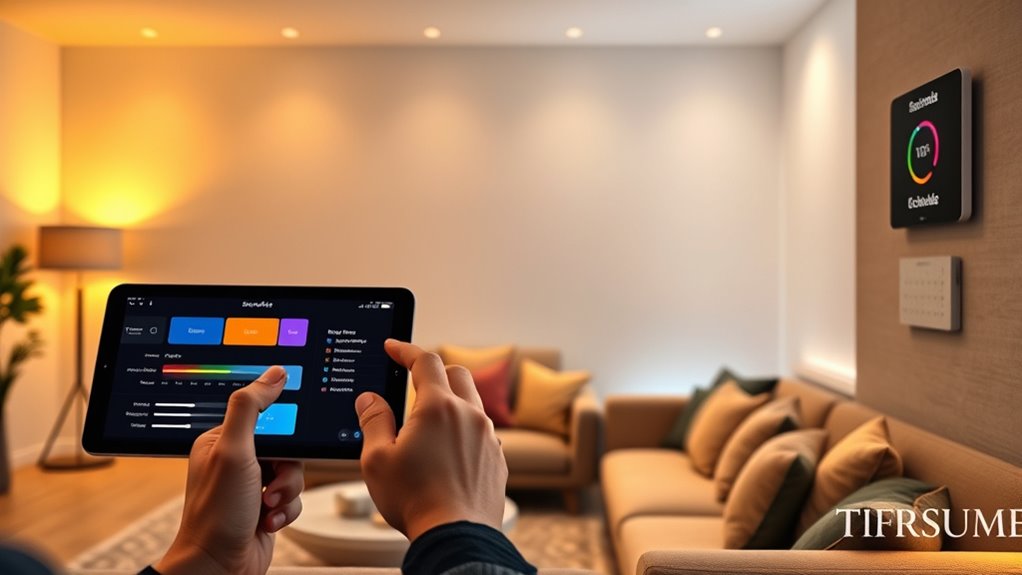
Customizing your light settings and preferences allows you to tailor your smart lighting system to fit your lifestyle perfectly. You can adjust lighting color schemes and brightness preferences to create the desired ambiance in each space. Personalizing these settings guarantees your home feels comfortable and functional. Consider experimenting with different lighting color schemes to set moods, whether warm tones for relaxation or cool shades for focus. Brightness preferences can be fine-tuned for tasks or relaxation, saving energy. Keep in mind:
- Save favorite color schemes for quick access
- Set dimming levels for different activities
- Adjust brightness based on time of day
- Create scene presets for various rooms
These adjustments give you full control over your home’s lighting environment.
Test Your Lighting Routine to Ensure Proper Functionality
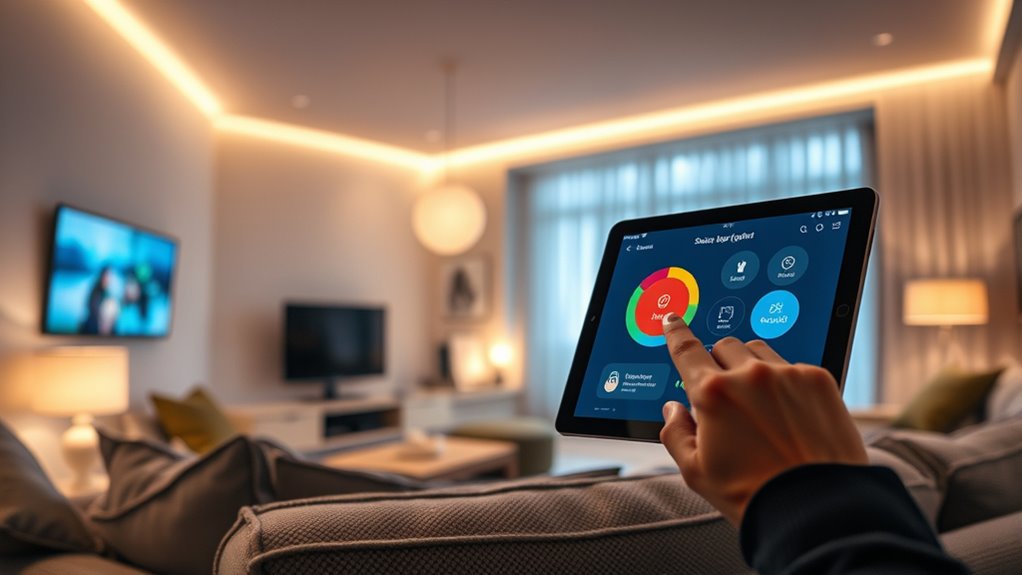
Once you’ve set your preferred light settings and scene presets, it’s important to verify that everything works smoothly. Turn on your routine and observe how the lighting color transitions and responds at scheduled times. Confirm the lighting color matches your expectations and creates the desired atmosphere. Check that your smart lights turn on and off correctly, and that dimming features operate seamlessly. Pay attention to energy efficiency by validating that lights aren’t staying on longer than necessary or using excessive brightness. If any issues arise, adjust the timing or settings accordingly. Testing helps you catch glitches early, ensuring your routine functions reliably and efficiently. Proper testing guarantees your smart lighting setup enhances your home environment as intended.
Adjust and Fine-Tune Your Routine as Needed
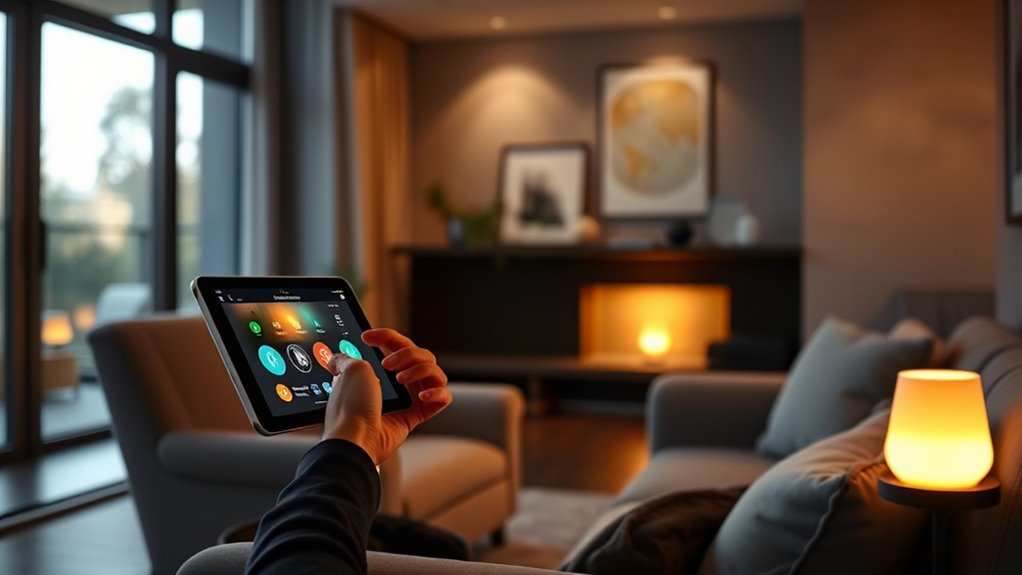
After testing your lighting routine, you’ll want to review how it performs during daily use and make adjustments to better suit your preferences. Pay attention to how well the schedule matches your lifestyle and whether manual overrides are easy when needed. Fine-tuning ensures ideal energy efficiency, preventing unnecessary power usage. Consider adjusting timing or brightness levels based on your habits. Keep in mind that occasional tweaks can improve comfort and save energy. Remember, routine adjustments aren’t one-time; revisit them periodically as your routines change. To help, focus on these points:
- Use manual overrides sparingly to maintain automation benefits
- Adjust timers to match your real schedule
- Optimize brightness for energy efficiency
- Regularly review and update routines for ongoing comfort
Incorporate Voice Control and Additional Smart Devices
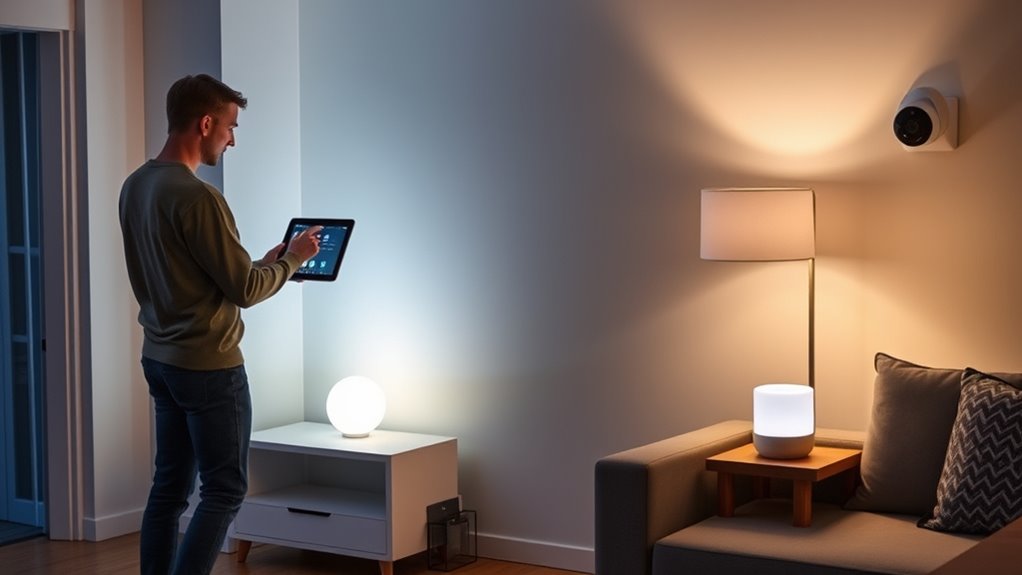
Integrating voice control and additional smart devices can substantially enhance your lighting routines by adding convenience and flexibility. With voice commands, you can turn lights on or off, adjust brightness, or change colors without lifting a finger. This seamless smart home integration allows you to control your lighting through devices like Amazon Alexa, Google Assistant, or Apple HomeKit. You can create routines that respond to your voice, making it easier to manage your environment hands-free. Adding smart devices such as motion sensors, smart switches, or dimmers further refines your setup, creating more intuitive and responsive lighting. By combining voice control with these devices, you streamline your routine and enjoy a smarter, more connected home experience.
Frequently Asked Questions
How Do I Troubleshoot Connectivity Issues With My Smart Lighting System?
To troubleshoot connectivity issues, start by checking for network interference that might be blocking your smart lights. Make certain your Wi-Fi signal is strong and free from interference from other devices. Also, verify that your smart lighting system has the latest firmware updates, as these often fix bugs and improve stability. Restart your router and smart lights, then reconnect them. If problems persist, reset your devices and reconfigure the connection.
Can I Create Multiple Routines for Different Times or Days?
Yes, you can create multiple routines for different times or days. Most smart lighting apps allow routine customization, so you can set custom schedules tailored to your needs. Simply access the app’s routines section, add new routines, and specify the times and days they should activate. This way, you can easily automate your lighting based on your daily schedule, ensuring your home always matches your preferences.
Is It Possible to Share Control of the Lighting Routines With Family Members?
Sharing control of your lighting routines is like passing the torch in a relay race—you can definitely do it. With family sharing, you grant routine permissions to trusted members, allowing them to modify or activate routines. Most smart lighting apps make this easy, so everyone can customize their environment. Just navigate to your app’s sharing settings, invite family members, and set their permissions—making your smart home a team effort.
What Security Measures Should I Consider for My Smart Lighting Setup?
You should prioritize access control by setting strong, unique passwords for your smart lighting system and enabling multi-factor authentication if available. Additionally, verify your devices use robust encryption protocols to protect data transmission. Regularly update your firmware to patch security vulnerabilities, and keep Wi-Fi networks secure with strong encryption like WPA3. These steps help prevent unauthorized access and keep your smart lighting setup safe from potential cyber threats.
How Do I Update or Upgrade My Smart Lighting Firmware?
Imagine your smart lights shimmering with fresh, vibrant energy; that’s what a firmware update can do. To upgrade, open your app, navigate to security settings, and check for firmware updates. Follow prompts to download and install the latest version. Regular firmware updates guarantee your system stays secure and efficient, keeping your smart lighting shining brightly and protected from vulnerabilities. Stay current to enjoy seamless, safe illumination at home.
Conclusion
Now that your smart lighting routine is set, enjoy the effortless glow that supposedly makes your life easier. Ironically, it’s only as smart as your setup—and maybe a little too enthusiastic to control every moment. Remember, the true brilliance isn’t in the lights but in your patience as you fine-tune them. So, sit back, relax, and let your “smart” lights do the work—just don’t forget who’s really in charge.