
TL;DR

Get home appliances delivered free with Prime
- Fast, free delivery on millions of items
- Prime Video, Amazon Music and more included
- Member-only deals all year
A Reddit user stripped a damaged MSI laptop down to its motherboard, RAM and storage, then mounted the board on a wall as a home server. The owner says it runs a home assistant for lighting, climate controls, curtains and fans; technical details such as the software stack and long-term reliability have not been reported.
A Reddit user has repurposed a damaged MSI laptop motherboard as a wall-mounted server that controls parts of the home, including lighting and climate settings. The owner, posting as u/noobakw in the r/homelab community, says the laptop’s display assembly was failing and that the stripped-down board now runs a home assistant.
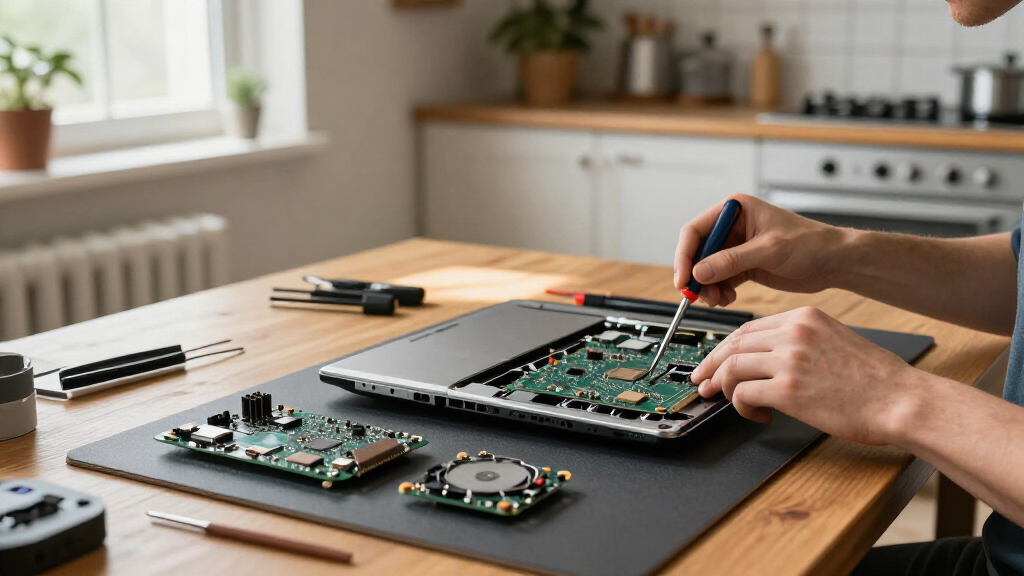
The owner described the laptop display as physically hanging on by a thread. Rather than replace the chassis components or put the board in an external enclosure, the user removed the laptop’s chassis, keyboard, trackpad and screen assembly, retaining the motherboard, RAM and storage for the project.
Images accompanying the Reddit post show the motherboard mounted directly on a wall beneath networking equipment. The setup includes a Jio broadband gateway, an Artis universal power brick and a TP-Link Wi-Fi extender. The board’s copper heat pipes, blower fan and other components are exposed to room air. A WD Green M.2 SATA SSD appears to be sitting in its slot without a screw securing its far end.
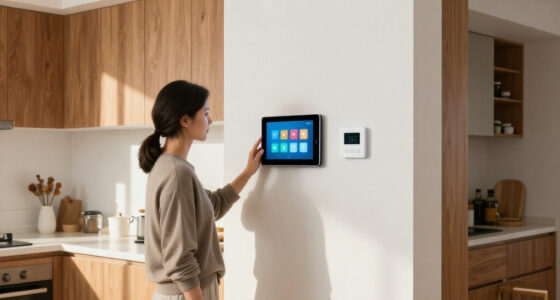
Because the laptop’s physical power button was removed with the rest of the chassis, the owner enabled “Wake on Power” in the BIOS. That setting allows the machine to start automatically when it receives power, according to the account. A screenshot of the home-assistant interface shows floor-plan navigation and controls for multizone climate, smart lights, motorized curtains and ceiling fans. The Reddit post credits Claude with helping the user deploy the home assistant, but does not specify the tasks it assisted with.
A broken MSI laptop finds a new role at home
A Reddit user reused a damaged laptop’s working motherboard as a wall-mounted server for smart-home controls. The project is an example of hardware reuse, with safety and reliability questions still open.
What the owner reused
The failing display prompted a stripped-down rebuild.
Core laptop parts
The motherboard, RAM and storage became the home server.
Damaged assembly
The chassis, keyboard, trackpad and screen were taken off.
Wall-mounted board
The board was mounted beneath home networking equipment.
What it controls
A screenshot shows several everyday home functions.
How it starts
The physical laptop button went with the chassis.
The owner says “Wake on Power” lets the computer start when it receives power.
The repurposed board serves the home assistant; its software stack is not reported.
What remains uncertain
- Exposed motherboard mounted on a wall
- Smart-home control interface
- Networking equipment nearby
- Long-term stability or overheating history
- Independent safety assessment
- Power use and detailed build instructions
A Second Use for a Failed Laptop
The project illustrates how a computer with a damaged display can still have useful components, particularly when its motherboard remains functional. For this owner, turning the board into a dedicated home server avoided discarding the hardware and gave it a role in managing connected devices. It is a specific example of reuse, not evidence that every broken laptop can be repurposed in the same way.
Keeping older hardware in service may also reduce the need to buy a replacement computer for modest server tasks. But the post does not provide a parts list, power-consumption figures, reliability data or a comparison with the cost of repairs or replacement. The visible arrangement is highly improvised, and should not be treated as a general recommendation for mounting exposed computer components in a home.
Products Worth Considering

DJI Mini 3 Pro Fly More Vlogger Combo with DJI RC

Bose Lifestyle Ultra Wireless Home Speaker

DJI Mini 3 Drone with DJI RC Controller
As an affiliate, we earn on qualifying purchases.
From Laptop Chassis to Home Lab
The r/homelab community is a forum where users share home-server projects and networking setups. In this case, the owner used an existing laptop board rather than building a server from separate components. The available account describes the screen assembly as the failure that prompted the rebuild; it does not establish that the motherboard itself was defective.
The post’s images and description provide the main details: the board is wall-mounted, linked to home networking equipment and configured to start when power returns. The interface screenshot indicates that the machine is being used to control several smart-home functions. The reported setup thus combines hardware reuse and home automation, though the specific operating system, home-assistant software and device protocols are not identified in the account.
“The laptop’s display was physically hanging on by a thread.”
— Reddit user u/noobakw
Open Questions on Safety and Reliability
The available post does not say how long the motherboard has been operating in this configuration or whether it has experienced crashes, overheating or other failures. It also does not identify the home-assistant software, the computer’s processor, memory capacity, operating system, power draw or the smart-home devices’ connection method.
The images show exposed components and an SSD that appears unsecured at one end, but they do not establish whether the assembly is protected from accidental contact, dust or movement. The reporting does not provide an independent safety assessment. It is also unclear whether the owner plans to add an enclosure, secure the storage drive or make other changes to the mounting.
Whether the Wall Server Stays
No follow-up plan or performance update is included in the available account. The next useful update would be the owner’s report on whether the server remains stable under everyday use, how the exposed board handles its environment and whether the smart-home controls work reliably after restarts.
For readers considering a similar reuse project, the post offers an example rather than a tested build guide: it gives no detailed instructions or safety review. Any further information from the user about the software, mounting, component protection and operating costs would help establish how practical the setup is beyond the initial demonstration.
Source: Wccftech
Key Questions
What happened to the MSI laptop?
The owner said its display assembly was badly damaged. They removed the chassis, keyboard, trackpad and screen, then reused the motherboard, RAM and storage in a wall-mounted server.
What does the repurposed computer control?
A screenshot shared with the post shows controls for smart lighting, climate zones, motorized curtains and ceiling fans. The specific home-assistant software is not identified in the available reporting.
The owner says they enabled “Wake on Power” in the BIOS, allowing the computer to start when it receives power.
Is the exposed motherboard setup confirmed to be safe or reliable?
No independent safety assessment or long-term reliability information is reported. The images show exposed components, and the post does not explain whether the board or SSD has additional protection.
Source: Wccftech