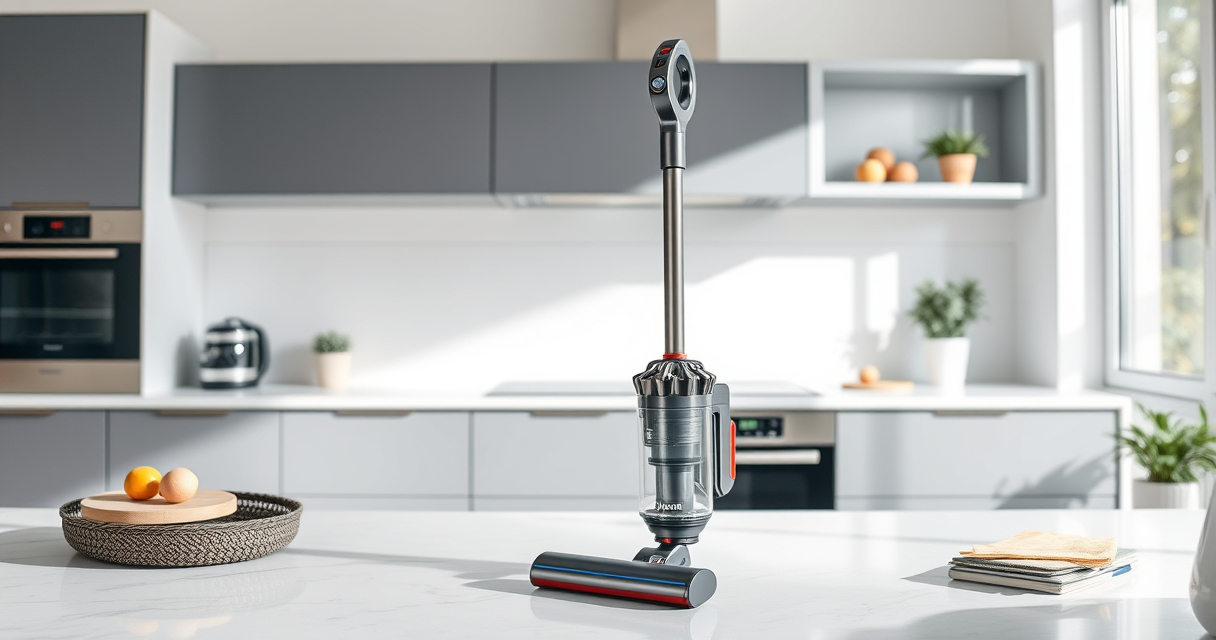
If your Dyson V15 Detect™ Origin Cordless Vacuum is losing battery life quickly, it can be frustrating and hinder your cleaning routine. Battery problems are common in cordless vacuums, but many issues can be fixed with some simple troubleshooting and maintenance steps. This guide provides clear, safe instructions to help you extend your vacuum’s battery life and restore optimal performance.
Before starting, ensure your vacuum is turned off and unplugged if connected to a charger. Regular maintenance, such as replacing filters and cleaning contacts, can also improve battery efficiency.
Key Takeaways
| Battery health matters | A degraded battery reduces run time; replacing it can restore performance. |
| Filters impact battery life | Clogged filters cause strain, reducing efficiency; clean or replace regularly. |
| Contacts and connections | Dirty or loose contacts can cause power issues; cleaning them ensures good connectivity. |
| Use genuine parts | Using authentic filters and batteries prevents compatibility issues and prolongs lifespan. |

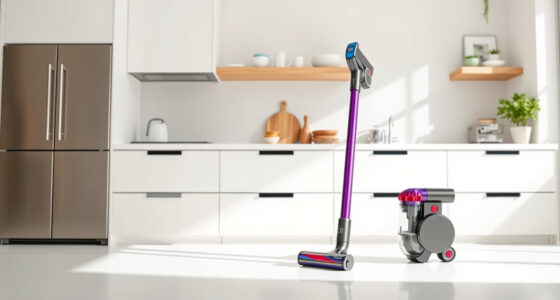
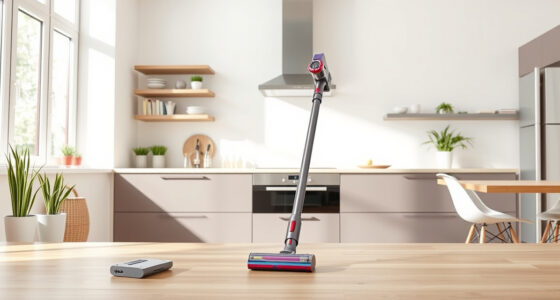
Dyson V15 Detect™ Origin Cordless Vacuum
- Deep cleaning with intelligent detection: Reveals invisible dust for thorough cleaning
- Enhanced power and runtime: 100% more power, 60-minute battery life
- Energy-efficient power trigger: Uses power only when needed
As an affiliate, we earn on qualifying purchases.
Check the Battery Condition
- Ensure the battery is properly seated in the vacuum. Remove the battery and inspect for any visible damage or corrosion.
- If the battery shows signs of swelling, leakage, or damage, it’s time to replace it.
- Test the battery’s health by fully charging it, then using the vacuum until it stops; if the run time is significantly shorter than 60 minutes, a replacement may be necessary.

LANMU Crevice Tool Vacuum Attachments Compatible with Dyson V15 V12 V11 V10 V9 V8 V7 Gen5 Outsize Vacuum Cleaner, Narrow Nozzel Replacement Parts for Hard-to-Reach Space
- Wide Compatibility: Compatible with various Dyson models
- Slim and Flexible Design: Narrow nozzle for hard-to-reach areas
- Versatile Applications: Ideal for furniture, car, and appliance cleaning
As an affiliate, we earn on qualifying purchases.
Replace or Recharge the Battery
If your battery is old or degraded, replacing it is the best option. Use an authentic Dyson replacement battery compatible with the V15 Detect™ Origin.
To recharge, ensure you are using the original charger and charging in a cool, dry place. Allow the battery to fully charge before testing the run time again.
Clean the Vacuum’s Contacts and Filters
- Wipe the metal contacts on the battery and the vacuum with a dry cloth to remove dirt and debris for a better connection.
- Replace the pre-filters regularly. If you have a 3-pack replacement (asin=B091D4YRYG), rinse the filters with water, let them air dry completely, and reinstall.
- Check the filters for clogging or damage; replacing them can improve airflow and battery efficiency.
Check for Firmware or Software Updates
Some Dyson models offer firmware updates that improve battery management. Connect your vacuum to Dyson’s app or follow the manufacturer’s instructions to ensure your device has the latest software installed.
Optimize Usage and Storage
- Avoid letting the battery completely discharge regularly; keep it charged between 20-80% for longevity.
- Store the vacuum in a cool, dry place and avoid extreme temperatures which can degrade the battery faster.
The Products in This Guide

Dyson V15 Detect™ Origin Cordless Vacuum
- ✔ Weight: 6.8 lbs
- ✔ Charge Time: 3.5 hours
- ✔ Warranty: 2 years

LANMU Crevice Tool Vacuum Attachments Compatible
- ✔ Length: 12 inches
- ✔ Weight: 0.4 lbs
- ✔ Color: Black and transparent
Dyson V15 Detect™ Origin Cordless Vacuum
The Dyson V15 Detect™ Origin is a high-performance cordless vacuum designed for whole-home cleaning, with intelligent features and a 60-minute battery life. Regular maintenance and proper use can keep it running efficiently.
Pros:
- Powerful suction with 100% more power
- Intelligent debris detection
- LCD screen for real-time info
- Versatile cleaning heads
Cons:
- Battery replacement can be costly
- Filters require regular cleaning
- Battery life may degrade over time
Best for: Deep cleaning homes with pet hair and hard-to-reach spots
Not ideal for: Users seeking a budget-friendly or lightweight vacuum
Bottom line: A powerful, smart vacuum perfect for deep cleaning, with attention needed for battery maintenance.
LANMU Crevice Tool Vacuum Attachments Compatible
The LANMU Crevice Tool vacuum attachments are compatible with Dyson models like the V15. They are slim, flexible, and perfect for reaching tricky edges and corners, making your cleaning more effective.
Pros:
- Narrow nozzle for tight spots
- Flexible and durable
- Easy to install
- Versatile for home and car cleaning
Cons:
- May not fit all Dyson models
- Additional accessories might be needed for full compatibility
- Nozzle may be fragile if mishandled
Best for: Cleaning corners, baseboards, and car interiors
Not ideal for: General cleaning or large debris pickup
Bottom line: A versatile attachment that helps you reach and clean difficult spots efficiently.
Frequently Asked Questions
How do I know if the battery needs replacing?
If your vacuum’s run time is significantly shorter than 60 minutes after a full charge, and cleaning performance has decreased, the battery may be degraded and in need of replacement.
Can I replace the battery myself?
Yes, if you are comfortable with basic tools, you can replace the battery by removing the old one and installing a compatible new battery, following safety precautions.
What should I do if my vacuum isn’t holding a charge?
First, check the battery contacts for dirt or corrosion, clean them if needed, and ensure the charger and cable are working properly. If issues persist, replacing the battery may be necessary.
How often should I replace the filters?
It is recommended to replace or clean filters every 2-3 months, depending on usage, to maintain optimal airflow and battery efficiency.
Maximize Your Dyson V15 Detect Efficiency
Proper maintenance and timely replacements are key to preventing battery issues in your Dyson cordless vacuum. Regularly cleaning contacts, replacing filters, and monitoring battery health can extend your vacuum’s lifespan and ensure it performs at its best. Follow these troubleshooting steps to keep your vacuum running smoothly and enjoy powerful cleaning with less downtime.
Affiliate disclosure: As an Amazon Associate we earn from qualifying purchases. Prices and availability are accurate as of the time of publishing.