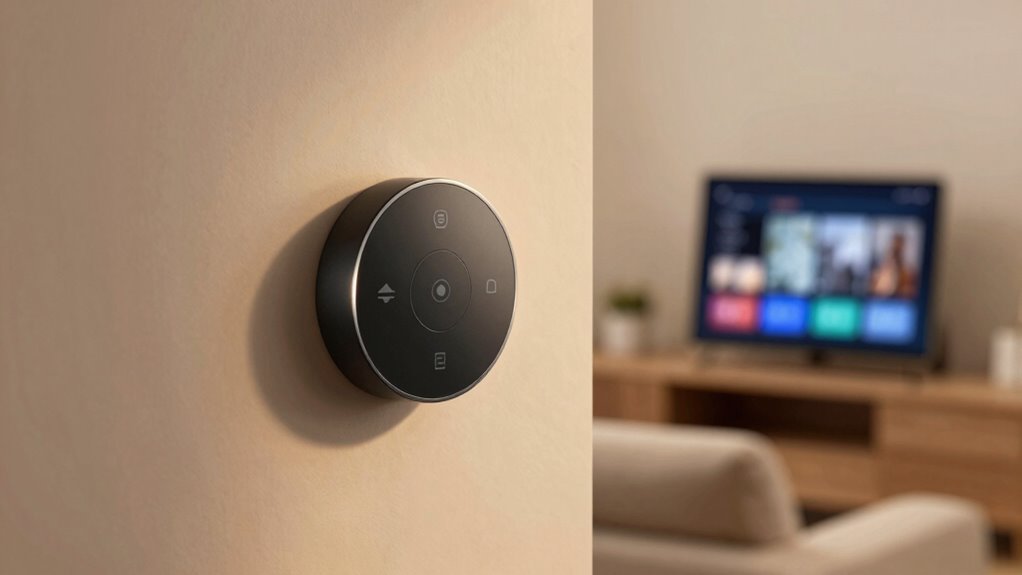

Smart buttons stay useful in app-based homes because they give you quick, reliable control at your fingertips, without needing to open apps or rely on voice commands. They simplify actions like turning off lights or activating scenes instantly, even if your connection is weak. With physical buttons, you get tactile feedback that apps or voice might miss. If you want to discover how these buttons can make your home smarter and more efficient, keep exploring the benefits they bring.

Get home appliances delivered free with Prime
- Fast, free delivery on millions of items
- Prime Video, Amazon Music and more included
- Member-only deals all year
Key Takeaways
- Provide quick, one-touch control for lighting, appliances, and scenes, enhancing convenience beyond app navigation.
- Operate reliably without internet, ensuring consistent home automation even during connectivity issues.
- Enable hands-free operation via voice commands, ideal when multitasking or hands are occupied.
- Improve energy efficiency by allowing immediate manual control to turn off unused devices instantly.
- Offer personalized and customizable functions tailored to individual routines and preferences.
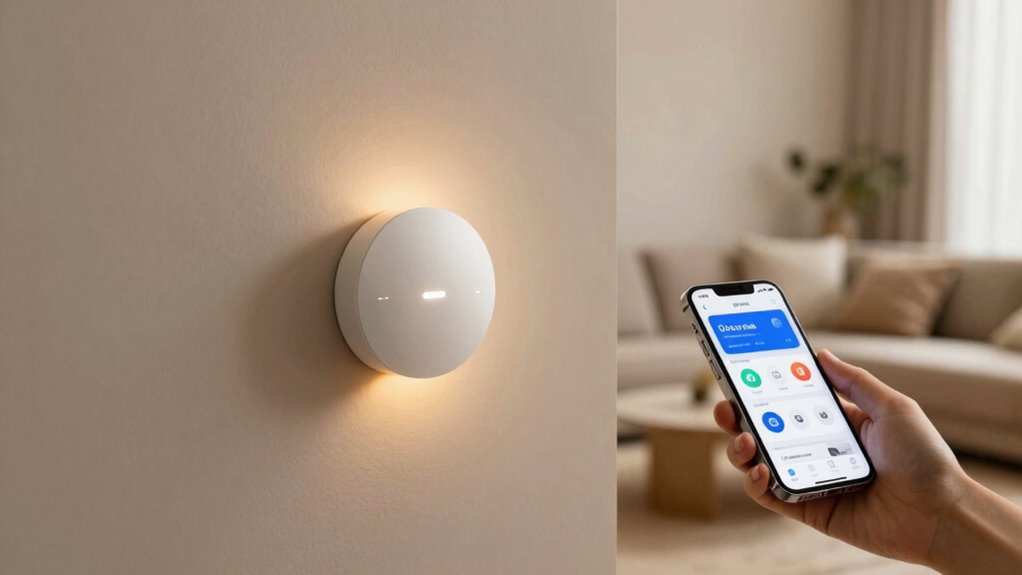
Smart buttons have revolutionized how you interact with your app homes, making control more intuitive and immediate. Instead of digging through menus or remembering complex commands, you can simply press a button to activate a device or set a scene. This simplicity is especially valuable when your hands are full or you’re in a hurry. Beyond convenience, these buttons often integrate voice control, allowing you to command your smart home with just a word or phrase. Imagine saying “Turn off the lights” or “Set the thermostat to 72 degrees,” and watching your home respond instantly. This combination of physical buttons and voice control creates a seamless, hands-free experience that enhances your daily life.
Smart buttons simplify home control, blending physical ease with voice commands for instant, hands-free convenience.
One of the biggest advantages of smart buttons is their role in boosting energy efficiency. When you press a button to turn off unused lights or power down appliances, you’re actively reducing energy consumption. Such immediate control helps you avoid wasting power, which not only saves money but also benefits the environment. These buttons can be programmed to perform multiple functions at once, like shutting off all lights and locking doors when you leave the house, ensuring that energy isn’t unnecessarily used while you’re away. With smart buttons, you don’t have to navigate complicated interfaces or remember to switch things off manually. Instead, a single press or voice command can optimize your home’s energy use effortlessly. Additionally, their reliability ensures consistent performance, making them a dependable part of your automation setup. Incorporating home automation principles, these buttons exemplify how simple controls can contribute to a more sustainable living environment. Research indicates that such energy-saving features are increasingly important to consumers seeking eco-friendly solutions, especially as smart home technology becomes more widespread.
Another reason smart buttons stay relevant is their reliability. Unlike smartphones or voice assistants that require an internet connection and sometimes suffer from delays or glitches, these physical buttons offer instant feedback. You know exactly what will happen when you press them, making your smart home feel more dependable. Plus, their tactile nature means you can operate them even if your voice isn’t clear or if there’s background noise. This robustness makes smart buttons a consistent part of your home automation setup, complementing voice control and other smart features.
Finally, smart buttons help you customize your home experience. You can assign specific functions to each button based on your routines and preferences. Whether it’s activating a morning scene, starting your coffee maker, or adjusting the lighting for movie night, these buttons give you quick access to personalized settings. Their versatility and ease of use ensure they’re not just a fad but a practical tool that complements the smarter, more energy-conscious home you’re building. In short, smart buttons remain an essential component because they blend simplicity, reliability, and energy efficiency into a unified control experience.
As an affiliate, we earn on qualifying purchases.
Frequently Asked Questions
How Do Smart Buttons Improve Energy Efficiency in Smart Homes?
Smart buttons improve energy efficiency in your smart home by promoting energy conservation through quick, easy control of devices. When you press a button, you can instantly turn off unused lights or appliances, reducing unnecessary power usage. They also influence your behavior by encouraging mindful energy habits, helping you save on bills while making your home more environmentally friendly. This simple tool empowers you to make immediate, impactful energy-saving decisions.
Can Smart Buttons Be Customized for Multiple Device Controls?
Imagine you set up a smart button to control multiple devices, like lights, blinds, and your coffee maker. Yes, smart buttons can be customized for device control through various settings, allowing you to assign specific actions to each button press. These customization options make it easy to streamline your routines, providing quick access to multiple devices with a single press, enhancing convenience and personalized control in your smart home.
Are Smart Buttons Compatible With All Smart Home Ecosystems?
Smart buttons aren’t compatible with all smart home ecosystems, but many now offer universal compatibility and seamless ecosystem integration. You can often find models that work across popular platforms like Alexa, Google Home, and Apple HomeKit. To guarantee smooth operation, check the product specifications for ecosystem compatibility before purchasing. This way, you get versatile control that integrates effortlessly into your existing smart home setup, making daily routines more convenient.
Do Smart Buttons Require Wi-Fi or Bluetooth Connectivity?
Smart buttons typically don’t require Wi-Fi dependence; they often use Bluetooth, which simplifies setup and reduces Wi-Fi reliance. However, Bluetooth limitations mean their range is shorter compared to Wi-Fi-connected devices, so you need to be within close proximity. If your home has Wi-Fi issues or you want greater flexibility, look for smart buttons that support Wi-Fi connectivity directly, offering more reliable control without Bluetooth’s range restrictions.
What Is the Typical Lifespan of a Smart Button Battery?
Imagine holding a smart button that’s been humming along smoothly. Typically, its battery lasts about 1 to 2 years, depending on usage. For battery replacement, you’ll need to open the device and swap out the coin cell battery. The lifespan estimation depends on how often you press it. Regular use can drain the battery faster, but with careful handling, your smart button can serve you reliably for quite some time.
wireless smart light control button
As an affiliate, we earn on qualifying purchases.
As an affiliate, we earn on qualifying purchases.
Conclusion
While smart buttons seem simple, their true value lies in their immediacy and reliability, especially when apps or voice commands falter. Some experts suggest their consistent performance isn’t just convenience but a reflection of human nature’s desire for control and reassurance. By offering instant, tactile control, smart buttons remain essential in app-based homes, proving that sometimes, the most straightforward tools are the most powerful—especially when they tap into our innate need for simplicity and certainty.
As an affiliate, we earn on qualifying purchases.
As an affiliate, we earn on qualifying purchases.
NFL season / tailgating Picks
team gear
As an affiliate, we earn on qualifying purchases.