
TL;DR
Smart home voice assistants are software services that respond to spoken requests and can control compatible devices, answer questions, and run routines. Your experience depends on ecosystem compatibility, privacy settings, internet reliability, and which features work locally; keep app and physical controls available too.
Check compatibility for the exact model and the features you want; a general “works with” label may cover only some commands.
Compare ecosystems against the devices, phones, and services your household already uses before buying more hardware.
Review recording and transcript settings separately, and use the physical microphone mute switch when you want the speaker to stop listening for its wake word.
Secure the account that controls your home with a unique password and multifactor authentication where available.
Keep an app or physical control available because cloud-based voice commands may fail during an internet outage.

Get home appliances delivered free with Prime
- Fast, free delivery on millions of items
- Prime Video, Amazon Music and more included
- Member-only deals all year
What a smart home voice assistant can actually do
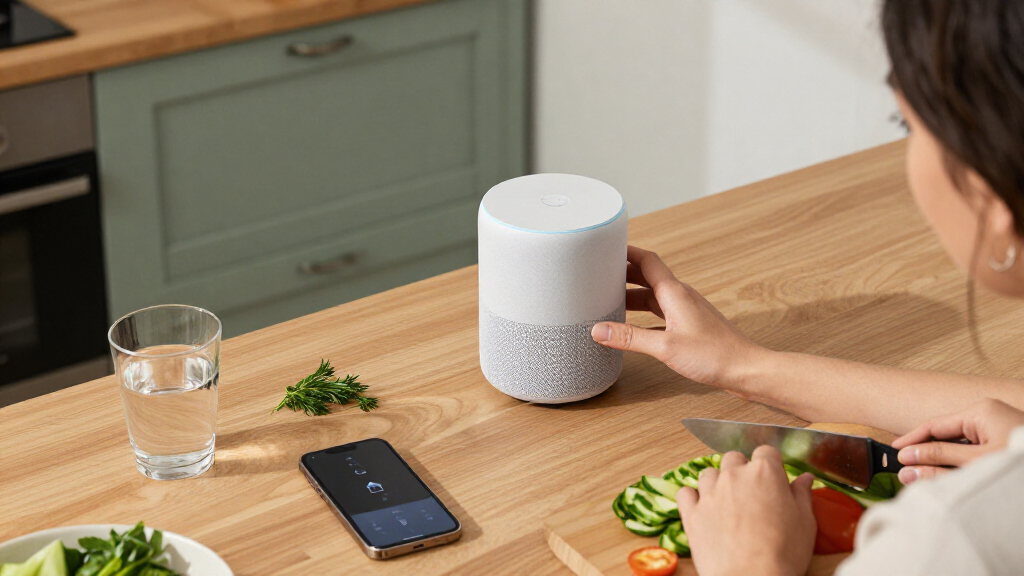
A smart home voice assistant is software that responds to spoken requests and can control compatible devices, answer questions, play media, set reminders, and run routines. You speak to it through a smart speaker, phone, television, or display. The assistant interprets your request; a hub or controller may coordinate the devices that carry it out. That distinction matters when you shop. Some speakers include hub features, while others need a separate hub, phone, router, or cloud service to reach your devices. Saying “turn off the kitchen lights” might travel from a microphone to an assistant and then to a compatible bulb or controller. If one part of that chain loses power or connectivity, the command may fail. Each extra link can add setup work and another possible point of failure, so consider whether the convenience of voice control is worth the equipment and services your chosen setup requires. The major ecosystems include Amazon Alexa, Apple Siri with Apple Home, and Google Assistant within Google Home. Samsung Bixby and other assistants also appear on phones and appliances. Their capabilities change by country, product, and software version, so the experience you see in a review may differ from what a particular device offers where you live. This means the assistant’s brand alone tells you little about what your home can do; the specific speaker, controller, account, and compatible devices shape the result. Think of the assistant as a receptionist for your home: it takes requests and directs them, but it doesn’t automatically own every room or understand every device. A speaker on the counter might answer a question and control a lamp without acting as the hub for your whole setup. Check which role each product plays before adding it to your shopping list. That can help you avoid paying for a speaker expecting it to connect devices that still require a separate controller.Products Worth Considering

LG UltraGear 32-inch QHD Curved Gaming Monitor, 180Hz, 1ms, AMD FreeSync

Anker SOLIX S2000 Portable Power Station, 2,010Wh, 1,500W

Kindle Paperwhite Signature Edition (2024), 32 GB, Metallic Black
As an affiliate, we earn on qualifying purchases.
Choose devices by checking compatibility first
Compatibility means the exact device model supports the ecosystem and the functions you plan to use. A “works with Alexa,” “works with Google Home,” or similar label can describe limited support, so check the product’s current documentation for the commands and features you want. The distinction matters because a device can technically connect while leaving the controls you care about—such as color selection, detailed schedules, or sensor status—in a separate app. For example, a bulb might turn on and off through voice while hiding its color controls in the manufacturer’s app. A thermostat could support basic temperature changes but not every scheduling feature. Before buying, look up the model number and verify that it works with your assistant, hub, region, and desired features. Two products with nearly identical names can have different radios or software support. Checking now can save you from discovering after installation that the feature you expected depends on extra hardware or an app you rarely use. Matter is an industry standard intended to make compatible smart-home devices easier to use across major platforms. It can reduce the guesswork when you combine products from different brands. But the Matter label does not promise that every advanced feature behaves the same in every assistant app; some setups also need a compatible controller or border router for particular devices and functions. In practice, Matter can make basic cross-brand control simpler, while platform-specific features may still influence which ecosystem feels complete. A practical check takes a few minutes: read the manufacturer’s compatibility page, confirm whether the device needs an extra hub, and look for notes about features that are app-only. If your household already uses iPhones and Apple Home, for instance, test whether a planned Matter light supports the dimming or color controls you expect in that setup. Compatibility on the box is a starting point, not the whole answer. The goal is to confirm that the device fits how your household will actually control it, rather than counting on a label to guarantee a seamless experience.Compare the ecosystems around the devices you already own
The best voice assistant for your smart home is the one that supports your devices, fits the phones and services you use, and offers features you can access in your region. No ecosystem wins for every household; support, privacy preferences, and ease of setup all affect the result. Choosing an ecosystem is partly a convenience decision and partly a commitment: the more devices and routines you build around it, the more disruptive it can be to switch later. Start with what sits in your pocket and on your counters. If your family uses different phone platforms, a system with broad device support may be more convenient. If you already rely on one provider’s calendar, speakers, or home app, its assistant may make routines simpler. Then check whether your important devices—especially locks, thermostats, and lights—support the same assistant and the commands you need. A system that integrates well with the devices you use most can reduce app switching, but it may also make you more dependent on one provider’s account and service availability. Imagine two people comparing a speaker that costs less with one that fits their existing home. The cheaper option may require another hub or an extra app for each bulb. The more expensive one may connect to devices they already own, but still lock some features into its own ecosystem. Add the speaker, hubs, sensors, subscriptions, and likely replacements to the total before you judge the price. The purchase price is only one part of the cost; setup time and the effort of maintaining several apps matter too. Support also changes as manufacturers update software or retire services. Before you commit to a whole-home setup, look for current compatibility information and whether essential functions can work without a particular provider’s cloud. For one new bedside lamp, a small mismatch may be annoying; for the lock on your front door, it deserves a closer check. For important devices, favor a setup with clear local controls or a reliable physical fallback, so a provider outage or service change does not take away every way to operate them.Protect privacy without giving up hands-free convenience
Privacy depends on how a particular assistant processes requests and what its settings allow you to review, delete, or store. Many devices monitor for a wake word, but audio processing, recordings, transcripts, and usage data are not handled identically across products. Check the device controls and provider policy rather than assuming every assistant behaves the same way. Those differences matter because you may be comfortable with a speaker recognizing a request in the moment but less comfortable with a history that remains associated with your account. A useful distinction: a voice recording is audio, while a transcript is text made from a request. A provider may offer separate controls for voice history, saved activity, or deletion, and its retention rules can vary. Review those settings during setup. Look for a physical microphone mute switch if you want a clear way to stop a speaker from listening for its wake word while you’re having dinner with friends. A mute switch trades hands-free convenience for a visible, immediate boundary; it can be useful in rooms where people sometimes want privacy without changing account settings. A household example makes the choice concrete. You might place a voice-enabled display in the kitchen for timers but prefer not to put a microphone in a bedroom. You can also remove old voice activity where the service allows it and check whether a feature sends information to the cloud. Some products handle more tasks locally, but many assistant requests still depend on online services. Local processing can reduce dependence on internet access for supported tasks, though it does not automatically mean that every feature avoids sharing data or that all controls work offline. Convenience comes with an account, so secure that account too. Use a unique password and multifactor authentication where available; update your router and devices; and review permissions before granting a third-party service access. Treat voice recognition as a convenience for personalization, not strong proof of identity. If you can unlock a door with a spoken request, use the product’s stronger access controls rather than trusting a voice profile alone. The practical tradeoff is straightforward: keep low-risk requests easy, and add more deliberate confirmation to actions that could affect someone’s safety or access to the home.Build routines that save time and keep working when voice fails
A good smart-home routine combines a few clear actions with a trigger you can predict and edit. For instance, a bedtime routine could dim a hallway light, turn off a living-room lamp, and adjust the thermostat when you say “good night.” Specific routines save repeated taps; vague triggers can cause surprising changes. The more actions a routine bundles together, the more time it can save, but the more important it is to understand what will happen when it runs. Start with one small scenario and test each action. If you want the house ready for bed at 10 p.m., decide whether the trigger should be a spoken phrase, a schedule, or both. Check that the routine doesn’t switch off a light someone else still needs. If a thermostat change makes the bedroom too warm, edit that action instead of abandoning the whole routine. Testing each part makes the routine easier to troubleshoot: you can identify the troublesome action without guessing whether the trigger or the whole sequence is at fault. Then plan for the internet to disappear. Physical switches usually remain useful, and some local controls or automations may keep working. Cloud-based voice requests and remote access may stop, depending on the device and setup. “Works offline” applies to particular features, not necessarily the whole assistant, so check what your products can do without internet before you depend on them. A routine that relies on a cloud service may be convenient most days but is a poor sole control for something you need during an outage. Keep at least one fallback: a wall switch, the device maker’s app, or a suitable local controller. Picture the router restarting as you carry groceries through the dark hallway. A physical switch lets you turn on the light immediately; later, you can diagnose the network. Voice should make a dependable home more convenient, not become the only way you can operate it. The fallback is most useful when it is easy to reach and familiar to everyone who might need it.Use voice as an extra control for accessibility and everyday tasks
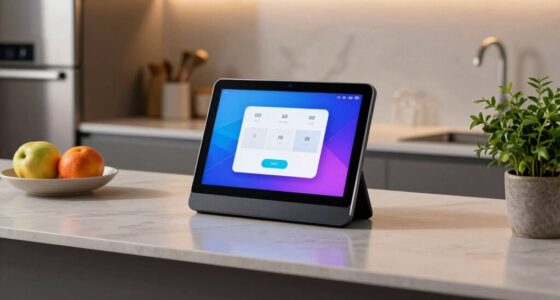
Voice control can make everyday actions easier when reaching for a switch or reading a small screen takes effort. It can also simplify routine tasks for people with mobility or vision limitations, though the results depend on the room, the assistant, and the way someone speaks. Its value comes from adding another way to act, not from replacing every other control. A person with limited reach might ask for a lamp to turn on from across the room, then use a physical button if a command fails. Someone with low vision might prefer a spoken timer to searching through a phone menu. These examples show why assistants can matter beyond novelty: they offer another route to the same action. When that route works well, it can reduce the effort of repeated tasks and give someone more control over their environment. That route has limits. A noisy kitchen, several people speaking at once, an accent, or a speech difference can make recognition less reliable. Before buying a set of speakers for a household member, try the assistant in the actual room and at the times they’ll use it. Test the words they naturally say, not only the scripted example on the product page. A successful demo in a quiet shop may not predict how well commands work from bed, across a busy room, or with the person’s usual phrasing. Offer more than one way to control important devices. A voice request, app, physical button, and automation can work together, so a failed command doesn’t leave anyone stuck. For example, place a reachable button beside the bed even if a voice assistant can control the lamp. Accessibility improves when the home gives people choices, not when one interface has to work perfectly every time. The best mix depends on the person: an app may be useful for one task, while a well-placed switch makes another more dependable.Set up a safer smart home in five practical steps
A safer setup starts with the account, network, and permissions that connect your devices. Use a unique password, turn on multifactor authentication where available, install updates, and review which services can access your home. Then test a sensitive action—such as locking a door—using the controls you plan to rely on. These checks address different parts of the setup: account security protects who can sign in, updates address software issues, and permission reviews limit which connected services can act on your behalf. A new smart speaker can look ready in five minutes, but a few deliberate checks can prevent frustrating surprises. If you’re setting up a front-door lock, for example, confirm who can control it, how access works if the internet drops, and whether voice unlocking requires a stronger confirmation. Don’t assume a personalized voice response provides security. A little time spent testing how access behaves can reveal whether the system’s convenience matches the level of protection the door needs.- Secure your main account: Use a unique password and enable multifactor authentication where the provider offers it.
- Update the network and devices: Install available software updates and use a secured Wi-Fi network.
- Check permissions: Review third-party connections and remove access you no longer need.
- Test fallbacks: Try the physical switch, device app, and any local control you plan to use.
- Review after setup: Check voice-history controls and confirm that routines behave as expected.