To create custom voice commands and routines, start by exploring your smart device’s settings or app. Use clear, simple phrases like “Good morning” or “Start my day” to trigger routines that can include multiple actions, such as turning on lights, playing music, or adjusting thermostats. Personalize responses for more natural interactions and manage commands easily. Keep experimenting with your setup to make your assistant truly reflect your habits—more tips follow if you’re enthusiastic to learn.
Key Takeaways
- Use clear, specific phrasing for voice commands to ensure accurate recognition and execution.
- Create routines with logical, multi-step actions triggered by phrases or environmental cues.
- Personalize responses with tone, humor, and greetings to enhance user engagement.
- Leverage natural language to make interactions intuitive and adapt to context and environment.
- Regularly review and update commands and routines for seamless customization and improved performance.
Understanding the Basics of Custom Commands and Routines
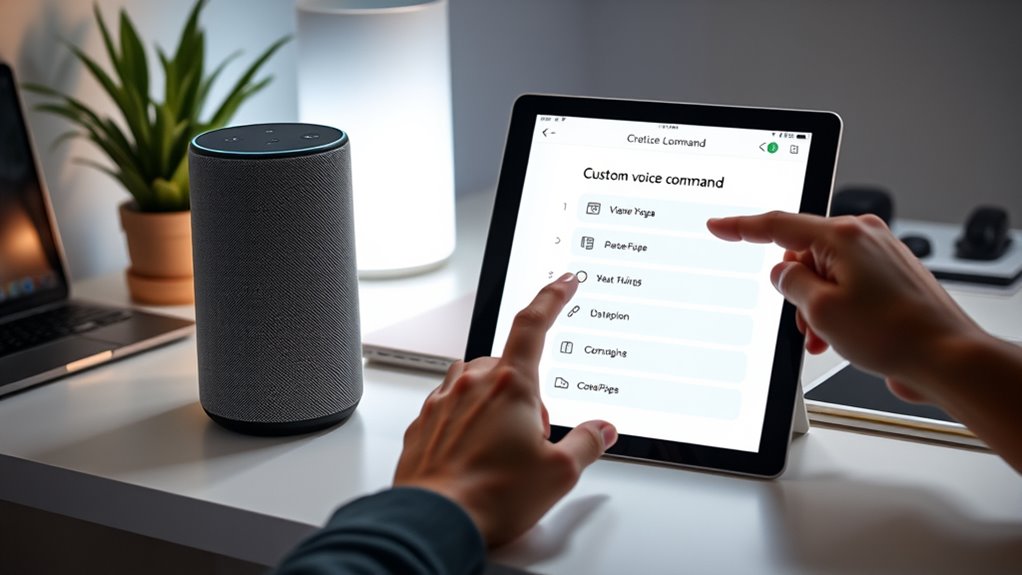
Understanding the basics of custom commands and routines is essential for making your smart device more responsive to your needs. When creating voice commands, pay attention to voice command syntax, which guarantees your device understands your instructions accurately. Clear, simple phrasing helps avoid misinterpretation. Routine scheduling lets you automate actions based on time, location, or event, making your device more efficient. For example, you can set a routine to turn on lights at sunset or play music when you arrive home. Knowing how to structure your commands and plan routines effectively gives you more control and a seamless experience. Mastering these basics makes your smart device truly adapt to your daily habits, saving you time and effort. Incorporating European cloud innovation into your setup can also enhance security and energy efficiency.
Accessing Your Assistant’s Customization Features

To customize your assistant’s features, you need to access its settings through a dedicated app or voice commands. This step allows you to adjust voice recognition accuracy and enhance device integration. Typically, you’ll find these options under the settings menu, where you can manage connected devices and personalized preferences. Use voice commands like “Open settings” or tap the app icon on your device to get started. To better understand your options, here’s a quick overview:
| Feature | Access Method | Customization Options |
|---|---|---|
| Voice Recognition | Voice command or app | Adjust sensitivity, training voice |
| Device Integration | App/settings menu | Add/remove compatible devices |
| Routines | App or voice command | Create personalized routines |
| Privacy Settings | App/settings menu | Manage data sharing and permissions |
Additionally, reviewing audio quality settings can improve overall performance and user experience. Ensuring optimal device connectivity can also significantly enhance your assistant’s responsiveness. You can also explore software updates to ensure you have the latest features and security improvements. Regularly updating your device’s firmware can help maintain privacy and security standards and protect your data.
Creating Simple Voice Commands for Everyday Tasks
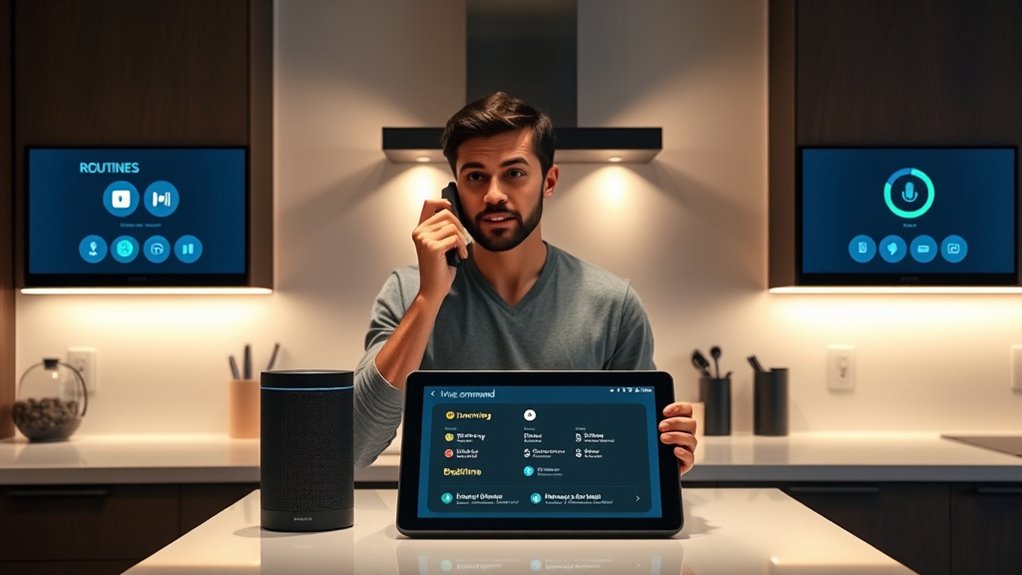
Creating simple voice commands for everyday tasks makes your digital assistant more useful and efficient. To do this effectively, focus on understanding voice command syntax, which is how you structure your commands for clarity. Use routine trigger phrases that are natural and easy to remember, such as “Good morning” or “Start my day.” Keep commands concise and specific, avoiding unnecessary details. For example, instead of saying, “Can you please turn on the kitchen lights now?” opt for a straightforward command like “Turn on kitchen lights.” Consistency helps your assistant recognize patterns and execute tasks reliably. By mastering simple commands and routine trigger phrases, you’ll streamline daily activities and make your digital assistant a seamless part of your routine. Additionally, detecting passive voice can help make your commands clearer and more direct.
Designing Multi-Step Routines for Complex Activities

Once you’ve mastered simple voice commands, you can start building routines that handle multiple actions at once. Designing multi-step routines requires careful sequence planning to ensure each action flows smoothly. Break down complex activities into logical steps, and arrange them in the correct order. Use conditional triggers to make routines smarter—these allow your assistant to respond to specific situations or changes, like adjusting the routine if someone is home or if the weather shifts. For example, you might set a morning routine that turns on lights, plays news, and adjusts the thermostat, all triggered by a single command. Proper sequence planning combined with conditional triggers makes your routines more efficient, adaptable, and tailored to your daily needs. Additionally, incorporating connected equipment into routines can further enhance the functionality and personalization of your smart home setup. Incorporating voice command customization allows for more personalized and intuitive interactions, making your routines even more seamless. To effectively design multi-step routines, understanding user needs helps in creating solutions that truly fit your lifestyle.
Personalizing Responses and Voice Feedback
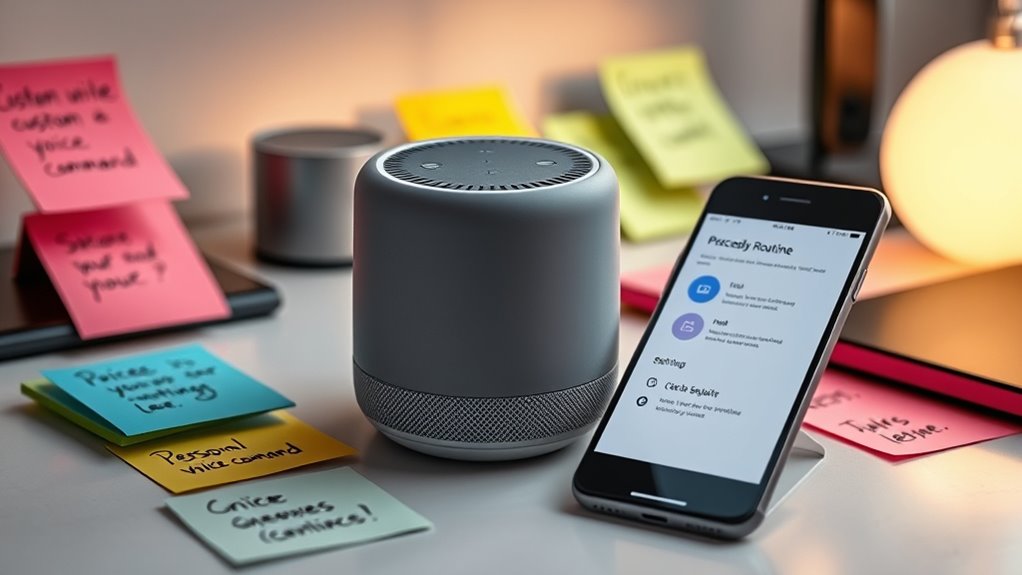
Personalizing responses and voice feedback allows your voice assistant to feel more natural and engaging. By adjusting voice feedback, you can make its tone, pace, and expressions match your preferences, creating a more pleasant experience. Response personalization enables you to add custom greetings, reminders, or humorous remarks that reflect your personality. When your assistant responds in a way that feels tailored to you, it builds a stronger connection and makes interactions more enjoyable. You can also choose when and how your voice assistant provides feedback, whether through spoken responses, sounds, or visual cues. These small adjustments make your smart assistant more intuitive and aligned with your daily routine, ultimately making it feel truly customized and more responsive to your needs. Incorporating Free Floating concepts can also help in designing a flexible and adaptable user experience.
Managing and Editing Existing Commands and Routines
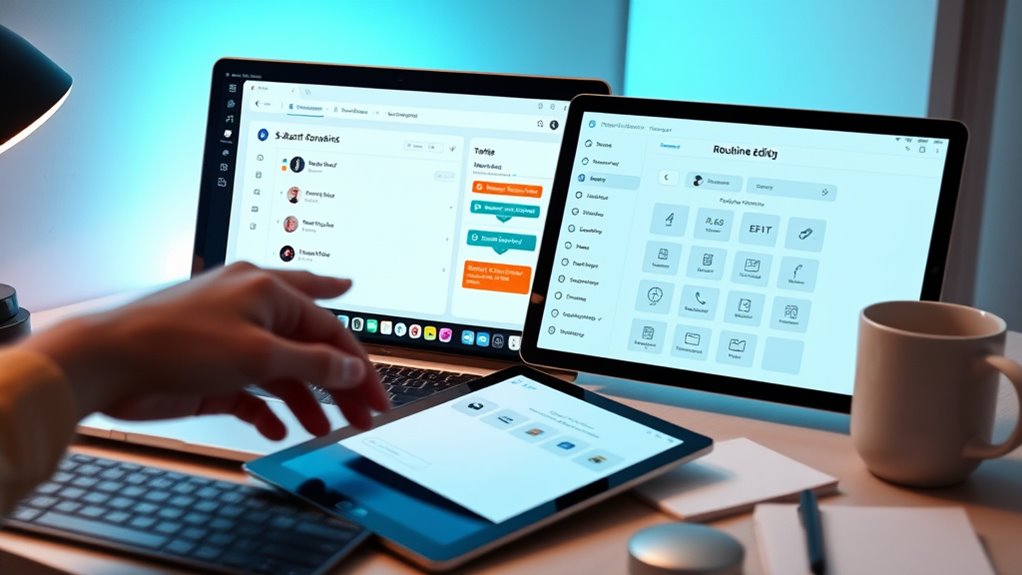
Managing and editing your existing commands and routines helps keep your smart assistant aligned with your evolving needs. To do this effectively, review your voice command syntax to guarantee commands remain clear and intuitive. You can modify or delete commands that no longer serve your routines or confuse your assistant. Additionally, explore routine sharing options if you want to collaborate with others or replicate routines across devices. Editing routines lets you update actions or add new steps seamlessly. Incorporating privacy considerations into your routine management ensures your data remains secure while maintaining functionality. Regularly managing your commands prevents accidental triggers and keeps your assistant responsive. Implementing thermal behavior understanding helps you fine-tune your routines for better performance, especially when managing high-heat outdoor cooking devices. Understanding power management best practices can also help you optimize your routines for energy efficiency and device longevity. Consistently reviewing your setup also helps prevent miscommunication and keeps your caregiving experience smooth and reliable. Incorporating simple organizing strategies into your routine management can help you stay on top of adjustments and ensure your smart home remains functional and stress-free.
Tips for Making Your Assistant More Natural and Intuitive

To make your assistant feel more natural, start by using everyday language and common phrases. Incorporate context awareness so it understands your requests better in different situations. Personalize responses to suit your style, making interactions more engaging and intuitive. Additionally, exploring local favorites like Dri Dri Gelato can help your assistant recommend personalized options based on your preferences.
Use Natural Language Phrases
Using natural language phrases makes your voice assistant feel more intuitive and easy to interact with. When you speak naturally, voice recognition technology better understands your intent, making your commands more accurate. Avoid overly formal or robotic phrasing to help your assistant grasp context more easily. However, keep privacy concerns in mind; using natural language may mean sharing more personal details, so review your privacy settings regularly. Crafting commands that mirror how you naturally speak can improve the overall experience, making interactions smoother and more human-like. Remember, the goal is to create a seamless experience where your voice assistant responds effortlessly, so don’t hesitate to experiment with different phrases that feel most natural to you.
Incorporate Context Awareness
Incorporating context awareness allows your voice assistant to understand and respond more naturally by considering previous interactions and your environment. By paying attention to contextual cues, your assistant can interpret commands more accurately, even if they’re vague or incomplete. Situational awareness helps it adapt responses based on your current setting, like recognizing when you’re in a meeting or at home. This makes interactions feel smoother and more intuitive. To improve this, guarantee your assistant can access relevant data such as location, time, and recent commands. When it detects cues from your environment, it can tailor its responses accordingly. Enhancing environmental understanding can further improve its responsiveness and personalization, especially by leveraging contextual cues to better interpret your needs. Incorporating sensor data and environmental signals enables your assistant to become more adaptable and contextually aware. Additionally, understanding user preferences helps the assistant anticipate your needs more effectively, creating a more seamless experience, making your voice assistant feel truly intuitive and responsive to your daily life.
Personalize Voice Responses
Personalizing your voice responses can make interactions feel more natural and engaging, transforming your assistant from a tool into a helpful companion. Adjusting the voice tone helps your assistant sound more friendly or professional, depending on your preference. Incorporate subtle response humor to make conversations more enjoyable, but don’t overdo it—balance is key. When your assistant uses a warm, approachable tone, it encourages more relaxed interactions. Experiment with different voice styles and humor levels to see what resonates with you. Personalization makes your device feel less robotic and more intuitive, fostering a sense of connection. Additionally, customizing your voice responses can help maximize your truck bed’s potential for every adventure, ensuring your interactions are both functional and enjoyable. Ultimately, tailoring voice responses enhances usability and makes daily interactions with your assistant more pleasant and human-like.
Frequently Asked Questions
Can I Share My Custom Commands With Other Users?
Yes, you can share your custom commands with other users, but be mindful of sharing privacy. When you share routines, make sure you’re comfortable with what the other person will access. Some platforms allow routine sharing, making it easy to distribute your custom commands. Just remember, sharing privacy is important, so only share routines with trusted users and review permissions to keep your personal information secure.
How Secure Are My Personalized Routines and Data?
Think of your routines as a treasure chest guarded by a lock. Your privacy concerns are the key, and data encryption is the sturdy shield protecting your secrets. Your personalized routines are secure because advanced encryption keeps your data safe from prying eyes. While no system is completely invulnerable, these measures make it very difficult for anyone to access or misuse your sensitive information, giving you peace of mind.
Is It Possible to Use Third-Party Apps for Custom Commands?
Yes, you can use third-party apps for custom commands, thanks to third-party integration and app compatibility. Many assistants support popular apps that let you create personalized routines and commands beyond built-in features. Just verify the third-party app you choose is compatible with your device and trusted for security. This way, you can truly customize your experience, making your assistant work seamlessly with your favorite apps and services.
Can I Automate Commands Based on Specific Locations or Times?
Yes, you can automate commands based on specific locations or times. For example, imagine setting up location-based automation where your smart home turns on the lights when you arrive home, or time-triggered routines that start your morning playlist at 7 AM. You actively customize these routines to suit your lifestyle, making your assistant smarter and more responsive to your daily schedule through location-based automation and time-triggered routines.
How Do I Troubleshoot Issues With My Custom Routines?
When troubleshooting routine errors, first check your voice recognition accuracy; if your assistant isn’t recognizing commands, it may cause routine failures. Review your custom routines for any incorrect triggers or actions. Verify your device’s software is up to date and restart it if needed. If issues persist, delete and recreate the routines, paying close attention to phrasing. These steps help fix routine errors and improve overall performance.
Conclusion
By exploring these customization options, you gently guide your assistant to better understand your unique needs. With a little patience and creativity, you can craft a more seamless, intuitive experience that feels almost like chatting with a trusted friend. Over time, these personalized touches help your assistant become more attuned to your routines, making everyday interactions smoother and more enjoyable. Embrace the journey, and watch your digital companion truly start to feel like yours.