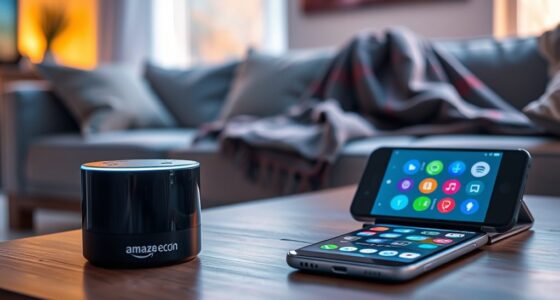
Smart speakers personalize your experience by analyzing your voice commands, listening habits, and daily routines. They use voice recognition and biometrics to identify you and adapt responses accordingly. Your preferences, such as music or schedules, are learned over time through feedback, helping improve recommendations. Multiple user profiles ensure everyone gets tailored responses. If you want to discover how these features work together seamlessly, keep exploring the key ways your speaker learns your preferences, step by step.

Get home appliances delivered free with Prime
- Fast, free delivery on millions of items
- Prime Video, Amazon Music and more included
- Member-only deals all year
Key Takeaways
- Voice recognition and speaker differentiation enable the assistant to identify individual users for personalized responses.
- Continuous learning updates user profiles based on interactions, refining preferences and recommendations over time.
- Monitoring listening habits and content choices helps tailor music, news, and podcast suggestions to your tastes.
- Routine and schedule recognition allows the assistant to proactively provide relevant reminders and updates.
- User feedback and device integration improve personalization, ensuring the assistant adapts to your evolving preferences and smart home setup.
smart speaker voice recognition device
As an affiliate, we earn on qualifying purchases.
As an affiliate, we earn on qualifying purchases.
How Smart Speakers Collect Data From Your Interactions
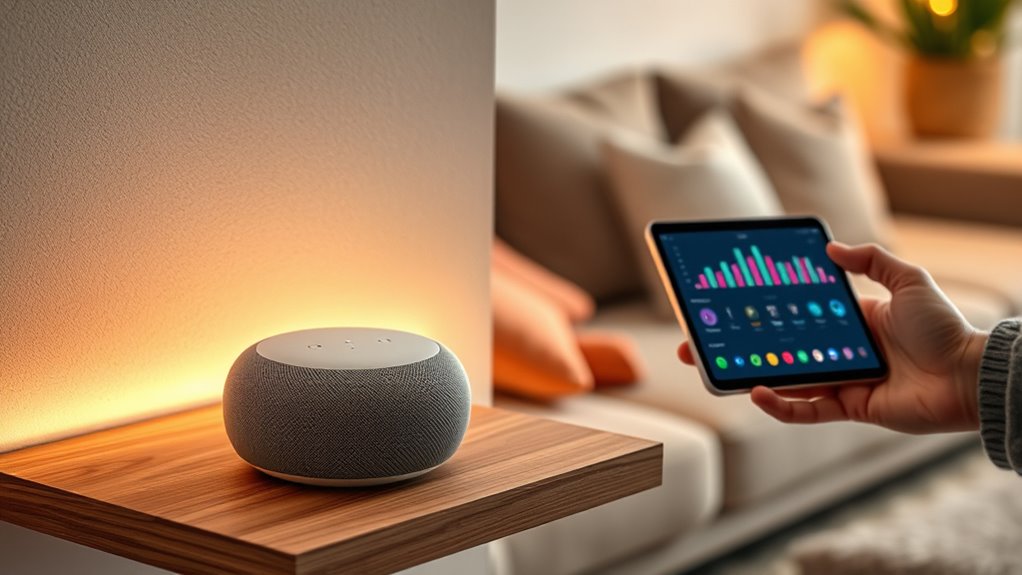
When you speak to your smart speaker, it actively records and analyzes your voice commands to improve its performance. Your spoken words are sent to servers where they’re processed, stored, and analyzed. To protect your privacy, companies often use data encryption, making sure your conversations stay secure during transmission and storage. However, these devices typically require your user consent before collecting data, so you’re aware of what’s being recorded. Your interactions help the device learn your preferences and routines, but it’s essential to understand that your voice data is stored and may be used for further analysis or shared with third parties, depending on the privacy policies. Being informed about data encryption and user consent ensures you stay in control of your personal information. Additionally, advancements in privacy policies have led to more sophisticated ways to safeguard user data and enhance privacy measures. Understanding privacy policies can help you better manage your data sharing preferences and control how your information is used, especially considering the use of analytics cookies to track visitor interactions and improve device performance. Implementing transparent data collection practices is vital for maintaining user trust and safeguarding personal information.
personalized AI assistant smart speaker
As an affiliate, we earn on qualifying purchases.
As an affiliate, we earn on qualifying purchases.
The Role of Voice Recognition in Personalization
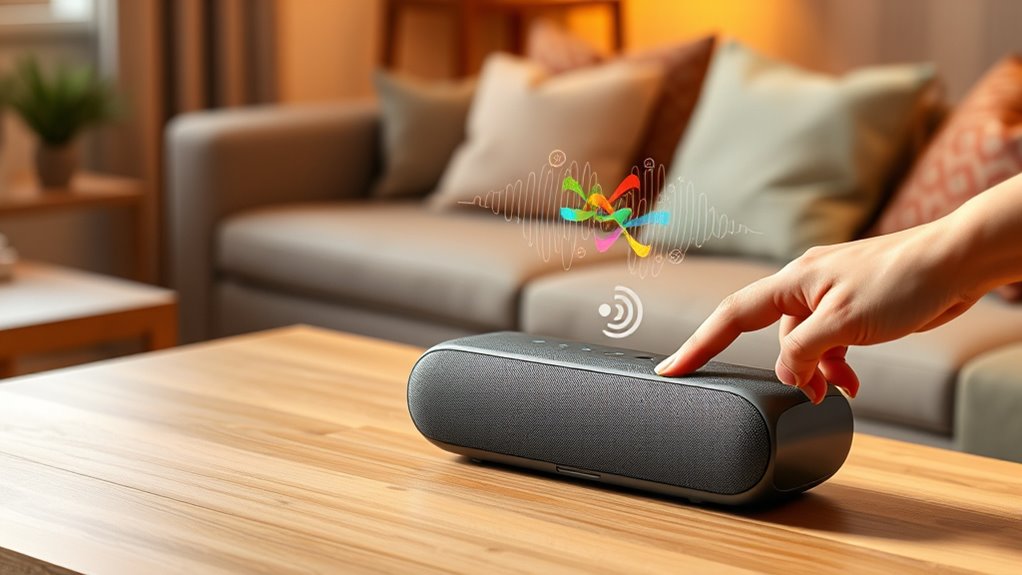
How does your smart speaker tailor responses just for you? Voice recognition plays a key role by accurately interpreting your commands through advanced voice command accuracy. It distinguishes your voice from others, ensuring personalized responses. Accent recognition helps the device understand diverse speech patterns, making interactions smoother for everyone. Here’s how it works:
| Feature | Function | Benefit |
|---|---|---|
| Voice Command Accuracy | Precisely captures your spoken instructions | Less misinterpretation |
| Accent Recognition | Adapts to different speech styles | Better comprehension |
| Speaker Differentiation | Identifies individual users | Personalized responses |
This technology guarantees your smart speaker responds exactly as you want, creating a more tailored experience every time.
multi-user smart speaker with profiles
As an affiliate, we earn on qualifying purchases.
As an affiliate, we earn on qualifying purchases.
Analyzing Listening Habits to Improve Recommendations

Analyzing listening habits to improve recommendations can also help identify your evolving tastes over time, ensuring that your AI assistant remains aligned with your current preferences and home decor inspiration. Incorporating connected appliances concepts from your environment can further enhance personalized suggestions and create a more tailored user experience. Additionally, understanding your wellness preferences, such as aromatherapy choices, can refine the assistant’s ability to suggest products or routines that promote your overall well-being. Monitoring your sensor data can provide deeper insights into your daily routines and preferences, allowing for more precise customization.
Tracking Listening Patterns
Ever wondered how your AI assistant fine-tunes its recommendations? It tracks your listening patterns by analyzing the music genres you prefer and the podcast topics you frequently explore. This data helps the system identify your favorite styles, whether it’s jazz, pop, true crime, or tech discussions. By monitoring when and what you listen to, your assistant gains insight into your habits, allowing it to suggest similar content that matches your tastes. It notes shifts in your preferences over time, refining its suggestions accordingly. This continuous process ensures your experience feels personalized, timely, and relevant. Additionally, user preferences are incorporated into the system to better align suggestions with your evolving interests. Leveraging European cloud infrastructure enhances the system’s ability to process and adapt to your data efficiently. Understanding listening behavior patterns can also improve the accuracy of recommendations by identifying subtle changes in your habits. Incorporating real-time data analysis enables the system to respond immediately to shifts in your listening trends, making your experience even more tailored. Recognizing the importance of ear wax odor and other subtle cues, the system can also tailor recommendations based on biofeedback or environmental factors when relevant. Ultimately, tracking your listening patterns provides the foundation for smarter recommendations, making sure every song or podcast feels tailored just for you.
Tailoring Content Suggestions
Building on your listening habits, AI assistants analyze the specific content you engage with to refine their recommendations. When you use voice commands or explore new genres, your device setup helps the system understand your preferences better. The more you interact, the smarter the suggestions become, tailoring playlists, podcasts, or news updates to your taste. Here’s how your assistant adapts:
| Listening Activity | Content Type | Recommendation Focus |
|---|---|---|
| Favorite artists | Music | Similar artists |
| Daily routines | Podcasts | Topics related to routines |
| Time of day | News, Music | Relevant updates |
| Voice command history | All content types | Personalized suggestions |
With each command, your device learns, making every interaction more personalized and intuitive. Personalized content improves as your assistant continuously adapts to your evolving preferences, leveraging adaptive learning algorithms to enhance the experience. Additionally, user feedback helps the system correct and fine-tune its recommendations over time. Recognizing the importance of user engagement, AI systems can better understand individual preferences for richer customization. Incorporating philosophical insights about authenticity and self-awareness can further refine how these systems interpret your unique needs.
smart speaker privacy protection
As an affiliate, we earn on qualifying purchases.
As an affiliate, we earn on qualifying purchases.
Adapting to Your Daily Routine and Schedule
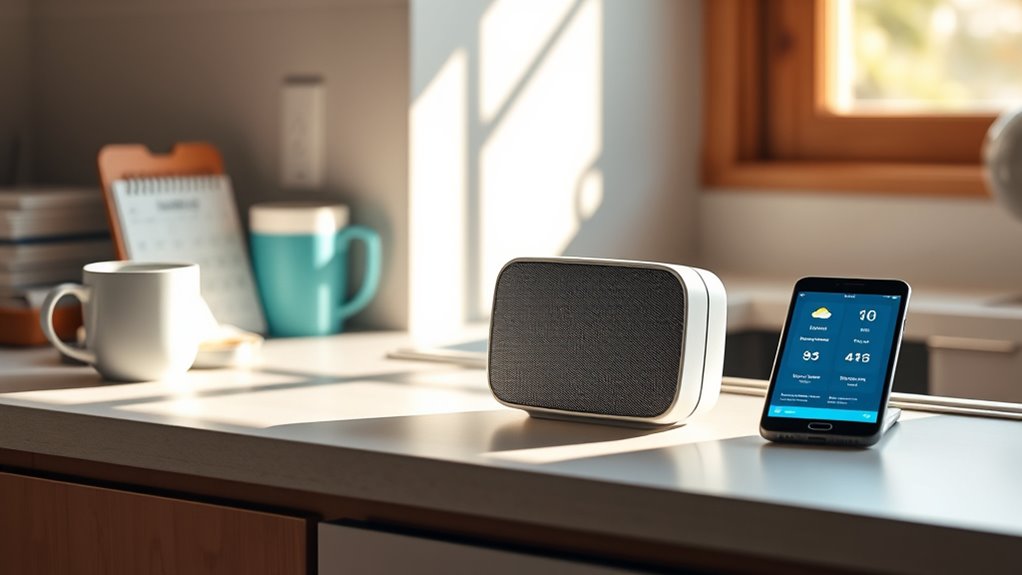
To truly maximize your AI assistant’s usefulness, it needs to seamlessly adapt to your daily routine and schedule. By recognizing your patterns, it can proactively provide relevant updates and reminders. Using simple voice commands, you can ask your assistant about upcoming events or weather forecasts at specific times, increasing user engagement. The more it learns, the better it predicts your needs, from morning alarms to dinner plans. Your assistant can suggest routines based on your habits, making daily tasks smoother. This ongoing adaptation keeps interactions natural and efficient, ensuring your assistant feels like a true personal helper. Incorporating wellness device data can further refine its understanding of your habits, supporting safer and more effective use of your wellness tools. Additionally, employing behavioral analytics can help your assistant better anticipate your preferences over time. Implementing adaptive learning techniques enables your AI to continuously improve its personalization capabilities, enhancing overall user experience. Regular updates to your personalization settings also help maintain its accuracy and relevance as your routine evolves. Moreover, integrating user feedback allows the system to refine its responses and better cater to your evolving needs.
Using Feedback to Fine-Tune Responses

You can improve your AI assistant’s accuracy by providing feedback on its responses. When it recognizes your voice and preferences, it can adjust its replies to better suit your needs. This ongoing process helps create a more personalized and effective experience.
Adjusting Responses Based on Interactions
Adjusting responses based on interactions is a essential way to make your AI assistant more personalized and effective. By using user feedback integration, your assistant can better understand your preferences and improve its replies over time. You can enhance voice command customization by providing specific feedback on how it responds, helping it learn your preferred phrasing or tone. When your assistant misinterprets a request, correcting it or giving direct feedback guides it to improve future responses. Regularly reviewing interaction history helps refine its understanding of your habits. Remember, active feedback ensures your assistant adapts seamlessly, making your experience smoother and more tailored.
- Fine-tune responses through direct feedback
- Use feedback to improve voice command customization
- Correct misunderstandings to guide learning
- Track interaction patterns for better responses
- Make adjustments to enhance personalization
2. Recognizing Voice and Preferences
By incorporating your feedback, AI assistants can better recognize your voice and preferences, making interactions more seamless. Voice biometrics play a key role in this process, allowing your device to identify you accurately through unique vocal patterns. When you provide feedback—such as correcting a misunderstood command or adjusting your preferences—the assistant updates its user profiling to reflect these changes. This continuous learning helps the AI differentiate your voice from others and tailor responses to your habits. Over time, this personalized recognition enhances the accuracy of voice commands and the relevance of suggestions. By fine-tuning how your device perceives your voice and preferences, you enjoy a more intuitive and responsive experience every time you interact.
Integrating With Other Smart Devices for a Cohesive Experience
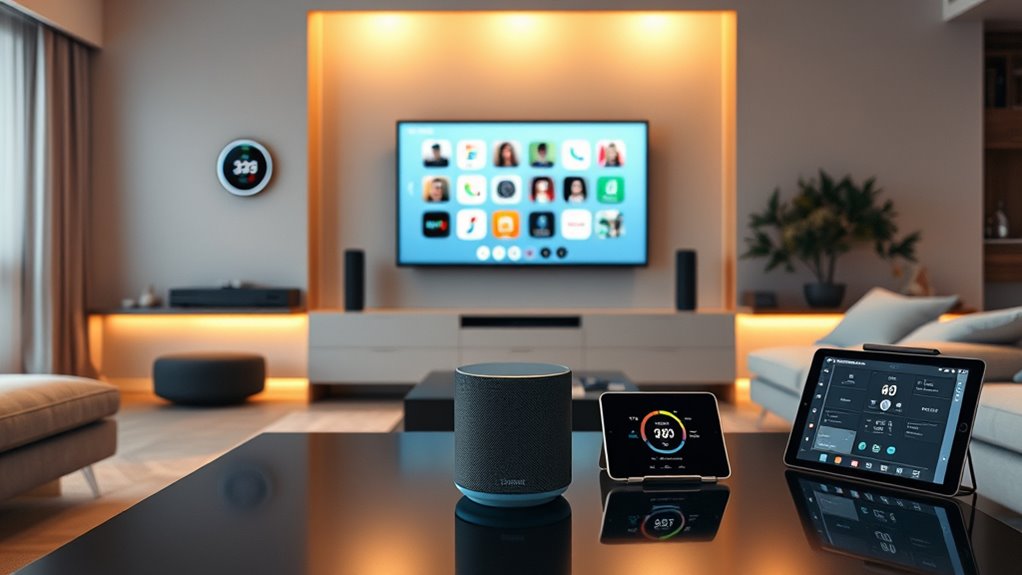
Integrating your AI assistant with other smart devices creates a seamless and efficient smart home experience. By focusing on smart device interoperability and cross platform integration, you guarantee all your devices communicate effortlessly. This integration allows you to control lights, thermostats, security cameras, and more with a simple voice command or app. It also helps automate routines, like turning off lights when you leave or adjusting the temperature based on your schedule. To get started, consider these tips:
- Choose devices compatible with your AI assistant’s ecosystem
- Use a unified app for easier device management
- Set up routines that connect multiple devices
- Keep firmware and apps updated for smooth interoperability
- Explore third-party platforms for additional integration options
This approach simplifies managing your smart home and enhances your daily comfort.
Privacy Considerations When Personalizing Your Assistant
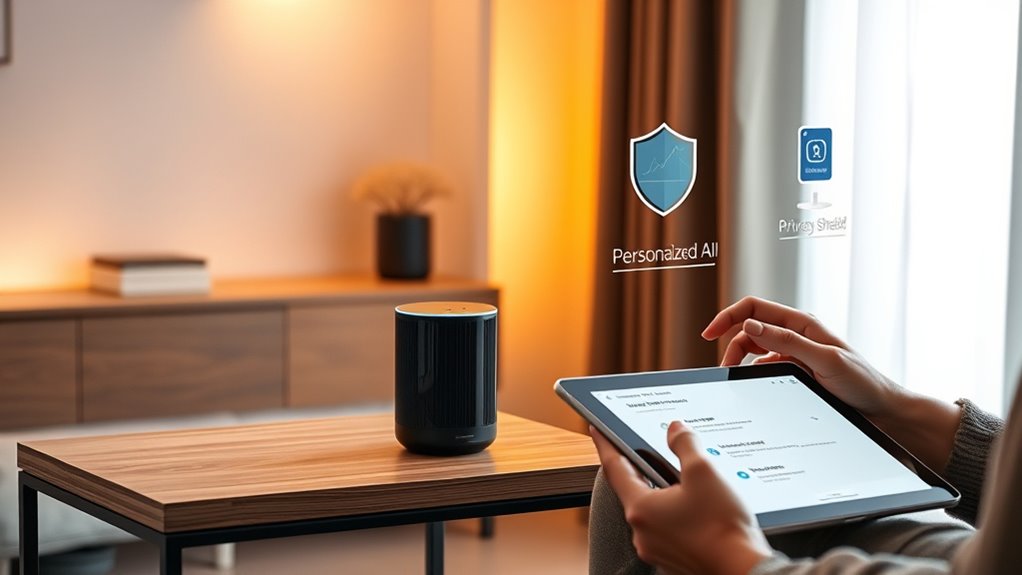
Have you ever wondered how your personal data is protected when customizing your AI assistant? Data security is essential to guarantee your information stays private. When you personalize your assistant, it collects and analyzes data about your habits and preferences, making user consent indispensable. Always review the privacy settings and understand what data is being shared and stored. Reputable smart speaker manufacturers prioritize data security through encryption and secure storage methods. Remember, your control over your data depends on your awareness and the permissions you grant. If you’re uncomfortable with certain data collection practices, you can often adjust settings or opt out. Protecting your privacy is a key part of enjoying a personalized AI experience without compromising your security.
The Influence of Machine Learning Algorithms on Adaptation
Machine learning algorithms play a crucial role in shaping how your AI assistant adapts to your needs. They analyze your interactions, preferences, and habits to deliver personalized experiences. Neural networks mimic the way your brain processes information, enabling smarter responses. Deep learning allows these models to identify complex patterns, improving accuracy over time. As your assistant learns, it fine-tunes its behavior based on your feedback and usage. This continuous adaptation helps your device understand context and predict your needs more effectively. You benefit from faster responses, relevant suggestions, and seamless interactions. The algorithms become more sophisticated, ensuring your AI assistant feels intuitive and responsive. Here’s what influences this process:
- Pattern recognition through neural networks
- Real-time data analysis
- Feedback-driven learning
- Context-aware adaptation
- Enhanced personalization
Customizing Voice Profiles for Multiple Users
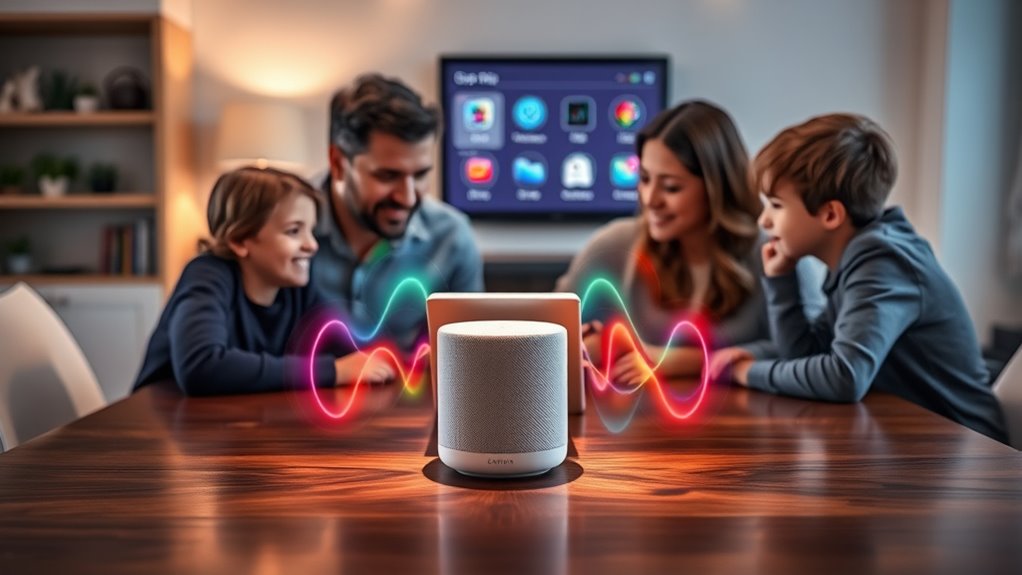
You can have your AI assistant recognize each person’s voice, making interactions more seamless. Managing user preferences guarantees everyone gets personalized responses and settings. By customizing voice profiles, you create a smarter, more efficient experience for multiple users.
Recognizing Individual Voices
To effectively personalize your AI assistant, recognizing individual voices is essential. By using voice biometrics and analyzing sound signatures, your device can distinguish between different users. This ensures personalized responses and secure access. When setting up voice recognition, consider these key points:
- Voice biometrics captures unique vocal features for each user
- Sound signatures help differentiate between similar voices
- Multiple users can have separate voice profiles for tailored experiences
- Accurate recognition prevents accidental activation or errors
- Regular updates improve voice profile accuracy over time
Managing User Preferences
Managing user preferences is a crucial step in creating a seamless experience across multiple voice profiles. By customizing voice profiles, you boost user engagement and guarantee each person’s preferences are recognized. When users feel understood, they’re more likely to provide helpful feedback, improving the system further. To organize this, consider the table below:
| User Profile | Preferences |
|---|---|
| Alice | Favorite music, calendar events |
| Bob | News updates, smart home controls |
| Carol | Shopping list, reminders |
| Dave | Podcasts, commute info |
| E. User | Custom commands, routines |
Adjusting profiles based on user feedback helps your smart speaker adapt, making interactions more efficient and personalized. This ongoing process fosters better engagement and satisfaction from everyone in your household.
Tips for Maximizing the Personalization Capabilities of Your AI Assistant

Maximizing the personalization capabilities of your AI assistant begins with understanding how to tailor its features to your specific needs. To do this, focus on fine-tuning voice modulation settings so your device better recognizes your unique speech patterns. Be mindful of ambient noise, which can affect command accuracy; try to reduce background sounds when giving instructions. Regularly update your preferences and enable personalized suggestions to enhance responses. Use voice commands to customize routines and notifications, ensuring they suit your daily habits. Finally, provide feedback on inaccurate responses to help your assistant improve.
Personalize your AI assistant by adjusting voice settings, reducing noise, customizing routines, and giving feedback for better responses.
- Adjust voice modulation for clearer recognition
- Minimize ambient noise during commands
- Customize routines to fit your schedule
- Enable personalized content recommendations
- Offer feedback to refine responses
Frequently Asked Questions
How Does My AI Assistant Handle Sensitive Personal Information?
Your AI assistant handles sensitive personal information with care by using data encryption to protect your data during storage and transmission. It also relies on user consent before collecting or sharing any personal details, ensuring you’re in control. You can review and manage your privacy settings at any time, giving you peace of mind knowing your information stays secure and private while improving your experience with personalized features.
Can I Reset or Erase My Personalization Data Completely?
Yes, you can reset or erase your personalization data completely. Most smart speakers offer reset options in their settings, allowing you to clear your data and restore the device to factory settings. Data erasure ensures your preferences and voice recordings are deleted, protecting your privacy. Simply navigate to the device’s privacy or settings menu, select the reset or data erasure option, and confirm your choice to start fresh.
Does Personalization Affect the Privacy of Other Household Members?
Think of your smart speaker as a communal garden—personalization is like planting seeds that grow based on your preferences. While it learns from you, it doesn’t automatically share this data with other household members, so their privacy remains protected unless you set permissions. You control the data sharing, ensuring household privacy stays intact. Personalization benefits you without compromising the privacy of others, but always review your device’s settings to keep everyone protected.
How Quickly Does the AI Adapt to Changes in My Preferences?
Your AI adapts quickly to your changing preferences, with the learning speed depending on how often you interact. Usually, the adaptation rate is rapid, updating after just a few commands or adjustments. The more you use your smart speaker, the faster it fine-tunes its responses to match your current needs. Expect noticeable changes within days, making your experience more personalized and seamless over time.
Can I Customize the Level of Personalization My Smart Speaker Provides?
Yes, you can customize the level of personalization your smart speaker provides. You control voice customization and preference settings to tailor the experience, adjusting how responsive and personalized it feels. You can set preferences to be more subtle or more detailed, ensuring your smart speaker matches your comfort level and usage style. With these options, you decide how much your device learns about you, making your interactions more natural and satisfying.
Conclusion
By personalizing your AI assistant, you create a more seamless and efficient experience. Did you know that 85% of smart speaker users find their devices more helpful when personalized? As you interact, your assistant learns your habits, preferences, and routines—making it smarter and more intuitive over time. Keep providing feedback and customizing settings to unlatch its full potential. The more you engage, the better your smart speaker understands you, transforming how you connect with technology every day.
NFL season / tailgating Picks
team gear
As an affiliate, we earn on qualifying purchases.