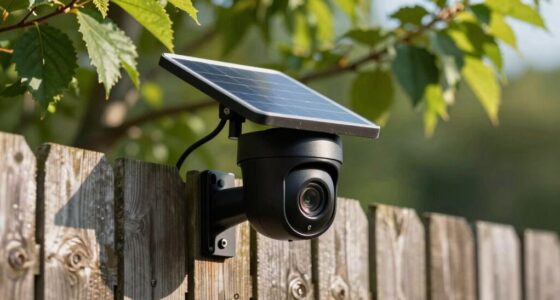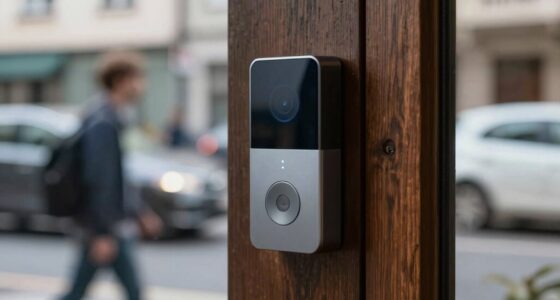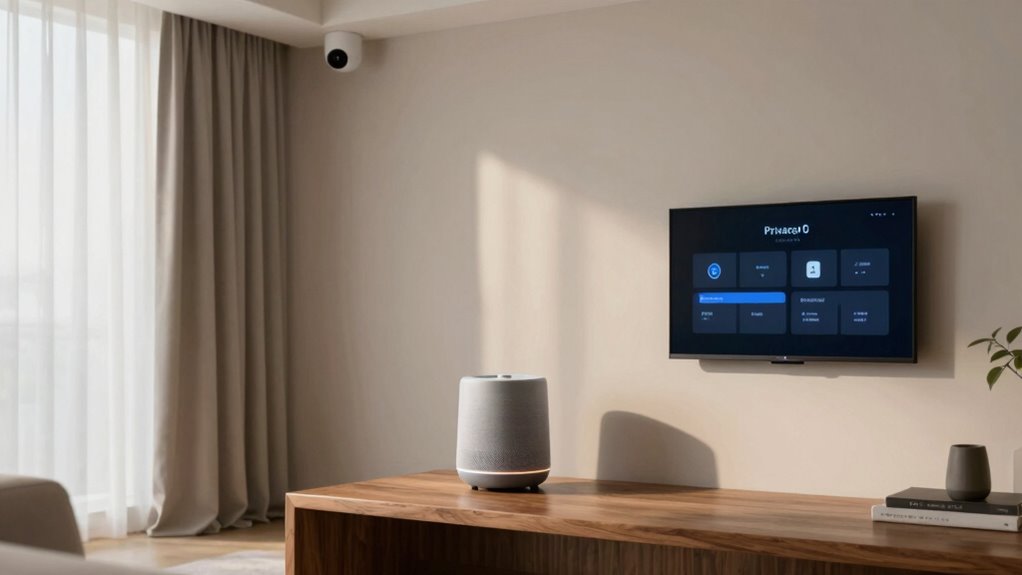

To think about smart home privacy room by room, assess each area’s devices and their data practices. In the living room, control voice recordings and delete history regularly. For the kitchen, guarantee video feeds are encrypted and Wi-Fi is secure. In private spaces like bedrooms, limit data sharing and update firmware. Use strong passwords and adjust permissions to suit the room’s sensitivity. If you want to explore practical tips for each space, there’s more to discover.

Get home appliances delivered free — and shop member deals
- Fast, free delivery on millions of items
- Access to Prime Big Deal Days deals on October 6–7
- Prime Video, Amazon Music and more included
Key Takeaways
- Assess privacy risks for each room, considering the type of smart devices and sensitive data involved.
- Configure device settings to enable data encryption, regular deletion, and limited data sharing specific to each space.
- Disable or mute features like always-on microphones in living and private areas to prevent unnecessary data collection.
- Use strong, unique passwords and secure Wi-Fi networks to protect devices across all rooms.
- Regularly review and update device permissions and privacy policies to maintain control over data in each space.

As smart home devices become more integrated into daily life, protecting your privacy has never been more important. When you set up these devices in different rooms, it’s essential to consider how each space handles your data. Many smart devices collect sensitive information, from voice commands to video feeds, making data encryption a critical line of defense. Ensure that your devices use robust encryption protocols to secure your data as it travels between the device and the cloud. This way, even if someone intercepts the data, it remains unreadable and protected. Additionally, understanding and controlling user consent is vital. Before installing or activating any device, read the privacy policies and settings. Make sure you’re comfortable with what data is being collected, stored, and shared, and don’t hesitate to disable features you don’t need. Your awareness and control over user consent empower you to limit unnecessary data collection and prevent potential privacy breaches.
Protect your privacy by enabling encryption and reviewing user consent for smart home devices.
In the living room, where smart speakers and entertainment systems often reside, privacy concerns focus on voice recordings and viewing habits. Opt for devices that allow you to delete voice history regularly and disable features that record conversations without your knowledge. Check the device settings to confirm what data is stored and for how long, and adjust permissions accordingly. Think about whether the device’s microphone is always listening, or only activated by commands. In many cases, turning off “always-on” microphones or muting them when not in use adds an extra layer of security. Additionally, be aware of privacy policies and how your data is managed across devices. Being aware of the data collection practices helps you make informed decisions about your device usage.
In the kitchen, smart appliances and cameras can monitor your routines. Here, you should be vigilant about camera access and data storage. Use encrypted connections for any video feeds and ensure your Wi-Fi network has a strong password. When possible, disable remote access unless necessary, and regularly review which devices have access to your network. Be aware of how your data is being used and stored, and choose appliances that prioritize privacy by design. Ensuring your network’s security with strong passwords can significantly reduce the risk of unauthorized access to your devices. It’s also helpful to understand the data collection policies of each device to stay fully informed about what information is being gathered.
In bedrooms or private spaces, privacy becomes even more sensitive. Devices like smart locks, security cameras, or sleep trackers should be configured with privacy in mind. Enable encryption for data transmission and keep firmware updated to patch vulnerabilities. Limit data sharing with third parties and review permissions periodically. Remember, your comfort with how your data is handled varies by room, so tailor your settings accordingly. Being proactive about data encryption and user consent in each space helps you maintain control, ensuring your smart home enhances your life without compromising your privacy.
smart home privacy protection devices
As an affiliate, we earn on qualifying purchases.
As an affiliate, we earn on qualifying purchases.
Frequently Asked Questions
How Can I Detect Hidden Cameras in My Smart Home?
To detect hidden cameras in your smart home, start with camera detection tools or apps designed to spot lens reflections. Use your phone’s camera to scan mirrors, smoke detectors, and electrical devices—hidden cameras often reflect light. Watch for unusual signal interference or static on your Wi-Fi network, which could indicate a device transmitting data. Regularly check for unfamiliar or suspicious devices connected to your network to maintain your privacy.
What Are the Best Privacy Settings for Smart Home Devices?
You should enable smart device encryption to protect your data and guarantee secure communication between devices. Additionally, set up user access controls to restrict who can access or modify your smart home devices. Regularly update your device firmware, disable unnecessary features, and review app permissions. These steps help safeguard your privacy and prevent unauthorized access, giving you peace of mind while enjoying your smart home.
How Do I Securely Delete Smart Home Data?
Securely delete smart home data by deleting files directly from devices, then disabling or resetting them. Use encrypted storage to protect data during removal, ensuring it’s unreadable if recovered. Incorporate data anonymization techniques to strip identifiable information before deletion. Practice persistent, precise deletion by overwriting data and clearing caches, keeping your privacy protected. Persistently, precisely, and proactively purge—privacy’s paramount.
Can Smart Home Devices Be Hacked Remotely?
Yes, smart home devices can be hacked remotely if security measures aren’t in place. Hackers often exploit weak encryption protocols or poorly secured networks. To protect yourself, make sure your devices use strong encryption protocols and implement network segmentation, which separates your smart devices from your main network. Regularly update firmware and passwords, and disable unnecessary features to minimize vulnerabilities and keep your smart home safe from remote attacks.
What Privacy Laws Apply to Smart Home Data Collection?
You’re protected by privacy laws that govern data collection, requiring smart home companies to follow legal compliance and guarantee data encryption. Imagine your smart devices as guarded vaults—laws like GDPR or CCPA demand transparency and your control over personal info. While laws vary by location, they aim to keep your smart home data private, secure, and within your rights, giving you peace of mind amid the digital age’s rapid growth.
encrypted smart security cameras
As an affiliate, we earn on qualifying purchases.
As an affiliate, we earn on qualifying purchases.
Conclusion
Just like the castle guards of old, your smart home needs vigilant protection, room by room. By staying aware of what each device can see and hear, you’re fundamentally wielding your own digital shield, guarding your kingdom’s secrets. Remember, even Sherlock Holmes would agree—paying attention to the details keeps the mystery at bay. So, take control, set boundaries, and turn your smart home into a fortress where privacy isn’t just a dream, but a reality.
smart home device privacy settings
As an affiliate, we earn on qualifying purchases.
As an affiliate, we earn on qualifying purchases.
voice assistant privacy mute button
As an affiliate, we earn on qualifying purchases.
As an affiliate, we earn on qualifying purchases.
Fall yard work Picks
leaf blowers
As an affiliate, we earn on qualifying purchases.