
TL;DR

Get home appliances delivered free with Prime
- Fast, free delivery on millions of items
- Prime Video, Amazon Music and more included
- Member-only deals all year
Thorsten Meyer AI has published guidance arguing that placement, isolation and ventilation matter more than foam for quieting high-powered workstations. The report says a closet setup can reduce perceived noise, but only if heat has a clear path out.
Thorsten Meyer AI has published guidance saying the most effective way to quiet a loud AI workstation or gaming rig is to move it into a closet or another room, a setup that can reduce everyday noise exposure but creates heat-management risks if the space is sealed.
The guide ranks distance and isolation above foam treatment, source-level noise reduction, door sealing and room absorption. Its central finding is that moving the machine away from the user can do more than adding acoustic panels around a desk.
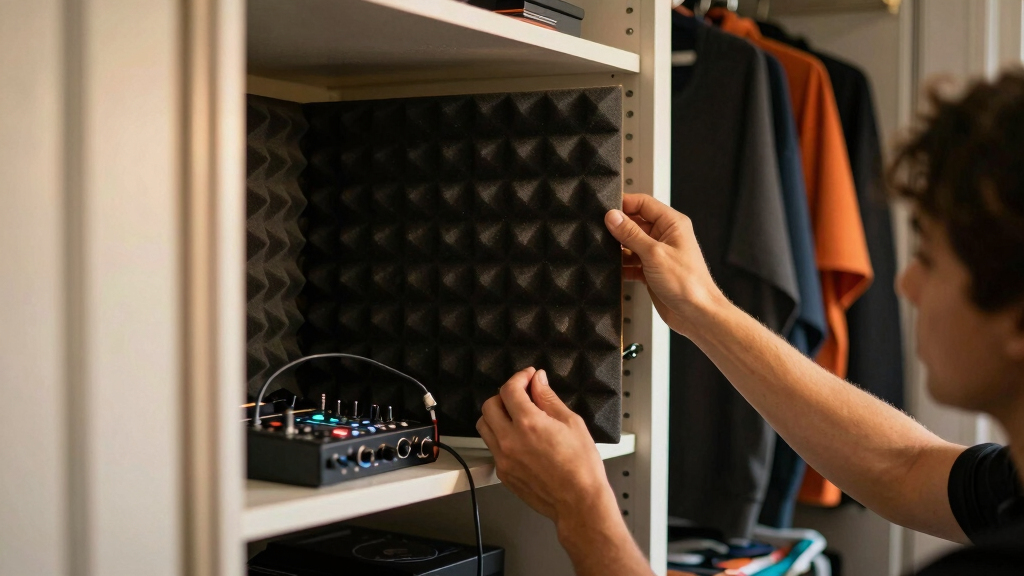
The source separates airborne noise, such as fan whoosh and GPU hum, from structure-borne noise, such as vibration through desks, floors and walls. It says foam can reduce reflections inside a room, while barriers and sealed gaps are needed to limit sound transfer. For vibration, the guide points to anti-vibration pads, rubber feet, soft-mounted drives and SSDs.
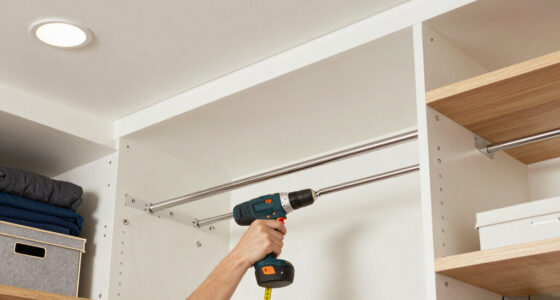
The closet setup is presented as effective but conditional. Thorsten Meyer AI says users should contain noise, not heat, and warns against fully sealing a 24/7 high-power rig. The guide cites quiet exhaust fans, passive ventilation paths and soundproof server cabinets as ways to move hot air out while reducing noise.
Why It Matters
The guidance matters because high-powered desktops used for AI workloads, rendering and gaming can produce sustained fan noise under load. For home studios, shared spaces and recording setups, that noise can affect speech capture, concentration and comfort.
The report also pushes back on a common buyer mistake: treating foam as a full soundproofing fix. According to the source, foam helps with reflections but does not stop sound from passing through walls, doors or gaps. That distinction affects how users spend money and whether a quiet setup also remains thermally stable.
quiet computer case with ventilation
As an affiliate, we earn on qualifying purchases.
As an affiliate, we earn on qualifying purchases.
Background
Small recording spaces and closets are often used to control noise because they add distance and physical separation. The same approach can apply to computers, but a workstation running hundreds of watts can heat an enclosed space quickly.
The source says acoustic treatment should be placed at reflection points, including behind the microphone, side walls and the ceiling. It also says sealing door and wall gaps can reduce leakage, while rugs, blankets and panels can help when used strategically rather than randomly.
“The most powerful noise fix isn’t a material — it’s a floor plan.”
— Thorsten Meyer AI guide
“Distance beats foam — by a lot.”
— Thorsten Meyer AI guide
“Contain the noise, not the heat.”
— Thorsten Meyer AI guide
As an affiliate, we earn on qualifying purchases.
What Remains Unclear
The exact noise reduction from a closet or cabinet remains dependent on the room, door gaps, rig power draw, fan curves and ventilation design. The source references cabinet maker figures, including reductions up to 30 dB in some enclosures, but results will vary and are not independently tested in the provided material.
As an affiliate, we earn on qualifying purchases.
What’s Next
Readers applying the guidance should first test placement and vibration isolation, then add absorption and sealing where needed. Any enclosed setup should be checked under sustained load for temperature, throttling and fan noise before being used for long sessions or 24/7 operation.
As an affiliate, we earn on qualifying purchases.
Key Questions
Is acoustic foam enough to quiet a workstation?
No. The source says foam can reduce room reflections, but it does not block sound from leaving a space or stop vibration through furniture and floors.
Why put a rig in a closet?
The guide says distance and isolation can reduce what the user hears more effectively than treating the desk area with foam alone.
What is the main risk of a closet setup?
Heat buildup. Thorsten Meyer AI warns that a sealed closet can cause a GPU to reuse hot exhaust air, leading to throttling and louder fans.
What products does the guide say may help?
It points to anti-vibration pads, acoustic foam panels, quiet exhaust fans and soundproof server cabinets, while saying placement comes first.
Source: Thorsten Meyer AI
NFL season / tailgating Picks
team gear
As an affiliate, we earn on qualifying purchases.