
TL;DR

Get home appliances delivered free with Prime
- Fast, free delivery on millions of items
- Prime Video, Amazon Music and more included
- Member-only deals all year
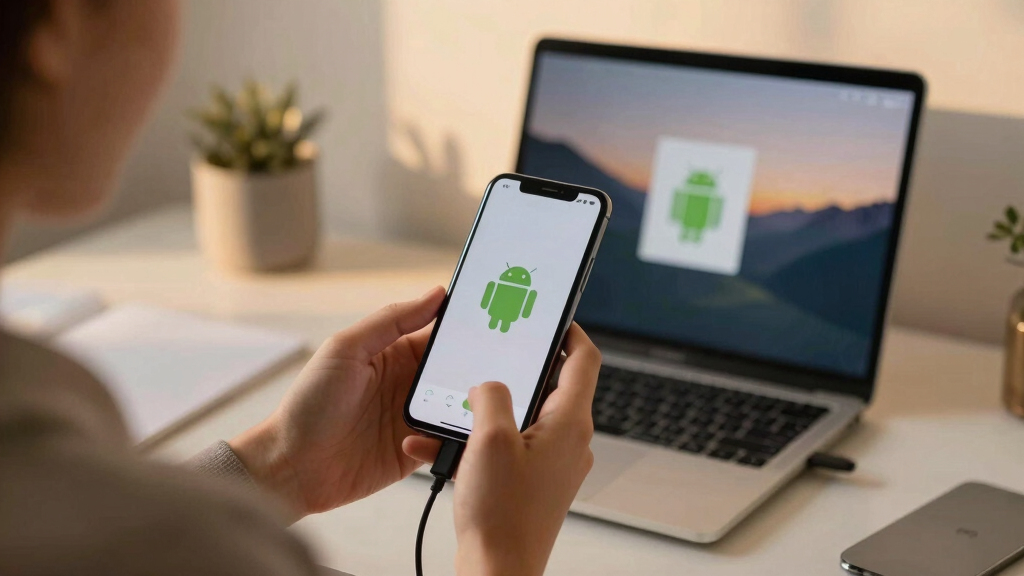
Scrcpy version 4.0 has been released, featuring a migration from SDL2 to SDL3, new display options, camera controls, and connection improvements. These updates aim to improve stability and user experience.
Scrcpy version 4.0 has been officially released, introducing major updates including a migration from SDL2 to SDL3, new display and camera controls, and connection status enhancements. These changes aim to improve stability, performance, and user control for Android device mirroring.
The new release migrates from SDL2 to SDL3, enabling better maintenance, bug fixes, and features such as aspect-ratio locking during window resizing. It also introduces a flex display mode, allowing dynamic resizing of the virtual display along with the client window, controlled via the –flex-display option.
Additional features include camera torch and zoom controls, which can be operated through keyboard shortcuts (MOD+t to toggle torch, arrow keys for zoom). The aspect ratio of the window is now preserved during resizing, thanks to SDL3’s new API, with an option to disable this feature if desired. The default background color has been changed from black to dark gray, with customization possible via command-line parameters.
Connection handling has been improved by displaying a disconnected icon for two seconds before closing the window, rather than closing immediately upon disconnection. Other technical fixes include addressing flickering issues on Meta Quest devices, high CPU usage during silence in audio streams, and support for device serials containing spaces. The release also updates underlying tools such as FFmpeg to version 8.1.1 and platform-tools to 37.0.0.
Why It Matters
This update is significant for users who rely on scrcpy for Android device mirroring, especially developers and testers, as it offers improved stability, performance, and new control options. The migration to SDL3 ensures ongoing support and access to new features, while the enhanced connection and display controls improve usability and reliability in various scenarios.
As an affiliate, we earn on qualifying purchases.
Background
Scrcpy has been a popular open-source tool for screen mirroring Android devices since its initial release. Previous versions introduced basic device control and screen sharing capabilities. The transition from SDL2 to SDL3 marks a major technical upgrade, aligning scrcpy with current graphics and window management standards. The addition of flexible display support and camera controls reflects ongoing development to meet user needs for more dynamic and customizable mirroring experiences.
“Migration from SDL2 to SDL3 allows us to leverage active maintenance, bug fixes, and new features such as aspect-ratio locking, improving stability and usability.”
— scrcpy developers
“The new flexible display mode enhances user control, allowing dynamic resizing that adapts to different workflows.”
— scrcpy team
As an affiliate, we earn on qualifying purchases.
What Remains Unclear
It is not yet clear how widely adopted the new features will be initially or if there will be compatibility issues with older Android devices. Some users may experience bugs or performance issues as with any major update, and further refinements could be released in subsequent patches.
scrcpy compatible Android devices
As an affiliate, we earn on qualifying purchases.
As an affiliate, we earn on qualifying purchases.
What’s Next
Next steps include monitoring user feedback for stability and performance, releasing minor updates to address bugs, and potentially expanding features such as more camera controls or further display options. Developers may also focus on ensuring compatibility across a broader range of devices and operating systems.
Android device camera torch control
As an affiliate, we earn on qualifying purchases.
As an affiliate, we earn on qualifying purchases.
Key Questions
What are the main new features in Scrcpy 4.0?
The main new features include migration to SDL3, support for flexible display resizing, camera torch and zoom controls, aspect ratio locking, and improved connection status indicators.
How does the switch to SDL3 benefit users?
SDL3 provides better maintenance, bug fixes, and new API features like aspect-ratio locking, which improve stability and user experience during window resizing.
Can I customize the background color of the scrcpy window?
Yes, the default background color has been changed to dark gray, and it can be customized using the –background-color option with hexadecimal color codes.
Are there any known issues with this release?
As a major update, some users might encounter initial bugs or compatibility issues, particularly with older devices or specific configurations. Ongoing patches are expected to address these.
Halloween Picks
halloween
As an affiliate, we earn on qualifying purchases.