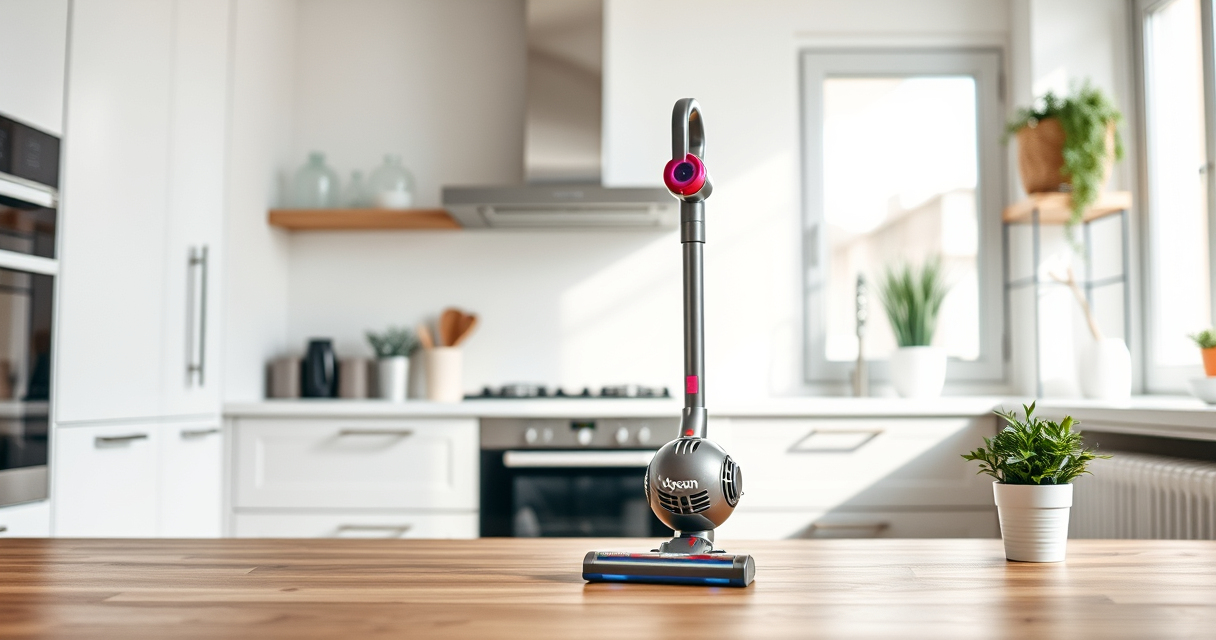

The Dyson V15 Detect™ Origin is a powerful and intelligent cordless vacuum designed for whole-home deep cleaning. To ensure it maintains optimal performance, regular maintenance and troubleshooting are essential. This guide provides clear, step-by-step instructions on how to troubleshoot common issues, perform routine care, and keep your vacuum in top shape.

Get home appliances delivered free — and shop member deals
- Fast, free delivery on millions of items
- Access to Prime Big Deal Days deals on October 6–7
- Prime Video, Amazon Music and more included
Whether you’re experiencing decreased suction, battery issues, or filter clogs, this guide will help you diagnose and resolve problems safely and effectively, grounding each step in the product’s specifications and features.
Key Takeaways
| Powerful and intelligent | Adapts to debris and floor type, shows particles on LCD |
| Routine filter care | Regular cleaning of filters maintains suction and filtration |
| Battery management | Ensure optimal run time by checking and maintaining the battery |
| Cleaning tools | Use compatible attachments like crevice tools for hard-to-reach areas |
| Troubleshooting basics | Identify common problems like power loss or poor suction and fix quickly |
Checking and Fixing Power and Battery Issues
- Ensure the vacuum is properly charged. Connect it to the original Dyson charger and leave it charging for at least 3.5 hours. Confirm the LCD screen shows charging status.
- If the vacuum doesn’t turn on after charging, inspect the power trigger for sticking or damage. Press firmly to activate and listen for a click.
- Check for battery performance issues. If run time is significantly reduced, consider the battery’s age and whether it needs replacement. Dyson batteries typically last 3-4 years with regular use.
- For persistent power issues, perform a reset by pressing the power trigger for 10 seconds, then releasing, and trying to turn on again.
Cleaning and Replacing Filters
Filters are crucial for maintaining suction and filtration. The Dyson V15 Detect™ uses filters that should be cleaned regularly.
- Remove the pre-filters from the vacuum by twisting or pulling gently, depending on your model.
- Rinse the filters under cold water until the water runs clear. Do not use detergents or wash in a dishwasher.
- Allow filters to air dry completely—preferably overnight—before reinstalling. Do not use a dryer or external heat source.
- If filters are worn or heavily soiled and cleaning doesn’t restore performance, replace them with compatible filters, like the 3Pack Pre Filters Replacement or V10 filters, depending on your model.
Regular filter maintenance improves suction and prolongs your vacuum’s lifespan.
Clearing Blockages and Maintaining the Brush Heads
Clogged or tangled brush heads can reduce cleaning efficiency. The Digital Motorbar cleaner head is designed to deep clean and de-tangle hair, but occasional clearing is needed.
- Turn off and unplug the vacuum before inspecting the cleaner head.
- Detach the cleaner head from the wand or tube as per the user manual.
- Remove any tangled hair, fibers, or debris from the brushes and the inlet port. Use scissors carefully to cut away hair wrapped around the brush bar.
- Check the inlet for blockages by passing a thin object or the crevice tool through it.
- Reassemble the cleaner head and test the vacuum for proper suction.
Using Attachments Effectively
The Dyson V15 Detect™ comes with advanced tools like the crevice tool and the Fluffy Optic cleaner head. Proper use of attachments enhances cleaning performance, especially in tight spaces and on delicate surfaces.
- Attach the crevice tool for edges, corners, and hard-to-reach spots like between cushions or car interiors.
- Use the Fluffy Optic cleaner head for hard floors, revealing invisible dust for thorough cleaning.
- Switch between power modes using the LCD screen for efficient cleaning depending on debris and floor type.
- Ensure attachments are securely connected to prevent loss of suction or detachment during use.
Troubleshooting Common Problems
If your Dyson V15 Detect™ isn’t performing as expected, follow these troubleshooting steps:
- Loss of suction: Check for blockages in the wand, hose, or cleaner head. Clean or clear obstructions.
- Battery not charging: Confirm the charger is functioning and properly connected. Try charging from a different outlet.
- Vacuum turns on but no power: Reset the vacuum by holding the power trigger for 10 seconds. If issues persist, contact Dyson support.
- LCD screen errors or alerts: Refer to the user manual for specific error codes or perform a reset.
The Products in This Guide

Dyson V15 Detect™ Origin Cordless Vacuum
- ✔ Battery Type: Removable lithium-ion
- ✔ Cleaning Time: Up to 60 mins
- ✔ Weight: 5.5 lbs

LANMU Crevice Tool Vacuum Attachments Compatible
- ✔ Material: Plastic
- ✔ Compatibility: Multiple Dyson models
- ✔ Design: Narrow, flexible
Dyson V15 Detect™ Origin Cordless Vacuum
The Dyson V15 Detect™ Origin offers unmatched cleaning power and intelligence, revealing invisible dust and adapting to debris for efficient cleaning. Regular maintenance ensures it stays at peak performance.
Pros:
- Powerful suction with 100% more power
- Intelligent debris detection
- Long 60-minute runtime
- LCD screen with real-time info
Cons:
- Requires regular filter cleaning
- Battery replacement may be needed over years
- Higher price point
Best for: Whole-home deep cleaning, pet hair, detailed floor and upholstery care
Not ideal for: Infrequent users or those needing a budget-friendly option
Bottom line: The Dyson V15 Detect™ Origin is a top-tier cordless vacuum ideal for thorough, intelligent cleaning—just keep up with routine maintenance.
LANMU Crevice Tool Vacuum Attachments Compatible
The LANMU Crevice Tool Vacuum Attachments are compatible with a wide range of Dyson models, offering narrower nozzles for hard-to-reach places. They are easy to use and versatile.
Pros:
- Narrow nozzle reaches tight spots
- Compatible with many Dyson models
- Easy to attach and detach
- Flexible design
Cons:
- May not fit older or non-Dyson models
- Requires careful handling to avoid damage
Best for: Cleaning corners, gaps, and car interiors
Not ideal for: General cleaning or large surface areas
Bottom line: A practical accessory to extend your Dyson’s reach into tight spaces and corners.
Frequently Asked Questions
How often should I clean or replace the filters?
It’s recommended to rinse the filters every 1-2 months and replace them every 6-12 months, depending on usage and condition.
What should I do if my vacuum isn’t charging?
Check the charger and power outlet. Ensure the charger is properly connected and the outlet supplies power. If the issue persists, try resetting the vacuum or contact Dyson support.
My vacuum has reduced suction. How can I fix this?
Inspect the filters, brush heads, and inlet for blockages or tangled debris. Clean or clear obstructions and replace filters if necessary.
Can I use other attachments with my Dyson V15?
Yes, compatible attachments like crevice tools and heads can be used, but ensure they match your model for proper fit and operation.
How do I reset my Dyson V15 if it shows an error?
Hold the power trigger for about 10 seconds to reset. If errors persist, consult the user manual or contact Dyson customer support.
Keep Your Dyson V15 Detect™ Origin Running Smoothly
Regular maintenance and troubleshooting are key to ensuring your Dyson V15 Detect™ Origin continues to deliver powerful, intelligent cleaning. Follow these simple steps to resolve common issues, clean filters, and maintain the brush heads. With proper care, your vacuum will provide optimal performance for years to come, making deep cleaning easier and more efficient than ever.
Affiliate disclosure: As an Amazon Associate we earn from qualifying purchases. Prices and availability are accurate as of the time of publishing.
Fall yard work Picks
leaf blowers
As an affiliate, we earn on qualifying purchases.