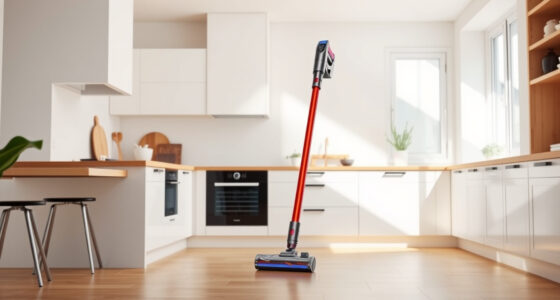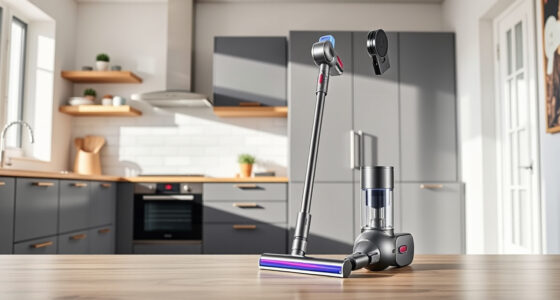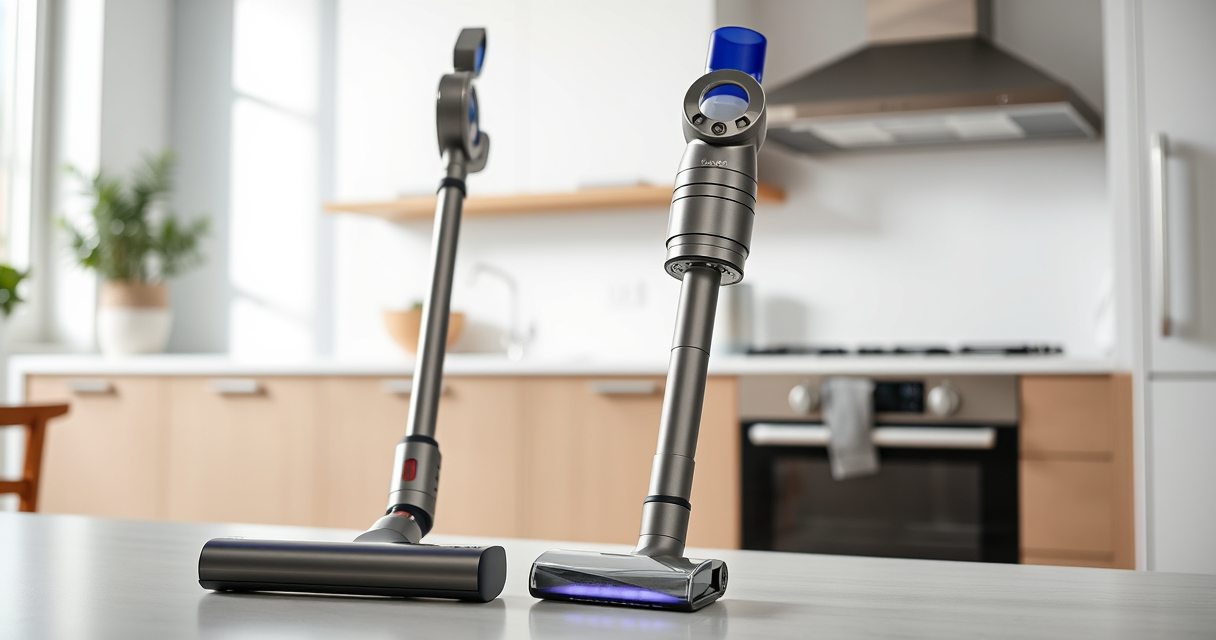
Keeping your Dyson V15 Detect in top condition is essential for maintaining its powerful cleaning capabilities. Regular cleaning of filters, attachments, and the main body helps prevent blockages and ensures optimal suction and performance. Follow this straightforward guide to clean your vacuum safely and effectively.

Get home appliances delivered free — and shop member deals
- Fast, free delivery on millions of items
- Access to Prime Big Deal Days deals on October 6–7
- Prime Video, Amazon Music and more included
Whether you’re addressing dust buildup or preparing for a deep clean, these steps will help you keep your Dyson V15 Detect operating at peak efficiency.
Key Takeaways
| Regular Filter Maintenance | Clean or replace filters every 2-3 months. |
| Use Proper Attachments | Utilize compatible tools like crevice nozzles for hard-to-reach spots. |
| Avoid Water Damage | Never immerse the main body or motor in water. |
| Safe Disassembly | Detach parts carefully following instructions to prevent damage. |
Preparation Before Cleaning
- Turn off and unplug your Dyson V15 Detect to ensure safety during maintenance.
- Gather necessary tools: a soft cloth, a small brush, and replacement filters if needed.
Cleaning the Main Body and LCD Screen
- Use a dry, soft cloth to wipe the exterior of the vacuum, paying attention to the LCD screen.
- For stubborn dirt, slightly dampen the cloth but avoid excessive moisture.
- Do not immerse or spray water directly onto the device.
Replacing or Cleaning the Filters
- Remove the pre-filters and main filters according to the user manual.
- Rinse filters under cold water without soap, then shake off excess water.
- Allow filters to air dry completely—at least 24 hours—before reinserting.
- Replace filters every 2-3 months or as recommended.
Cleaning the Dust Bin and Attachments
- Detach the dust bin and empty it into the trash.
- Wash the dust bin with water if needed, then dry thoroughly.
- Use a small brush to remove debris from attachments, especially crevice tools.
Reassembling and Final Checks
- Reinstall filters and dust bin securely.
- Ensure all parts are dry before reassembling.
- Power on the device to check for proper operation.
The Products in This Guide
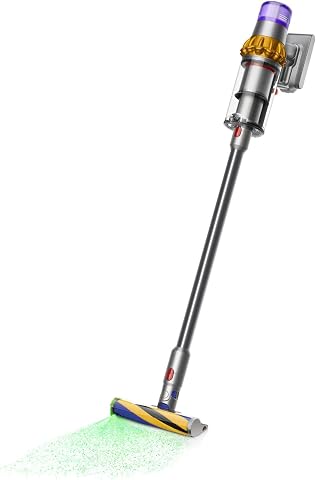
Dyson V15 Detect Total Clean Extra
- ✔ Weight: 6.8 lbs
- ✔ Charging Time: 4 hours
- ✔ Filter Type: HEPA and washable

LANMU Crevice Tool Vacuum Attachments Compatible
- ✔ Weight: 0.3 lbs
- ✔ Dimensions: 12 x 2 inches
- ✔ Material: Polycarbonate plastic
Dyson V15 Detect Total Clean Extra
The Dyson V15 Detect Total Clean Extra offers powerful, intelligent cleaning with a focus on user-friendly maintenance. Being refurbished by experts ensures it performs like new, with all surfaces and attachments thoroughly cleaned and sanitized.
Pros:
- Powerful suction with 100% more power
- Intelligent debris detection
- LCD screen shows real-time data
- 60-minute runtime
Cons:
- Requires regular filter cleaning
- Refurbished units may have minor cosmetic imperfections
Best for: Whole-home deep cleaning and dust detection
Not ideal for: Users seeking brand-new units or minimal maintenance
Bottom line: A high-performance, refurbished vacuum that delivers deep cleaning with smart features.
LANMU Crevice Tool Vacuum Attachments Compatible
The LANMU crevice tool attachment is compatible with multiple Dyson models, including the V15 Detect. Its slender profile makes it ideal for cleaning tight corners, furniture gaps, and car interiors efficiently.
Pros:
- Narrow nozzle reaches tight spots
- Flexible and easy to handle
- Compatible with many Dyson models
- Effective for detailed cleaning
Cons:
- May require additional adapters for some models
- Not suitable for larger debris
Best for: Cleaning corners, baseboards, and car interiors
Not ideal for: Heavy-duty cleaning of large debris
Bottom line: A handy, slim attachment that enhances precision in tight spaces.
Frequently Asked Questions
How often should I replace the filters on my Dyson V15 Detect?
It is recommended to rinse and air dry the filters every 2-3 months, and replace them if they show signs of wear or decreased performance.
Can I wash the entire vacuum with water?
No, only the filters and dust bin can be washed. The main body, motor, and electronics must not come into contact with water.
What should I do if my vacuum’s suction decreases?
Check and clean or replace the filters, empty the dust bin, and ensure no blockages in the attachments or wand.
Is it safe to use cleaning products on my Dyson?
It’s best to use only dry or slightly damp cloths for cleaning the exterior. Avoid harsh chemicals that could damage the plastic or electronic components.
Keep Your Dyson V15 Detect Performing at Its Best
Regularly cleaning and maintaining your Dyson V15 Detect is key to ensuring it continues to provide powerful, efficient cleaning. Following these steps will help you avoid common issues, extend the lifespan of your vacuum, and keep your home sparkling.
Remember, proper care not only preserves performance but also provides peace of mind knowing your device is functioning safely and effectively.
Affiliate disclosure: As an Amazon Associate we earn from qualifying purchases. Prices and availability are accurate as of the time of publishing.
Fall yard work Picks
leaf blowers
As an affiliate, we earn on qualifying purchases.