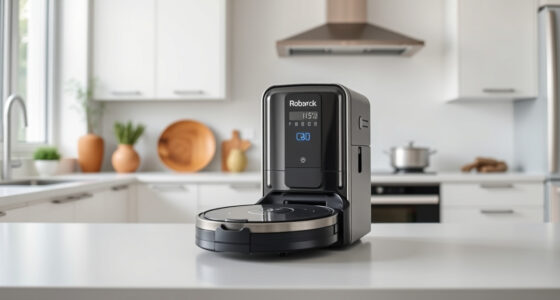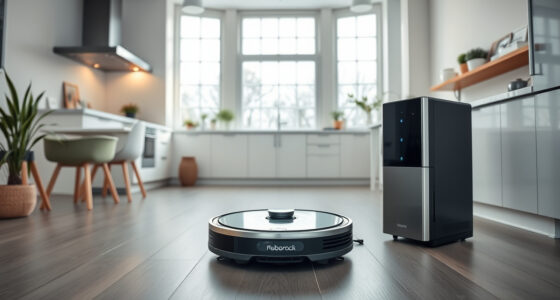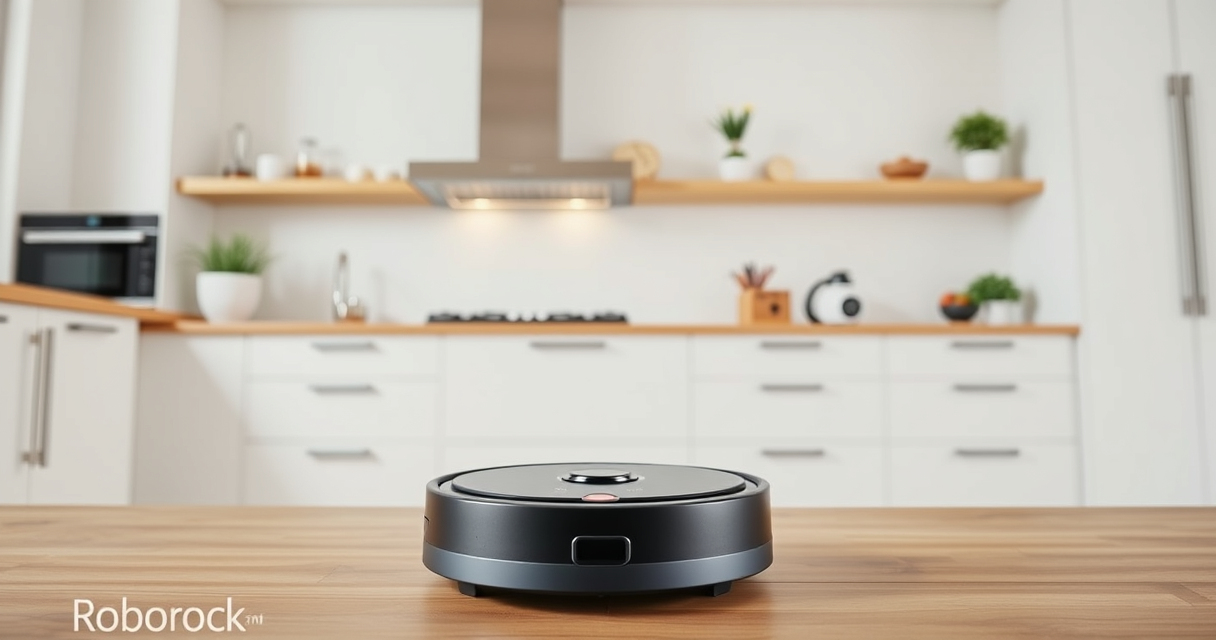
Getting your new Roborock Q7 M5+ ready for action is straightforward, but following correct steps ensures safety and maximum efficiency. This guide walks you through the setup process, from unboxing to initial cleaning, with practical tips to help you get the most out of your robotic vacuum and mop.

Get home appliances delivered free with Prime
- Fast, free delivery on millions of items
- Prime Video, Amazon Music and more included
- Member-only deals all year
Before starting, ensure you have your smartphone with the Roborock app downloaded, a stable Wi-Fi connection, and your robot vacuum fully charged or connected to power.
Key Takeaways
| Ease of Setup | Simple steps to connect and configure your Roborock Q7 M5+. |
| Maintenance Tips | Properly install filters and mop pads for optimal performance. |
| Safety First | Ensure Wi-Fi security and avoid obstacles during setup. |
| Maximize Efficiency | Use app controls for tailored cleaning schedules. |
Unboxing and Initial Inspection
- Carefully remove the Roborock Q7 M5+ from its packaging, checking for any visible damage or missing parts.
- Ensure the dust bag is securely installed in the RockDock Plus self-emptying station.
- Place the robot on a flat surface near your Wi-Fi router for initial setup.
Charging Your Robot
Connect the docking station to a power outlet and place the Roborock Q7 M5+ onto the station, ensuring the charging contacts align properly. Allow it to fully charge before first use, which typically takes a few hours. A full charge ensures the robot can complete initial cleaning cycles without interruption.
Connecting to Wi-Fi and App Setup
- Download the Roborock app from your app store and create an account or log in.
- Open the app and select ‘Add Device,’ then follow prompts to connect your robot to your Wi-Fi network.
- Ensure your phone remains close to the robot during setup for a seamless connection.
Installing Filters and Mop Pads
Insert the washable HEPA filter (if applicable) into the dust compartment. For mopping, attach the microfiber mop pad compatible with your model, ensuring it’s securely in place. Refer to product-specific instructions for proper installation to prevent leaks or ineffective cleaning.
Performing Your First Cleaning
- Use the app to select the cleaning mode suitable for your space.
- Start the cleaning cycle remotely or manually via the robot’s control buttons.
- Monitor the initial run to identify any obstacles or issues that need addressing.
The Products in This Guide

roborock Q7 M5+ Robot Vacuum and Mop
- ✔ Self-Emptying: Yes
- ✔ Pet Hair System: Dual Anti-Tangle
- ✔ Cleaning Cycles: Up to 9 weeks

4 Pack Washable Filter
- ✔ Pack: 4 filters
- ✔ Washable: Yes
- ✔ Compatibility: Multiple models
roborock Q7 M5+ Robot Vacuum and Mop
The Roborock Q7 M5+ offers up to 7-9 weeks of hands-free cleaning thanks to its self-emptying 2.7L dust bag. With 10,000Pa of suction power and a dual anti-tangle system, it handles pet hair and carpets effectively. PreciSense LiDAR navigation ensures precise mapping and thorough cleaning.
Pros:
- Long-lasting self-emptying dock
- High 10,000Pa suction
- Advanced navigation with PreciSense LiDAR
- Effective pet hair management
Cons:
- Requires Wi-Fi setup
- Mop functionality may need additional accessories
- Heavy dust bin for some users
Best for: Pet owners and busy households needing reliable, long-term cleaning
Not ideal for: Users seeking a budget-friendly option without self-emptying features
Bottom line: A powerful, long-lasting robot vacuum perfect for pet owners and large homes.
4 Pack Washable Filter
This 4-pack of washable HEPA filters is compatible with various Roborock models, including the Q7 series. They are easy to install and maintain, ensuring your robot continues to trap allergens and fine dust effectively.
Pros:
- Simple installation
- Reusable and washable
- Maintains optimal suction
- Effective filtration
Cons:
- Must be cleaned regularly
- Not OEM, but high quality
- Replacement needed every few months
Best for: Maintaining peak filter performance
Not ideal for: Users looking for OEM filters only
Bottom line: A cost-effective way to keep your filters clean and your vacuum performing at its best.
Frequently Asked Questions
How often should I empty the dust bag?
The self-emptying station can hold up to 2.7L of debris, typically lasting 7-9 weeks depending on usage. Check periodically for optimal performance.
Can I use my Roborock vacuum on all floor types?
Yes, the Roborock Q7 M5+ is designed to handle carpets, hardwood, tiles, and stone floors effectively, thanks to its powerful suction and precise navigation.
How do I update the firmware?
Connect your robot to the Roborock app, which will notify you of available firmware updates. Follow the prompts to install updates safely.
Is the mop function suitable for all surfaces?
The microfiber mop pad works best on sealed floors like tiles, hardwood, and stone. Avoid using it on unsealed or delicate surfaces.
Getting the Most from Your Roborock Q7 M5+
With proper setup and maintenance, your Roborock Q7 M5+ will deliver efficient, hands-free cleaning tailored to your needs. Regularly check filters, mop pads, and dust collection to keep it running smoothly. Use the app to customize cleaning schedules and maximize your home’s cleanliness with minimal effort.
Affiliate disclosure: As an Amazon Associate we earn from qualifying purchases. Prices and availability are accurate as of the time of publishing.
Fall Picks
fall essentials
As an affiliate, we earn on qualifying purchases.