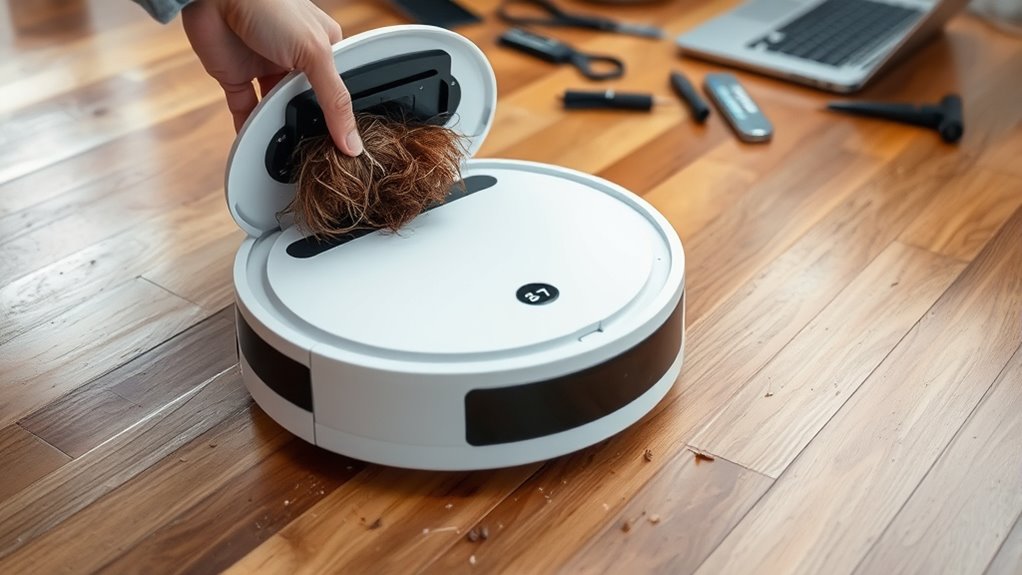

If your robot vacuum isn’t working smoothly, start by checking its Wi-Fi connection and ensuring firmware is up to date, as connectivity issues often cause navigation problems. Clean sensors, filters, and brushes regularly to avoid obstacles and maintain suction power. If it won’t dock properly or drains quickly, inspect the charging station and battery health. For more helpful tips to keep your device running perfect, continue exploring effective troubleshooting solutions.
Key Takeaways
- Ensure strong Wi-Fi connectivity and update firmware to improve navigation and prevent mapping errors.
- Regularly clean sensors, brushes, and filters to avoid obstacle detection failures and suction issues.
- Check and clean charging contacts; reset the device if it fails to dock or charge properly.
- Calibrate sensors and review environment clutter to enhance obstacle avoidance and navigation accuracy.
- Maintain a stable network environment to prevent disconnections affecting app control and device performance.

Robot Vacuum and Mop Combo, 2 in 1 Robotic Vacuums Cleaner with WiFi/App, Robot Vacuum with Water Tank, Strong Suction, Schedule, Self-Charging, Quiet, for Hard Floor, Pet Hair, Low Pile Carpet
Powerful 2-in-1 Robot Vacuum and Mop Function: The iMartine robot vacuum combines strong 2300Pa suction power and a…
As an affiliate, we earn on qualifying purchases.
As an affiliate, we earn on qualifying purchases.
Common Connectivity and Navigation Problems
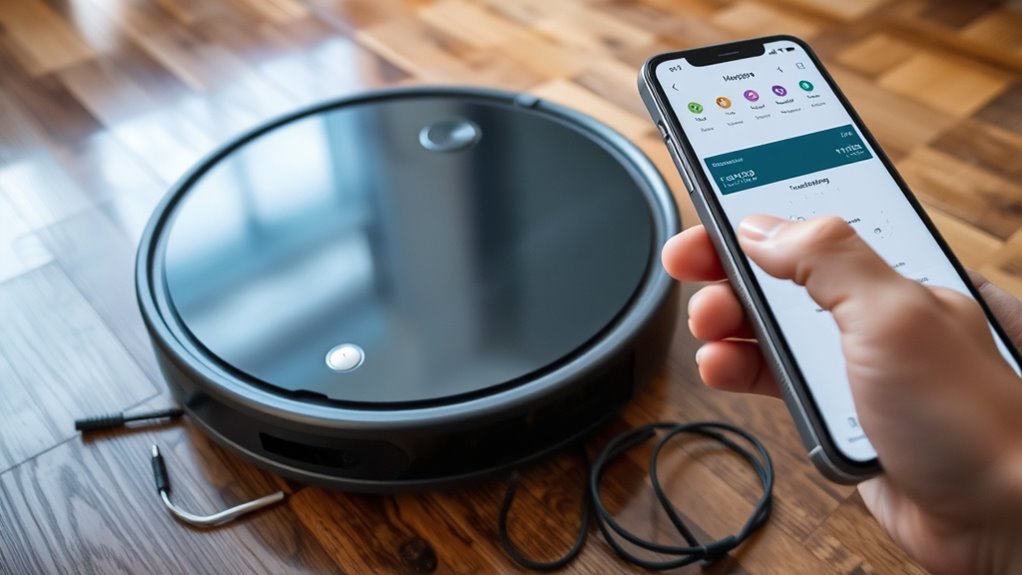
Connectivity and navigation issues are among the most common problems you’ll encounter with robot vacuums. When your device struggles with mapping errors, it may misjudge room layouts or miss areas altogether. This often results from poor Wi-Fi signals or firmware glitches, disrupting communication with your app or control system. Obstacle detection problems can also cause navigation failures, making your vacuum bump into objects or get stuck. Make sure your robot has a clear line of sight to the base station and update its firmware regularly to fix bugs. Clearing clutter and recalibrating sensors can improve obstacle detection. Checking Wi-Fi strength and resetting the device can resolve communication hiccups. Proper sensor calibration is crucial for optimal navigation performance. Additionally, ensuring your robot is within a European cloud-connected ecosystem can enhance data reliability and security during troubleshooting. Regularly reviewing network stability can help prevent frequent disconnections that impair navigation accuracy. Ensuring a strong and consistent internet connection can also reduce disconnection issues and improve overall device performance. Maintaining an optimal Wi-Fi environment by minimizing interference can further stabilize your robot’s connectivity and navigation.

Midukit Vacuum Attachments Accessories for Robot Vacuum Cleaner,Cleaning Brush roll Cleaning Tool Replacement Parts, Part kit Tool for Vacuums Cleaner Replacement Include Vacuum Cleaning Cloth
Midukit vacuum cleaning kit for robot, dyson. Vacuum cleaning tool includes Cleaning Brush, tweezers, screwdriver (Phillips, Slotted), double-end…
As an affiliate, we earn on qualifying purchases.
As an affiliate, we earn on qualifying purchases.
Battery and Charging Troubleshooting
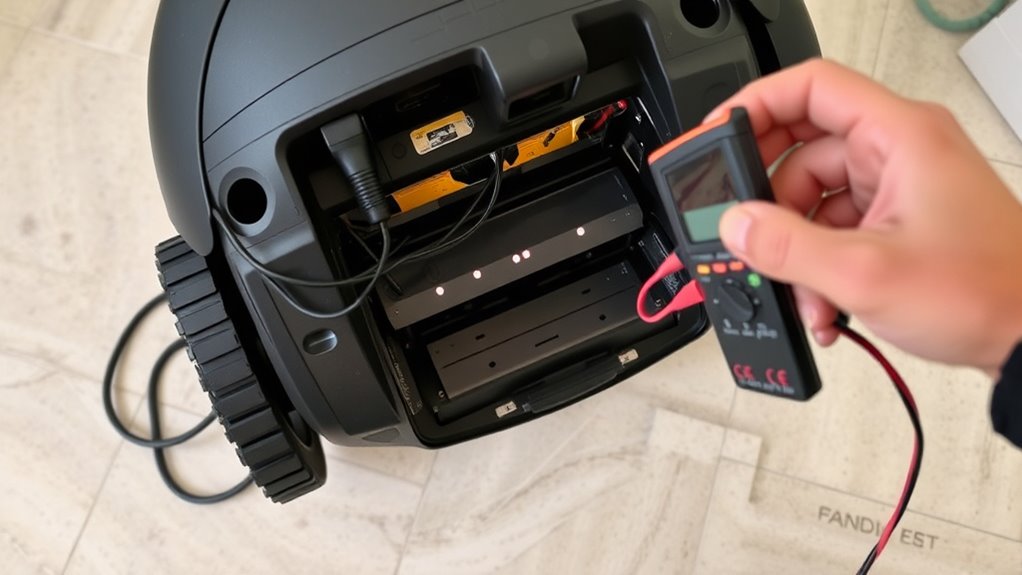
Battery and charging problems are common reasons your robot vacuum might stop working properly. If your vacuum isn’t holding a charge or isn’t returning to the charging station, check the battery life first. Over time, batteries degrade, reducing run time. Make sure the charging contacts on both the robot and the charging station are clean and free of debris. If the vacuum still won’t charge, try repositioning it on the station or resetting the charging connection. Ensure the charging station is plugged into a functioning outlet. If issues persist, replacing the battery or inspecting the charging station for damage might be necessary. Proper maintenance of the charging contacts and timely battery replacement can notably improve your robot’s overall performance and longevity. Regularly inspecting and cleaning lint rollers can help prevent dust and debris from interfering with the charging contacts and sensors, ensuring your robot vacuum functions smoothly. Additionally, understanding the navigation and mapping features can help troubleshoot areas where your vacuum might be misaligning or failing to dock correctly. Maintaining clean charging contacts can also prevent poor electrical connections that hinder charging efficiency. To further enhance the reliability, consider checking the battery health status periodically, as this can give you an early warning of potential issues before complete failure occurs. Being aware of free floating concepts related to battery design can help you better understand how to optimize your vacuum’s performance over time.

Upgraded 4000mAh N79 14.4V Battery for Eufy RoboVac 11 11S 30 15C 25C 35C Robot Vacuum Cleaner for Ecovacs Deebot N79 N79S Deebot 500 600 DN622, Goovi F007C D380 Robot Vacuum Cleaner Battery
【Upgraded 4.0Ah Capacity】: The real-capacity 4000mAh lithium-ion deebot replacement battery provides an ultra-long running time of 120 to…
As an affiliate, we earn on qualifying purchases.
As an affiliate, we earn on qualifying purchases.
Addressing Suction and Brush Roll Issues
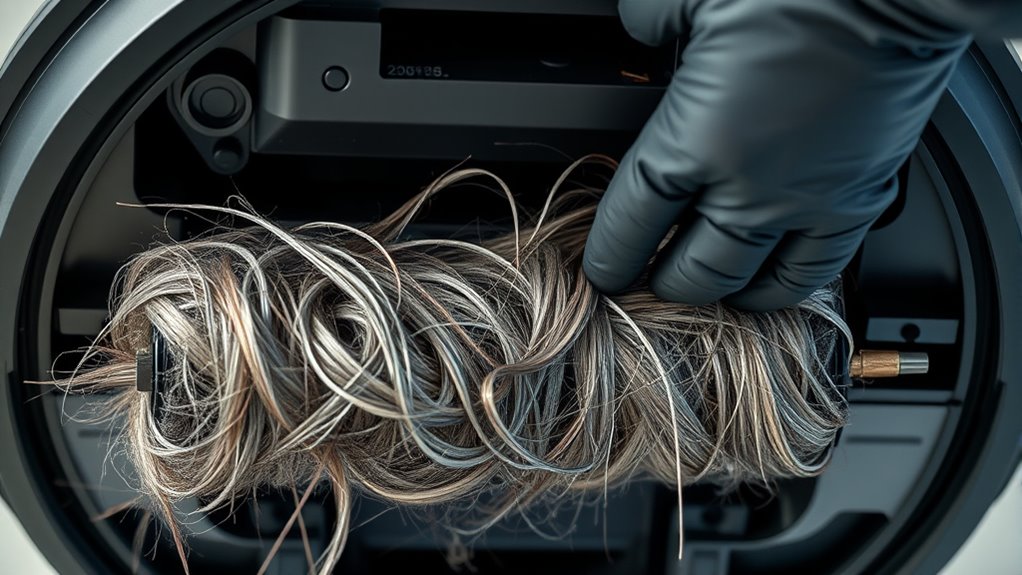
If your robot vacuum isn’t cleaning effectively, addressing suction and brush roll issues can often resolve the problem. Start by checking the filter; clean or replace it regularly to maintain ideal airflow. A clogged filter reduces suction power, so don’t skip filter maintenance. Next, inspect the brush roll for tangled hair, debris, or obstructions that can hinder movement. Clearing these ensures the brushes spin freely. If your vacuum has sensors, recalibrate them; dirty or misaligned sensors can cause navigation errors, affecting cleaning performance. Proper sensor calibration helps the vacuum identify obstacles and maximize its path. Regularly performing these steps keeps suction strong and the brush roll spinning efficiently, leading to better cleaning results. Staying on top of filter maintenance and sensor calibration is key to avoiding persistent issues. Additionally, maintaining a biodiverse environment around your cleaning area by reducing clutter and supporting local wildlife can create a healthier space for your home. Incorporating preventive maintenance routines can further extend the lifespan of your vacuum and ensure consistent performance. Regularly checking for clogged hoses and ensuring all components are properly connected can also help maintain optimal operation, reducing the likelihood of recurring problems. Moreover, understanding the different environments your vacuum operates in can help tailor maintenance routines for best results. Proper cleaning and body jewelry measurements are also essential for avoiding damage and ensuring longevity of your device components.
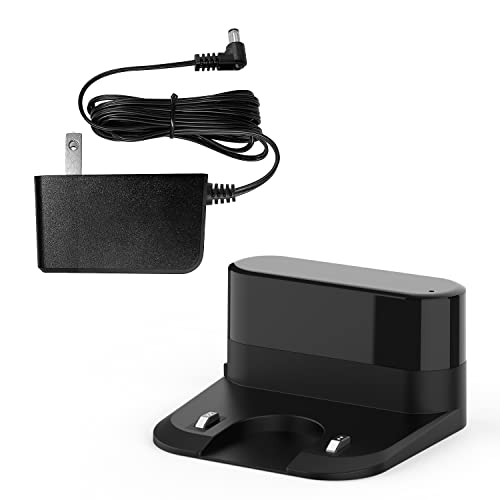
Tikom G8000 Max, and L8000 Pro, L8000 Plus Robot Vacuum Charging Station with Charger
Compatible: Only for Tikom robotic vacuum(G8000 Max, and L8000 Pro, L8000 Plus)
As an affiliate, we earn on qualifying purchases.
As an affiliate, we earn on qualifying purchases.
Frequently Asked Questions
How Do I Reset My Robot Vacuum to Factory Settings?
To perform a factory reset on your robot vacuum, press and hold the reset button or combination of buttons usually found on the device or its app. This process will erase saved settings and restore it to factory default, which can also help with device calibration issues. Make sure the vacuum is powered on, hold the reset button for 10-15 seconds, and follow any on-screen prompts if available.
Can I Use My Robot Vacuum on Wet Surfaces?
A stitch in time saves nine, and the same applies to your robot vacuum. You shouldn’t use it on wet surfaces because water damage can harm its electronics and sensors. Most robot vacuums are designed for dry use only. Using it on wet floors risks water seeping into internal parts, causing malfunctions or permanent damage. Always follow your manufacturer’s instructions to keep your vacuum working smoothly and avoid costly repairs.
What Should I Do if My Robot Keeps Getting Stuck?
If your robot keeps getting stuck, start by checking obstacle detection sensors and cleaning them if needed. Make certain your robot is compatible with the terrain in your home; some models aren’t designed for thick carpets or uneven surfaces. Clear any debris or cords from its path, and adjust the mapping or boundary settings if available. These steps help improve obstacle detection and terrain compatibility, reducing the chances of your robot getting stuck.
How Often Should I Replace the Filter or Brush?
Did you know that a neglected filter can reduce your robot vacuum’s efficiency by up to 50%? You should replace the filter every 2-3 months and perform filter maintenance regularly. For the brush, check it every 1-2 months and replace it every 6-12 months, depending on usage. Keeping up with filter maintenance and brush replacement guarantees your robot vac stays powerful and cleans thoroughly.
Is It Safe to Leave My Robot Vacuum Charging Overnight?
It’s generally safe to leave your robot vacuum charging overnight, but you should verify its specific charging safety guidelines. Many models are designed for overnight power, but ensure the charger and cord are in good condition to prevent any risks. Avoid covering the charging port and keep the area dry. If your vacuum has a safety feature that stops charging after full battery, it’s a good idea to use it for peace of mind.
Conclusion
So, next time your robot vacuum acts up, remember that many issues are just minor glitches. It’s like they say, “a problem shared is a problem halved,” and often, a quick reset or cleaning does the trick. Some folks believe these devices are smarter than we think, almost like they’re learning from us. With a little patience and troubleshooting, you can keep your robot running smoothly—proving that even tech needs a little TLC now and then.