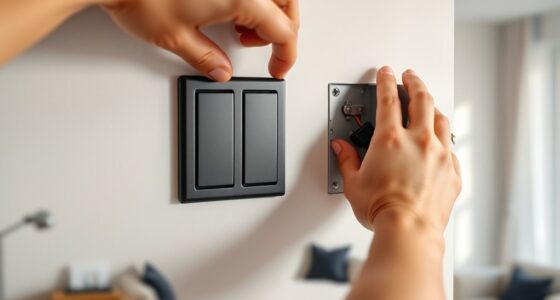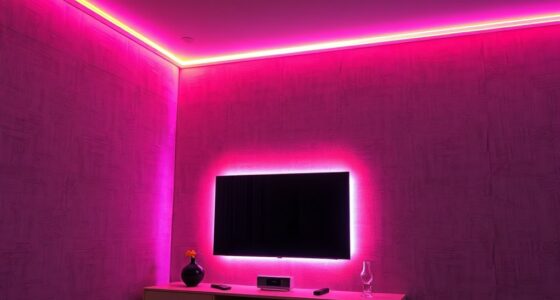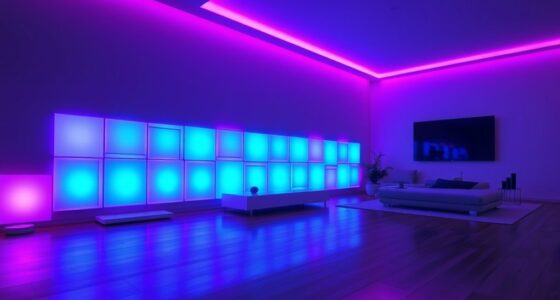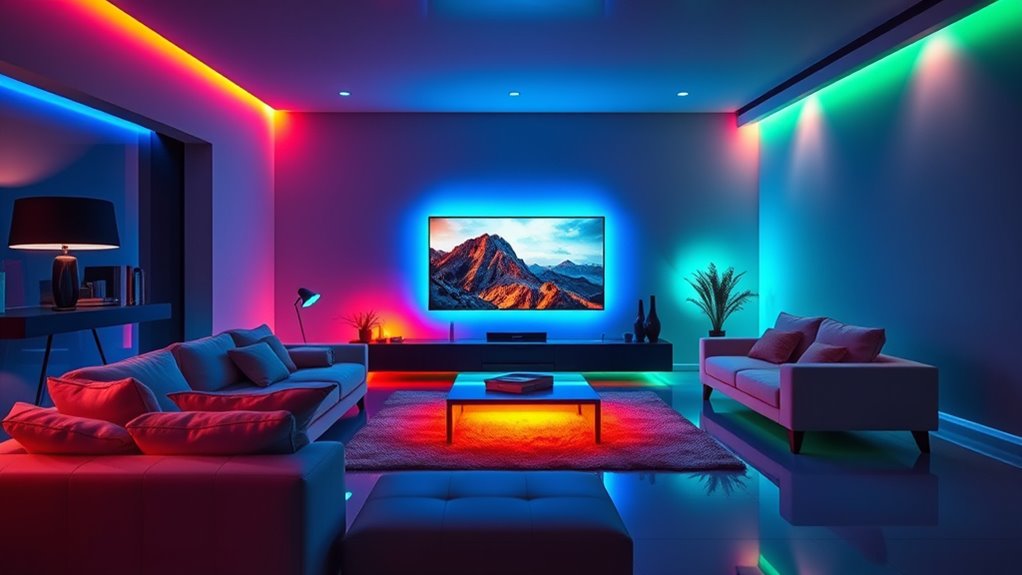

To set the mood, connect your smart lights like Philips Hue or LIFX to their app and make sure they’re on your Wi-Fi network. Use built-in sync modes or third-party tools like IFTTT or SmartThings to match lights with your music or movies. Adjust sensitivity, brightness, and color settings for a personalized effect. With the right setup, you’ll create immersive atmospheres—learn how to fine-tune your experience for maximum impact.
Key Takeaways
- Use compatible smart lighting apps or integrations that support music and movie syncing modes.
- Play audio or video directly through devices connected to your smart lights for accurate synchronization.
- Adjust sensitivity, brightness, and color settings to match the room’s ambiance and desired effects.
- Position lights strategically and test with sample content to ensure precise and responsive syncing.
- Create preset modes like “Party” or “Relax” to quickly set the mood for different entertainment experiences.

If you want to create a more immersive entertainment experience, syncing your smart lights with music and movies is a game-changer. It transforms your space into a dynamic environment where visuals and audio work together to heighten your enjoyment. Whether you’re hosting a movie night, throwing a party, or just relaxing after a long day, perfectly synchronized lighting can make everything feel more vivid and engaging. The key is understanding how to set up these integrations smoothly and reliably.
First, you’ll need compatible smart lights and a device or app that can control them. Many smart lighting brands, like Philips Hue, LIFX, or Nanoleaf, offer apps or integrations that support music and movie syncing. Once you’ve chosen your hardware, install the corresponding app and confirm your lights are connected to your Wi-Fi network. From there, explore the app’s features for syncing with audio or video. Some apps have built-in modes that automatically adjust the lights based on the sound or visuals coming from your device. Others may require third-party plugins or platforms like IFTTT, Samsung SmartThings, or Apple HomeKit to connect everything seamlessly.
Setting the mood is all about customizing the experience. You can choose from preset modes, like “Party” or “Relax,” which are designed to match specific atmospheres. Adjust the sensitivity and brightness to suit your space and preferences. For movie nights, you might want your lights to dim and fluctuate with the on-screen action, enhancing scenes with subtle color shifts. When listening to music, lights can pulse in sync with the beat, creating a lively, energetic ambiance. Many apps let you fine-tune the color palette, speed of transitions, and even individual light zones, so you can tailor the effects to your liking.
Keep in mind that syncing works best when your audio or video source is connected directly to your device or network. For instance, playing music through a smart speaker or streaming service that integrates with your lighting app makes the synchronization more accurate. If you’re using a media streaming device, check if it supports direct control or if you’ll need additional software to bridge the connection. Also, confirm your Wi-Fi network is robust enough to handle the data flow without lag, especially if you have a larger setup.
Additionally, understanding the importance of navigation and mapping can help optimize the positioning and zones of your smart lights for more precise synchronization. Once everything is set, test your setup before your next event. Play some music or a movie scene and observe how the lights respond. Adjust the settings if needed, aiming for a natural and synchronized effect that heightens your experience without overwhelming it. When done correctly, this setup not only elevates your entertainment but also makes your space feel more alive and personalized. With a little experimentation, you’ll master the art of setting the perfect mood, turning ordinary viewing or listening sessions into memorable, immersive moments.

KSIPZE 100ft Led Strip Lights RGB Music Sync Color Changing Led Lights with Smart App Control Remote Led Lights for Bedroom Room Lighting Flexible Home Décor
APP and IR Remote Contorl: With a stable connection,control your LED lights,freely change in 16 million colors,adjust brightness,customize…
As an affiliate, we earn on qualifying purchases.
As an affiliate, we earn on qualifying purchases.
Frequently Asked Questions
Can I Sync Smart Lights With All Music Streaming Apps?
You can’t sync smart lights with all music streaming apps directly, but many work with popular platforms like Spotify, Apple Music, and Tidal through compatible apps or integrations. To do this, you usually need a smart lighting system that supports third-party apps or has built-in music sync features. Check your smart lights’ app or manufacturer’s website to see which apps are supported, and explore additional software options to expand compatibility.
Do I Need a Hub or Bridge to Connect Smart Lights?
Did you know that over 60% of smart light users prefer using a hub or bridge? You typically need a hub or bridge to connect smart lights, especially if they’re from different brands or use Zigbee or Z-Wave protocols. This device acts as a central controller, ensuring seamless communication. If your lights are Wi-Fi-enabled, you might not need a hub, but a hub often offers more stability and compatibility.
How Do I Customize Lighting Effects for Different Movies?
You can customize lighting effects for different movies using your smart app’s settings. First, select the movie mode or create a new scene. Adjust colors, brightness, and timing to match the mood or scenes. Many apps let you save these settings as presets. When watching that movie again, simply select the preset, and your lights will automatically sync to enhance the experience.
Are There Any Latency Issues When Syncing Lights With Live Music?
Latency can sometimes be noticeable when syncing lights with live music, especially if your Wi-Fi connection is slow or crowded. You might find that the lights lag slightly behind the beat, but many smart systems are designed to minimize this delay. To improve sync accuracy, guarantee your device and lights are on a strong, stable connection, and update firmware regularly. With proper setup, you’ll enjoy a seamless experience that enhances your music sessions.
Can Multiple Users Control the Lighting Setup Simultaneously?
Yes, multiple users can control the lighting setup simultaneously. Most smart lighting systems allow you to share control through apps or voice assistants, enabling everyone to adjust colors, brightness, or scenes. You simply need to grant access or add users to the app. This way, you and your friends or family can customize the ambiance together, making it perfect for parties or shared spaces.

Philips Hue Play HDMI Sync Box 8K, Syncs up to 10 Hue Lights with Video Games, Movies, and Music, Requires Bridge, Supports Dolby Vision HDR10+, Control with App
HDMI 2.1CONTENT: With an ultra-fast refresh rate, you can sync your Hue lights to the video content with…
As an affiliate, we earn on qualifying purchases.
As an affiliate, we earn on qualifying purchases.
Conclusion
By syncing your smart lights with music and movies, you create an immersive experience that transforms any room. You might think it’s complicated or expensive, but with simple setup, it’s affordable and easy to enjoy. Imagine watching your favorite film with lights that match the scene’s mood or dancing to music with a vibrant, pulsating glow. Once you try it, you’ll see how effortlessly this tech elevates your entertainment and sets the perfect atmosphere every time.

LIFX Color Smart Light Bulbs E26 (2-Pack), Matter Compatible RGB + Tunable White (800 Lumens), WiFi Dimmable Color Changing (2.4GHz), Compatible with Apple HomeKit, Alexa & Google
SUPERCOLOR. INCOMPARABLE BRIGHTNESS. — LIFX SuperColor smart light bulbs deliver 800 lumens of deeply saturated, brilliantly vivid light…
As an affiliate, we earn on qualifying purchases.
As an affiliate, we earn on qualifying purchases.

Linkind Matter Smart Light Bulb, Smart Bulbs Work with Alexa/Apple Home/Google Home, Color Changing Light Bulbs Music Sync, Preset Scenes, Mood Lights, 2.4Ghz WiFi Only, A19 E26 60W 1 Pack
【Powerful Smart Matter】Linkind Matter smart light bulb is compatible with all Matter platforms. You can control all your…
As an affiliate, we earn on qualifying purchases.
As an affiliate, we earn on qualifying purchases.