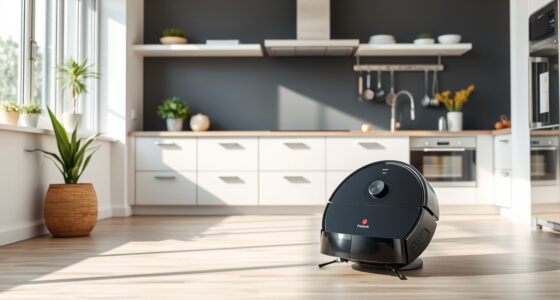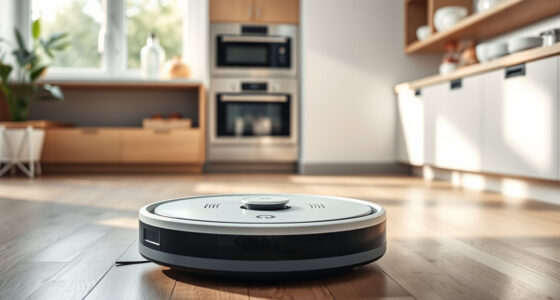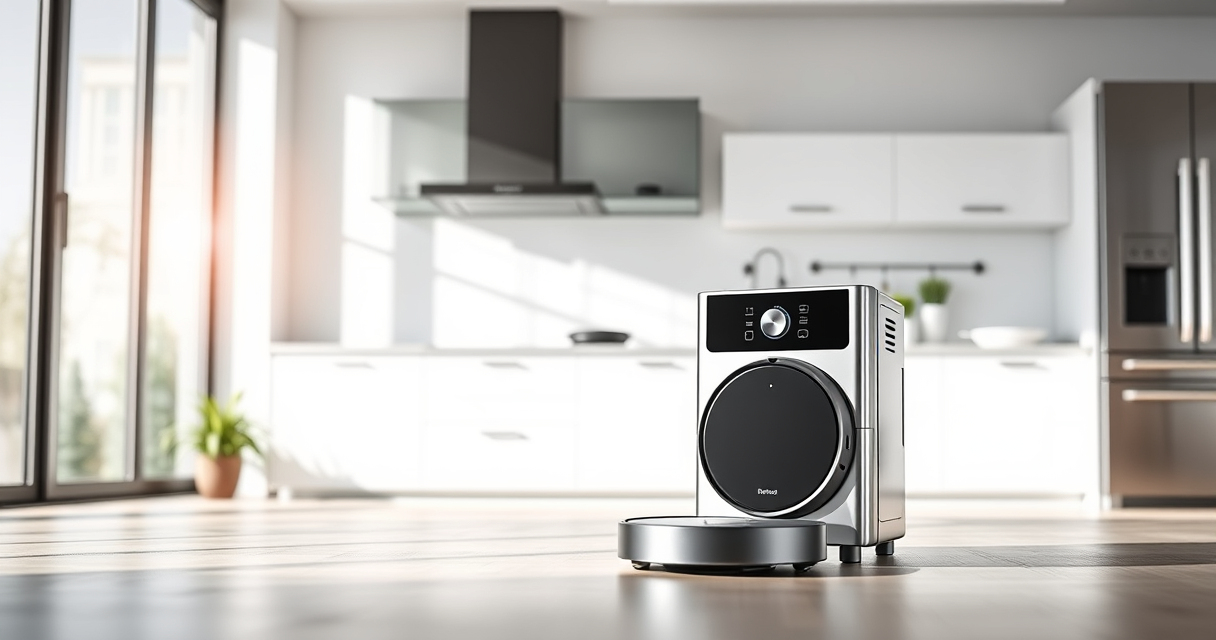

If your Roborock Q7 M5+ robot vacuum keeps getting stuck during cleaning, it can be frustrating and hinder your home’s cleanliness. Fortunately, most issues are fixable with simple troubleshooting steps. This guide walks you through practical, safe methods to identify and resolve common causes of getting stuck, helping your vacuum operate smoothly again.

Get home appliances delivered free — and shop member deals
- Fast, free delivery on millions of items
- Access to Prime Big Deal Days deals on October 6–7
- Prime Video, Amazon Music and more included
Key Takeaways
| Identify obstacles | Check for objects or debris blocking the path. |
| Inspect sensors | Clean sensors and wheels for better navigation. |
| Review the environment | Remove clutter and secure loose cords. |
| Update firmware | Ensure your vacuum has the latest software. |
Step 1: Clear the Path and Remove Obstacles
- Power off your Roborock Q7 M5+ and carefully inspect the area where it gets stuck.
- Remove any objects, cables, or loose rugs that could block its movement.
- Check for pet hair or debris that may be clogging wheels or brushes.
Step 2: Clean Sensors, Wheels, and Brushes
- Use a soft, dry cloth or a gentle brush to wipe the sensors on the underside and sides of the vacuum.
- Clear any hair or debris from the dual anti-tangle system, main brush, and wheels.
- Ensure nothing is obstructing the movement of the wheels or brushes.
Step 3: Check for Software and App Updates
Open the Roborock app and verify the firmware is up-to-date. Updating can resolve navigation bugs causing getting stuck.
Step 4: Reset and Recalibrate the Vacuum
- Power off the vacuum, then turn it back on after a few seconds.
- Perform a manual calibration if your model supports it via the app or on-device controls.
Tips and Warnings for Preventing Stuck Incidents
- Avoid cluttered areas and secure loose cords or rugs.
- Regularly clean the sensors and brushes for optimal navigation.
- Use virtual barriers or boundary strips if your vacuum supports them.
The Products in This Guide

roborock Q7 M5+ Robot Vacuum and Mop
- ✔ Model: Q7 M5+
- ✔ Battery Life: 7-9 weeks
- ✔ Suction Power: 10000Pa

4 Pack Washable Filter
- ✔ Type: HEPA
- ✔ Quantity: 4
- ✔ Compatibility: Multiple Roborock models
roborock Q7 M5+ Robot Vacuum and Mop
The Roborock Q7 M5+ is equipped with PreciSense LiDAR navigation, a dual anti-tangle system, and 10000Pa suction power, making it highly capable of handling complex environments. Its self-emptying feature reduces maintenance, but occasional troubleshooting may still be needed to prevent getting stuck.
Pros:
- High suction power for pet hair and debris
- Smart navigation with LiDAR
- Anti-tangle system for pet hair
- Long self-emptying cycle
Cons:
- Can occasionally get stuck on cluttered areas
- Requires regular sensor cleaning
- Firmware updates needed for optimal performance
Best for: Homes with pets and complex furniture layouts
Not ideal for: Very cluttered spaces or areas with loose cords
Bottom line: The Roborock Q7 M5+ offers powerful cleaning with smart navigation, but regular maintenance helps prevent getting stuck.
4 Pack Washable Filter
Replacing or upgrading your filters can improve your vacuum’s performance and reduce maintenance issues. The 4 Pack Washable Filter is compatible with several Roborock models, including the Q7 and Q5 Pro series, and ensures effective filtration with easy cleaning.
Pros:
- Improves suction efficiency
- Washable and reusable
- Compatible with multiple models
- Easy to install
Cons:
- Not OEM, might differ slightly in fit
- Requires regular washing
- Replacement needed every few months
Best for: Maintaining optimal cleaning performance
Not ideal for: Use if you prefer OEM parts for guarantee of fit
Bottom line: This washable HEPA filter pack helps maintain your vacuum’s suction and filtration efficiency, reducing issues like getting stuck due to debris.
Frequently Asked Questions
Why does my Roborock keep getting stuck on rugs?
Rugs with tassels or thick piles can sometimes catch on the brushes or wheels. Ensure rugs are flat and free of loose fibers, and clean the sensors and brushes regularly.
How often should I clean the sensors and brushes?
It’s recommended to clean sensors and brushes at least once a month or more frequently if you notice navigation issues or tangling.
Can firmware updates fix navigation problems?
Yes, keeping your vacuum’s firmware up-to-date can resolve bugs and improve navigation accuracy, reducing the chance of getting stuck.
What should I do if my vacuum still gets stuck after cleaning?
Check for software updates, reset the device, and verify the environment is free of clutter. If problems persist, contact customer support.
Keeping Your Roborock Running Smoothly
Regular maintenance, such as cleaning sensors and brushes, along with a clutter-free environment, can significantly reduce the chances of your Roborock Q7 M5+ getting stuck. Following these troubleshooting steps will help ensure a more reliable and efficient cleaning experience. Remember, occasional resets and firmware updates are key to optimal performance.
Affiliate disclosure: As an Amazon Associate we earn from qualifying purchases. Prices and availability are accurate as of the time of publishing.
NFL season / tailgating Picks
team gear
As an affiliate, we earn on qualifying purchases.