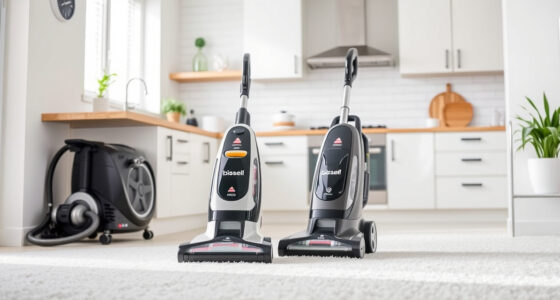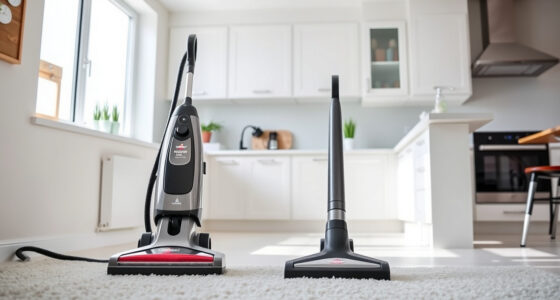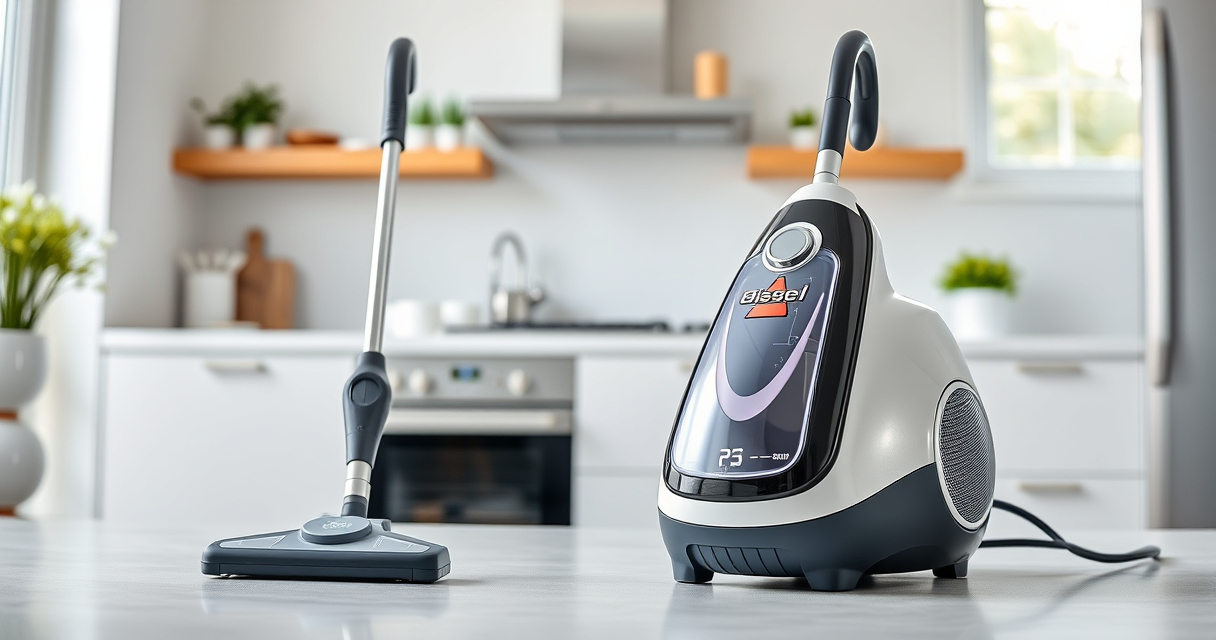

If your Bissell carpet cleaner is leaving water streaks or pooling after cleaning, it can be frustrating and hinder your cleaning efficiency. This issue often stems from common problems like clogged filters, malfunctioning parts, or pressure issues. Fortunately, with some careful troubleshooting, you can resolve these problems and get your cleaner back to optimal performance. This guide provides clear, safe, and effective steps to fix a Bissell carpet cleaner that keeps leaving water behind.

Get home appliances delivered free — and shop member deals
- Fast, free delivery on millions of items
- Access to Prime Big Deal Days deals on October 6–7
- Prime Video, Amazon Music and more included
Remember, always unplug your machine before performing any maintenance or troubleshooting steps to ensure safety and prevent damage to the unit.
Key Takeaways
| Clogged Filters | Cleaning or replacing filters can improve water flow. |
| Blocked Hoses | Inspect and clear hoses to prevent water backup. |
| Damaged Seals | Check and replace worn or damaged seals for proper suction. |
| Pump Issues | Ensure the pump is functioning correctly and not clogged. |
| Pressure Settings | Adjust pressure settings to prevent excess water release. |
Step 1: Unplug and Prepare Your Cleaner
Before beginning any troubleshooting, unplug your Bissell cleaner from the power outlet to ensure safety. Remove the water tank and any cleaning solution or accessories attached to the machine. Place the cleaner on a clean surface where you can easily access its internal components.
Step 2: Check and Clean the Water Filter
- Locate the water filter, typically found inside the water tank or near the suction path.
- Remove the filter and inspect it for dirt, debris, or buildup.
- Wash the filter gently with warm water and a mild detergent if needed. Ensure it’s completely dry before reinstalling.
- If the filter is damaged or excessively worn, replace it with a compatible one.
Step 3: Inspect Hoses and Connections
Examine all hoses connected to the water tank, suction path, and pump for blockages, kinks, or damage. Detach hoses carefully and flush them with water to clear any debris. Replace any damaged hoses to ensure proper water flow and prevent leaks or pooling.
Step 4: Check the Seals and Gaskets
Inspect the seals and gaskets around the water tank, pump, and cleaning head. Worn or cracked seals can cause excess water to leak or prevent proper suction. Replace any damaged seals with genuine parts to restore proper sealing and pressure.
Step 5: Test the Pump and Pressure Settings
Ensure the pump is operating correctly. Listen for the pump running when the cleaner is turned on. If you suspect issues, consult your user manual for specific pump troubleshooting steps or consider replacing the pump if it’s malfunctioning. Adjust the pressure settings if your cleaner has this feature; excessive pressure can lead to water pooling behind the cleaner.
Additional Tips and Safety Warnings
- Use only recommended filters and replacement parts to avoid damage.
- Regularly clean filters and hoses as part of routine maintenance.
- Always unplug the machine before inspecting or replacing internal components.
- Do not attempt to repair electrical components yourself unless qualified.
- If problems persist after troubleshooting, contact Bissell customer support for professional assistance.
The Products in This Guide

BISSELL ProHeat 2X Revolution Pet Turbo Upright Carpet C
- ✔ Weight: 19 pounds
- ✔ Tank Capacity: 1.25 gallons
- ✔ Cord Length: 25 feet

JORAIR Brush Replacement Compatible
- ✔ Package Size: 3 brushes + 3 filters
- ✔ Compatibility: Multiple Bissell CrossWave models
- ✔ Material: Synthetic fibers and filters
BISSELL ProHeat 2X Revolution Pet Turbo Upright Carpet C
The BISSELL ProHeat 2X Revolution Pet Turbo Upright Carpet Cleaner offers powerful suction and advanced technology to handle embedded dirt, stains, and pet messes. Its Heatwave Technology maintains water temperature for effective cleaning, while the MAX Clean Mode tackles stubborn stains. If your cleaner is leaving water behind, troubleshooting common issues like clogs, seals, or pump failures can restore performance.
Pros:
- Powerful 40% more suction
- Heatwave Technology for consistent water temperature
- Multiple cleaning modes including express
- Designed for pet owners
Cons:
- Can be complex to troubleshoot for beginners
- Requires routine maintenance to prevent issues
- Some parts may need replacement over time
Best for: Pet owners and deep carpet cleaning
Not ideal for: Users unfamiliar with appliance maintenance
Bottom line: The BISSELL ProHeat 2X Revolution Pet Turbo is a reliable choice for deep cleaning, with troubleshooting steps that can fix water pooling issues.
JORAIR Brush Replacement Compatible
The JORAIR Brush Replacement Compatible set offers multi-surface brush rolls and filters that can help improve water flow and cleaning efficiency in your Bissell cleaner. Replacing worn brushes and filters can prevent water pooling caused by blockages or reduced suction.
Pros:
- Compatible with multiple Bissell CrossWave models
- Includes 3 brush rolls and filters
- Affordable replacement option
- Easy to install
Cons:
- Limited to specific CrossWave models
- Requires periodic replacement
- Does not include other internal parts
Best for: Maintaining optimal brush and filter condition
Not ideal for: As a fix for internal pump or seal issues
Bottom line: Replacing brushes and filters can help prevent water pooling caused by blockages and maintain cleaning power.
Frequently Asked Questions
Why is my Bissell cleaner leaving water after cleaning?
Common causes include clogged filters, blocked hoses, damaged seals, or pump malfunctions. Troubleshooting these parts can usually resolve the issue.
How often should I clean or replace filters and hoses?
It’s best to inspect and clean filters and hoses after every few uses. Replace filters when they show signs of wear or clogging, typically every 3-6 months.
Can I fix leaks or water pooling myself?
Yes, inspecting seals, gaskets, and hoses for damage and replacing worn parts can often fix leaks. However, avoid repairing electrical components unless qualified.
What if my pump is not working?
If the pump isn’t functioning, check for clogs or debris blocking it. If clean and still not working, consider replacing the pump or contacting a professional.
Is it safe to use cleaning solutions with my Bissell?
Only use recommended solutions like the BISSELL Multi-Surface Solution or Deep Clean formulas. Avoid harsh chemicals that can damage internal components.
Restore Your Bissell’s Power with These Troubleshooting Tips
Keeping your Bissell carpet cleaner functioning properly ensures a cleaner home and extends the lifespan of your appliance. Regular maintenance, timely filter and hose checks, and understanding your machine’s components can help prevent water pooling issues. Should problems persist, professional repair services are recommended. With these steps, you can enjoy a fresh, clean carpet without the hassle of water pooling or streaks.
Affiliate disclosure: As an Amazon Associate we earn from qualifying purchases. Prices and availability are accurate as of the time of publishing.
Fall yard work Picks
leaf blowers
As an affiliate, we earn on qualifying purchases.