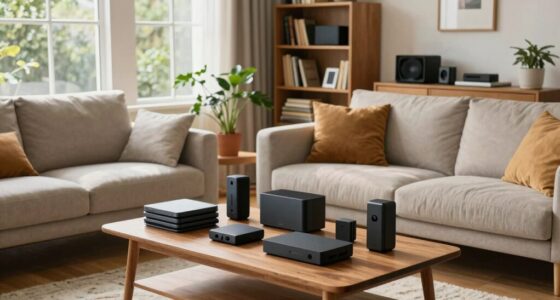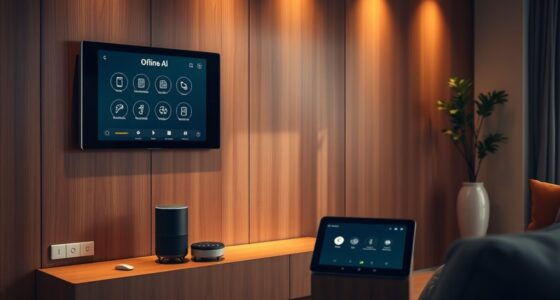
Your smart device’s placement can often have a bigger impact on its performance than the model you choose. Proper positioning improves signal strength, reduces interference from walls or electronics, and guarantees a stable connection. Even the best device struggles without good placement. When you optimize where you place your devices, you activate their full potential, making your smart setup more reliable and efficient. Keep exploring to discover how strategic placement can truly enhance your experience.
Key Takeaways
- Proper placement reduces signal interference and obstacles, significantly improving device performance regardless of model quality.
- Strategic positioning enhances signal strength and stability, often exceeding benefits gained from higher-end device features.
- Environmental factors like walls and appliances can weaken signals, making placement more critical than device specifications.
- Good placement minimizes interference from other electronics, ensuring more reliable and faster device communication.
- Optimized positioning can unlock the full potential of a device, often outperforming models with superior hardware but poor placement.
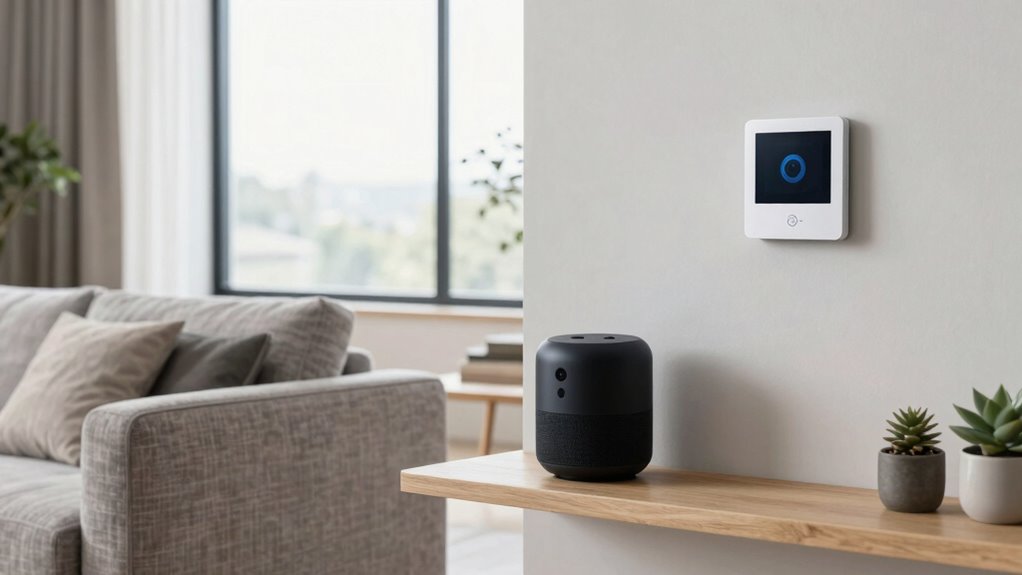
Smart device placement can dramatically enhance the performance and efficiency of your technology setup. When you position your devices thoughtfully, you directly influence how well they communicate, how quickly they respond, and how reliably they function. Even with the latest, most advanced models, poor placement can lead to device interference, causing signals to weaken or drop altogether. Conversely, good placement maximizes signal optimization, guaranteeing your devices operate smoothly and efficiently.
You might think that choosing a high-end device guarantees top performance, but if the device isn’t positioned correctly, its capabilities won’t shine through. For instance, Wi-Fi routers and smart home hubs are particularly sensitive to placement because they rely on clear signals. If your router sits behind thick walls or near metal objects, you’ll likely experience slow connections or dead zones. Moving it to a central, open spot can markedly improve signal strength. This simple change reduces device interference from other electronics and minimizes signal degradation, making your smart devices work more seamlessly. Proper placement also helps prevent **signal degradation** caused by environmental obstacles.
Device interference isn’t always obvious, but it plays a vital role in your setup’s overall success. Electronics like cordless phones, microwave ovens, and Bluetooth speakers can all interfere with your Wi-Fi or smart device signals when placed too close. Positioning your router or smart hubs away from these sources helps prevent overlapping signals that cause lag or disconnections. Think of your setup as a network of signals that need to be optimized; the more you reduce interference, the stronger and more stable your connections become. Additionally, understanding how electromagnetic interference affects your setup can help you make smarter placement decisions, ultimately enhancing your entire smart environment. Recognizing how environmental factors influence signal strength can guide you in choosing ideal device locations.
Signal optimization isn’t just about placement; it’s also about understanding how your environment impacts your devices. Thick walls, metal furniture, and large appliances can block or weaken signals, so you should aim to place devices where they have the least obstacles. Elevating your router on a shelf or high point often results in better coverage than leaving it on the floor. Similarly, positioning smart devices in open, central locations ensures they maintain strong, consistent connections. When your devices have unobstructed pathways to each other, they communicate more effectively, reducing lag and increasing responsiveness. Furthermore, considering signal interference sources in your environment can help you create a setup that minimizes disruptions and maximizes performance.
Additionally, understanding the importance of device interference can help you make smarter placement decisions, ultimately enhancing your entire smart environment. When your devices have unobstructed pathways to each other, they communicate more effectively, reducing lag and increasing responsiveness. In the end, it’s clear that smart device placement can matter more than just choosing the latest model. Proper placement guarantees that signals are optimized and interference is minimized, unlocking the full potential of your devices. By paying attention to where you position your technology, you create a more reliable, efficient, and responsive smart environment. It’s a simple step that often makes a much bigger difference than upgrading to a more expensive device.

TP-Link AC1200 WiFi Extender – 1.2Gbps Home Signal Booster, Dual Band 5GHz/2.4GHz, Up to 1600 Sq.ft and 32 Devices, EasyMesh Compatible, One Ethernet Port (RE315)
𝐒𝐭𝐫𝐨𝐧𝐠𝐞𝐫 𝐖𝐢-𝐅𝐢 𝐢𝐧 𝐄𝐯𝐞𝐫𝐲 𝐂𝐨𝐫𝐧𝐞𝐫 – Enjoy extended coverage with strong performance powered by Adaptive Path Selection and…
As an affiliate, we earn on qualifying purchases.
As an affiliate, we earn on qualifying purchases.
Frequently Asked Questions
How Does Room Size Affect Device Placement Effectiveness?
Room size considerably impacts device placement effectiveness because larger rooms may require more strategic positioning to optimize sound or signal distribution. You should consider room acoustics, as echoes and reflections can hinder device performance, and furniture interference, which can block signals or sound paths. By thoughtfully placing your device away from walls, furniture, and reflective surfaces, you enhance its functionality, regardless of the model you choose.
Can Placement Influence Device Connectivity and Signal Strength?
Yes, your device placement can influence connectivity and signal strength. Proper positioning helps reduce interference mitigation issues, ensuring a stronger signal. Avoid placing devices near thick walls or metal objects that block signals. Consider aesthetic considerations too, so your setup remains visually appealing without compromising performance. By thoughtfully placing your devices, you optimize connectivity, improve signal quality, and create a balanced, functional space that meets both technical and aesthetic needs.
Is There a Recommended Placement Height for Optimal Performance?
Think of your smart device as a secret agent—its performance depends heavily on its height. For peak performance, place your device at an ideal height, typically around 3 to 5 feet off the ground. Use placement tips like avoiding obstructions and keeping it central to your space. This height enhances signal strength and connectivity, ensuring your device operates smoothly and efficiently, no matter the model.
Do Different Devices Require Different Placement Strategies?
Yes, different devices often need tailored placement strategies. You should consider device aesthetics to blend seamlessly with your space and prioritize user accessibility for ease of use. For example, a smart speaker might go at ear level for better sound, while a control panel should be within comfortable reach. Adapting placement based on device function and environment ensures maximum performance, aesthetics, and user experience.
How Often Should Device Placement Be Reevaluated?
You should reevaluate your device placement whenever you notice inconsistent performance or after significant changes in your environment. Regular checks help maintain placement consistency and guarantee accurate device calibration. Typically, reassess every few months or if you move furniture or change room layouts. This proactive approach helps optimize device function, prevents issues, and keeps your smart system running smoothly, making sure it adapts well to your evolving space.

Kasa Smart Plug HS103P4, Wi-Fi Outlet Works with Alexa, Echo, Google Home & IFTTT, No Hub Required, Remote Control, 15 Amp, UL Certified, 4-Pack, White
Voice control: Kasa smart plugs that work with Alexa and Google Home Assistant. Enjoy the hands free convenience…
As an affiliate, we earn on qualifying purchases.
As an affiliate, we earn on qualifying purchases.
Conclusion
You might think choosing the latest model is enough, but smart device placement can make all the difference. It’s the difference between a device that seamlessly integrates into your life and one that constantly frustrates you. When you prioritize placement, you release the true potential of your devices, creating a space that’s efficient and harmonious. Sometimes, the smallest adjustments have the biggest impact—reminding you that where you put your devices matters as much as what you choose.

TP-Link AX3000 WiFi 6 Range Extender | PCMag Editor's Choice | Dual-Band Wireless Repeater w/Ethernet Port | Up to 2400 Sq. Ft., 64 Devices | Internet Signal Booster | APP Setup | EasyMesh (RE715X)
𝐃𝐮𝐚𝐥-𝐁𝐚𝐧𝐝 𝐖𝐢𝐅𝐢 𝟔 𝐄𝐱𝐭𝐞𝐧𝐝𝐞𝐫 𝐰𝐢𝐭𝐡 𝟑 𝐆𝐛𝐩𝐬 𝐓𝐨𝐭𝐚𝐥 𝐁𝐚𝐧𝐝𝐰𝐢𝐝𝐭𝐡 – Extend your WiFi coverage with speeds up to…
As an affiliate, we earn on qualifying purchases.
As an affiliate, we earn on qualifying purchases.

Beiyier Cable Box Mount and Adjustable Wall Mount for Small Wide Devices, Like Streaming Media Devices, DVD Players and Boxes(CableBoxM
Adjustable Wall Mount: Our adjustable wall mount fits the devices at the dimensions: Length: 3.5" – 10", Vertical…
As an affiliate, we earn on qualifying purchases.
As an affiliate, we earn on qualifying purchases.