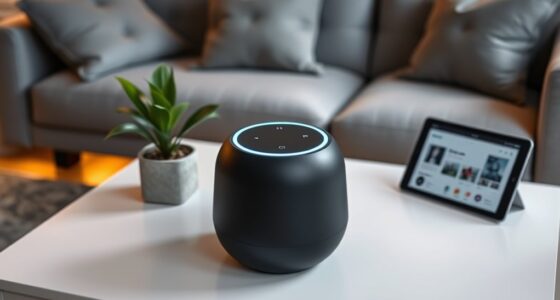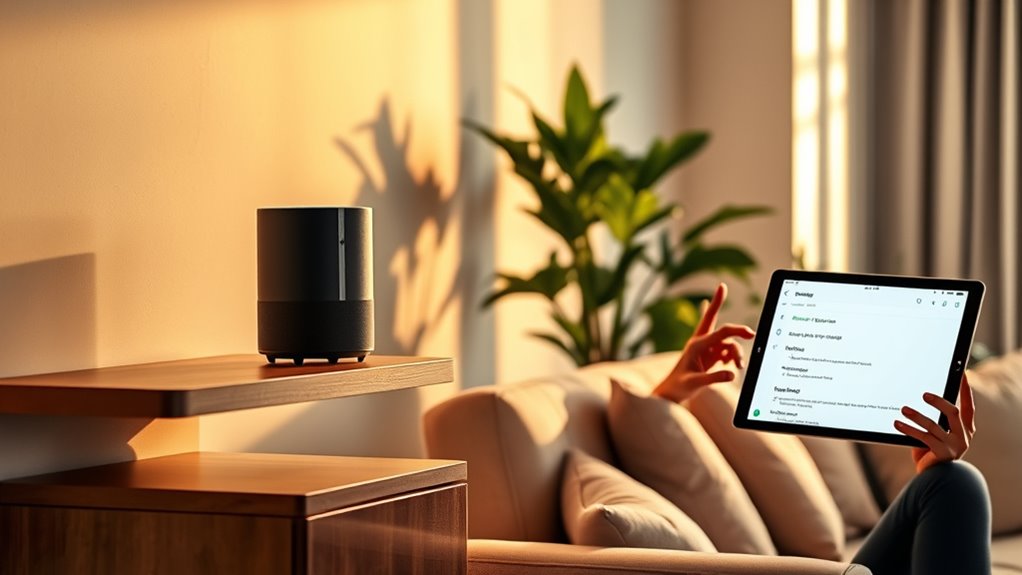

To get Alexa or Google Assistant to recognize multiple users, set up individual voice profiles through their respective apps. For Alexa, go to ‘Settings’ and create new profiles, then follow prompts to train your voice. With Google Assistant, access ‘Voice Match’ in the Google Home app and repeat phrases for each user. Regular updates and consistent commands help improve recognition accuracy over time. Keep exploring these steps to master personalized smart home interactions.

Get home appliances delivered free with Prime
- Fast, free delivery on millions of items
- Prime Video, Amazon Music and more included
- Member-only deals all year
Key Takeaways
- Create individual voice profiles for each user in the Alexa or Google Assistant app and follow setup prompts.
- Regularly update and retrain voice profiles or Voice Match data to improve recognition accuracy.
- Use clear, natural speech during training and consistent voice commands for better differentiation.
- Encourage all household members to set up their profiles to enable personalized responses.
- Maintain current profiles by periodically re-training and updating voice data for ongoing performance.
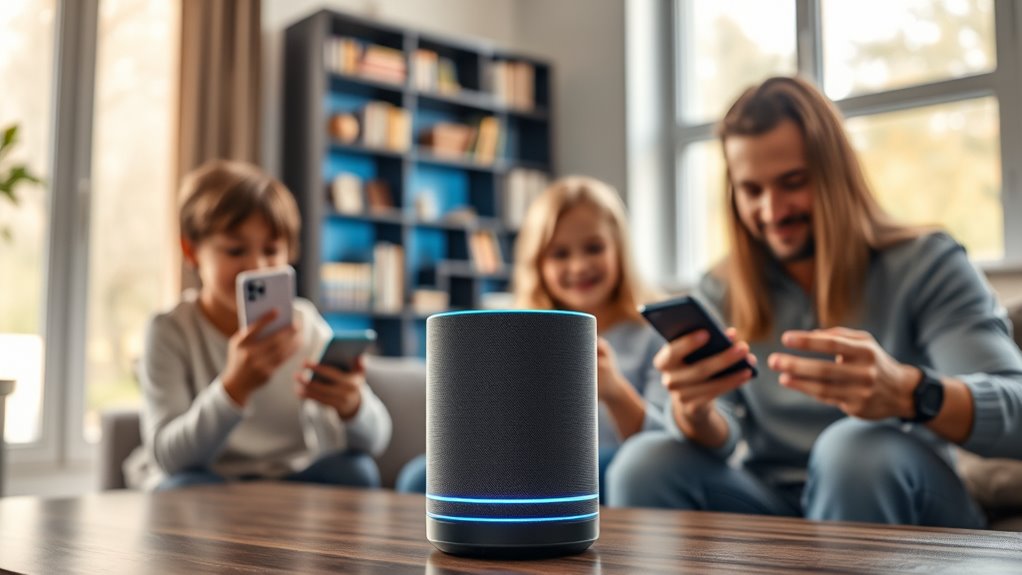
Have you ever wondered how to make your voice assistant more responsive and accurate? If you share your device with family or roommates, it can be frustrating when your Alexa or Google Assistant struggles to distinguish your voice from others’. Fortunately, both platforms have features that allow you to train your voice assistant to recognize multiple users, making interactions more personalized and seamless. This process not only improves response accuracy but also ensures that each user gets tailored information, like personalized news updates, calendar events, or music preferences. To get started with Alexa, you need to set up the Voice Profiles feature. Open the Alexa app on your smartphone and tap on ‘Settings’. Scroll down to ‘Account Settings’ and select ‘Recognized Voices’. From there, you can create a new voice profile by following the prompts. Alexa will ask you to say a series of phrases, which it uses to build a voice model. Once set up, Alexa can identify individual voices and customize responses accordingly. For example, if you ask about your calendar, Alexa will provide your specific events rather than everyone’s. Make sure each person in your household creates their own profile for ideal results. Additionally, voice recognition technology is continually improving with more training data, helping your device better distinguish between different users. Google Assistant offers a similar feature called Voice Match. To set it up, open the Google Home app and tap your profile icon in the top right corner. Select ‘Settings’ and then ‘Voice Match’. You’ll be prompted to train Google Assistant by repeating certain phrases. The more you train it, the better it gets at distinguishing voices. Once completed, Google Assistant will recognize individual users and deliver personalized responses. You can also add multiple voices so the system can differentiate among several users, which is especially useful in larger households. Keep in mind that training your voice assistant isn’t a one-and-done process. You should periodically update your voice profiles or Voice Match data to enhance recognition accuracy, especially if someone’s voice changes considerably or if new household members join. Additionally, speak naturally and clearly when training your device; pronunciation and tone do influence how well the system learns your voice. Remember that these features work best when everyone in the household uses consistent voice commands. With a bit of setup and regular updates, your voice assistant will become more responsive, accurate, and personalized, making your smart home experience smoother and more enjoyable.
Amazon Alexa voice profile training device
As an affiliate, we earn on qualifying purchases.
As an affiliate, we earn on qualifying purchases.
Frequently Asked Questions
Can Multiple Users Be Recognized Simultaneously?
No, Alexa and Google can’t recognize multiple users simultaneously. They are designed to identify individual voices one at a time, which means they process each person’s voice separately. When you speak, the assistant checks if it matches a known voice profile. While they can’t distinguish multiple voices at once, you can set up multiple profiles so the device responds appropriately when each person speaks.
How Secure Is Voice Recognition for Personal Data?
Voice recognition offers about 90% accuracy, but it’s not foolproof for protecting personal data. You should know that voice data can be vulnerable to hacking or impersonation if security measures aren’t strong. To stay safe, enable multi-factor authentication where possible, and regularly review voice command histories. Remember, while voice tech is convenient, it’s essential to balance ease of access with privacy and security.
Can Voice Profiles Be Deleted Easily?
Yes, voice profiles can be deleted easily. You just need to access your device’s app or settings menu, find the voice recognition or user profiles section, and select the option to delete or remove the profile. The process is straightforward and typically involves confirming your choice. Once deleted, your voice data is removed from the system, helping you maintain control over your personal information and privacy.
Does Training Vary Between Alexa and Google?
Think of training your voice assistant like tuning a musical instrument; each needs different adjustments. Yes, training varies between Alexa and Google. Alexa uses the Alexa app to set up voice profiles through guided prompts, while Google relies on the Google Home app and voice recordings to recognize voices. You’ll find that each system has unique steps, but both aim to make interactions more personalized and seamless.
How Accurate Is Multi-User Recognition Over Time?
Multi-user recognition can be quite accurate over time, especially if you regularly train your voice assistant with your voice. It learns to distinguish your voice patterns, improving its ability to identify you even in noisy environments. However, accuracy might decline if your voice changes markedly or if you’re in a crowded space. Consistently training and updating your profiles helps maintain high recognition accuracy over the long term.
Google Assistant Voice Match setup kit
As an affiliate, we earn on qualifying purchases.
As an affiliate, we earn on qualifying purchases.
Conclusion
Just like teaching a friend to recognize your unique voice, training your voice assistant makes daily interactions smoother. Imagine trying to tell a joke, but your voice assistant keeps guessing wrong—frustrating, right? When you personalize it, it’s like tuning a radio to your favorite station; everything becomes clearer. With patience, your assistant will recognize you effortlessly, turning it into a helpful sidekick that truly understands you—making your smart home feel more personal and responsive.
smart home voice recognition device
As an affiliate, we earn on qualifying purchases.
As an affiliate, we earn on qualifying purchases.
multi-user voice recognition smart speaker
As an affiliate, we earn on qualifying purchases.
As an affiliate, we earn on qualifying purchases.
Fall Picks
fall essentials
As an affiliate, we earn on qualifying purchases.