
To turn your old smartphone into a security camera, start by downloading a camera app like Alfred, Manything, or IP Webcam, and follow the setup instructions. Mount the device securely in your desired spot, ensuring it has a good Wi-Fi connection and continuous power. Adjust motion detection and recording settings to fit your needs. For more tips on optimizing your setup and ensuring reliable operation, keep exploring these helpful steps.

Get home appliances delivered free with Prime
- Fast, free delivery on millions of items
- Prime Video, Amazon Music and more included
- Member-only deals all year
Key Takeaways
- Download and install a security camera app like Alfred or IP Webcam on the old smartphone.
- Mount the device securely in the desired monitoring area, ensuring a clear view.
- Connect the smartphone to Wi-Fi, enable necessary permissions, and configure motion detection settings.
- Keep the device plugged into power for continuous operation and regularly test the setup.
- Access live footage remotely via the app on other devices for real-time security monitoring.
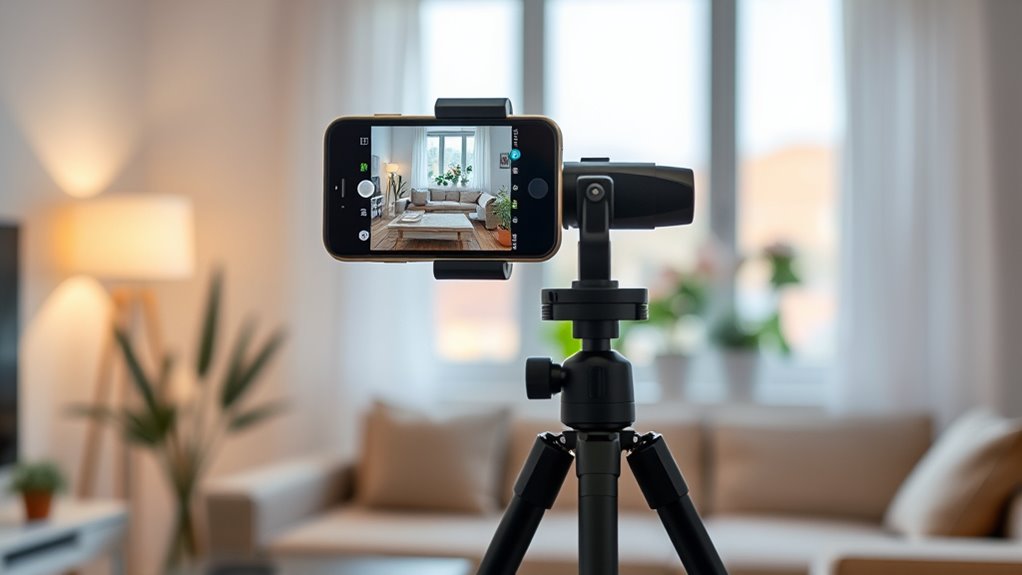
If you have an old smartphone gathering dust, you can easily repurpose it into a security camera to monitor your home or office. This is an excellent way to give new life to a device you no longer use while boosting your security system without extra costs. The first step is to guarantee your phone has a good camera, sufficient storage, and a reliable Wi-Fi connection. Once you confirm these, you can start setting it up.
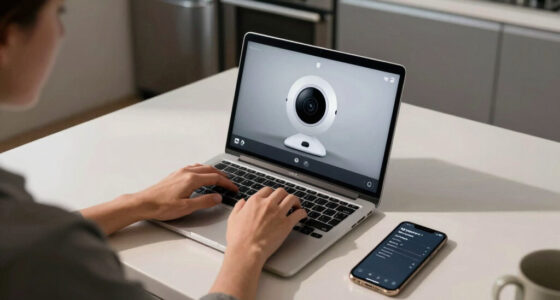
Begin by downloading a security camera app designed for this purpose. Popular options include Alfred, Manything, or IP Webcam. These apps are usually free or offer basic features at no charge, making them accessible and straightforward to use. After installing your chosen app, open it and follow the setup instructions. Most apps will ask for permission to access your camera and microphone, so grant these to ensure full functionality. You’ll typically need to create an account, which helps you manage multiple devices and view footage remotely.
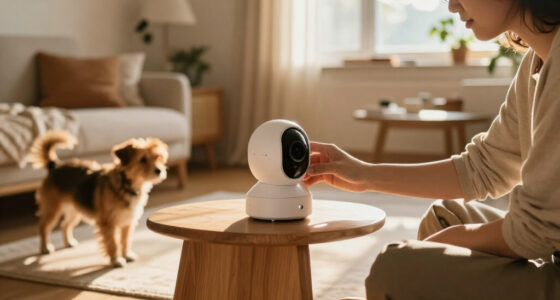
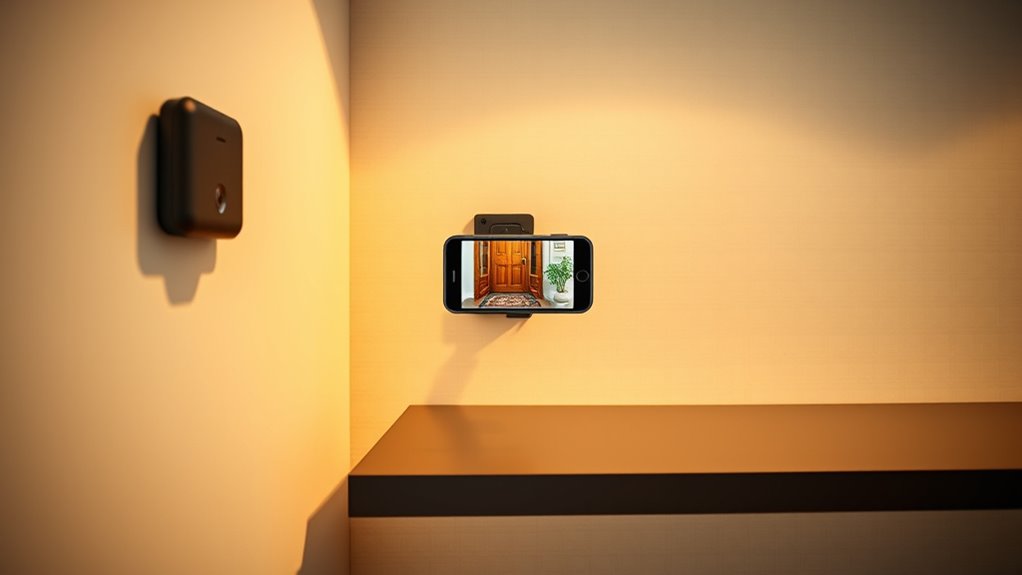
Next, position your old smartphone in the desired location. Consider placing it high enough to get a wide view of the area you want to monitor. Use a stable surface or mount it securely with a tripod or wall mount. Make sure the lens isn’t obstructed and that the phone remains connected to Wi-Fi. Keep in mind that the phone should be plugged into a power source to prevent battery drain, especially for extended use. If applicable, disable notifications or set the device to Do Not Disturb mode so it doesn’t interrupt your monitoring with alerts. Additionally, network stability is crucial to maintain a reliable connection and consistent footage.
Configure your app’s settings to suit your preferences. Adjust motion detection sensitivity to avoid false alarms, set recording quality, and enable notifications for motion alerts if desired. Many apps also allow you to view live footage from your smartphone or computer, giving you immediate access to your monitored area. For added security, consider setting up remote access through a cloud service or a dedicated app to view footage from anywhere with an internet connection.
Finally, test your setup thoroughly. Walk in front of the camera to see if it detects motion and records correctly. Check the live feed on your other devices and ensure that notifications arrive promptly. Regularly clean the lens and update the app to keep everything running smoothly. By following these simple steps, you transform an old device into a cost-effective security tool, providing peace of mind and enhancing your home or office security effortlessly.
smartphone security camera mount
As an affiliate, we earn on qualifying purchases.
As an affiliate, we earn on qualifying purchases.
Frequently Asked Questions
Can I Use Any Old Smartphone for This Project?
Yes, you can use most old smartphones for this project. Just make certain the device has a working camera, decent battery life, and can run the necessary security camera app. Check that it connects to Wi-Fi reliably and has enough storage or cloud options for footage. If your phone meets these criteria, it’s a great, cost-effective way to repurpose your old device into a security camera.
What Are the Best Apps to Turn My Phone Into a Camera?
Think of these apps as your smartphone’s secret agents, ready to keep watch. The best options include Alfred Camera, which offers easy setup and remote access, and Manything, known for its reliable motion detection. IP Webcam is another great choice, providing high-quality video and customizable settings. Download any of these, follow the setup instructions, and your old phone will transform into a vigilant security guard, watching over your space.
How Do I Ensure My Security Camera Is Private?
To keep your security camera private, make sure you use a reputable app with strong encryption. Set a unique, complex password and enable two-factor authentication if available. Keep your phone’s software and the app updated regularly to patch security vulnerabilities. Avoid sharing access links or credentials and turn off remote access when not needed. These steps help prevent unauthorized viewing and protect your privacy effectively.
Will This Setup Drain My Phone’s Battery Quickly?
Yes, this setup can drain your phone’s battery quickly, especially if it runs continuously. To minimize this, keep your phone plugged into a power source during use. You can also tweak settings like lowering screen brightness or turning off unnecessary apps to conserve energy. Regularly check the battery level to avoid unexpected shutdowns, ensuring your security camera stays active when you need it most.
Can I Access the Camera Remotely From Another Device?
A stitch in time saves nine, so yes, you can access your camera remotely from another device. You just need to set up the right app and guarantee your smartphone is connected to the internet. Once configured, you can view the live feed from anywhere. Remember to enable notifications and remote access features in the app settings to stay connected anytime, anywhere, making your security setup more effective.
Wi-Fi security camera app for old phone
As an affiliate, we earn on qualifying purchases.
As an affiliate, we earn on qualifying purchases.
Conclusion
Now that you’ve transformed your old smartphone into a security camera, you’ve unfastened a secret weapon that’s almost as powerful as a fortress! With just a few simple steps, you’ve turned clutter into a high-tech guardian watching over your home 24/7. Keep an eye on things, save money, and enjoy peace of mind like never before. Who knew that an outdated phone could become your home’s ultimate protector? You’re now ready to outsmart any intruder!
smartphone tripod for security camera
As an affiliate, we earn on qualifying purchases.
As an affiliate, we earn on qualifying purchases.
home security camera accessories
As an affiliate, we earn on qualifying purchases.
As an affiliate, we earn on qualifying purchases.
Cold & flu season Picks
humidifiers
As an affiliate, we earn on qualifying purchases.