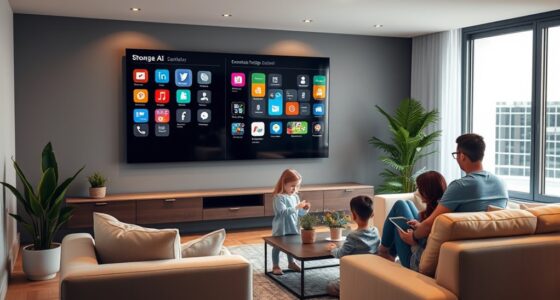
Setting up your smart home for bedtime involves activating routines that adjust lighting, climate, sound, and security automatically. You can start your bedtime by speaking or using your app, which dims lights to warm tones and lowers the temperature for better sleep. Calming sounds play softly, and doors lock for security. As you wake, routines brighten your room and gradually energize you. Keep exploring how smart technology can transform your evenings into restful, seamless experiences.
Key Takeaways
- Use voice commands or smartphone apps to initiate automated bedtime routines for lighting, temperature, and security.
- Program smart lighting to dim gradually with warm hues, creating a calming environment for sleep.
- Automate room temperature and humidity adjustments to optimize comfort and sleep quality.
- Play soothing sounds or white noise through smart speakers to block external disturbances and promote relaxation.
- Set security protocols like locking doors and activating cameras, then prepare wake-up routines for a refreshed morning.
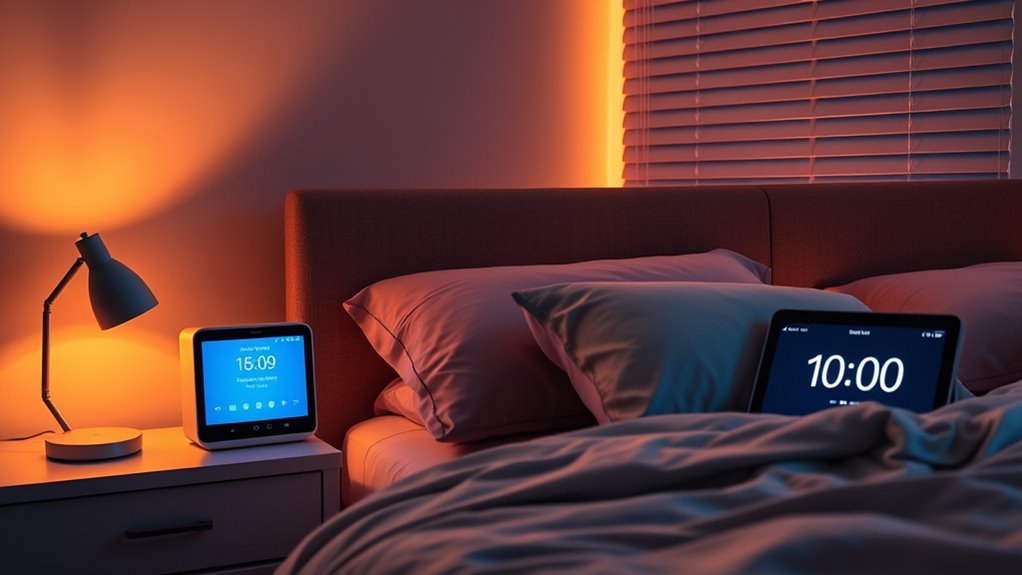
As the day winds down, smart home technology has transformed bedtime routines into seamless and personalized experiences. You no longer need to fumble with multiple devices or manually adjust settings. Instead, your smart home anticipates your needs and gently guides you into a restful night. Starting your bedtime routine might involve a simple voice command or tapping a button on your smartphone or smart speaker. Once activated, your system can begin to dim the lights gradually, mimicking sunset and helping your body wind down naturally. You might have smart bulbs set to a warm, soothing hue, creating a calming atmosphere that signals it’s time to relax. These lights can be programmed to turn off automatically after a certain period, ensuring you’re not disturbed by unnecessary illumination.
Smart home tech makes bedtime routines effortless and personalized, guiding you into restful sleep with gentle automation.
Your smart thermostat plays a key role in creating the perfect sleeping environment. It can adjust the temperature based on your preferences, ensuring the room isn’t too hot or cold. Many systems learn your habits over time, so they’ll lower the temperature slowly as bedtime approaches, helping you fall asleep faster. The technology can even monitor ambient conditions, like humidity or air quality, alerting you or automatically making adjustments to maintain ideal sleep conditions. If you use a sound machine or smart speakers, you can set them to play calming sounds like white noise, rain, or gentle music. These sounds can start softly and gradually fade in, helping to block out external disturbances and lull you into sleep.
Your smart home can also take care of your morning wake-up seamlessly. As you drift into sleep, your routines can include locking doors, activating security cameras, and ensuring all appliances are powered down. When it’s time to wake up, your system can gently rise the blinds, turn on the lights gradually, and start your preferred wake-up playlist. Some setups might even adjust the room temperature to a comfortable level, so you wake up feeling refreshed, not groggy. Additionally, integrating smart routines can further streamline your bedtime, making the process even more effortless and tailored to your schedule.
All of these elements work together to create a bedtime environment tailored to your preferences and habits. By automating lighting, temperature, sound, and security, your smart home reduces the stress and effort traditionally associated with winding down. The result is a smoother passage from daytime to nighttime, promoting deeper, more restful sleep. With smart home technology, your bedtime routine becomes a personalized ritual that helps you unwind, relax, and wake up feeling rejuvenated.
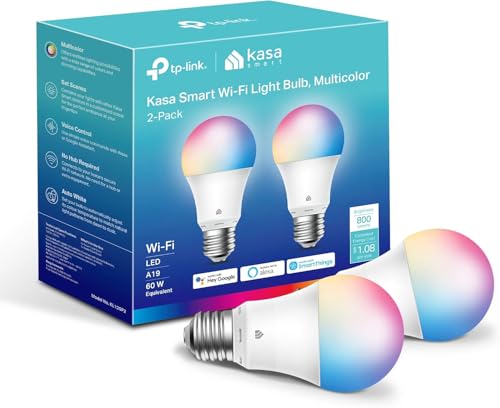
Kasa Smart Light Bulbs, Full Color Changing Dimmable Smart WiFi Bulbs Compatible with Alexa and Google Home, A19, 60 W 800 Lumens,2.4Ghz only, No Hub Required, 2-Pack (KL125P2), Multicolor
Multicolor & Auto White: Dimmable 16 million colors and warm to cool whites(2500K-6500K). Set your bulb to automatically…
As an affiliate, we earn on qualifying purchases.
As an affiliate, we earn on qualifying purchases.
Frequently Asked Questions
How Can I Ensure My Smart Home Routines Are Energy-Efficient?
You can guarantee your smart home routines are energy-efficient by scheduling devices to turn off when not needed, using motion sensors, and setting dimming or low-power modes during nighttime. Program your smart thermostat to reduce heating or cooling automatically, and use energy monitoring features to track consumption. Regularly update your devices’ firmware for peak performance and review routines to eliminate unnecessary energy use, helping you save power and reduce costs.
Can I Customize Bedtime Routines for Different Family Members?
Yes, you can customize bedtime routines for each family member. You’ll need to create individual profiles in your smart home app, allowing you to tailor lighting, temperature, and device settings based on personal preferences. Set specific schedules or triggers for each person, ensuring everyone gets a comfortable, personalized environment. This way, your smart home adapts to individual needs, promoting better sleep for everyone in the household.
What Safety Features Should I Consider for Smart Home Sleep Setups?
Think of your smart home as a lighthouse guiding you safely to shore. You should prioritize features like secure Wi-Fi, strong passwords, and device encryption to protect against intruders. Enable alerts for unusual activity, set up automatic updates, and use multi-factor authentication. These safety measures act as your home’s armor, ensuring your sleep sanctuary remains secure and peaceful, letting you rest without worry.
How Do I Troubleshoot Connectivity Issues With Smart Sleep Devices?
You should start by checking your Wi-Fi connection, ensuring your device is within range and rebooting your router if needed. Make sure your smart sleep devices are updated with the latest firmware. Restart the devices and your smartphone or hub. If problems persist, reset the device to factory settings and reconnect. Consider relocating your router or using a mesh network to improve connectivity throughout your home.
Are There Privacy Concerns With Smart Home Sleep Automation?
Yes, there are privacy concerns with smart home sleep automation. You might worry about data collection, device hacking, or unauthorized access to your personal sleep patterns. To protect yourself, make sure to use strong passwords, keep firmware up-to-date, and review privacy settings regularly. Always read the privacy policies of your devices and consider limiting data sharing to only what’s necessary for your routines to stay secure.

ecobee Smart Thermostat Essential – Energy Star Certified programmable Wi-Fi Thermostat – Works with Siri, Alexa, and Google Assistant
Save up to 23% every year on heating and cooling costs, adjusts to your set schedule to save…
As an affiliate, we earn on qualifying purchases.
As an affiliate, we earn on qualifying purchases.
Conclusion
By setting up your smart home for bedtime, you create a routine that relaxes your mind, calms your body, and prepares your space. You turn off the lights, silence the noise, and adjust the temperature—each step guiding you toward better sleep. With simple actions, you build comfort, consistency, and calmness. Embrace these routines, establish peace, and enjoy restful nights, because a well-set bedtime in your smart home isn’t just about sleep—it’s about waking up refreshed, ready, and renewed.
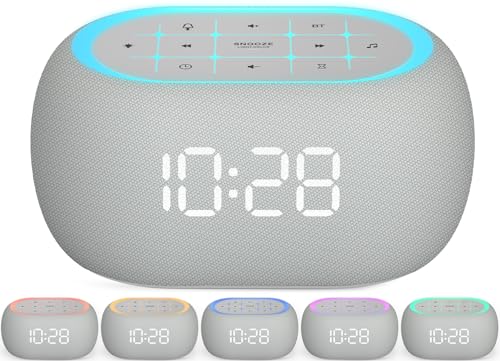
ANJANK White Noise Sound Machine Alarm Clock with Bluetooth Speaker, 21 Relaxing Sounds, 7 Night Lights,0-100% Dimmer/Sleep Timer/30-Level Volume Control,Sound Machine for Kids Adults Sleeping,Bedroom
𝐔𝐥𝐭𝐫𝐚 𝐒𝐨𝐮𝐧𝐝 𝐌𝐚𝐜𝐡𝐢𝐧𝐞 𝐀𝐥𝐚𝐫𝐦 𝐂𝐥𝐨𝐜𝐤: Featured with alarm clock, white noise, high-quality bluetooth dual speaker, night light, 0-100%…
As an affiliate, we earn on qualifying purchases.
As an affiliate, we earn on qualifying purchases.

eufy Security Smart Lock C220, Fingerprint Keyless Entry Door Lock, Built-in Wi-Fi, App Remote Control, Front Door Smart Lock Deadbolt, 8Months Battery, Reliable Power, IP53 Waterproof, BHMA Grade 3
8 Months Battery Life: With 8 AA batteries, Smart Lock C220 runs around 8 months. Experience ultimate convenience…
As an affiliate, we earn on qualifying purchases.
As an affiliate, we earn on qualifying purchases.