
If you want quick, short-term backup for your sensitive smart home devices, a UPS is your best choice. It provides instant power during outages, protecting electronics like routers and cameras, but only lasts for minutes to half an hour. If you need longer backup to keep your whole home running during extended outages, a generator is better, though it costs more and requires maintenance. Keep exploring to find the solution that fits your home’s needs perfectly.

Get home appliances delivered free with Prime
- Fast, free delivery on millions of items
- Prime Video, Amazon Music and more included
- Member-only deals all year
Key Takeaways
- Use a UPS for short outages to protect sensitive electronics like routers and security cameras.
- Choose a generator for extended power outages to run entire smart home systems, including HVAC and lighting.
- Combining both provides comprehensive backup—UPS for critical devices and a generator for long-term power needs.
- Consider outage duration, budget, and home priorities when selecting between or combining backup options.
- Ensure proper planning for generator installation, fuel, and maintenance, especially for prolonged outages.
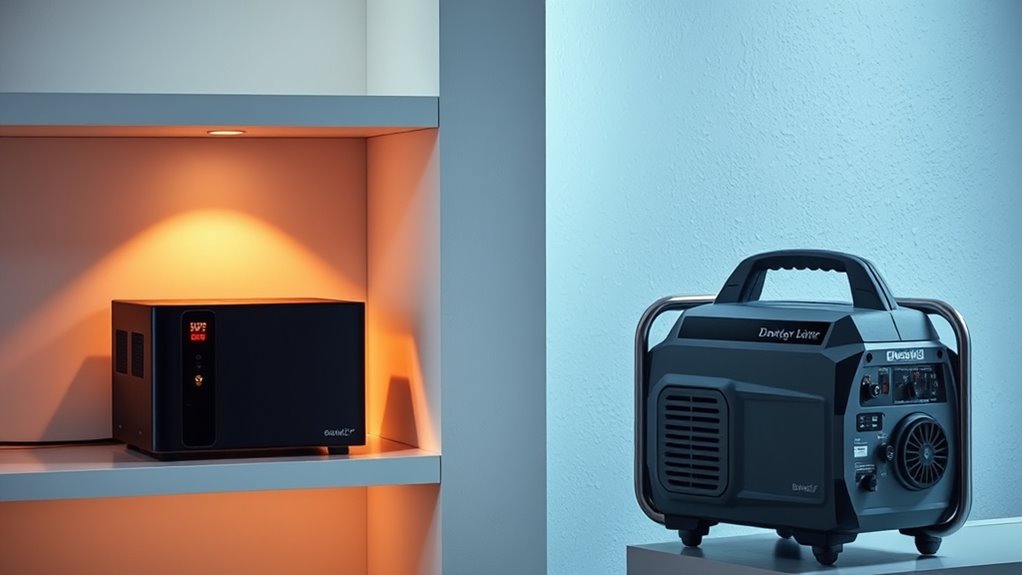
Have you ever experienced a power outage that disrupted your smart home? If you rely on connected devices for security, climate control, or entertainment, you know how frustrating it can be when everything goes dark unexpectedly. Power interruptions can lead to security vulnerabilities, uncomfortable living conditions, or even data loss if your devices aren’t properly protected. That’s why understanding backup power options is vital for maintaining your smart home’s functionality during outages. You might wonder whether a UPS (Uninterruptible Power Supply) or a generator is the better choice for your needs. Each has its advantages and limitations, so it’s important to evaluate your specific situation.
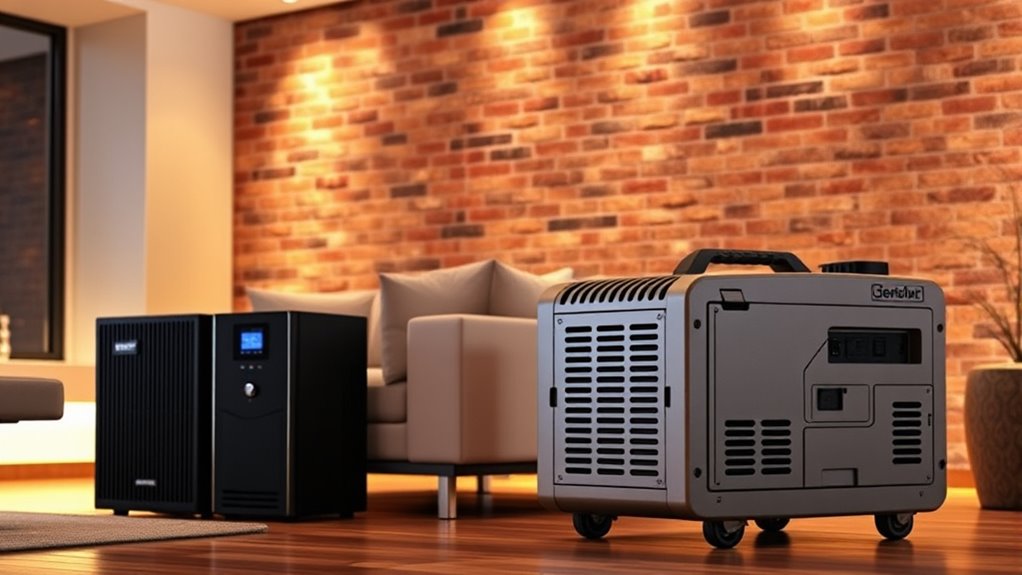
A UPS provides immediate, short-term backup power, typically lasting from a few minutes to around half an hour—enough time for you to shut down devices properly or switch to a secondary power source. It’s especially useful for protecting your smart home hub, security cameras, and routers, ensuring they stay online during brief outages. Because UPS units are compact and silent, they’re easy to install and maintain, making them ideal for protecting sensitive electronics that need consistent power. They also filter power surges and spikes, which can damage your devices over time. However, a UPS isn’t designed to power your entire home for extended periods. If the outage lasts longer than the UPS’s runtime, your devices will shut down unless you switch to an alternative power source.
On the other hand, a generator offers much longer-lasting backup power, capable of running for hours or even days, depending on fuel supply. Generators can power your entire smart home, including lighting, appliances, HVAC systems, and security systems, making them suitable for extended outages or emergencies. They come in different types—portable or standby—and can automatically turn on when the power goes out, providing seamless transition. But generators are usually more expensive to purchase and install, require regular maintenance, and produce noise and emissions. They also need a fuel source, which means you must plan for refueling and storage. Additionally, a generator can be an extensive investment, especially when considering installation and ongoing operational costs.
Deciding between a UPS and a generator depends on your priorities. If you mainly want to keep your smart devices running during short outages, a UPS might be enough. If you’re concerned about prolonged power loss or want to keep your entire home operational, investing in a generator makes more sense. You might even consider combining both options: a UPS for critical devices and a generator for prolonged outages. Ultimately, evaluating your typical outage duration, budget, and backup power needs will guide you toward the right solution for your smart home.
uninterruptible power supply for smart home
As an affiliate, we earn on qualifying purchases.
As an affiliate, we earn on qualifying purchases.
Frequently Asked Questions
How Long Can a UPS Power a Smart Home During an Outage?
A UPS typically powers a smart home for 15 minutes to a few hours, depending on its capacity and the home’s energy demand. If you have a smaller setup with fewer devices, it might last longer. For larger homes or multiple devices, expect shorter backup times. To increase duration, you can add batteries or opt for a generator. Planning ahead guarantees your smart home stays operational during outages.
What Is the Cost Difference Between UPS and Generator Options?
A UPS typically costs between $100 and $1,000, depending on capacity and features, making it an affordable option for short-term power backup. Generators are more expensive, usually ranging from $1,000 to over $10,000, plus installation costs. While a UPS is cheaper upfront and suitable for powering essential devices briefly, a generator offers longer-lasting power but requires a bigger investment. Your choice depends on your needs and budget.
Are Portable Generators Suitable for Smart Home Backup Needs?
Yes, portable generators can suit your smart home backup needs, but it’s not without risks. They provide power during outages, but their size, fuel dependence, and noise might be limitations. You’ll need to evaluate whether you can run essential devices safely and continuously. If you’re after convenience and minimal fuss, a generator might work—just be prepared for maintenance and safety precautions. The right choice depends on your power needs and lifestyle.
How Does Maintenance Differ Between UPS Systems and Generators?
You’ll find that UPS systems require regular battery checks, replacements, and keeping the unit clean to guarantee quick response times. Generators, on the other hand, need periodic oil changes, filter replacements, and running tests to prevent mechanical issues. You should schedule maintenance for both, but generators demand more extensive upkeep, including fuel management and engine inspections, while UPS systems mainly focus on battery health and electronics.
Can a Generator Automatically Activate During Power Outages?
Yes, a generator can automatically activate during power outages if it’s equipped with an automatic transfer switch (ATS). The ATS detects the outage and signals the generator to start, then switches your home’s power source seamlessly. This setup guarantees your smart home stays operational without manual intervention. Be sure your generator is properly maintained and tested regularly to guarantee it will activate reliably when needed.
home backup generator for extended outages
As an affiliate, we earn on qualifying purchases.
As an affiliate, we earn on qualifying purchases.
Conclusion
So, after all this, you might think a backup power system is just a luxury. But in a smart home, where your devices keep running and your security stays intact, it’s really a necessity. Ironically, the very tech that makes your life easier could leave you in the dark when the power goes out. So, whether it’s a UPS or a generator, don’t wait until the lights flicker—be prepared and stay connected!
As an affiliate, we earn on qualifying purchases.
automatic standby generator for home
As an affiliate, we earn on qualifying purchases.
As an affiliate, we earn on qualifying purchases.
Fall Picks
fall essentials
As an affiliate, we earn on qualifying purchases.