
As a smart home owner, you should expect your robot to receive regular updates that improve navigation, obstacle avoidance, and voice recognition, keeping it responsive and secure. Proper battery care, like avoiding overcharging and cleaning contacts, extends its lifespan, while routine checks on sensors and brushes prevent breakdowns. Following maintenance guidelines guarantees your robot stays reliable. Keep up with these practices, and you’ll discover how to maximize your device’s long-term performance and efficiency.
Open a free Amazon Business account
Business pricing, bulk buying and tax-exempt orders.
As an affiliate, we earn on qualifying purchases.
Key Takeaways
- Regular software updates improve functionality, security, and compatibility with smart home systems.
- Routine cleaning and physical checks prevent malfunctions and extend the robot’s lifespan.
- Battery maintenance, including proper charging and diagnostics, ensures optimal run time and safety.
- Proactive AI calibration and retraining optimize performance in changing environments.
- Ongoing maintenance and timely issue resolution prevent costly repairs and ensure seamless integration.
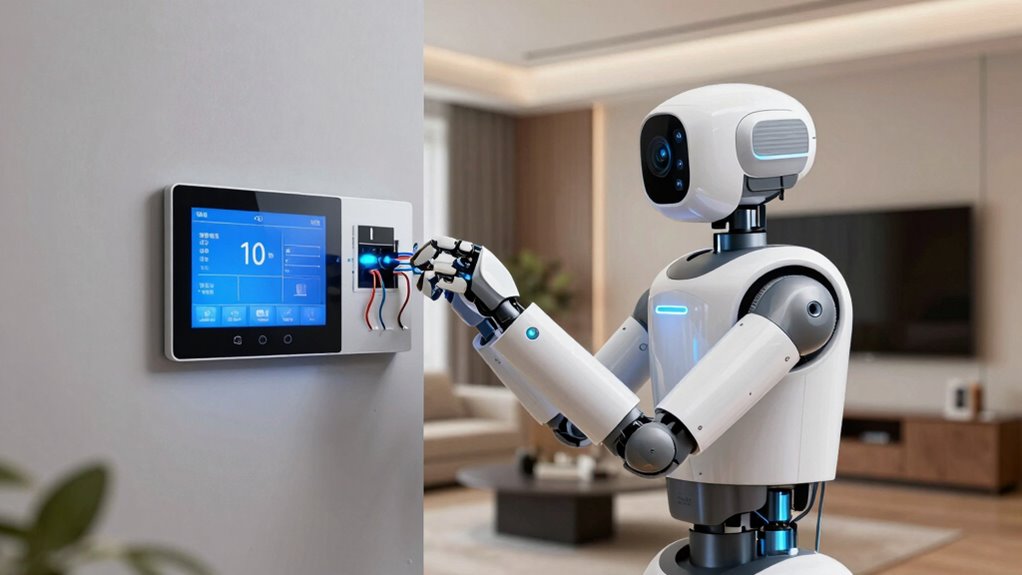
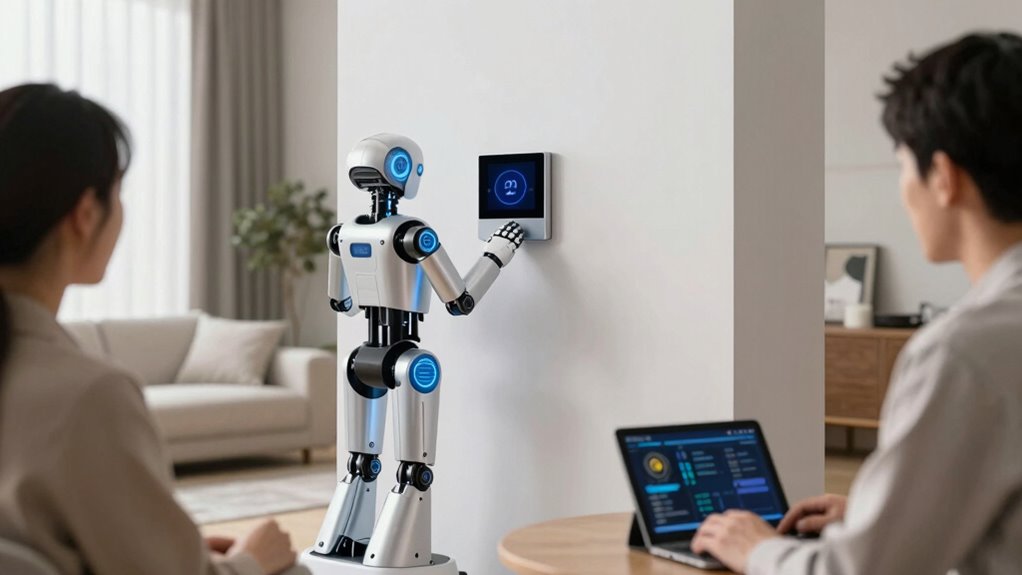
Ever wondered how to keep your smart home robot running smoothly? The key lies in understanding what maintenance involves and what to expect from it. As your robot becomes an integral part of your daily routine, proper upkeep guarantees it operates efficiently and lasts longer. One of the most critical aspects of maintenance is AI integration. Regular updates and calibrations keep your robot’s artificial intelligence sharp, allowing it to adapt to your home environment better. Manufacturers often release firmware updates that improve navigation, obstacle avoidance, and voice recognition. Staying current with these updates is essential because they enhance your robot’s functionality and help prevent glitches that could hamper its performance. Additionally, AI integration may involve retraining or fine-tuning the robot’s learning algorithms, especially if you notice it struggling with certain tasks or environments. This ongoing adjustment guarantees your robot remains effective and responsive over time. Regular software updates are crucial for security and compatibility with new devices or features. Maintaining optimal AI performance ensures your robot continues to adapt seamlessly to your home.
Battery longevity is another vital factor in maintenance expectations. Your robot’s battery is its power source, and maintaining its health directly impacts how long your robot can operate before needing a recharge. Over time, batteries naturally degrade, and their capacity diminishes, leading to shorter run times. To maximize battery longevity, you should follow best practices like avoiding frequent full discharges, not leaving the robot plugged in constantly, and ensuring it charges on a compatible dock or charger. Many robots now come with smart charging features that optimize battery health by managing charge cycles intelligently. Regularly cleaning the charging contacts and keeping the charging station free of dust and debris can also improve charging efficiency, preventing unnecessary wear on the battery. Some models even include alerts or diagnostics that notify you when the battery’s health declines beyond a certain point, prompting you to replace it before performance drops considerably. Understanding battery maintenance can help you anticipate when replacements are needed and avoid unexpected malfunctions. Additionally, staying informed about software compatibility and updates can prevent issues related to outdated firmware that might affect battery performance.
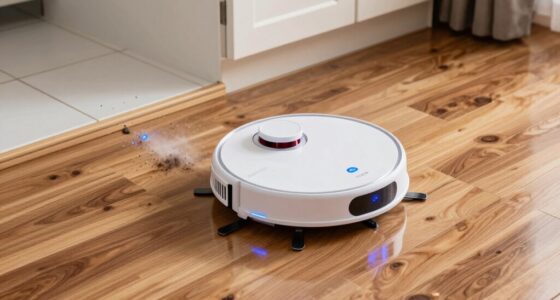
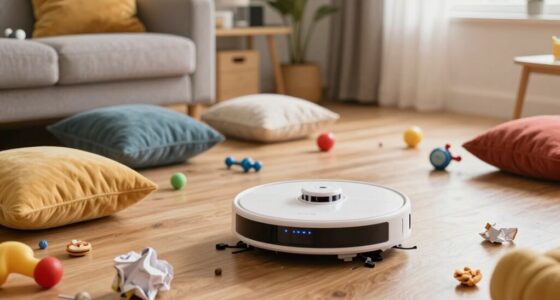
Beyond these core components, routine maintenance also involves checking for physical wear and tear, such as cleaning sensors, brushes, and wheels, to prevent malfunctions. Keeping the robot’s software up to date ensures compatibility with new features and security patches. Expect to spend time periodically reviewing the manufacturer’s guidelines for your specific model. Proper maintenance practices help to extend the lifespan of your device and ensure it performs optimally. By doing so, you can address potential issues early, avoiding costly repairs or replacements. Regular inspections and timely repairs can prevent small issues from escalating into major malfunctions. Ultimately, maintenance isn’t a one-time task but an ongoing process that keeps your smart home robot functioning at its best. When you stay proactive with updates, battery care, and physical upkeep, your robot will serve you reliably and efficiently for years to come.
robot vacuum firmware update kit
As an affiliate, we earn on qualifying purchases.
As an affiliate, we earn on qualifying purchases.
Frequently Asked Questions
How Often Should Robot Batteries Be Replaced?
You should replace your robot’s batteries every 1 to 3 years, depending on their battery lifespan and usage. Typically, frequent charging or longer daily use can shorten the replacement frequency. Pay attention to signs like decreased runtime or poor performance, which indicate it’s time for a new battery. Regularly checking and maintaining your robot’s batteries guarantees peak performance and extends their lifespan, keeping your smart home running smoothly.
Can I Perform Maintenance Myself or Need Professional Help?
You can often handle basic DIY troubleshooting for your robot, like cleaning sensors or replacing batteries, but when it comes to complex issues or internal repairs, professional servicing is recommended. Regular maintenance tasks, such as software updates or filter replacements, are usually straightforward, but for anything beyond that, it’s best to seek advice from a professional. Doing so ensures your robot stays in top shape and prevents potential damage.
What Signs Indicate My Robot Needs Repairs?
You’ll notice signs like decreased cleaning efficiency, strange noises, or frequent malfunctions indicating your robot needs repairs. If calibration seems off or it’s not performing as it should, it’s time to check for issues. Remember, attempting calibration yourself might void warranty coverage. When in doubt, consult professional repair services to guarantee your robot’s peak performance and maintain your warranty protection.
Are There Specific Cleaning Products to Avoid?
Think of your robot as a delicate dancer on a stage; the wrong cleaning chemicals can trip it up. Avoid harsh or abrasive cleaning chemicals, as they can damage sensitive components. Always check the surface compatibility of cleaning products before use, and stick to manufacturer-recommended solutions. Using inappropriate cleaning chemicals risks harming your robot’s sensors and motors, ultimately leading to more repairs and downtime.
How Do Updates Affect Robot Performance?
Updates greatly influence your robot’s performance by enhancing software compatibility and fixing bugs. Regular update frequency guarantees your robot stays current with new features and security patches, improving efficiency and reliability. When updates are timely, your device adapts better to your home environment, reducing errors. You should monitor update releases and install them promptly, as they optimize your robot’s functionality and longevity, keeping your smart home running smoothly.
robot vacuum battery maintenance tools
As an affiliate, we earn on qualifying purchases.
As an affiliate, we earn on qualifying purchases.
Conclusion
Think of your smart home robot as a trusted steed. Regular maintenance keeps it swift and loyal, ready to carry you through daily tasks without faltering. Neglecting care turns it into a weary traveler, prone to stalls and breakdowns. By tending to your robot, you’re ensuring it remains a steadfast companion—always prepared to serve and protect your home. Keep up with maintenance, and your smart home will run as smoothly as a well-oiled carriage.
robot vacuum sensor cleaning kit
As an affiliate, we earn on qualifying purchases.
As an affiliate, we earn on qualifying purchases.
smart home robot replacement brushes
As an affiliate, we earn on qualifying purchases.
As an affiliate, we earn on qualifying purchases.
NFL season / tailgating Picks
team gear
As an affiliate, we earn on qualifying purchases.