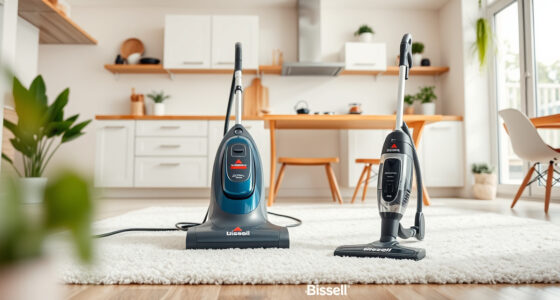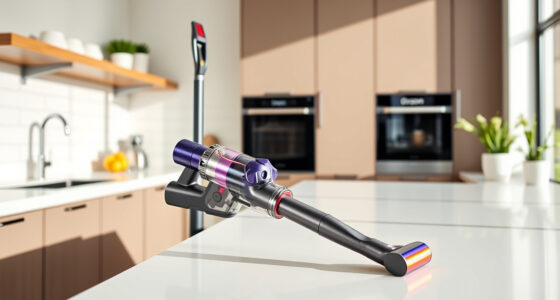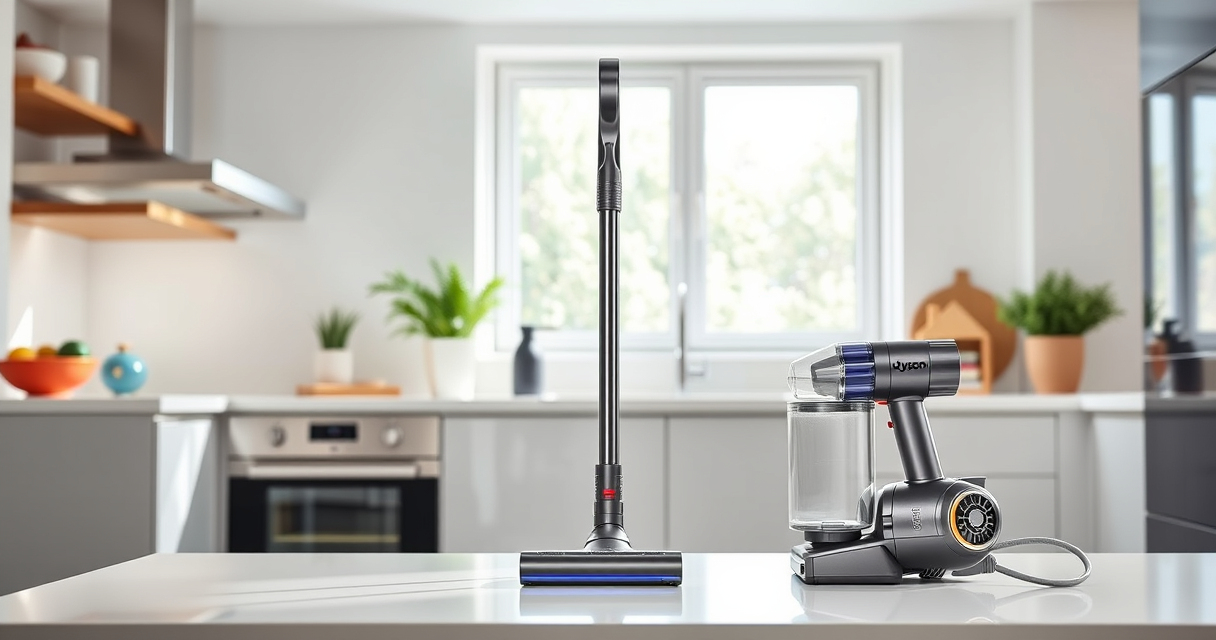
If your Dyson V15 Detect™ Origin cordless vacuum has lost suction, it can hinder your cleaning efforts. This guide provides practical, safe steps to diagnose and fix common causes of suction loss, ensuring your vacuum performs like new.

Get home appliances delivered free — and shop member deals
- Fast, free delivery on millions of items
- Access to Prime Big Deal Days deals on October 6–7
- Prime Video, Amazon Music and more included
From checking filters to clearing blockages, follow these methods to restore suction and keep your Dyson running efficiently.
Key Takeaways
| Filter Blockage | Dirty or clogged filters reduce suction. |
| Blockages in Hose or Wand | Debris can obstruct airflow. |
| Full Dust Bin | Overfilled bin impacts vacuum power. |
| Motor or Fan Issue | Mechanical problems can cause suction loss. |
| Power Settings | Incorrect mode may reduce suction. |
Check and Clean the Filters
- Remove the pre-filter from the Dyson V15. Refer to the user manual for specific removal instructions.
- Rinse the filter under cold water until clean. Do not use detergents.
- Allow the filter to air dry completely, usually 24 hours, before reinstalling.
- Reassemble the filter into the vacuum and test suction.
Clear Blockages in Hose and Attachments
- Detach the wand and cleaner heads from the vacuum.
- Inspect for debris or hair obstructing the airflow path.
- Use the included crevice tool or a similar narrow attachment to gently dislodge blockages.
- Check the hose for kinks or clogs, and clear as needed.
Empty and Check the Dust Bin
Ensure the dust bin is not overfilled. Remove and empty the bin, then check for any obstructions in the bin’s outlet or cyclone.
Reattach securely and verify if suction improves.
Inspect the Motor and Fan
If cleaning filters and clearing blockages doesn’t restore suction, the motor or fan might be faulty. Consider contacting Dyson support or a qualified repair technician for further diagnosis.
Verify Power Mode and Battery
Ensure the vacuum is set to an appropriate power mode. The Power trigger helps conserve energy, so check if it’s fully engaged during cleaning.
Confirm the battery has sufficient charge and is functioning properly.
The Products in This Guide

Dyson V15 Detect™ Origin Cordless Vacuum
- ✔ Floor Types: Hard and carpet
- ✔ Filter Type: Pre-filter and HEPA
- ✔ Warranty: 2 years

LANMU Crevice Tool Vacuum Attachments Compatible
- ✔ Application: Edges, corners, furniture
- ✔ Ease of Use: Simple attachment process
- ✔ Cleaning Type: Dry dust removal
Dyson V15 Detect™ Origin Cordless Vacuum
The Dyson V15 Detect™ Origin offers 100% more power and intelligent debris detection, making it ideal for whole-home cleaning. Its LCD screen provides real-time updates, and it adapts to different floor types seamlessly.
Pros:
- Powerful suction
- Intelligent debris detection
- Long battery life
- Multiple cleaning heads
Cons:
- Premium price
- Heavier than some cordless vacuums
- Requires regular filter cleaning
Best for: Deep cleaning homes with diverse flooring and pet hair
Not ideal for: Light, quick cleanups or smaller spaces
Bottom line: A powerful, intelligent cordless vacuum ideal for comprehensive home cleaning.
LANMU Crevice Tool Vacuum Attachments Compatible
The LANMU Crevice Tool Vacuum Attachments are compatible with Dyson V15 models, offering a narrow nozzle for hard-to-reach areas. Its slim design helps clean corners, sofa cushions, and car interiors effectively.
Pros:
- Narrow, flexible nozzle
- Easy to attach
- Ideal for detailed cleaning
- Fits multiple Dyson models
Cons:
- Additional attachment to store
- Not for deep cleaning large areas
- Requires careful handling
Best for: Cleaning corners, edges, and tight spots
Not ideal for: Bulk cleaning or large debris
Bottom line: A useful accessory for detailed cleaning in tight spaces.
Frequently Asked Questions
Why is my Dyson vacuum losing suction?
Common causes include dirty filters, blockages in the hose or wand, a full dust bin, or mechanical issues with the motor or fan.
How often should I clean or replace filters?
Filters should be rinsed and dried thoroughly every 1-3 months, depending on usage. Replace pre-filters or HEPA filters as recommended by Dyson, usually every 6-12 months.
Can I fix suction loss myself?
Yes, many issues like cleaning filters and clearing blockages can be fixed at home. For motor or fan problems, contact Dyson support or a professional repair service.
What should I do if cleaning doesn’t restore suction?
If cleaning filters and clearing blockages doesn’t help, check the battery charge, power settings, and consider professional repair if the motor or fan is faulty.
Keep Your Dyson V15 Detect™ Origin Performing at Its Best
Regular maintenance and troubleshooting can resolve most suction issues, ensuring your Dyson cordless vacuum remains powerful and efficient. Follow these steps for quick fixes, and consider professional help for mechanical problems to keep your home spotless.
Affiliate disclosure: As an Amazon Associate we earn from qualifying purchases. Prices and availability are accurate as of the time of publishing.
Fall Picks
fall essentials
As an affiliate, we earn on qualifying purchases.