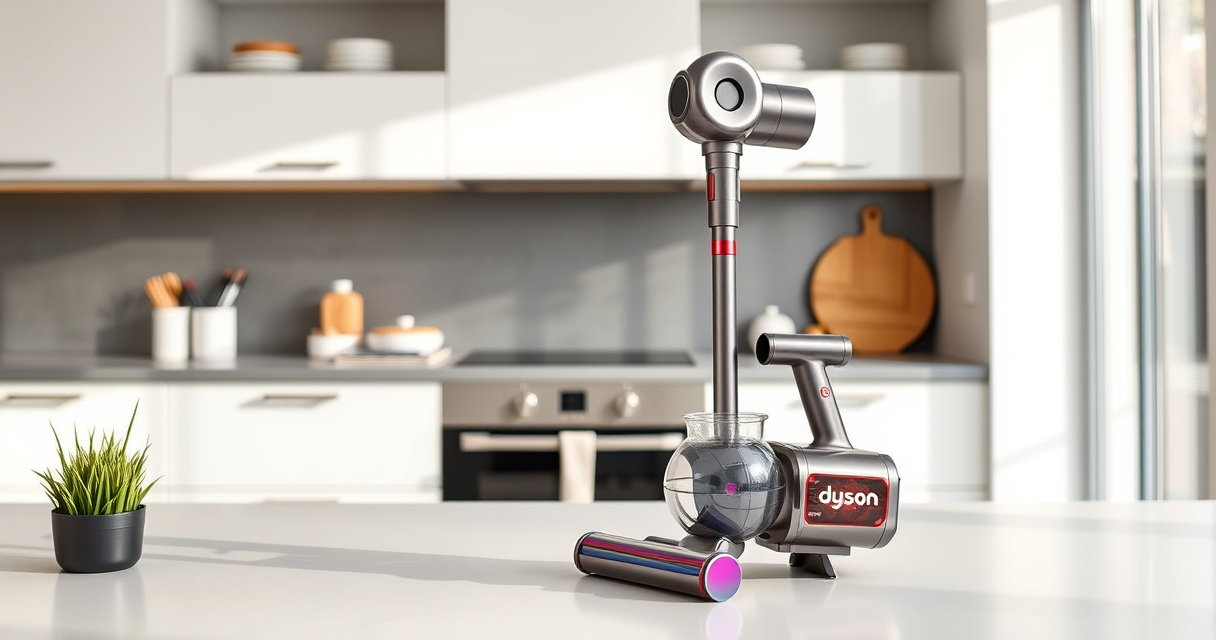
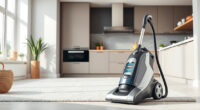
Keeping your Dyson V12 Detect in top shape is essential for optimal cleaning performance. Regular maintenance, including cleaning filters and brushes, helps prolong the lifespan of your vacuum and ensures it operates efficiently. Follow these simple, accurate steps to clean your Dyson V12 Detect safely and effectively.

Get home appliances delivered free — and shop member deals
- Fast, free delivery on millions of items
- Access to Prime Big Deal Days deals on October 6–7
- Prime Video, Amazon Music and more included
Whether you’re addressing dust buildup or preparing for a deep clean, this guide provides clear instructions to keep your vacuum running smoothly.
Key Takeaways
| Regular Filter Cleaning | Prevents suction loss and maintains efficiency. |
| Check for Blockages | Ensures airflow is unobstructed for optimal performance. |
| Clean Attachments | Removes debris and dust from nozzles and tools. |
| Inspect for Damage | Identifies wear or broken parts needing replacement. |
Gather Necessary Tools and Supplies
- Clean, dry microfiber cloth
- Warm water
- Mild soap (optional)
- Replacement filters (if needed)
Power Down and Detach Components
- Turn off your Dyson V12 Detect and unplug from charging station.
- Remove the main wand and attachments.
- Take out the bin and filters as per the manufacturer’s instructions.
Clean the Bin and Filter
- Empty the dustbin by pressing the release button and tapping out debris over a trash can.
- Remove the pre-filters and filters from the vacuum.
- Wash filters and pre-filters under warm water, avoiding soap if not necessary. Gently squeeze out excess water and let them air dry completely (at least 24 hours) before reinstalling.
Wipe Down and Clear Obstructions
- Use a microfiber cloth to wipe the outside of the vacuum and attachments.
- Check the wand, brush bar, and nozzles for blockages or tangled hair and debris. Use tools like a LANMU crevice tool to reach tight spots.
Reassemble and Test
- Once all parts are dry, reassemble the vacuum in reverse order.
- Power on the device and run a short test to ensure everything is functioning properly.
The Products in This Guide
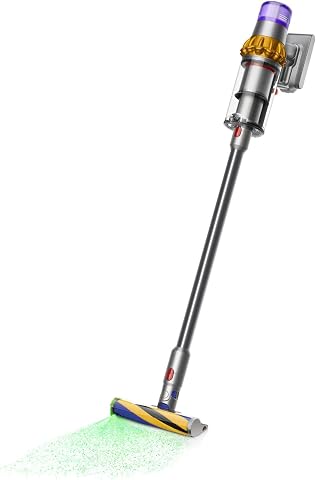
Dyson V15 Detect Total Clean Extra
- ✔ Battery Life: 60 mins
- ✔ Filter Type: Pre & high-efficiency
- ✔ Weight: Lightweight

LANMU Crevice Tool Vacuum Attachments Compatible
- ✔ Length: Approx. 15 inches
- ✔ Material: Plastic
- ✔ Compatibility: Multiple Dyson models
Dyson V15 Detect Total Clean Extra
The Dyson V15 Detect Total Clean Extra offers powerful suction and intelligent features, revealing invisible dust and adapting power based on debris. Regular cleaning and filter maintenance keep it performing at its best.
Pros:
- Powerful suction with 100% more power
- LCD screen shows real-time data
- Long 60-minute run time
- Intelligent debris detection
Cons:
- Requires time for filter drying
- Refurbished model may vary slightly in appearance
- Filter cleaning necessary for optimal performance
Best for: Deep cleaning large homes, allergy sufferers, detailed dust removal
Not ideal for: Heavy-duty deep cleaning of large debris or very messy areas
Bottom line: A high-performance, intelligent vacuum ideal for deep, thorough cleaning.
LANMU Crevice Tool Vacuum Attachments Compatible
This slim, flexible crevice tool attachment complements your Dyson V12 Detect, making it easier to reach tight corners and narrow spaces for detailed cleaning.
Pros:
- Narrow nozzle for tight spots
- Compatible with many Dyson models
- Easy to attach and use
- Great for car interiors and upholstery
Cons:
- May require additional purchase for full cleaning kit
- Limited to crevice cleaning
Best for: Cleaning corners, between cushions, car seats
Not ideal for: Heavy-duty cleaning of large debris
Bottom line: A versatile tool that makes reaching difficult spots effortless.
Frequently Asked Questions
How often should I clean the filters on my Dyson V12 Detect?
It is recommended to wash the filters every 1-3 months, depending on usage, to maintain optimal suction and performance.
Can I use water to clean the entire vacuum?
Only the filters and pre-filters should be washed with water. The main body and other parts should be cleaned with a damp cloth, avoiding water contact with electronic components.
What should I do if my vacuum isn’t picking up debris properly?
Check for blockages in the wand, nozzles, and brush bar. Also, clean or replace filters if they are dirty or clogged.
How long does it take for filters to dry after washing?
Filters should air dry completely, which typically takes at least 24 hours, to prevent mold and ensure proper function.
Keep Your Dyson V12 Detect Performing at Its Best
Regular cleaning of filters, attachments, and the main body will ensure your Dyson V12 Detect continues to deliver powerful, efficient cleaning. Taking a few minutes to perform routine maintenance can extend the lifespan of your vacuum and keep your home spotless. Follow these simple steps, and enjoy optimal suction and performance every time.
Affiliate disclosure: As an Amazon Associate we earn from qualifying purchases. Prices and availability are accurate as of the time of publishing.
Fall Picks
fall essentials
As an affiliate, we earn on qualifying purchases.