If your Dyson V15 Detect™ Origin Cordless Vacuum keeps pulsing on and off during use, it can be frustrating and hinder your cleaning. This issue often relates to blockages, filter problems, or battery concerns. In this guide, you’ll find straightforward, safe troubleshooting steps to restore your vacuum’s optimal performance.

Get home appliances delivered free — and shop member deals
- Fast, free delivery on millions of items
- Access to Prime Big Deal Days deals on October 6–7
- Prime Video, Amazon Music and more included
Before starting any repair, ensure your vacuum is turned off and disconnected from charging to avoid accidents.
Key Takeaways
| Check for blockages | Clear obstructions in the wand, cleaner head, and hose. |
| Inspect filters | Clean or replace filters regularly to maintain suction. |
| Examine battery and connections | Ensure the battery is charged and connections are secure. |
| Test for motor issues | Listen for unusual sounds that indicate motor problems. |
Step 1: Turn Off and Unplug Your Vacuum
Always power down and unplug your Dyson before inspecting or handling internal components to prevent electrical shock or damage.
Step 2: Check for Blockages
- Remove the wand and cleaner head from the main body.
- Inspect the wand, hose, and cleaner head for debris or obstructions.
- Clear out any blockages carefully using a long, flexible brush or stick.
Step 3: Clean or Replace Filters
Dirty filters can cause pulsing by restricting airflow. Remove the pre-filters and main filters, rinse them thoroughly with water, and let them air dry completely before reinstalling. Replace filters if they show signs of damage or excessive wear.
Step 4: Check Battery and Connections
Ensure the battery is properly seated and charging fully. Inspect the charging port and cable for damage. If the battery is old or not holding charge, consider replacing it with a compatible unit.
Step 5: Test the Motor and Internal Components
If the problem persists, listen for unusual noises or hesitation indicating motor issues. Contact Dyson support for professional repairs if needed, especially if the motor or internal electronics are faulty.
The Products in This Guide
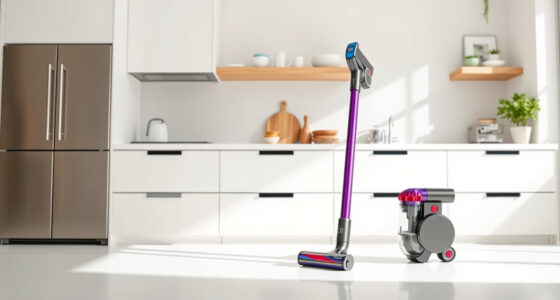
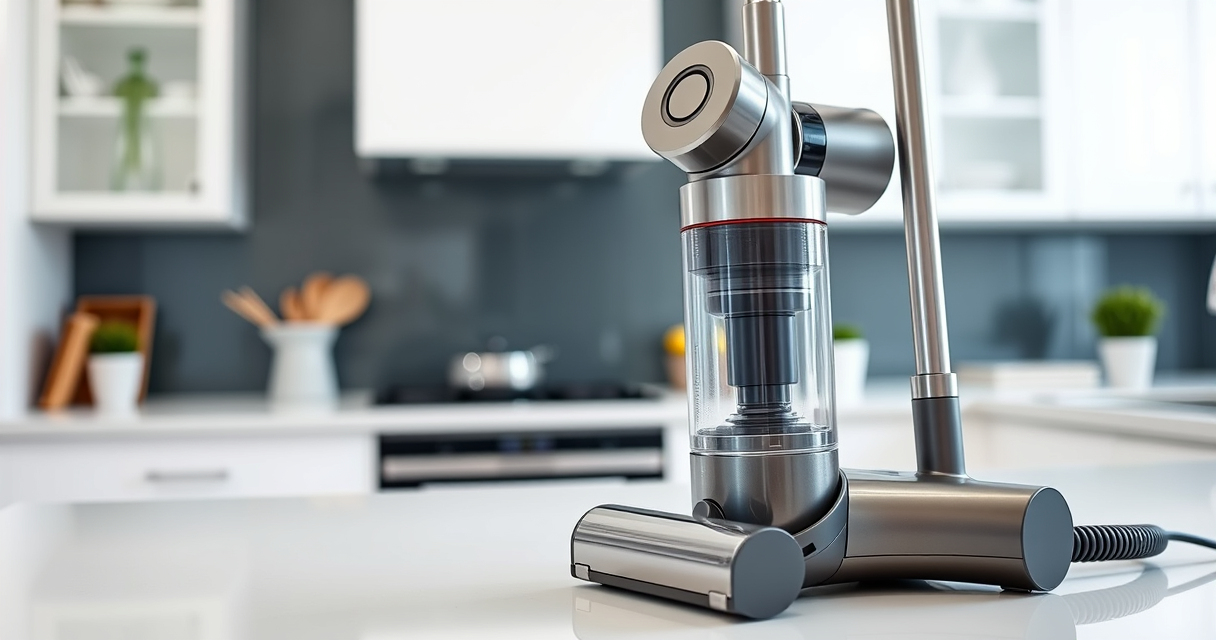
Dyson V15 Detect™ Origin Cordless Vacuum

The Dyson V15 Detect™ Origin offers powerful suction, intelligent debris detection, and a long-lasting battery. Its advanced filters and multiple cleaner heads make it versatile for various floor types, but regular maintenance is key to preventing pulsing issues.
Pros:
- Powerful suction
- Intelligent debris detection
- Long battery life
- Multiple cleaning heads
Cons:
- Filter cleaning required regularly
- Can be heavy for some users
- Price point
Best for: Deep home cleaning, pet hair, hard floors, and carpets
Not ideal for: Light-duty quick cleans or for those preferring lightweight vacuums
Bottom line: A powerful, intelligent vacuum ideal for thorough cleaning with regular maintenance.
LANMU Crevice Tool Vacuum Attachments Compatible

The LANMU Crevice Tool Vacuum Attachments are compatible with Dyson V15 models, making it easier to reach tight corners and gaps. Its slim, flexible design improves overall cleaning efficiency.
Pros:
- Narrow nozzle for tight spaces
- Flexible and durable
- Easy to attach
- Versatile applications
Cons:
- May not fit older Dyson models
- Requires proper attachment handling
- Limited to crevice cleaning
Best for: Cleaning corners, car interiors, and tight spaces
Not ideal for: Heavy-duty cleaning or large debris
Bottom line: A practical accessory to enhance your Dyson’s reach and cleaning precision.
Frequently Asked Questions
Why does my Dyson pulsing vacuum keep turning on and off?
This often indicates an airflow blockage, dirty filters, or battery/connection issues. Following the troubleshooting steps can usually resolve the problem.
How often should I clean or replace filters?
It’s recommended to wash washable filters every 1-3 months and replace non-washable filters every 6-12 months, depending on usage.
Can a clogged hose cause pulsing?
Yes, a clogged or obstructed hose can restrict airflow and cause the vacuum to pulse or shut off. Clearing blockages often fixes this.
When should I contact Dyson support?
If cleaning and filter maintenance don’t resolve the pulsing issue, or if you suspect motor or internal component failure, contact Dyson customer support for professional assistance.
Getting Your Dyson V15 Back in Action
By systematically checking for blockages, cleaning filters, and inspecting connections, you can usually fix the pulsing issue yourself. Regular maintenance not only prevents this problem but also keeps your vacuum performing at its best. If issues persist, professional repair or support may be necessary, but these troubleshooting steps are an excellent first line of action.
Affiliate disclosure: As an Amazon Associate we earn from qualifying purchases. Prices and availability are accurate as of the time of publishing.
NFL season / tailgating Picks
team gear
As an affiliate, we earn on qualifying purchases.