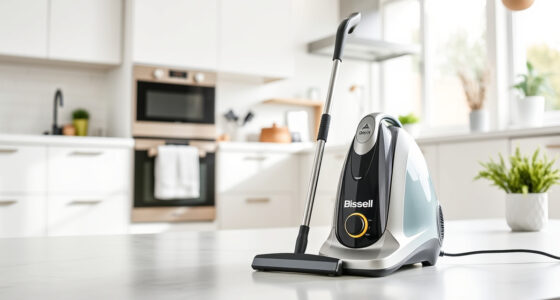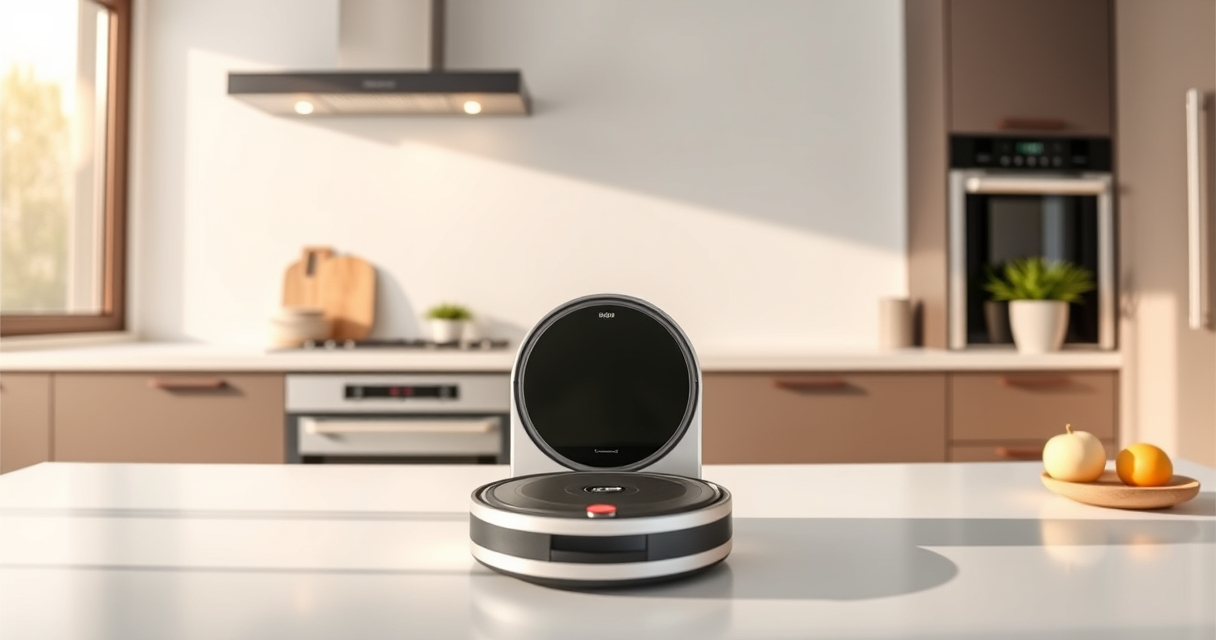

Roborock robot vacuums are efficient devices that keep your home clean with minimal effort. Proper maintenance ensures they operate at peak performance and last longer. Whether you’re new to Roborock or need a refresher, this comprehensive guide will walk you through essential cleaning, troubleshooting common issues, and safety tips to keep your vacuum running smoothly.

Get home appliances delivered free — and shop member deals
- Fast, free delivery on millions of items
- Access to Prime Big Deal Days deals on October 6–7
- Prime Video, Amazon Music and more included
From cleaning the main brushes and filters to addressing navigation problems, we cover everything you need to know to keep your Roborock Q7 M5+ in top shape. Follow these simple, step-by-step instructions to maximize your device’s lifespan and cleaning power.
Key Takeaways
| Regular cleaning extends lifespan | Cleaning brushes and filters frequently maintains suction and navigation. |
| Check for tangles and blockages | Pet hair and debris can cause jams, so inspect and clear regularly. |
| Replace parts as needed | Filters and mop pads should be replaced every 1-3 months for optimal performance. |
| Troubleshoot navigation issues | Cleaning sensors and ensuring open pathways can fix most navigation problems. |
| Safety first | Always turn off and unplug before performing maintenance. |
Preparing for Maintenance
- Power off and unplug your Roborock vacuum to ensure safety during maintenance.
- Gather necessary tools: a soft cloth, brush, and replacement filters or mop pads if needed.
- Review your user manual for model-specific instructions and safety precautions.
Cleaning the Main Brush and Side Brushes
- Remove the main brush from the vacuum by pressing the release tabs or screws, depending on your model.
- Use a cleaning tool or scissors to carefully cut away tangled hair, pet fur, or debris from the brush.
- Wash the brush with water if the manual permits, and dry thoroughly before reinstallation.
- Check and clean the side brushes by removing them and removing any hair tangled around the axles.
- Reinstall all brushes securely, ensuring they spin freely.
Cleaning and Replacing Filters and Mop Pads
- Remove the dustbin and empty it into a trash can. Wash the dustbin with a damp cloth if necessary.
- Remove the filter (such as the washable HEPA filter) and rinse under water if applicable. Let it dry completely before reinstalling.
- Replace mop pads regularly—every 1-3 months—by removing the old ones and attaching new microfiber pads, ensuring they are properly secured.
- For the Q7 M5+, use washable filters and mop pads compatible with your model for best results.
Inspecting and Cleaning Sensors and Docking Station
- Gently wipe sensors and charging contacts with a soft, dry cloth to prevent dirt from impairing navigation.
- Check the dock for dust or debris and clean the charging contacts with a dry cloth to ensure proper charging.
- Ensure the area around the dock is free of obstacles to prevent navigation errors.
Troubleshooting Common Issues
- Navigation errors: Clean sensors and ensure the vacuum is on a clear, open surface.
- Suction loss: Check and clean filters, brushes, and ensure they are properly installed.
- Vacuum not starting: Confirm the dustbin and filters are installed correctly and the battery is charged.
- Unusual noises: Inspect brushes and wheels for debris or tangles.
The Products in This Guide

roborock Q7 M5+ Robot Vacuum and Mop
- ✔ Weight: 7.3 kg
- ✔ Dimensions: 353 x 350 x 99 mm
- ✔ Connectivity: App & Voice Control

4 Pack Washable Filter
- ✔ Weight: 50g each
- ✔ Size: Approx. 10×10 cm
- ✔ Material: HEPA filter media
roborock Q7 M5+ Robot Vacuum and Mop
The Roborock Q7 M5+ Robot Vacuum and Mop offers powerful suction, advanced navigation, and a self-emptying dock that simplifies home cleaning. Regular maintenance of its brushes, filters, and sensors will ensure consistent performance and prolong its lifespan.
Pros:
- Powerful 10000Pa suction
- Up to 9 weeks of self-emptying
- Dual anti-tangle system
- Precise LiDAR navigation
Cons:
- Requires periodic filter and mop pad replacement
- Can be complex to disassemble for beginners
Best for: Pet owners and busy households seeking low-maintenance cleaning
Not ideal for: Users unfamiliar with robotic vacuum maintenance or needing quick fixes
Bottom line: Routine maintenance keeps your Roborock Q7 M5+ performing at its best for years.
4 Pack Washable Filter
The 4 Pack Washable Filter set ensures your Roborock maintains high suction and air quality, reducing allergens and dust particles efficiently. Easy to wash and replace, they are ideal for long-term use.
Pros:
- Compatible with multiple models
- Washable and reusable
- True HEPA filtration
- Easy to install
Cons:
- Requires regular cleaning
- Not OEM, but performance is comparable
Best for: Maintaining optimal filtration and air quality
Not ideal for: Users seeking OEM filters only
Bottom line: Regular filter cleaning and replacement keep your vacuum’s air clean and suction strong.
Frequently Asked Questions
How often should I clean the brushes on my Roborock?
It is recommended to clean the main and side brushes weekly or more frequently if you have pets or high debris levels to prevent tangles and maintain suction.
Can I wash the filters?
Yes, the washable HEPA filters can be rinsed under water. Make sure they are completely dry before reinstalling to avoid damage or reduced filtration efficiency.
What should I do if my vacuum stops charging?
Check the charging contacts on the dock and vacuum for dust or debris, clean them gently, and ensure the dock is accessible and free of obstacles.
How do I troubleshoot navigation errors?
Clean the sensors gently with a soft cloth, ensure no obstacles block the sensors or pathways, and recalibrate if necessary through the app.
When should I replace mop pads?
Replace mop pads every 1-3 months depending on usage, to maintain cleaning effectiveness and prevent dirt transfer.
Keep Your Roborock Running Smoothly with Regular Maintenance
Consistent maintenance of your Roborock Q7 M5+ ensures it continues to deliver powerful cleaning and reliable navigation. Regularly cleaning brushes, filters, and sensors, along with timely replacements, will extend its lifespan and keep your home spotless. Follow this guide for safe, simple, and effective upkeep, and enjoy the benefits of a consistently clean home with minimal effort.
Affiliate disclosure: As an Amazon Associate we earn from qualifying purchases. Prices and availability are accurate as of the time of publishing.
NFL season / tailgating Picks
team gear
As an affiliate, we earn on qualifying purchases.