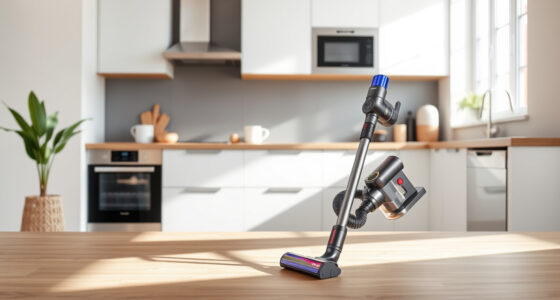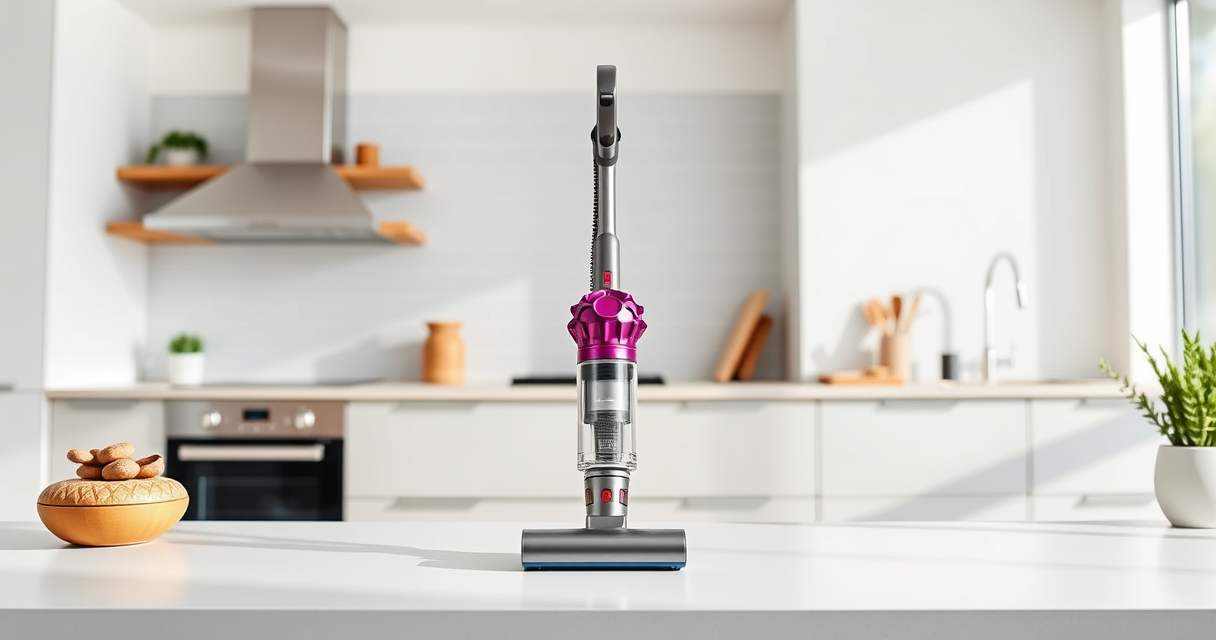
If your Dyson V15 Detect™ Origin Cordless Vacuum is pulsing on and off during cleaning, it can be frustrating and reduce its effectiveness. This issue often indicates a problem with filters, battery, or blockages. Fortunately, most problems are fixable with simple troubleshooting steps. In this guide, we’ll walk you through practical, safe steps to diagnose and resolve pulsing issues, helping your Dyson operate at peak performance again.
Before starting, gather your vacuum’s filters, crevice tools, and any replacement parts you might need. Always ensure your vacuum is turned off and unplugged before opening or cleaning any components to avoid injury.
Key Takeaways
| Filter Maintenance | Dirty or clogged filters can cause pulsing; cleaning or replacing them often resolves the issue. |
| Battery Check | A failing battery or poor connection can lead to power fluctuations, requiring inspection or replacement. |
| Blockages & Obstructions | Debris stuck in the wand, cleaner head, or bin can cause the vacuum to pulse as it struggles to maintain suction. |
| Sensor & Connection Troubleshooting | Loose connections or sensor errors may trigger pulsing; reseating parts can often fix this. |

Dyson V15 Detect™ Origin Cordless Vacuum
Powerful and intelligent for whole-home deep cleaning. Reveals invisible dust.
As an affiliate, we earn on qualifying purchases.
Step 1: Ensure Proper Power Mode and Check the LCD Screen
- Turn on your Dyson V15 Detect™ and observe the LCD screen. The screen displays power mode, particle count, and error alerts.
- If the vacuum is in a low power mode or an alert appears, consult the screen for specific messages.
- Switch to a higher power mode if needed, and note any error codes or alerts that may indicate the cause of pulsing.

LANMU Crevice Tool Vacuum Attachments Compatible with Dyson V15 V12 V11 V10 V9 V8 V7 Gen5 Outsize Vacuum Cleaner, Narrow Nozzel Replacement Parts for Hard-to-Reach Space
Wide Compatibility: This crevice tool attachment is compatible with V15 V12 V11 V10 V9 V8 V7 Gen5 G5...
As an affiliate, we earn on qualifying purchases.
Step 2: Clean or Replace the Filters
Dirty filters are a common cause of pulsing in Dyson vacuums. Remove the pre-filters and main filters, following your model’s instructions.
For the Dyson V15 Detect™, the pre-filters are typically located at the cyclone unit, and the filters can be washed with water. Allow filters to fully dry for at least 24 hours before reinstalling.
If filters are worn out or damaged, replace them with compatible ones like the 3Pack Pre Filters Replacement or V10 filters, which help restore suction and prevent pulsing.
Step 3: Check for Blockages and Clear Obstructions
- Inspect the wand, cleaner head (Digital Motorbar or Fluffy Optic), and hose for debris or blockages.
- Remove any visible obstructions carefully, ensuring no debris remains in the airflow path.
- Use a crevice tool to reach tight spots, especially if you suspect build-up at the attachments or in the bin area.
A blocked airflow path can cause the vacuum to periodically lose suction and pulse.
Step 4: Examine the Battery and Connections
If your vacuum’s battery is failing or connections are loose, it can cause intermittent power delivery. Remove the battery (if removable) and check for corrosion or loose contacts.
Re-seat the battery firmly and ensure all connectors are secure. If the battery shows signs of damage or no longer holds charge, consider replacing it or consulting Dyson support for further assistance.
Step 5: Test the Vacuum and Final Checks
After completing the previous steps, reassemble your vacuum and turn it on. Observe if the pulsing persists. Run the vacuum on different floor types and with various attachments to confirm consistent operation.
If pulsing continues despite these efforts, consider replacing filters (like the V10 Filters or 3Pack Pre Filters) or contacting Dyson customer service for professional help.
The Products in This Guide

Dyson V15 Detect™ Origin Cordless Vacuum
- ✔ Capacity: 0.2 gallons
- ✔ Noise Level: 80dB
- ✔ Warranty: 2 years

LANMU Crevice Tool Vacuum Attachments Compatible
- ✔ Length: 8 inches
- ✔ Material: Plastic
- ✔ Color: Black
Dyson V15 Detect™ Origin Cordless Vacuum
The Dyson V15 Detect™ Origin offers powerful suction, intelligent debris detection, and a variety of attachments making it ideal for whole-home cleaning. Its LCD screen provides real-time data, and the vacuum adapts power based on debris and floor type. Proper maintenance is key to preventing pulsing issues.
Pros:
- Powerful suction
- Smart debris detection
- Long battery life
- Versatile attachments
Cons:
- Premium price
- Filter cleaning required regularly
- Slightly heavy for extended handheld use
Best for: Deep cleaning homes with diverse floor types and pet hair
Not ideal for: For users seeking a lightweight, budget-friendly vacuum
Bottom line: The Dyson V15 Detect™ Origin is a high-performance cordless vacuum that benefits greatly from regular maintenance to prevent pulsing issues.
LANMU Crevice Tool Vacuum Attachments Compatible
The LANMU Crevice Tool Vacuum Attachments are compatible with Dyson models and help access hard-to-reach areas, making it easier to clear blockages that might cause pulsing. Slim and flexible, this attachment improves airflow and debris removal in tight spots.
Pros:
- Narrow nozzle for tight spaces
- Compatible with multiple Dyson models
- Easy to attach and use
- Durable construction
Cons:
- Additional attachment needed
- May be less effective on large debris
- Requires manual cleaning
Best for: Cleaning corners, baseboards, and car interiors
Not ideal for: For general floor cleaning or large debris
Bottom line: A versatile attachment that helps reach stubborn dust and debris in tight spots, reducing pulsing caused by airflow issues.
Frequently Asked Questions
Why does my Dyson vacuum pulse on and off?
Pulsing often results from airflow blockages, dirty filters, or battery issues. Regular maintenance and cleaning usually resolve the problem.
How often should I clean or replace filters?
Filters should be washed every 1-3 months and replaced every 6-12 months, depending on usage and model instructions.
Can a blockage cause pulsing?
Yes, blockages in the wand, cleaner head, or bin can disrupt airflow, leading to pulsing. Clearing obstructions is crucial.
Is it safe to wash filters with water?
Most filters are washable. Always follow the manufacturer’s instructions, and ensure filters are completely dry before reinstalling.
When should I contact Dyson support?
If cleaning filters and checking for blockages don’t resolve pulsing, or if the vacuum shows error codes, contact Dyson support for professional help.
Keep Your Dyson V15 Detect Running Smoothly
Regular maintenance, including cleaning filters, checking for obstructions, and ensuring secure connections, is essential for preventing pulsing issues. Following these troubleshooting steps can extend your vacuum’s lifespan and keep it performing at its best.
If problems persist despite your efforts, professional assistance from Dyson support can help diagnose more complex issues. Proper care ensures your Dyson remains a powerful, reliable cleaning partner for years to come.
Affiliate disclosure: As an Amazon Associate we earn from qualifying purchases. Prices and availability are accurate as of the time of publishing.