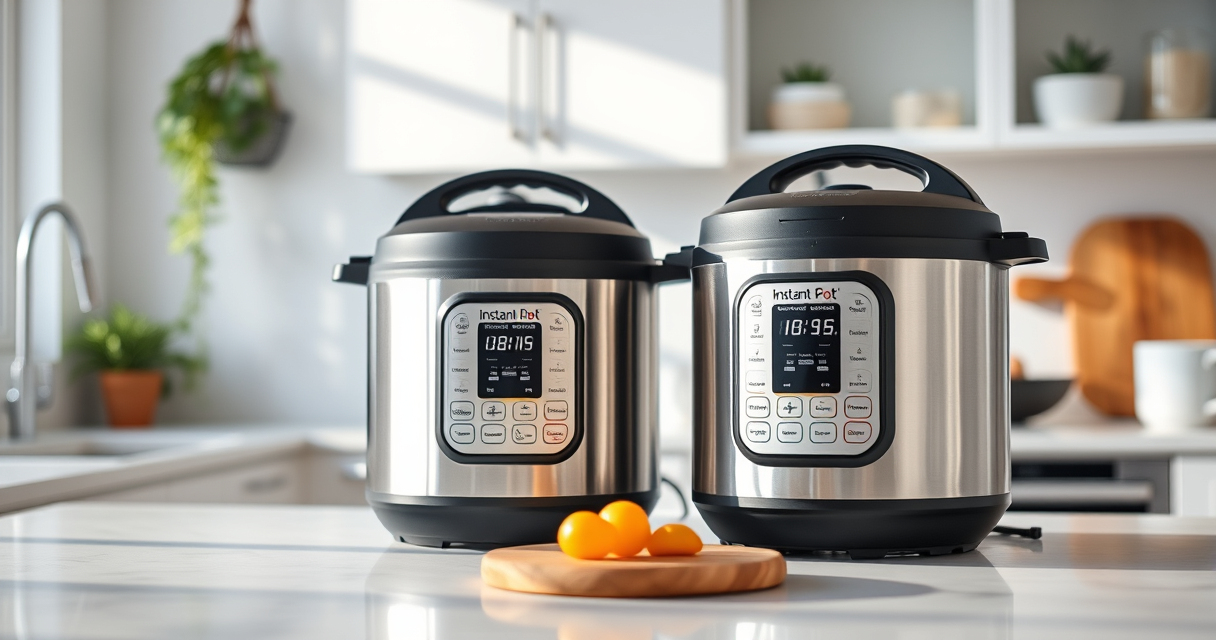

If your Instant Pot RIO Mini keeps displaying a Burn error, it can halt your cooking process and cause frustration. This issue often arises from food sticking to the bottom, improper liquid levels, or sealing problems. Fortunately, with some straightforward troubleshooting, you can resolve this quickly and get back to cooking your favorite meals.

Get home appliances delivered free — and shop member deals
- Fast, free delivery on millions of items
- Access to Prime Big Deal Days deals on October 6–7
- Prime Video, Amazon Music and more included
Below are detailed, safe, and effective steps to identify and fix the Burn error, ensuring your device operates smoothly and safely every time.
Key Takeaways
| Check for Food Sticking | Food or residue on the bottom can trigger the Burn error. |
| Ensure Adequate Liquid | Insufficient liquid can cause burning and error messages. |
| Inspect the Sealing Ring | A faulty or improperly fitted sealing ring may prevent proper pressure buildup. |
| Avoid Overfilling | Overfilled pots can block steam release, causing errors. |
| Clean the Base Regularly | Residue buildup on the bottom can lead to burning. |
Step 1: Turn Off and Release Pressure
- Press cancel or unplug your Instant Pot to turn it off.
- Allow the pressure to release naturally or use the quick release method following safety guidelines.
Step 2: Open and Inspect the Inner Pot
Remove the inner pot carefully. Check for food residue, stuck bits, or burnt marks on the bottom. Clean thoroughly with warm soapy water and a non-abrasive scrubber if needed.
Step 3: Add Adequate Liquid
Ensure there’s enough liquid in the inner pot—at least 1 cup of water or broth, depending on your recipe. This prevents burning and ensures proper pressure build-up.
Step 4: Check and Replace the Sealing Ring
Inspect the sealing ring for cracks, deformation, or residue. If damaged, replace it with a new OEM sealing ring for a proper seal and to prevent error messages.
Step 5: Clear the Base and Reassemble
- Wipe the underside of the lid and the heating element area to remove any food particles or residue.
- Ensure the sealing ring is properly seated in the lid.
- Reassemble the lid, lock it securely, and set the valve to sealing.
The Products in This Guide

Instant Pot 4QT RIO Mini 7-in-1 Multi-Cooker
- ✔ Warranty: 1 Year
- ✔ Power: 1000W
- ✔ Dimensions: 11 x 11 x 11 inches

AOZITA Steamer Basket
- ✔ Capacity: Multi-tier
- ✔ Diameter: Approx. 7 inches
- ✔ Cleaning: Dishwasher safe
Instant Pot 4QT RIO Mini 7-in-1 Multi-Cooker
The Instant Pot 4QT RIO Mini is a versatile, compact appliance that combines pressure cooking with other functions like sauté, steam, and yogurt making. It’s designed for small households and offers the same cooking power as larger models, making it a great choice for quick, efficient meals.
Pros:
- 7-in-1 functionality
- Compact size for small spaces
- Easy to monitor with progress indicator
- Faster cooking times
Cons:
- Limited capacity for large families
- Learning curve for new users
- Requires careful cleaning to avoid errors
Best for: Small families, singles, students needing quick meals
Not ideal for: Large families or batch cooking
Bottom line: A compact, versatile multi-cooker ideal for small households seeking fast, multi-functional cooking.
AOZITA Steamer Basket
The AOZITA Steamer Basket is an excellent addition to your Instant Pot, allowing you to steam multiple foods simultaneously thanks to its 2-tier design. It’s made of durable stainless steel, making it easy to clean and perfect for healthy cooking.
Pros:
- Two-tier stackable design
- Made of stainless steel
- Compatible with 6 or 8 qt models
- Easy to clean
Cons:
- May take up space inside the pot
- Needs careful stacking to prevent tipping
- Not suitable for very large items
Best for: Steaming vegetables, seafood, or making layered meals
Not ideal for: Cooking large roasts or big quantities at once
Bottom line: A versatile steamer basket that maximizes your Instant Pot’s steaming capacity.
Frequently Asked Questions
Why does my Instant Pot keep showing the Burn error?
The Burn error typically occurs when food sticks to the bottom, there’s insufficient liquid, or the sealing mechanism isn’t proper. Troubleshooting these causes often resolves the issue.
How much liquid should I add to avoid the Burn error?
Ensure there’s at least 1 cup of liquid in the inner pot, depending on your recipe, to prevent burning and ensure proper pressure build-up.
Can cleaning the sealing ring help fix the Burn error?
Yes, a damaged or dirty sealing ring can cause pressure issues, so inspecting and replacing it if needed can help resolve the error.
Is it safe to continue cooking after fixing the Burn error?
Absolutely. Once you’ve addressed the cause, reassemble the Instant Pot properly, ensure the lid is sealed, and monitor during the next cooking cycle.
Getting Your Instant Pot Back on Track
Dealing with a Burn error on your Instant Pot RIO Mini can be straightforward if you follow these steps carefully. Regular cleaning, proper liquid levels, and good sealing practices will help prevent future issues. With a little troubleshooting, you can continue enjoying fast, delicious meals with confidence and safety.
Affiliate disclosure: As an Amazon Associate we earn from qualifying purchases. Prices and availability are accurate as of the time of publishing.
NFL season / tailgating Picks
team gear
As an affiliate, we earn on qualifying purchases.