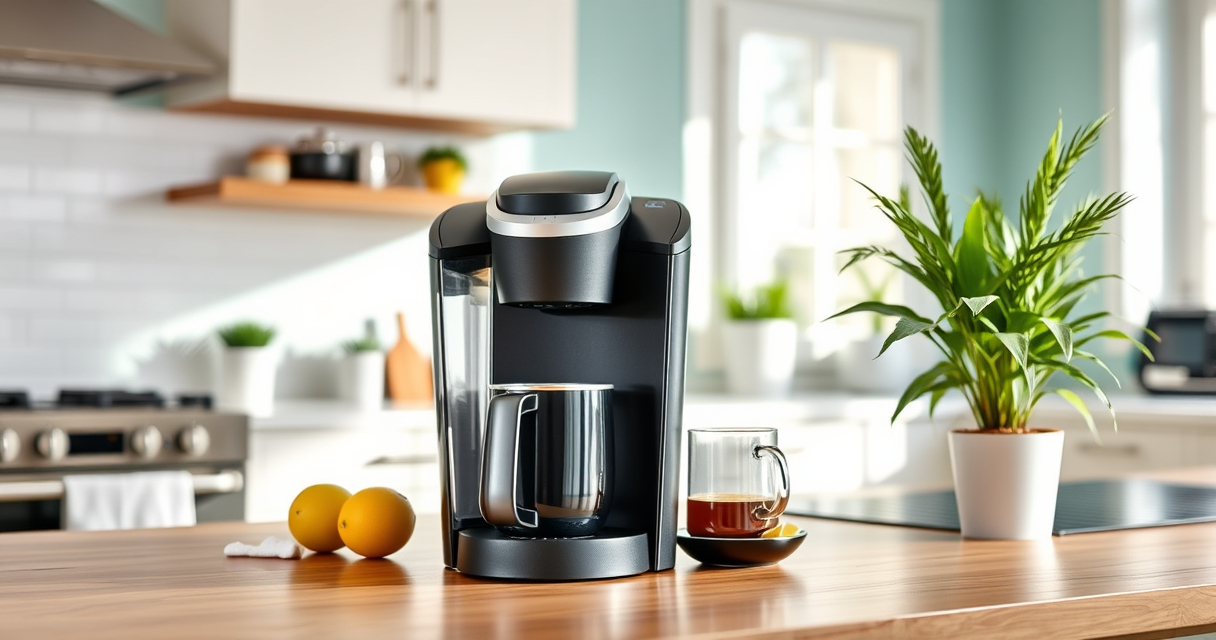
If your Keurig K-Mini coffee maker isn’t brewing a full cup, it can be frustrating and disrupt your routine. Often, this issue is caused by mineral buildup, clogs, or improper maintenance. Fortunately, with some simple troubleshooting steps, you can restore your brewer’s full brewing capacity and enjoy your favorite coffee just the way you like it.

Get home appliances delivered free — and shop member deals
- Fast, free delivery on millions of items
- Access to Prime Big Deal Days deals on October 6–7
- Prime Video, Amazon Music and more included
This guide walks you through practical, safe, and effective methods to troubleshoot and fix your Keurig K-Mini, ensuring it brews full cups consistently.
Key Takeaways
| Regular Cleaning | Clean the brew head and reservoir to prevent clogs. |
| Descaling | Use descaling solutions to remove mineral deposits. |
| Check Water Level | Ensure the water reservoir is filled properly. |
| Inspect Parts | Look for damage or blockages in the needle and outlet. |
Step 1: Check the Water Reservoir
- Remove the water reservoir from the Keurig K-Mini.
- Refill it with fresh, clean water, ensuring it’s filled to the max fill line.
- Reattach the reservoir securely.
A low or improperly seated reservoir can cause incomplete brewing or weak cups.
Step 2: Clean the Brew Head and Needle
- Turn off and unplug the Keurig.
- Remove the K-Cup holder and inspect the needle for clogs or debris.
- Use a paperclip or needle cleaning tool to gently clear out any buildup or obstructions.
- Wipe the brew head with a damp cloth.
This ensures water can flow freely, providing a full brew cycle.
Step 3: Descale Your Keurig
- Fill the water reservoir with a Keurig-approved descaling solution or a mixture of white vinegar and water (1:1).
- Run a brew cycle without a K-Cup, allowing the solution to pass through the machine.
- Repeat with clean water to rinse thoroughly.
Descaling removes mineral buildup that can block water flow and affect brew volume.
Step 4: Run a Test Brew
After cleaning and descaling, run a test brew with water only. Observe if the full cup size is being produced. Adjust the brew size if necessary. Repeat as needed until the full cup is achieved.
Tips and Warnings
- Always use fresh, filtered water to reduce mineral deposits.
- Avoid overfilling the reservoir beyond the max line.
- Never force open the machine or use sharp objects inside the brew head.
- Perform regular maintenance every 3-6 months for optimal performance.
The Products in This Guide

Keurig K-Mini Single Serve K-Cup Pod Coffee Maker
- ✔ Weight: 4.5 lbs
- ✔ Capacity: Up to 12oz
- ✔ Power: 120V/60Hz

My K-Cup® Reusable Coffee Filter
- ✔ Durability: High-quality plastic
- ✔ Ease of cleaning: Simple rinse and dishwasher safe
- ✔ Design: Universal fit
Keurig K-Mini Single Serve K-Cup Pod Coffee Maker
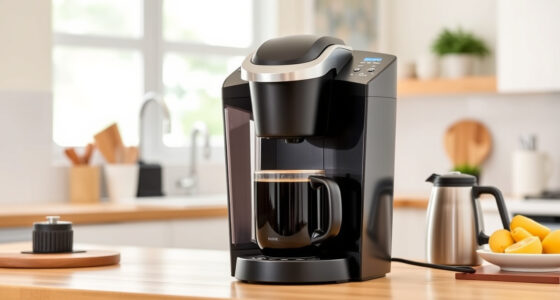
The Keurig K-Mini is a compact single-serve coffee maker ideal for small spaces and travel. Its simple design makes maintenance straightforward, but regular cleaning is essential to prevent brewing issues.
Pros:
- Space-saving design
- Easy to use
- Brews in minutes
- Removable drip tray
Cons:
- Limited brew size options
- No strong brew setting
- Requires frequent descaling
Best for: Small kitchens, dorms, or travel
Not ideal for: Those needing larger cup options or advanced features
Bottom line: A compact, reliable coffee maker perfect for limited spaces, requiring regular cleaning for optimal performance.
My K-Cup® Reusable Coffee Filter
The My K-Cup reusable coffee filter allows you to brew your favorite ground coffee and is compatible with the Keurig K-Mini. It’s a great option for customizing your brew and saving money on pods.
Pros:
- Eco-friendly
- Cost-effective
- Easy to use
- Brew your own ground coffee
Cons:
- Requires pre-measuring grounds
- Slightly more cleanup
- Not compatible with all models
Best for: Coffee lovers who prefer ground coffee
Not ideal for: Users seeking convenience with pre-packaged pods
Bottom line: A versatile reusable filter that enhances your brewing options with ground coffee.
Frequently Asked Questions
Why does my Keurig K-Mini stop brewing full cups?
Common causes include mineral buildup, clogged needles, or low water levels. Regular cleaning and descaling can resolve these issues.
How often should I descale my Keurig K-Mini?
It’s recommended to descale every 3-6 months, or more frequently if you notice brewing problems or mineral deposits.
Can I use my own ground coffee with the Keurig K-Mini?
Yes, by using a compatible reusable filter like the My K-Cup, you can brew your own ground coffee instead of using pods.
What should I do if cleaning doesn’t fix the problem?
If cleaning and descaling do not resolve the issue, inspect for damaged parts or consider professional repair or replacement.
Keep Your Keurig Brew Full and Fresh
By following these troubleshooting steps—checking water levels, cleaning the brew head, and descaling—you can ensure your Keurig K-Mini consistently brews full cups of delicious coffee. Regular maintenance is key to preventing issues and enjoying your favorite beverages every day.
Affiliate disclosure: As an Amazon Associate we earn from qualifying purchases. Prices and availability are accurate as of the time of publishing.
NFL season / tailgating Picks
team gear
As an affiliate, we earn on qualifying purchases.