
To integrate your kitchen appliances with voice assistants, first check if they’re compatible with Alexa, Google Assistant, or Siri. Download the manufacturer’s app, create an account, and follow setup instructions to connect devices to your Wi-Fi. Then, use the voice assistant app to link the appliances, assign easy-to-remember names, and explore routines for automation. For a smooth, hands-free experience, make certain proper setup and updates—continue to discover how to get the most out of your smart kitchen.

Get home appliances delivered free with Prime
- Fast, free delivery on millions of items
- Prime Video, Amazon Music and more included
- Member-only deals all year
Key Takeaways
- Verify that appliances are compatible with your voice assistant platform before purchasing.
- Connect appliances to Wi-Fi using the manufacturer’s app and follow setup instructions carefully.
- Link appliances to your voice assistant (Alexa, Google Assistant, Siri) through their respective apps.
- Assign clear and intuitive names to appliances for easier voice commands and automation.
- Create routines or automation within the voice assistant to control multiple appliances simultaneously.
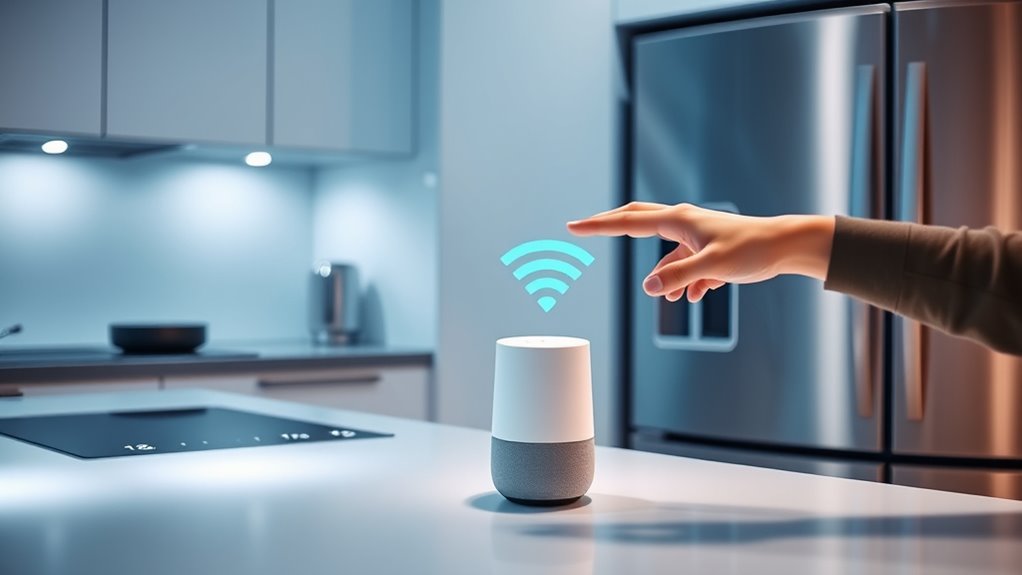
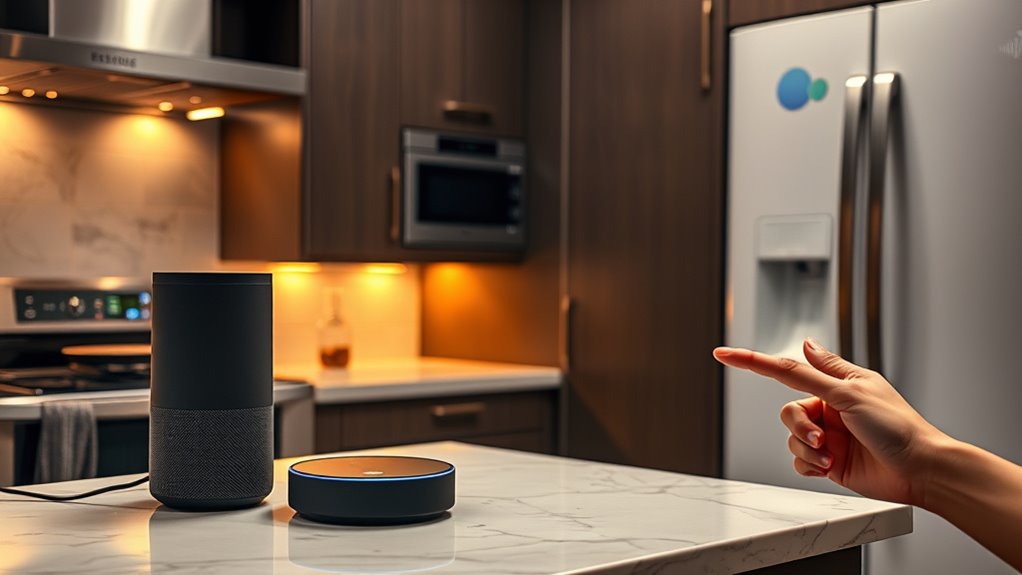
As smart technology continues to evolve, integrating kitchen appliances with voice assistants has become an accessible way to make cooking and household management more efficient. You can control lights, ovens, refrigerators, and even coffee makers simply by speaking commands, saving you time and effort. To get started, verify your appliances are compatible with popular voice assistants like Amazon Alexa, Google Assistant, or Apple’s Siri. Check the manufacturer’s specifications or packaging to confirm compatibility before making any purchases. Once you’ve confirmed compatibility, the next step is to connect your appliances to your home Wi-Fi network. This usually involves downloading the manufacturer’s app, creating an account, and following the setup instructions. Many appliances have a dedicated setup mode, which you activate by pressing a button or holding a specific combination for a few seconds. During this process, your appliance will search for your Wi-Fi network, and you’ll connect it just like you would any other device. Wi-Fi connectivity is essential for seamless integration and reliable control.
After connecting your appliances to Wi-Fi, you’ll need to link them to your voice assistant platform. Open the relevant app—such as the Google Home app or Amazon Alexa app—and navigate to the device setup section. Look for an option to add a new device, then select the brand or type of appliance you want to integrate. You may be prompted to log into your appliance manufacturer’s account or grant permissions for the voice assistant to access device controls. Once the connection is established, you can assign specific names to your appliances, making voice commands intuitive. For example, you might name your smart oven “Kitchen Oven” or your smart refrigerator “Fridge,” so commands are clear and easy to remember.
To maximize your setup, explore custom routines or automation features offered by your voice assistant platform. You could create a “Dinner Time” routine that turns on your oven, adjusts the lighting, and starts playing music, all with one command. Make sure your voice assistant has access to the right devices by checking permissions and device groups. It’s also wise to update your appliances’ firmware regularly, as manufacturers often release updates that improve functionality and security. As you grow more comfortable, you can expand your system by adding new appliances or integrating other smart devices, creating a seamless, voice-controlled smart kitchen. Remember, patience is key during setup; once everything is linked correctly, you’ll enjoy hands-free control that simplifies cooking and household chores alike.
smart kitchen appliances compatible with Alexa
As an affiliate, we earn on qualifying purchases.
As an affiliate, we earn on qualifying purchases.
Frequently Asked Questions
Can I Connect Multiple Appliances to a Single Voice Assistant?
Yes, you can connect multiple appliances to a single voice assistant. Most smart home systems support this, allowing you to control various devices like ovens, refrigerators, and coffee makers through one platform. You just need to guarantee each appliance is compatible and connected to the same Wi-Fi network. Using a central hub or app, you can manage and automate all your appliances seamlessly, making your kitchen smarter and more efficient.
What Security Measures Protect My Smart Kitchen Devices?
You should guarantee your smart kitchen devices are protected by strong, unique passwords and keep your firmware updated regularly. Enable two-factor authentication where possible, and use a secure Wi-Fi network with WPA3 encryption. Avoid connecting devices to public or unsecured networks. Regularly review device permissions and disable any features you don’t need. These steps help safeguard your appliances from unauthorized access and potential cyber threats, keeping your kitchen safe and secure.
How Do I Troubleshoot Connectivity Issues With Voice-Controlled Appliances?
If your voice-controlled appliances aren’t connecting, start by checking your Wi-Fi signal; move your router closer if needed. Make sure your device is powered on and within range. Restart both your appliance and your router to reset connections. Update your appliance’s firmware and your voice assistant app. Finally, re-link the device in your app settings. These steps often fix common connectivity issues quickly.
Are There Compatibility Restrictions Between Brands and Voice Assistants?
Think of compatibility restrictions as different puzzle pieces that might not always fit perfectly. Some brands are more like best friends with certain voice assistants, while others might play hard to get. Before you buy, check each appliance’s compatibility list. This way, you avoid the headache of mismatched pieces and guarantee your smart kitchen works harmoniously, making your voice commands as smooth as a well-rehearsed symphony.
Can I Customize Voice Commands for Specific Appliance Functions?
Yes, you can customize voice commands for specific appliance functions. Many smart home platforms allow you to create personalized routines or commands through apps like Alexa or Google Home. You simply need to access the app, select the device, and set custom phrases or commands for particular actions. This way, you can tailor your voice controls to match your preferences, making your kitchen experience more intuitive and efficient.
As an affiliate, we earn on qualifying purchases.
Conclusion
By now, you see how simple it is to connect your kitchen appliances with voice assistants. With just a few steps, you can enjoy hands-free control and make meal prep more efficient. Isn’t it time to upgrade your kitchen experience and embrace the convenience? Once you’ve integrated your appliances, you’ll wonder how you ever cooked without this tech. So why wait? Start syncing today and transform your kitchen into a modern, smart space.
Wi-Fi enabled refrigerator with app control
As an affiliate, we earn on qualifying purchases.
As an affiliate, we earn on qualifying purchases.
smart coffee maker with voice assistant integration
As an affiliate, we earn on qualifying purchases.
As an affiliate, we earn on qualifying purchases.
Cold & flu season Picks
humidifiers
As an affiliate, we earn on qualifying purchases.