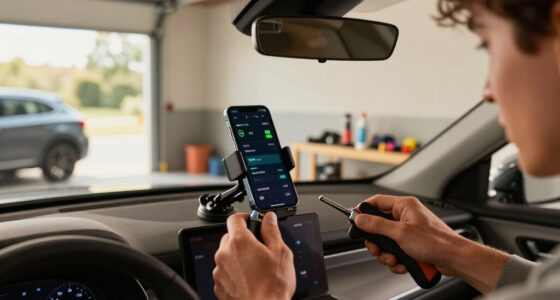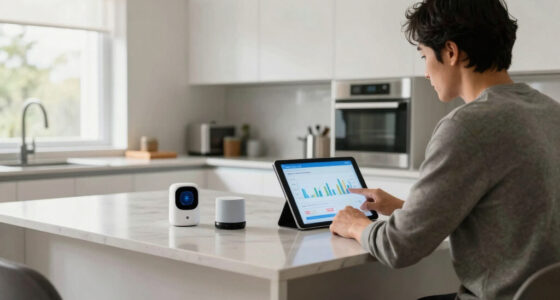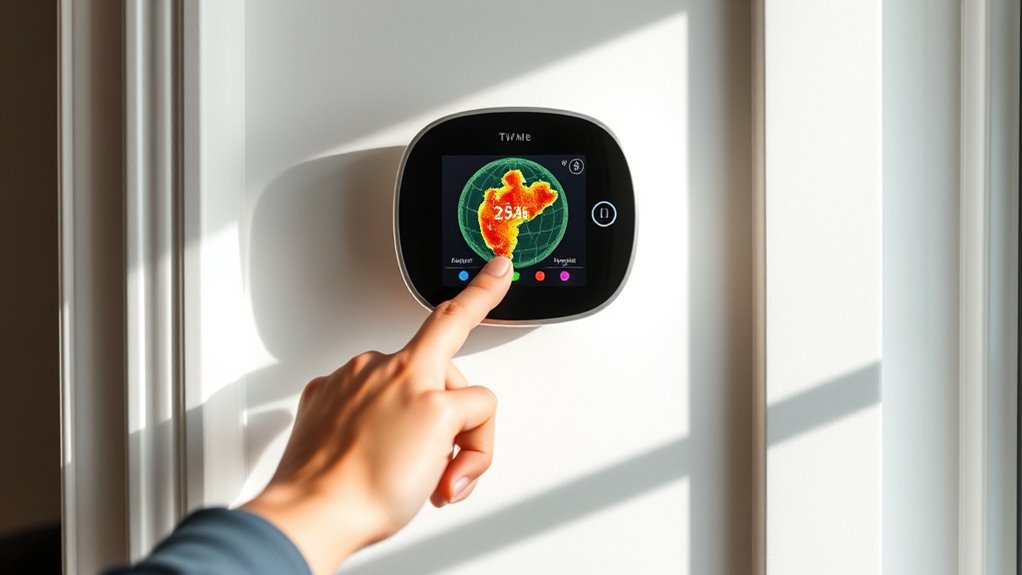

To use geofencing on your thermostat, first verify you have a compatible device like Nest or Ecobee and download their app. Enable the geofencing feature, grant location permissions, and turn on your phone’s location services. Set your desired radius around home and customize actions for when you leave or return, like adjusting temperatures for energy savings or comfort. Keep your app updated and test the system to confirm it works smoothly, and you’ll discover how easy it is to optimize your home’s climate.

Get home appliances delivered free with Prime
- Fast, free delivery on millions of items
- Prime Video, Amazon Music and more included
- Member-only deals all year
Key Takeaways
- Enable geofencing feature in your thermostat’s app and grant location permissions on your smartphone.
- Set a specific radius around your home to determine when the thermostat adjusts.
- Create custom actions for when you leave or return home, like energy-saving or comfort modes.
- Test the system by leaving and re-entering the geofence to ensure proper response.
- Keep your device’s location services active and update firmware regularly for optimal performance.
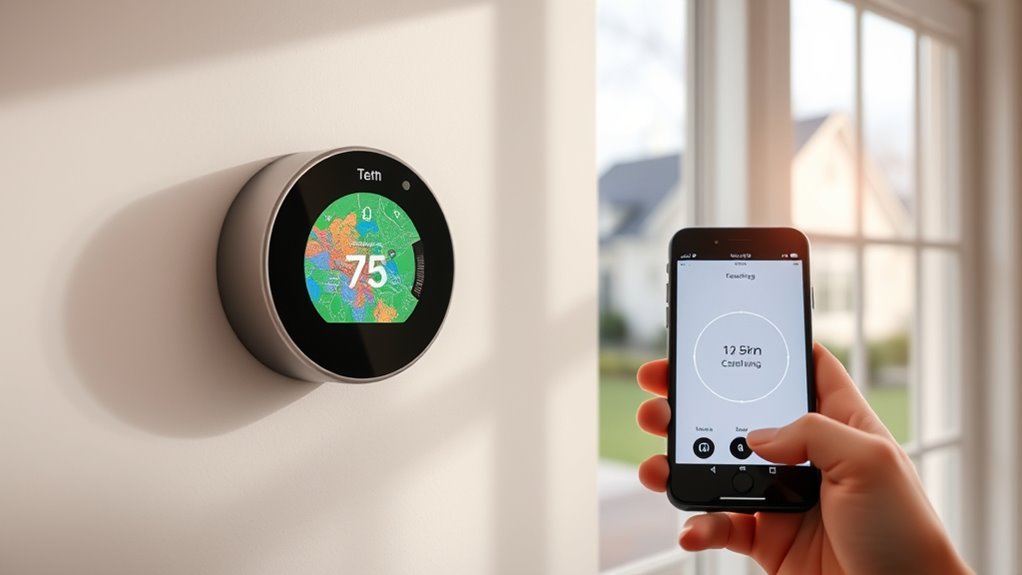
If you want to save energy and stay comfortable, using geofencing on your thermostat is a smart move. Geofencing relies on your smartphone’s location to automate your thermostat’s settings, guaranteeing your home is always at the right temperature when you need it and saving energy when you don’t. To get started, you’ll need a compatible smart thermostat that supports geofencing features, such as Nest, Ecobee, or other popular brands. First, download and install the associated app on your smartphone. Once installed, you’ll typically need to connect your thermostat to your Wi-Fi network and create an account if you haven’t already done so.
After logging into the app, locate the geofencing or location-based control settings. This is usually found within the device or automation menu. Enable the geofencing feature and grant the app permission to access your phone’s location in the background. This step is vital because without location access, the system won’t be able to detect your presence or absence. Next, set your preferred parameters, such as the radius around your home where the geofence activates. For example, you might choose a 1-mile radius, so when you leave that boundary, the thermostat adjusts to an energy-saving mode.
Most systems let you customize what happens when you leave or return home. You can set the thermostat to lower the temperature in winter or raise it in summer when you’re away, and revert to your comfort settings when you’re approaching home. Some apps even allow you to create multiple geofences for different locations, like a vacation house or your workplace. Be sure to review and adjust the temperature settings to match your comfort preferences and energy goals. For instance, setting the temperature to a few degrees lower or higher when you’re away can make a significant difference in your energy bill without sacrificing comfort when you return. Additionally, understanding how fine rugs are affected by environmental factors can help you optimize your home’s climate for both comfort and preservation.
To maximize the effectiveness of geofencing, keep your phone’s location services turned on and ensure your device’s battery saver mode isn’t restricting background location updates. Testing the system by leaving and returning to the designated radius helps verify that the thermostat responds correctly. If you notice any issues, check that your app has the necessary permissions and that your smartphone’s location settings are properly configured. Regularly updating your thermostat’s firmware and app can also improve performance and add new features.
As an affiliate, we earn on qualifying purchases.
Frequently Asked Questions
Can Geofencing Cause My Thermostat to Turn on Unexpectedly?
Yes, geofencing can cause your thermostat to turn on unexpectedly if your phone’s location isn’t accurate or if the geofence settings are too broad. Sometimes, your device might misread your position, triggering the thermostat to activate even when you’re not near home. To prevent this, check your geofence boundaries and make sure your phone’s location services are precise. Adjusting these settings can help avoid surprises.
How Does Geofencing Affect Energy Savings in My Home?
Think of geofencing as a vigilant guardian that smartly adjusts your home’s climate, ensuring comfort without waste. When you leave, it saves energy by lowering heating or cooling; when you return, it kicks in to warm or cool your space just in time. This targeted approach minimizes unnecessary energy use, helping you cut costs and reduce your carbon footprint, all while maintaining a cozy environment tailored to your schedule.
Is Geofencing Compatible With All Smart Thermostat Brands?
Not all smart thermostats support geofencing, so you should verify compatibility before purchasing. Many popular brands like Nest, Ecobee, and Honeywell offer geofencing features, but some models or budget options might not. To confirm your thermostat works with geofencing, review the product specifications or consult customer support. If your current thermostat isn’t compatible, consider upgrading to a model that includes this feature for better energy management.
What Privacy Concerns Are Associated With Geofencing Technology?
While geofencing offers convenience, it raises privacy concerns because it tracks your location constantly. You might worry about your data being shared or hacked, or about companies monitoring your habits without permission. To protect yourself, review privacy settings, limit data sharing, and choose devices with strong security measures. Staying informed and cautious helps you enjoy the benefits of geofencing without compromising your personal privacy.
How Do I Troubleshoot Geofencing Issues on My Thermostat?
To troubleshoot geofencing issues on your thermostat, first check that your location services are enabled and permissions granted on your device. Make certain your phone’s GPS is accurate and that the thermostat’s app is updated. Restart both your phone and the thermostat. Verify your geofence boundaries are correctly set. If problems persist, disconnect and reconnect the app, or contact customer support for assistance.
Ecobee thermostat with geofencing
As an affiliate, we earn on qualifying purchases.
As an affiliate, we earn on qualifying purchases.
Conclusion
So, after all that fuss about geofencing saving energy, it’s funny how you might still forget to set it properly or ignore its alerts. You could end up wasting more energy chasing perfect comfort than just leaving the heat or cool on all day. Sometimes, the smartest tech reminds us that human habits are hard to change. Ironically, the very tool designed to save energy can become just another excuse to forget about it altogether.
As an affiliate, we earn on qualifying purchases.
As an affiliate, we earn on qualifying purchases.
Halloween Picks
halloween
As an affiliate, we earn on qualifying purchases.