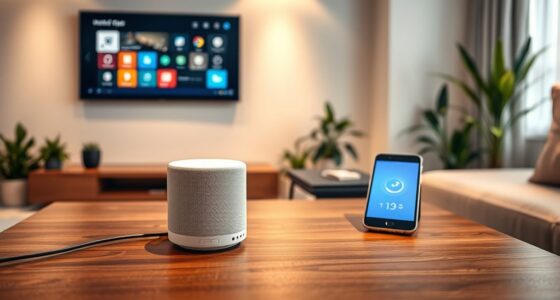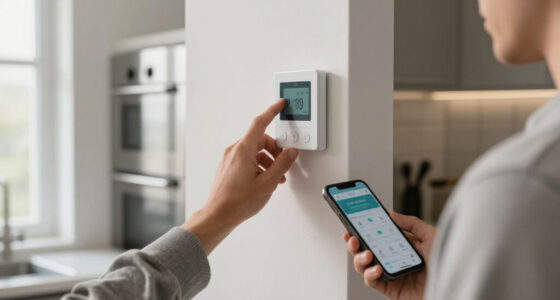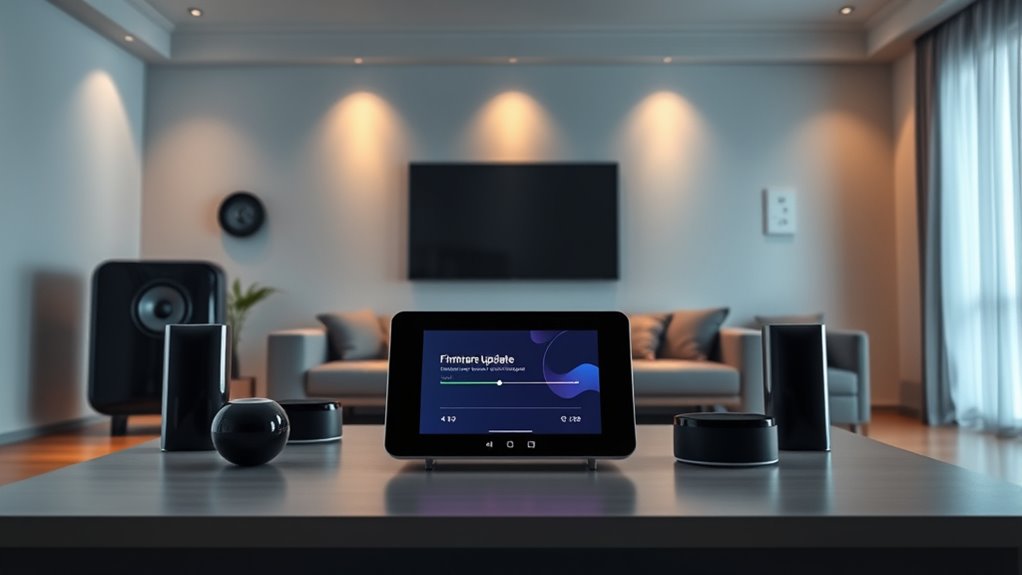

To update your smart home devices, start by opening their companion apps on your smartphone or tablet. Check for available updates in the device management or settings section, and follow prompts to install firmware or app updates. Enable automatic updates if possible, and periodically manually check for new updates to make certain of security and performance. Keeping your smartphone or tablet’s OS current also helps. Stay tuned for more tips to keep your smart home running smoothly.

Get home appliances delivered free with Prime
- Fast, free delivery on millions of items
- Prime Video, Amazon Music and more included
- Member-only deals all year
Key Takeaways
- Use the device’s companion app to check for and initiate firmware or app updates through the device management section.
- Enable automatic updates in app settings for seamless, background security and feature enhancements.
- Regularly manually check for updates weekly or bi-weekly if automatic updates are unavailable.
- Restart devices or reset Wi-Fi if update issues occur, and review update notes for security fixes.
- Keep your smartphone or tablet OS current to ensure compatibility and optimal update performance across your smart home system.
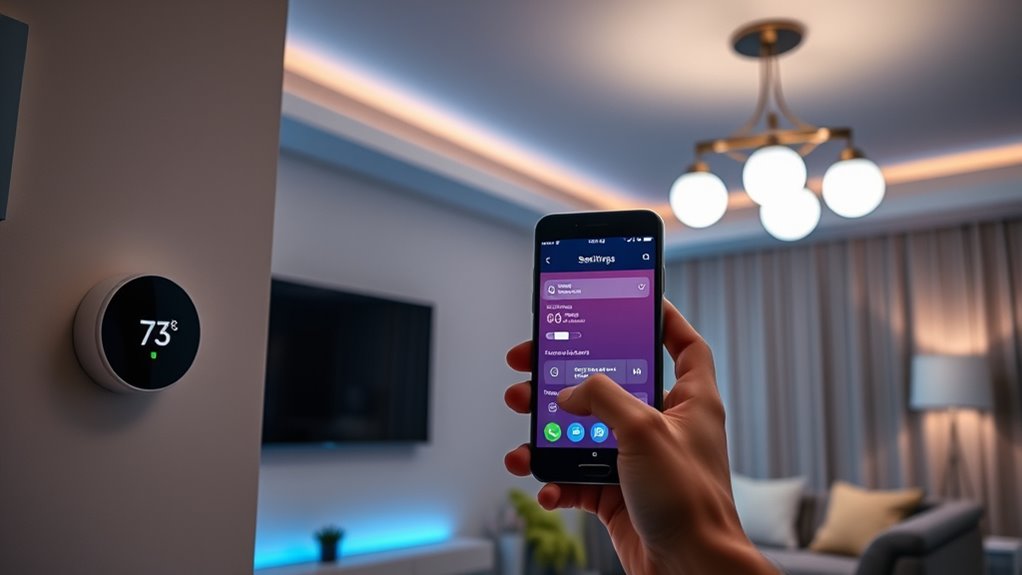
Keeping your smart home devices up to date is essential for ensuring they run smoothly, securely, and with the latest features. Regular updates help protect your devices from security vulnerabilities and improve their overall performance. The process might seem intimidating at first, but once you get the hang of it, updating becomes a quick routine that keeps your smart home functioning at its best.
Start by checking for updates through the device’s companion app on your smartphone or tablet. Most smart devices, like smart speakers, cameras, or thermostats, rely on their dedicated apps for firmware updates. Open the app, navigate to the device management section, and look for an option labeled “Update,” “Firmware Update,” or something similar. Many apps automatically notify you when a new update is available, but it’s good practice to manually check periodically. If an update is available, follow the prompts to download and install it. Keep in mind that some updates require your device to be connected to Wi-Fi and may take several minutes to complete. During this process, avoid turning off the device or disconnecting your Wi-Fi, as interruptions can cause update failures or bricked devices.
Check your device’s app regularly for firmware updates and follow prompts to keep your smart home running smoothly.
For devices that support automatic updates, make certain this feature is enabled within the app’s settings. Automatic updates are convenient because they run in the background, reducing the risk of missing critical security patches or feature improvements. If your device doesn’t support automatic updates, make it a habit to check weekly or bi-weekly. Many manufacturers release firmware updates periodically, especially for security patches or significant feature upgrades. Additionally, understanding the importance of contrast ratio can help you choose devices that deliver better image quality, enhancing your overall smart home entertainment experience.
In addition to app updates, firmware updates are critical. Firmware is the low-level software embedded within the device itself, and updating it often involves a similar process through the app or device settings. Some devices may also prompt you directly when a firmware update is available, guiding you through the process. If you encounter issues during an update, restarting your device or resetting your Wi-Fi connection can often resolve the problem. Always read the update notes provided by the manufacturer; sometimes, updates include important security fixes or compatibility improvements that will enhance your device’s performance.
Lastly, keep your smartphone or tablet’s operating system current, as this can influence how well your smart home devices update and function. Operating system updates often include security patches and compatibility improvements that benefit your entire smart home ecosystem. By staying proactive about updates—whether firmware, apps, or device software—you ensure your smart home remains secure, reliable, and packed with the latest features.
smart home device firmware update kit
As an affiliate, we earn on qualifying purchases.
As an affiliate, we earn on qualifying purchases.
Frequently Asked Questions
How Often Should I Check for Firmware Updates?
You should check for firmware updates at least once a month to guarantee your smart home devices stay secure and run smoothly. Some devices may notify you automatically when updates are available, but it’s a good habit to manually check periodically. Regular updates fix bugs, improve performance, and add new features, so staying proactive helps you get the most out of your smart home system.
Can I Update Devices Without an Internet Connection?
You can’t teach an old dog new tricks without an internet connection. Without internet, you usually can’t update your smart devices, as most updates are downloaded directly from servers. However, some devices allow manual updates via USB or SD card. Check your device’s manual first; if offline updates are supported, follow the specific instructions. Otherwise, you’ll need to reconnect to the internet to keep your devices current and secure.
Are Firmware Updates Safe for My Smart Home Devices?
Yes, firmware updates are generally safe for your smart home devices when they come from trusted sources. They improve security, fix bugs, and add features. However, make certain your device is connected to a stable power source and internet to avoid interruptions. Follow the manufacturer’s instructions carefully, and avoid interrupting the update process. Keeping your firmware current helps your devices run smoothly and securely.
What Should I Do if an Update Fails?
When an update crashes like a storm in your tech landscape, stay calm and restart the device. Sometimes, it’s like hitting the reset button on a tangled knot—gently loosen things up. If that doesn’t work, check your internet connection or try rerunning the update. If issues persist, consult the device’s support or community forums. Remember, patience is your guiding star through these digital tempests.
Do App Updates Improve Device Security?
Yes, app updates do improve your device security. They often include patches for vulnerabilities that hackers could exploit, so keeping your apps current helps protect your smart home. When you update your apps regularly, you close security gaps and enhance overall performance. Don’t ignore these updates; they’re essential for maintaining a safe, secure smart home environment. Stay proactive by enabling automatic updates whenever possible.
smart home device automatic update settings
As an affiliate, we earn on qualifying purchases.
As an affiliate, we earn on qualifying purchases.
Conclusion
Remember, regularly updating your smart home devices keeps them secure, sharp, and seamless. Stay savvy by staying current—schedule, check, and chase those updates. Don’t delay, don’t dodge, and don’t forget—staying consistent safeguards your system’s stability. By embracing updates diligently, you preserve privacy, prevent problems, and promote peace of mind. So, stay proactive, stay prepared, and let your smart home serve you smoothly, securely, and simply—making every day more manageable and more marvelous.
Wi-Fi reset tool for smart devices
As an affiliate, we earn on qualifying purchases.
As an affiliate, we earn on qualifying purchases.
smart home device management app
As an affiliate, we earn on qualifying purchases.
As an affiliate, we earn on qualifying purchases.
Halloween Picks
halloween
As an affiliate, we earn on qualifying purchases.