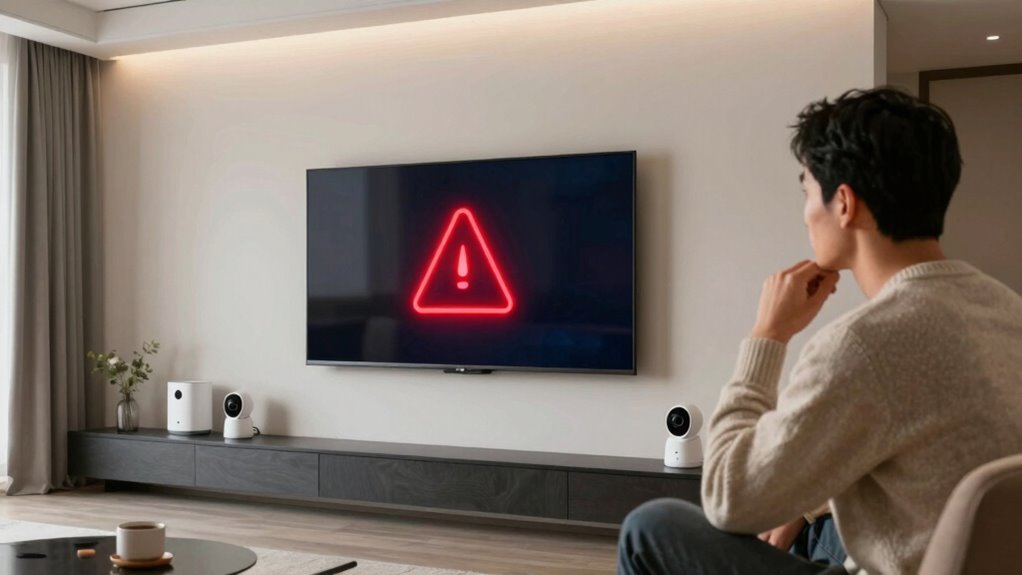
False alerts can hurt your smart home’s reliability and cause frustration. To keep things smooth, regularly calibrate your sensors to prevent misinterpretations like shadows or pets triggering alarms. Manage notifications by customizing alerts so you only get important ones, like security breaches. Filtering alerts and setting quiet hours help avoid alert fatigue. By maintaining these practices, you’ll boost system trustworthiness and peace of mind—stay tuned to learn how to master these strategies.
Key Takeaways
- False alerts can reduce system reliability and cause user frustration; proper management is essential.
- Regular sensor calibration prevents drift and minimizes false triggers from environmental changes or pets.
- Testing sensors and reviewing alert patterns help identify issues early and maintain system accuracy.
- Customizable notifications and filtering reduce unnecessary alerts, preventing alert fatigue.
- Combining calibration with notification management enhances overall system dependability and peace of mind.
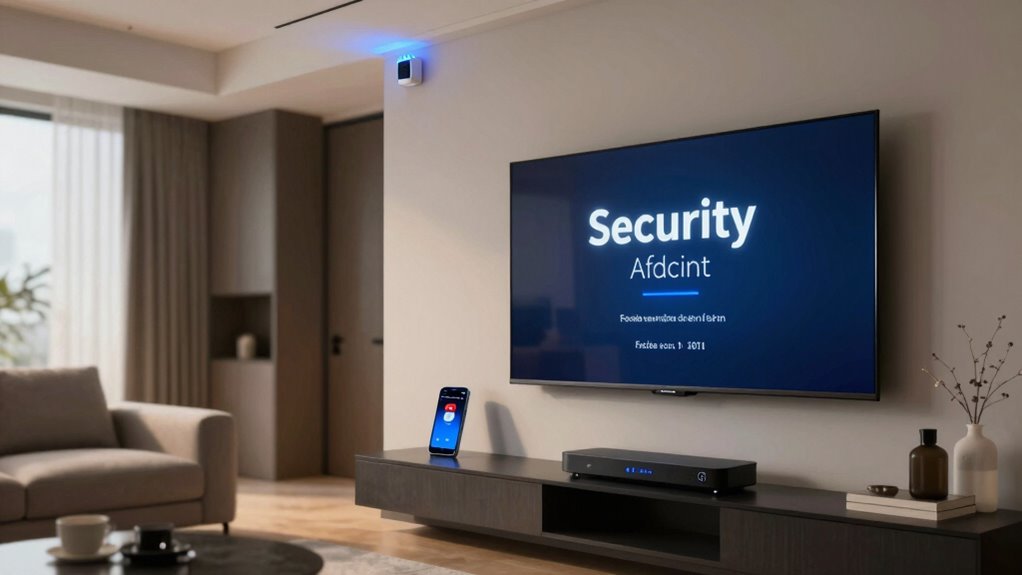
Smart home systems are designed to provide convenience and security, but false alerts can quickly undermine their effectiveness. When your smart devices send unnecessary notifications, it not only causes frustration but can also lead to complacency, where you start ignoring real alerts. For example, you might overlook genuine security breaches if false alerts become frequent. To prevent this, understanding how to manage sensor calibration and notification settings becomes essential.
Sensor calibration plays an important role in reducing false alerts. Over time, sensors can drift from their original settings, misinterpreting normal environmental changes as threats. For example, motion sensors might trigger alerts due to minor shadows or pets moving around, especially if they’re not properly calibrated. Regularly checking and recalibrating these sensors ensures they respond accurately to genuine activity, minimizing unnecessary notifications. Many systems offer guided calibration processes or tips to optimize sensor sensitivity settings, so you should take advantage of these features. Proper calibration aligns sensor detection ranges with your home’s layout and typical activity, reducing the chances of false triggers. Additionally, understanding the sensor drift phenomenon helps you recognize when recalibration might be needed to maintain accuracy. Being proactive about sensor maintenance can help you catch potential issues before false alerts occur, ensuring your system remains dependable. Regular testing of sensors and reviewing their performance can further prevent false alarms from occurring unexpectedly.
Regularly calibrate sensors to prevent false alerts and ensure accurate responses to genuine activity.
Notification management is another key strategy to handle false alerts effectively. Smart home systems often provide customizable alert settings, allowing you to determine which events warrant a notification. By fine-tuning these preferences, you can avoid being overwhelmed by alerts that aren’t critical. For instance, you might set your security system to only notify you about door or window breaches, rather than motion detected in less sensitive areas. Additionally, many systems allow you to set quiet hours or disable notifications during certain times, so you’re not disturbed during sleep or work hours. Using notification management features ensures you remain informed about real issues without being bombarded by false alarms. Exploring alert filtering options can further help you tailor notifications to your specific needs, reducing reaction fatigue and enhancing system reliability.
It’s also wise to explore alert filtering options. Some systems enable you to receive summaries instead of instant alerts, or only notify you when multiple sensors are triggered simultaneously. This approach helps you focus on genuine concerns and reduces reaction fatigue. Combining proper sensor calibration with thoughtful notification management creates a more reliable and less stressful smart home experience. Remember, regular maintenance, including testing sensors and reviewing alert settings, keeps your system functioning as intended.
In essence, understanding how to calibrate sensors correctly and managing notifications proactively makes a significant difference. These practices help you maintain the balance between security and convenience, ensuring that your smart home remains a helpful tool rather than a source of unnecessary alerts. Taking the time to fine-tune your system’s settings ultimately preserves your peace of mind and enhances your confidence in your smart home technology.

SMART SENSOR 17-144 XS Pro+ Sensor Programming Tool TPMS Programmer
- Sensor Compatibility: Scans OE and aftermarket sensors
- Diagnostic Functionality: Performs relearns and diagnostics
- Quick Programming: Programs or copies sensors in seconds
As an affiliate, we earn on qualifying purchases.
As an affiliate, we earn on qualifying purchases.
Frequently Asked Questions
How Can I Prevent False Alerts From My Smart Security System?
To prevent false alerts, you should regularly calibrate your sensors to guarantee they’re functioning accurately. Adjust your user notification settings so you’re only alerted for significant events, reducing unnecessary alerts. Keep sensors away from pets, vents, or moving objects that might trigger false alarms. Regular maintenance and updates also help your system distinguish between real threats and benign movements, giving you peace of mind and reducing false alerts effectively.
Do False Alerts Affect My Home Insurance Policy?
False alerts can impact your home insurance policy through potential Insurance implications and False alert penalties. Insurance providers may see frequent false alarms as increased risk, possibly leading to higher premiums or policy adjustments. To avoid this, guarantee your smart security system is properly maintained and calibrated. Minimizing false alerts helps protect your home and keeps your insurance costs stable, giving you peace of mind and avoiding unnecessary penalties.
Can False Alerts Compromise My Smart Home’s Security?
False alarms can gently shake your security trust, but they don’t typically compromise your smart home’s safety. While they might cause temporary concern or inconvenience, they usually won’t weaken your system’s defenses. To keep your confidence steady, make certain your alerts are well-calibrated and regularly updated. This way, you maintain a harmonious balance, minimizing false alarms and preserving your home’s reliable security without unnecessary worry.
How Often Should I Update My Smart Home Device Firmware?
You should update your smart home device firmware regularly, ideally every few months, to guarantee peak performance and security. Firmware updates improve device compatibility with new features and fix vulnerabilities that could be exploited. By staying current, you help prevent false alerts caused by outdated software. Make it a habit to check for updates through your device’s app or settings, so your smart home remains secure and fully functional.
Are False Alerts More Common With Specific Smart Home Brands?
False alerts can be more common with certain smart home brands known for lower reliability and inconsistent alert accuracy. Brands with advanced, well-tested technology tend to deliver fewer false alarms, providing you with more dependable security. To reduce false alerts, choose brands recognized for their reliability, regularly update your devices, and fine-tune the settings. Being aware of a brand’s alert accuracy helps you avoid unnecessary panic and guarantees your home stays protected effectively.
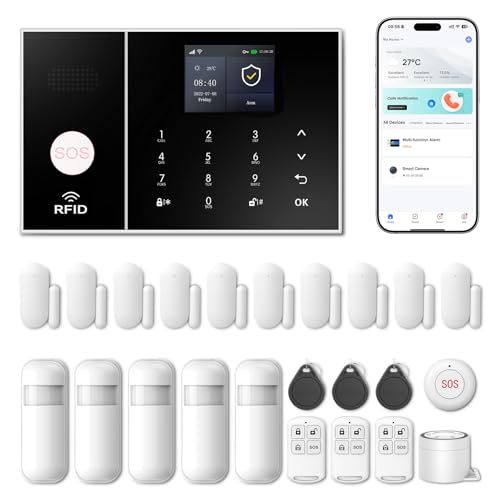
Wireless Alarm System for Home Security,24 Pcs Home Alarm System Wireless DIY Kit,WiFi+GSM/4G with Instant App Alerts NO MonthlyFees,SOS Button,App & Remote Control,Work with Alexa,for Apartment
- App Control & Customization: Remotely control via Smart Life or Tuya app
- Expandable Sensor Support: Add PGST sensors with custom naming
- Voice Control Compatibility: Works with smart voice assistants
As an affiliate, we earn on qualifying purchases.
As an affiliate, we earn on qualifying purchases.
Conclusion
While false alerts can feel like annoying interruptions, they remind you that your smart home is still learning and adapting. Just as a toddler stumbles before walking confidently, your system needs time to fine-tune its sensors and algorithms. Embrace these moments as opportunities to improve your setup, turning frustration into progress. After all, a smarter home isn’t built overnight — it’s created through patience, persistence, and a little bit of false alarm troubleshooting.
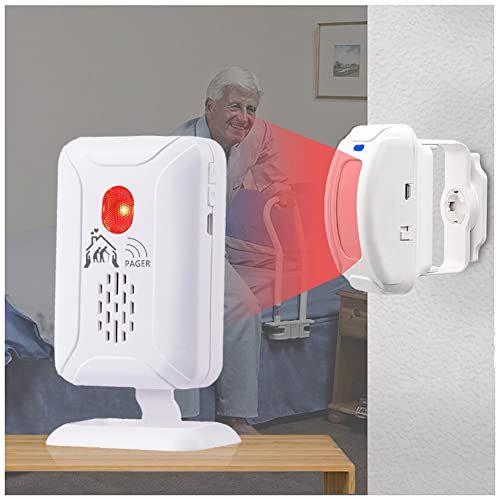
Upgraded Version Bed Sensor Alarm and Fall Prevention for Elderly/Dementia and More,Caregiver Pager Motion Sensor Alert with 5 Volume Level,Bed Alarm for Elderly Adults Wireless
- Wireless Monitoring Range: Up to 918 feet in open area
- Silent Bed Alarm: Does not disturb patient in room
- Easy Sensor Placement: Place under bed or at door
As an affiliate, we earn on qualifying purchases.
As an affiliate, we earn on qualifying purchases.
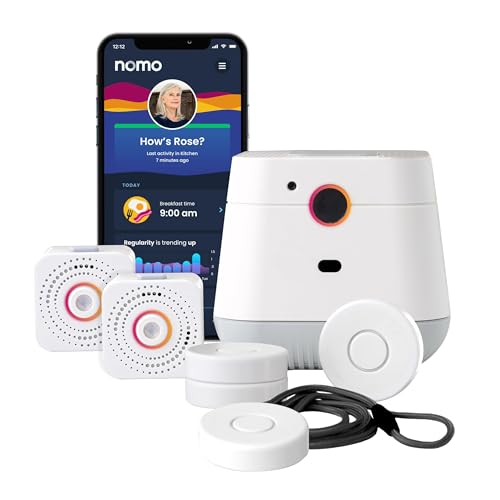
Nomo Medical Alert System with Fall Detection for Seniors at Home
- Complete In-Home Safety System: Includes Hub, Satellites, Smart Tags, app
- Fall Detection and Monitoring: Detects falls, monitors routines, prevents accidents
- Privacy-Friendly Camera-Free Monitoring: Secure WiFi setup, no cameras, protects privacy
As an affiliate, we earn on qualifying purchases.
As an affiliate, we earn on qualifying purchases.