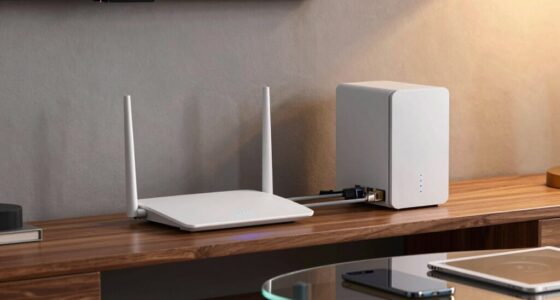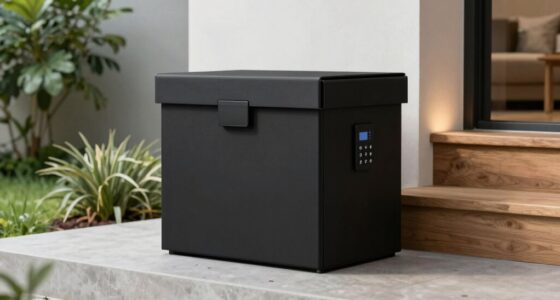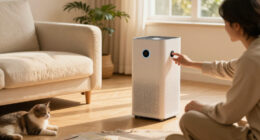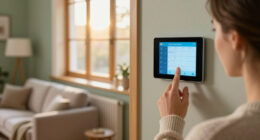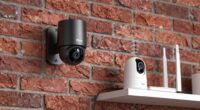
In a privacy-first smart home, local storage means your data stays within your home, giving you full control over it. It allows you to review, delete, and manage information easily, reducing reliance on external servers or cloud providers. This setup enhances security by physically protecting your data and using encryption keys stored locally. Prioritizing local storage helps you create a safer, more private environment. Keep exploring to discover ways to make your smart home even more secure and private.

Get home appliances delivered free with Prime
- Fast, free delivery on millions of items
- Prime Video, Amazon Music and more included
- Member-only deals all year
Key Takeaways
- Local storage keeps data within the home, reducing exposure to external threats and cloud vulnerabilities.
- It allows users to review, delete, and manage their data directly, enhancing privacy control.
- Physical security measures, like local encryption keys, protect stored data from remote hacking.
- Local storage supports privacy by design, minimizing reliance on third-party cloud providers.
- Users can customize privacy settings and stay informed about data sovereignty and legal jurisdictions.
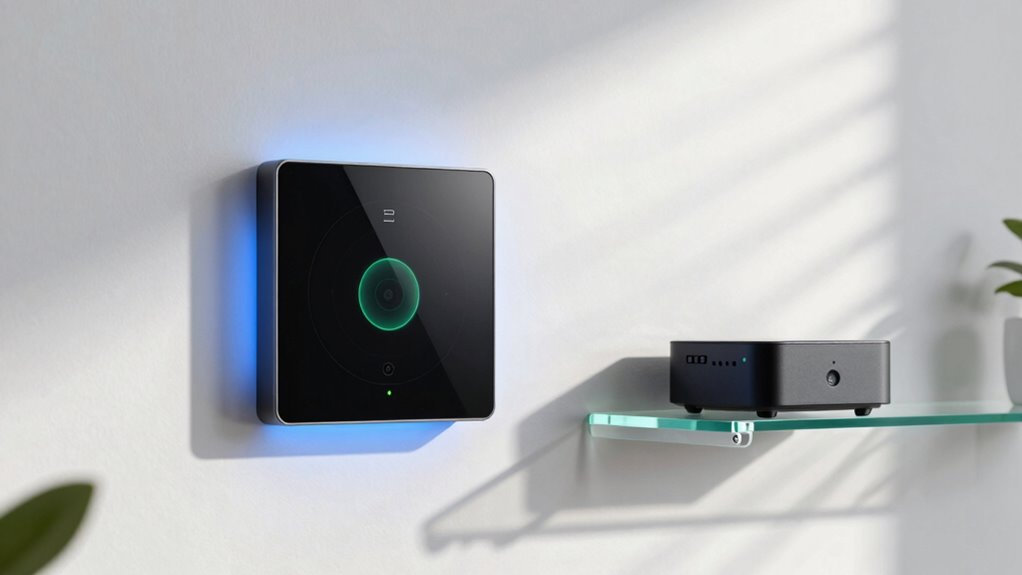
Moreover, local storage supports privacy by design, giving you the option to review, delete, or manage your stored data easily. Instead of trusting a cloud provider to handle your information, you can take direct action to safeguard your privacy. Many smart home systems that emphasize privacy also include features like secure local backups and encryption keys stored physically within your home, further reducing vulnerabilities. Understanding the importance of local data security can help you better protect your personal information in a connected environment. Recognizing the significance of privacy settings allows you to customize your data management preferences more effectively. Additionally, being aware of encryption techniques used in local storage can enhance your confidence in your home’s data protection measures. Knowing about user control options empowers you to tailor your privacy preferences to fit your comfort level. It’s also beneficial to stay informed about data sovereignty, which refers to the control and legal jurisdiction of your stored data. Ultimately, understanding what local storage means for your privacy involves appreciating the balance between convenience and security. When your data stays within your home and is protected with robust encryption, and when you’re actively involved through user consent, you create a smarter and more private environment. You get to enjoy the benefits of a connected home without sacrificing your personal privacy—making your smart home truly a privacy-first space.
As an affiliate, we earn on qualifying purchases.
Frequently Asked Questions
How Secure Is Local Storage Against Physical Theft?
Local storage can be quite secure against physical theft if you prioritize physical security measures like locked cabinets or safes. Data encryption adds an extra layer of protection, ensuring that even if someone steals the device, they can’t access your data without the decryption key. Combining strong physical security with robust encryption makes local storage a safer option for protecting your smart home data from theft.
Can Local Storage Be Easily Upgraded or Expanded?
Upgrading or expanding local storage is like adding new rooms to a house—you can do it, but it takes effort. You can usually upgrade storage by replacing or adding drives, but it might require technical know-how. Keep in mind, local storage isn’t linked to cloud integration or remote access as seamlessly as cloud-based systems, so expanding might limit some remote capabilities until properly configured.
What Are the Costs Associated With Local Storage Solutions?
The costs of local storage solutions vary depending on capacity, hardware quality, and installation. While initial expenses include purchasing and setting up storage devices, ongoing costs involve maintenance and potential upgrades. If you want cloud integration and remote access, expect additional subscription fees. These features can enhance your smart home’s functionality but may increase overall costs, so weigh the benefits against your budget to make informed decisions.
How Does Local Storage Impact Smart Home Device Compatibility?
Think of local storage as a bridge, connecting your smart devices seamlessly. It enhances device interoperability by allowing devices to communicate directly, without relying on external servers. This setup simplifies data synchronization, ensuring your devices stay up-to-date and work harmoniously. However, it might limit compatibility with some cloud-based systems. Overall, local storage can empower your smart home to operate smoothly while maintaining greater control over your data.
What Are the Best Practices for Backing up Local Data?
You should regularly back up your local data using secure methods like data encryption to protect sensitive information. Implement backup redundancy by storing copies in multiple locations, such as external drives or secure cloud services, to prevent data loss. Automate backups whenever possible to guarantee consistency and keep your smart home data safe, private, and easily recoverable in case of hardware failure or other issues.
As an affiliate, we earn on qualifying purchases.
Conclusion
By embracing local storage, you keep your smart home’s data close — like a trusted friend guarding your secrets. It’s a powerful way to protect your privacy in a world full of connected devices, giving you control and peace of mind. Think of it as keeping your valuables in a safe instead of handing them over to strangers. When you prioritize local storage, you’re shaping a smarter, safer, and more private home environment.
As an affiliate, we earn on qualifying purchases.
As an affiliate, we earn on qualifying purchases.
NFL season / tailgating Picks
team gear
As an affiliate, we earn on qualifying purchases.